
Download the DreamFace App to Create Anywhere

Download on
App Store

Download on
Google Play

Install APK on
Android
Language
English- English
- Português
- 简体中文
- 繁體中文
- 日本語
- Español
- Bahasa Indonesia
- ไทย
- Tiếng Việt
- हिन्दी
- Русский
- Italiano
- 한국어
- मराठी
- Nederlands
- Norsk
- ਪੰਜਾਬੀ
- Polski
- Dansk
- Suomi
- Français
- Deutsch
- Svenska
- Kiswahili
- తెలుగు
- Türkçe
- বাংলা
- اردو
- العربية
- فارسی
- Ελληνικά
Language
80s Room
Upload Image
Click to upload an image
Try with our sample images
Sample Filter


4.9

Chrome Store

Global Users

4.9
Apple Store
Trusted by Leading Institutions Worldwide












How to Use the Free AI 80s Room Filter
step 1 Upload Your Photo
Click Upload and select a clear photo with your face visible. Any casual photo works — the AI reconstructs the rest of the scene from there.
step 2 Select the 80s Room Filter
Choose 80s Room from the filter list to let the AI place you in a nostalgic bedroom setting, complete with poster wall and vintage props.
step 3 Generate and Download
Click Generate and your retro bedroom portrait will be ready in seconds. Download the full-resolution image to share or save as a throwback keepsake.
Key Features of the Free AI 80s Room Filter
Recreates an Entire Vintage Bedroom Setting
Rather than adjusting your photo's tone, the AI constructs a full scene around you — a wall covered in period-accurate teen-idol posters, warm pink lighting, and a classic boombox tucked in the corner, just like a real 1980s bedroom.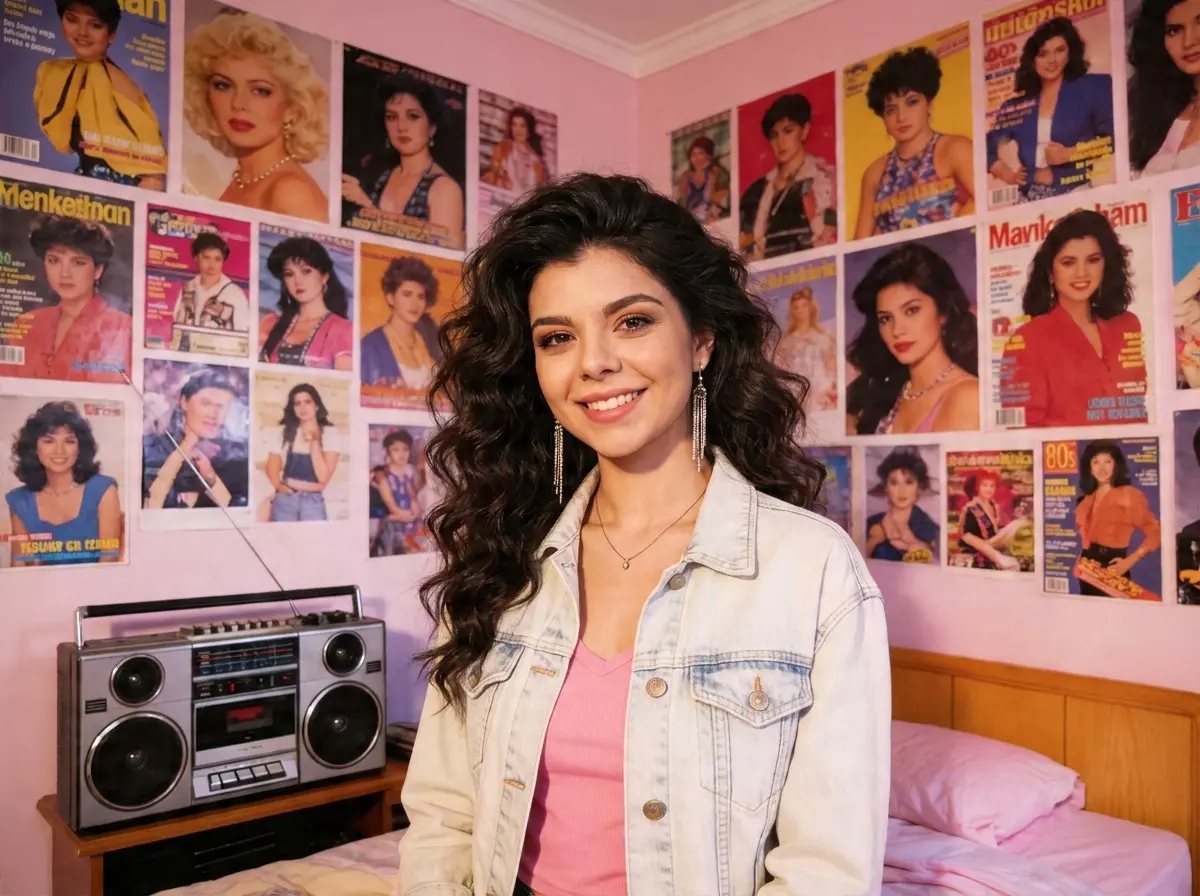
Period-Accurate Outfit and Accessories
The AI dresses you in an era-appropriate denim jacket, layered jewelry, and a soft curled hairstyle, matched to your pose and the room's lighting so the whole portrait feels cohesive rather than pasted together.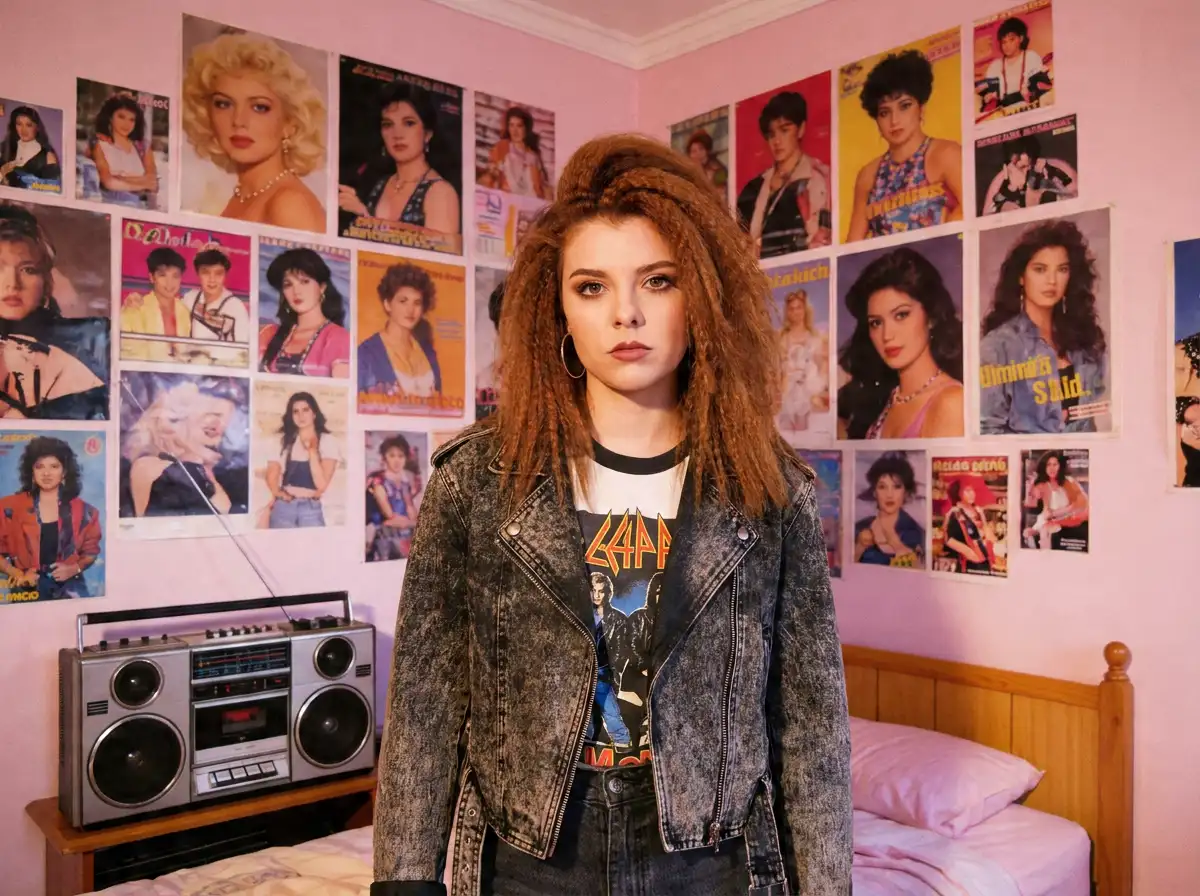
No Props or Costume Needed
You don't need to dig up an actual denim jacket or poster collection. A single photo of your face is all the AI needs to build the outfit, hairstyle, and room from scratch.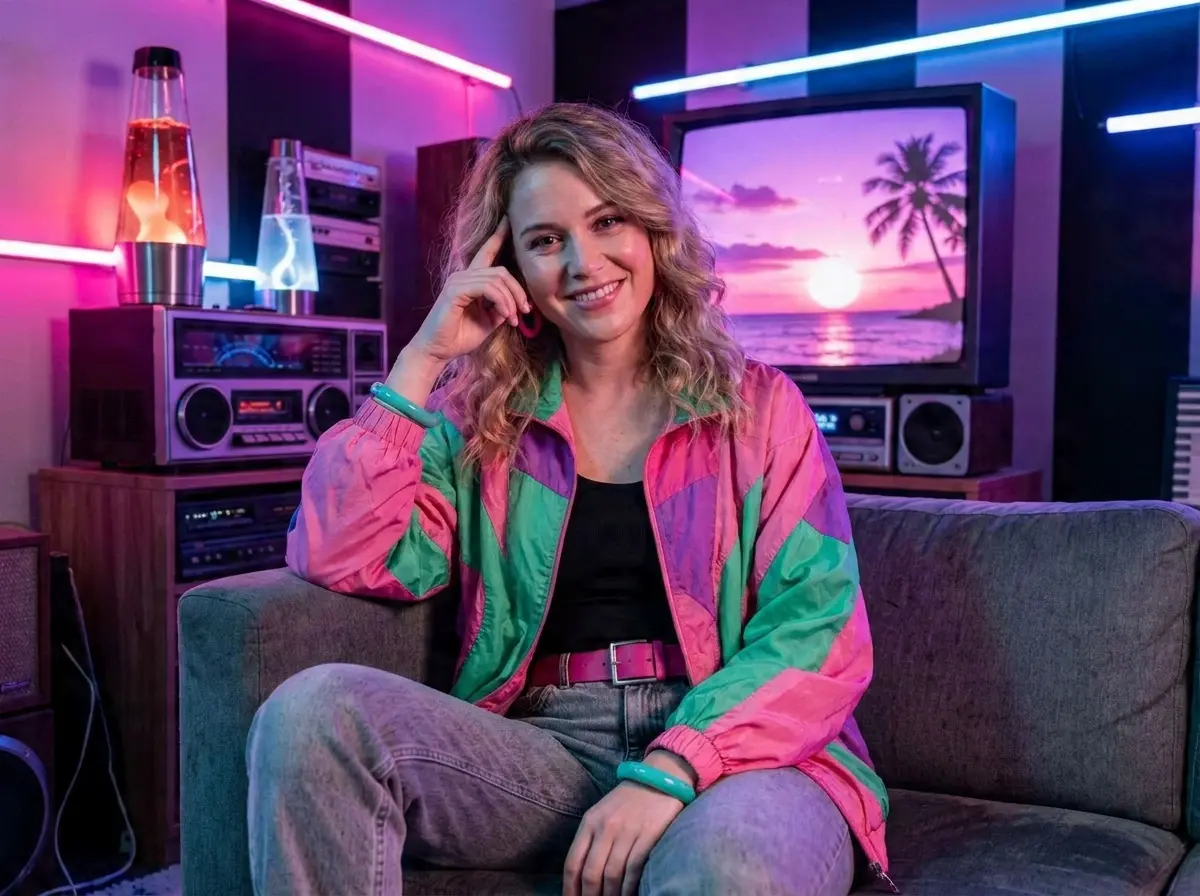
Detailed, High-Resolution Results
Every poster, lighting detail, and fabric texture in the final image is rendered at high resolution, so it holds up whether you're posting it online or printing it as a keepsake.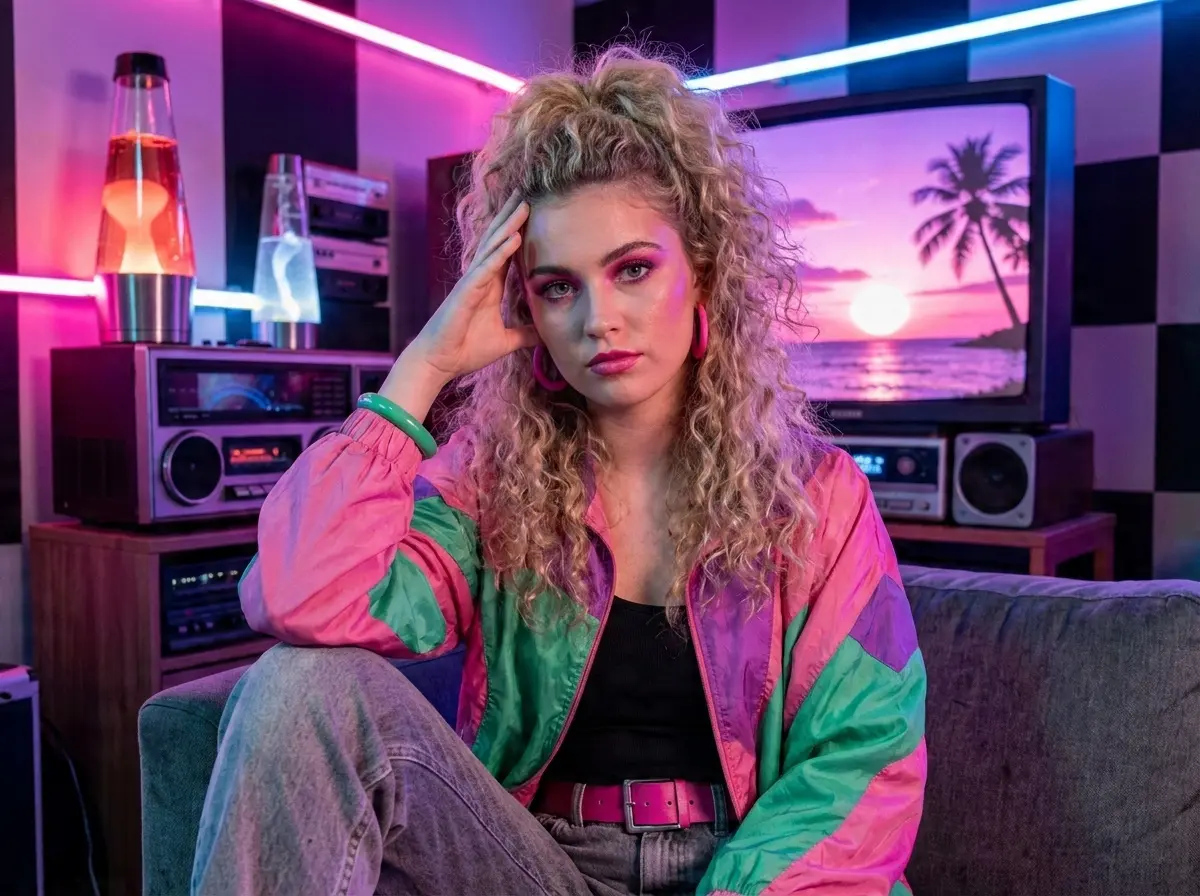
More Valuable Features from Dreamface
AI Kiss
Create emotionally impactful kiss animations with AI, bringing characters closer in a realistic and expressive way.
AI Hug
A digital AI experience to send virtual hugs for comfort and joy
Pet Video Animation
Animate your pets in fun, lifelike scenarios, turning them into captivating video content.
AI Video Maker
A versatile tool for professional-grade video creation.
Frequently Asked Questions
What is the 80s Room filter?
It's an AI photo filter that recreates a nostalgic 1980s teenage bedroom around your photo — complete with a vintage poster wall, denim jacket styling, and a classic boombox.
Do I need any props or a specific outfit for this filter?
No. A single clear photo of your face is enough. The AI generates the outfit, hairstyle, and bedroom setting entirely on its own.
How long does it take to generate an 80s Room photo?
Generation usually takes less than a minute, though the exact time can vary slightly depending on image size and server load.
Is the output high enough quality to print?
Yes, the final image is delivered at full resolution with sharp detail across the posters, lighting, and fabric texture, making it suitable for printing as well as sharing online.
Is the 80s Room filter free to use?
Yes, the 80s Room filter is free to use with a daily generation limit. A paid plan is available if you need more generations or faster processing.
How is my photo handled after uploading?
Your uploaded photo is processed securely and is not shared with third parties. You can remove it from our servers at any time after your portrait is generated.