
Download the DreamFace App to Create Anywhere

Download on
App Store

Download on
Google Play

Install APK on
Android
Language
English- English
- Português
- 简体中文
- 繁體中文
- 日本語
- Español
- Bahasa Indonesia
- ไทย
- Tiếng Việt
- हिन्दी
- Русский
- Italiano
- 한국어
- मराठी
- Nederlands
- Norsk
- ਪੰਜਾਬੀ
- Polski
- Dansk
- Suomi
- Français
- Deutsch
- Svenska
- Kiswahili
- తెలుగు
- Türkçe
- বাংলা
- اردو
- العربية
- فارسی
- Ελληνικά
Language
AI companion
Upload Image
Click to upload an image
Try with our sample images
Sample Filter


4.9

Chrome Store

Global Users

4.9
Apple Store
Trusted by Leading Institutions Worldwide












How to Create Your AI Companion Portrait
step 1 Upload One Clear Photo
Choose one well-lit photo with a clear face and some open space around the shoulders for a smoother companion-style result.
step 2 Choose AI companion
Apply the AI companion filter to add warm field light, close duo framing, and a soft countryside mood to your portrait.
step 3 Generate and Download
Create the final image in moments, then save it or share the finished golden-hour companion portrait.
What Defines This Sunlit Companion Look
Golden-Hour Field Light
Wrap the portrait in warm sunset glow and open countryside depth, with soft highlights that keep both faces bright and natural.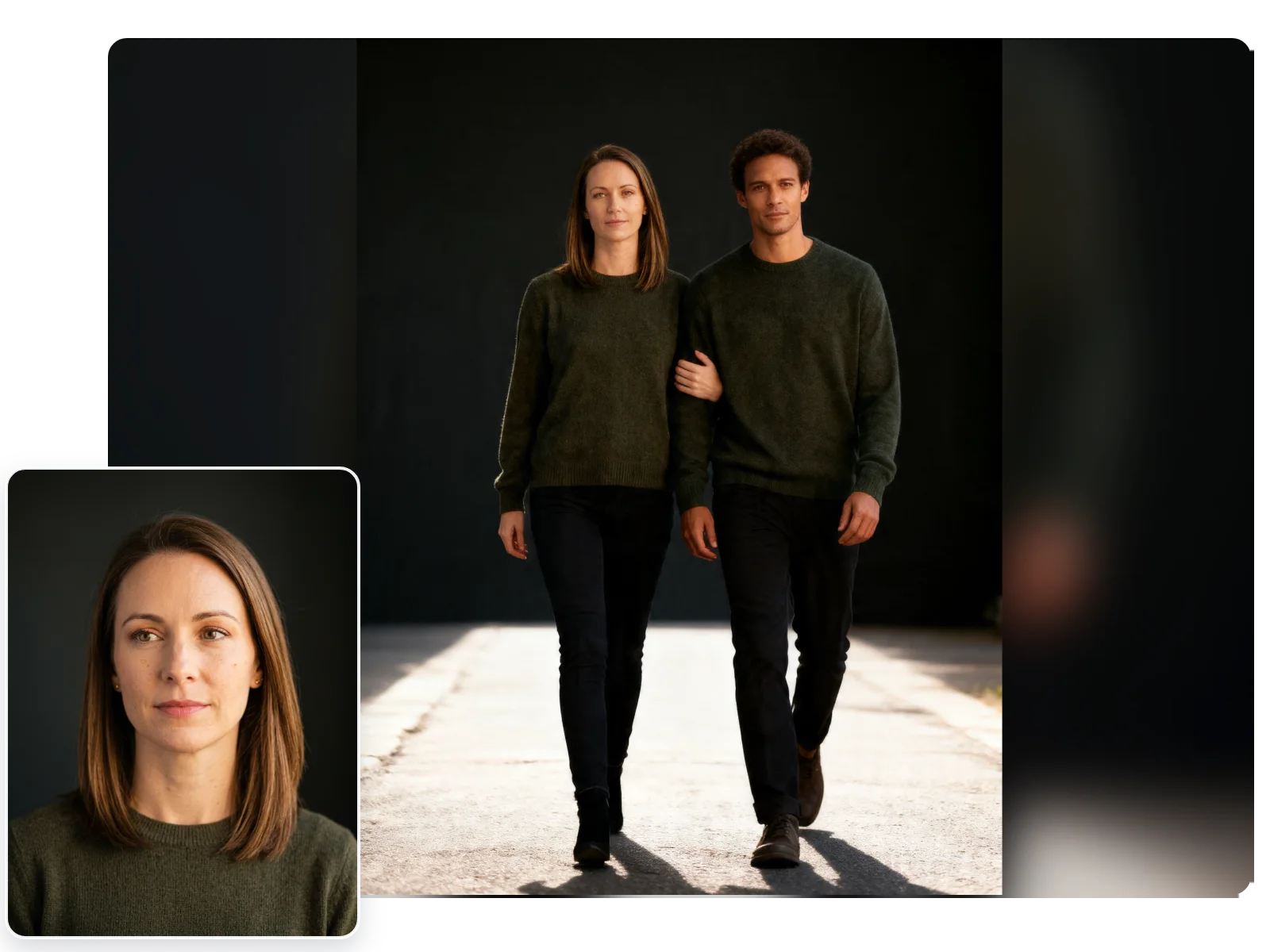
Linked-Arm Duo Framing
Build a close walking-together composition with balanced spacing, visible connection, and a relaxed companion feel instead of a staged pose.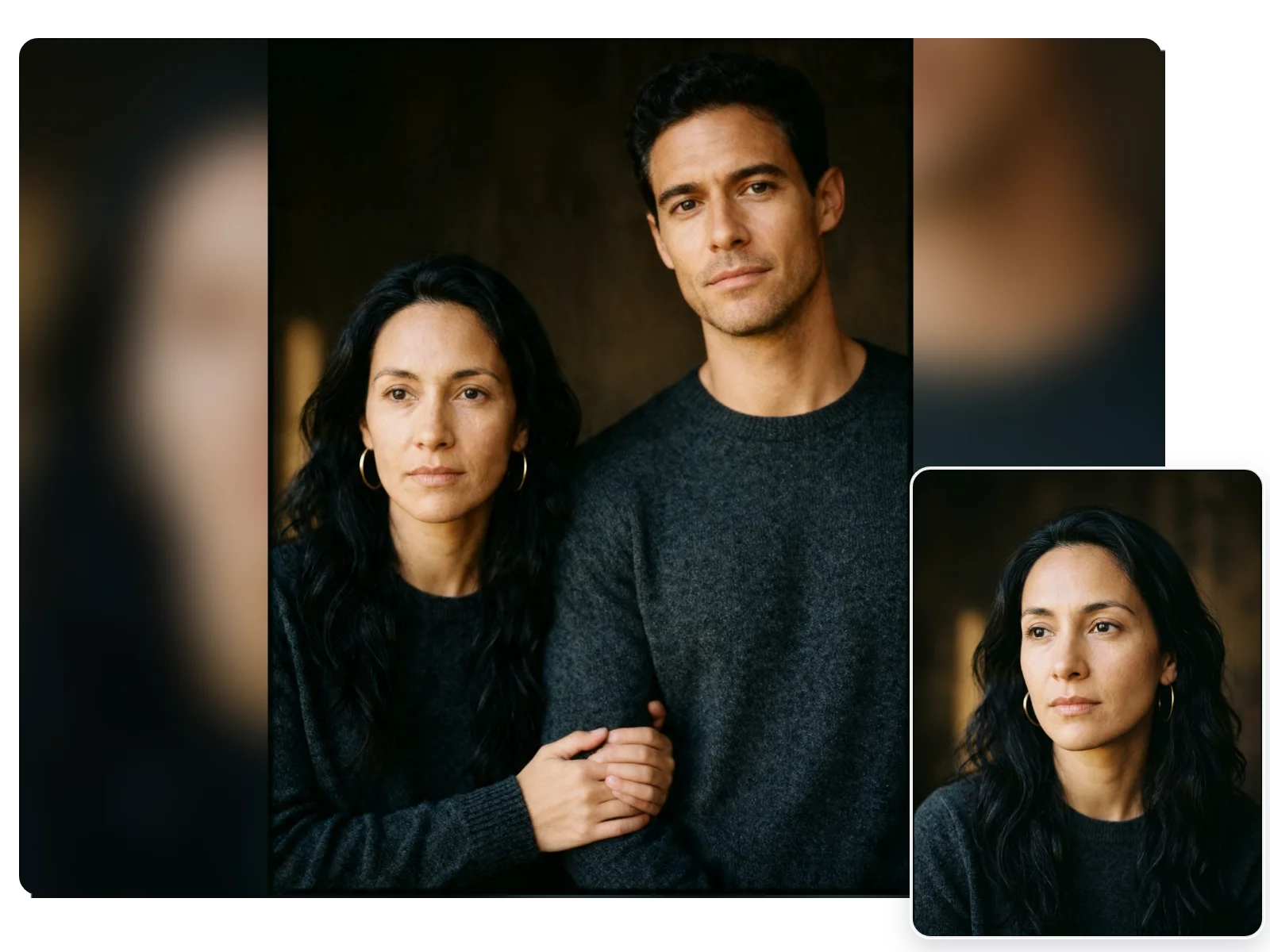
Airy White-Linen Styling
Lean into soft white fabrics, light summer texture, and clean outdoor elegance for an editorial companion look that feels gentle and polished.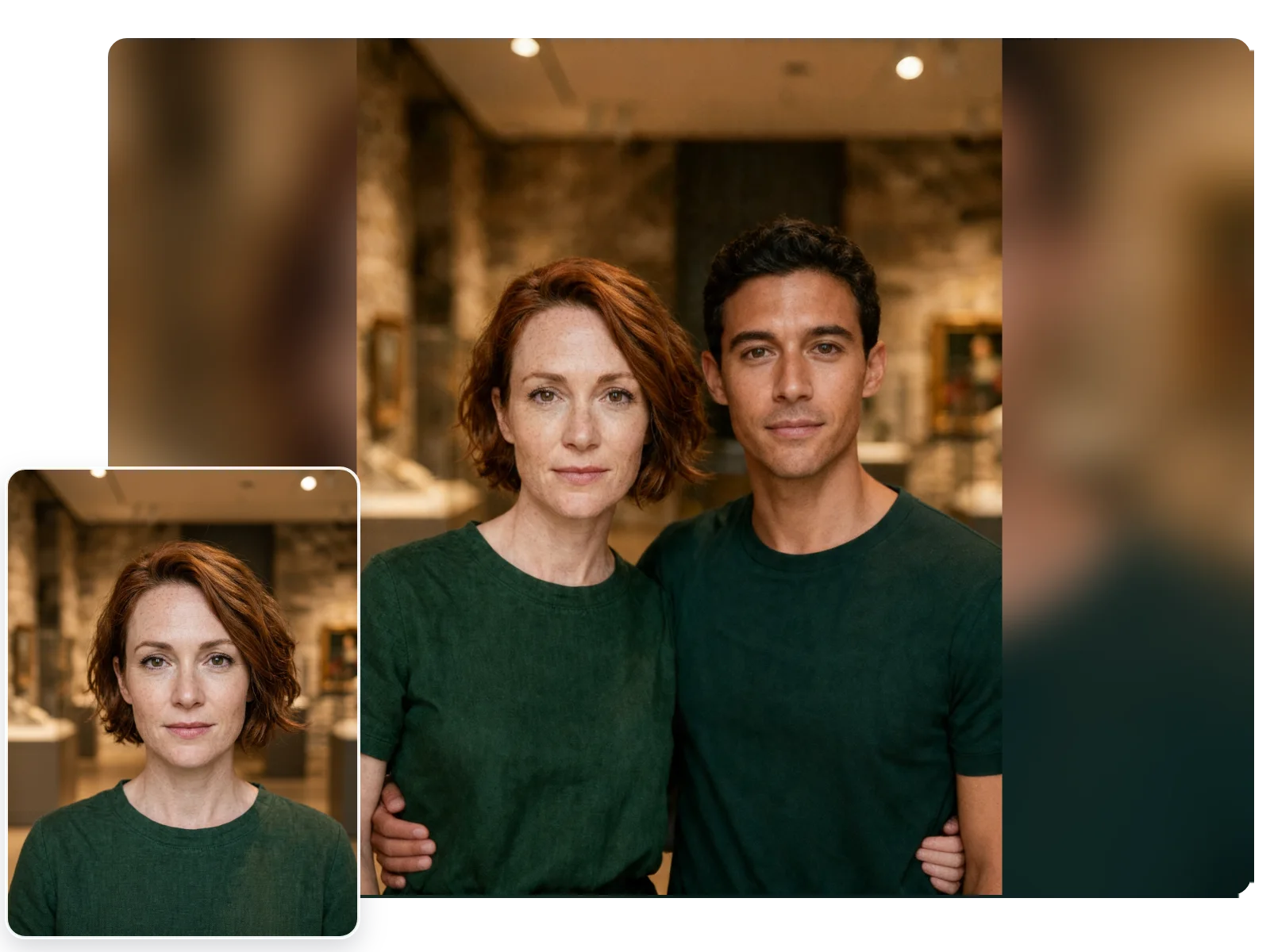
Easy One-Photo Setup
Start with one clear upload, choose the filter, and generate a share-ready result without extra editing steps.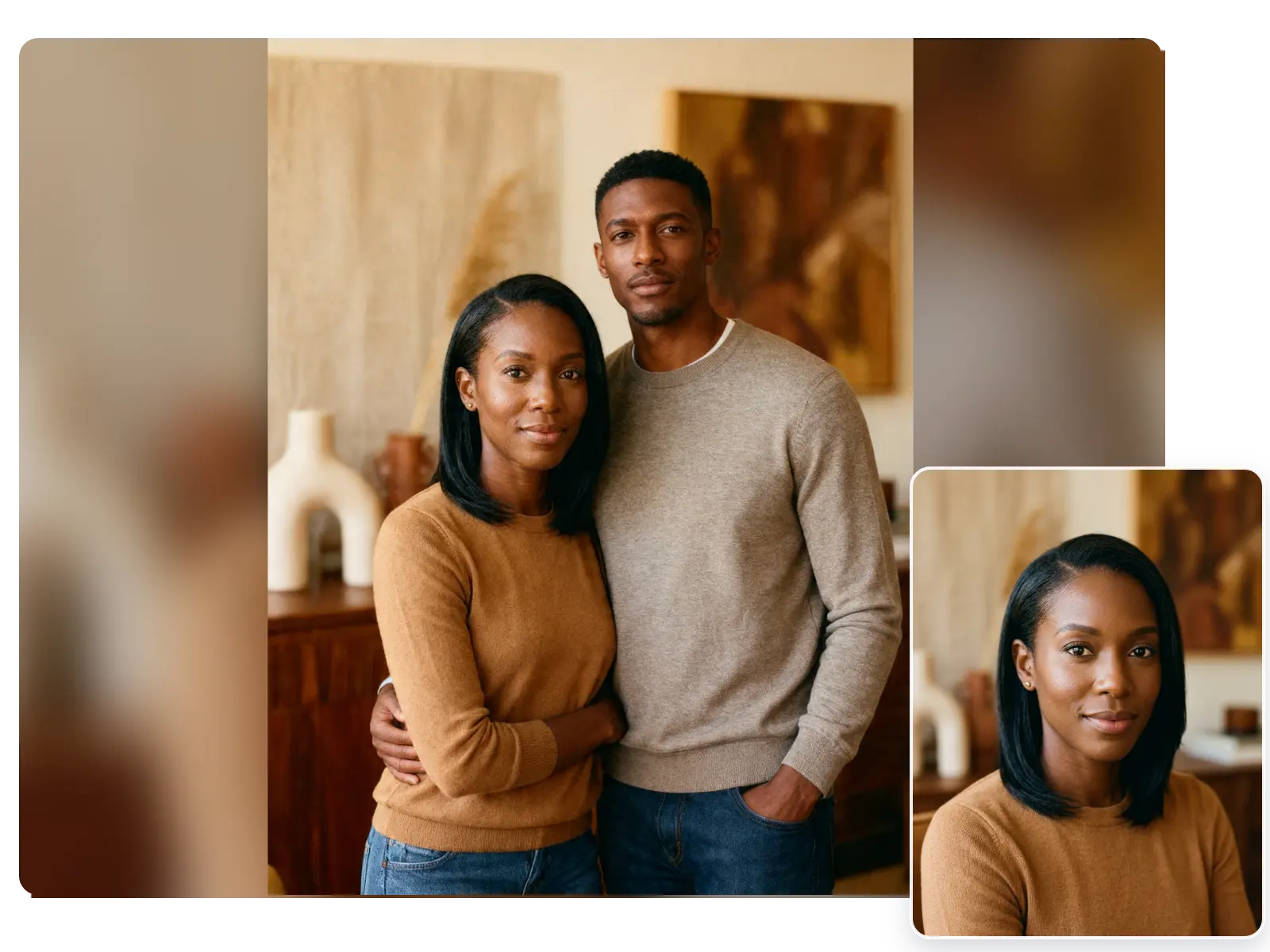
More Valuable Features from Dreamface
AI Kiss
Create emotionally impactful kiss animations with AI, bringing characters closer in a realistic and expressive way.
AI Hug
A digital AI experience to send virtual hugs for comfort and joy
Pet Video Animation
Animate your pets in fun, lifelike scenarios, turning them into captivating video content.
AI Video Maker
A versatile tool for professional-grade video creation.
Frequently Asked Questions
Can this filter work with a solo selfie?
Yes. A clear front-facing photo usually works best, especially when the face and upper body are easy to separate from the background.
What kind of photo works best for the linked-arm companion look?
Use a well-lit portrait with the main subject clearly visible and enough room around the shoulders for the paired composition to form naturally.
Does AI companion only suit outdoor photos?
No. Outdoor photos match the warm field mood most easily, but clean indoor photos can also work when the lighting is even and the face is sharp.
Will harsh lighting ruin the golden-hour effect?
Very dark or overexposed photos can reduce detail. Balanced lighting helps the warm sunset tone look softer and more natural on the face.
Can I use casual clothing instead of dressy outfits?
Yes. Light, simple outfits often match the airy countryside mood best, but the filter is not limited to formal clothing.
How long does it take to generate the result?
It usually takes only a short time after you upload the image and choose the filter.