DreamFace
- AI Tools
- Template
- Gallery
- Blog
- Pricing
- API


Language
En- English
- Português
- 简体中文
- 繁體中文
- 日本語
- Español
- Bahasa Indonesia
- ไทย
- Tiếng Việt
- हिन्दी
- Русский
- Italiano
- 한국어
- मराठी
- Nederlands
- Norsk
- ਪੰਜਾਬੀ
- Polski
- Dansk
- Suomi
- Français
- Deutsch
- Svenska
- Kiswahili
- తెలుగు
- Türkçe
- বাংলা
- اردو
- العربية
- فارسی
- Ελληνικά
Language
Start Now
AI Emoji Generator
Upload Image
Click to upload an image
Try with our sample images
Sample Filter


4.9
'%3e%3cg%3e%3cpath%20d='M11.1034615625,1.816990478790283C11.4702615625,1.0737404787902831,12.5300515625,1.0737404787902831,12.8968515625,1.816990478790283L15.2941515625,6.674462478790283C15.4398515625,6.969602478790283,15.7214515625,7.174172478790283,16.047151562499998,7.221502478790283L21.4076515625,8.000432478790284C22.2278515625,8.119612478790284,22.5553515625,9.127592478790284,21.9618515625,9.706122478790283L18.0829515625,13.487052478790282C17.8472515625,13.716852478790283,17.7397515625,14.047852478790283,17.7953515625,14.372252478790283L18.7110515625,19.711052478790283C18.8511515625,20.527952478790283,17.9937515625,21.150952478790284,17.2601515625,20.765252478790284L12.4654515625,18.244552478790283C12.1741515625,18.091452478790284,11.8261515625,18.091452478790284,11.5348615625,18.244552478790283L6.7402115625,20.765252478790284C6.0065815625,21.150952478790284,5.1491515625,20.527952478790283,5.2892615625,19.711052478790283L6.2049515625,14.372252478790283C6.2605915625,14.047852478790283,6.1530415625,13.716852478790283,5.9173515625,13.487052478790282L2.0384295625,9.706122478790283C1.4449195625,9.127592478790284,1.7724199625,8.119612478790284,2.5926495625,8.000432478790284L7.9531815625,7.221502478790283C8.2788915625,7.174172478790283,8.560461562499999,6.969602478790283,8.7061215625,6.674462478790283L11.1034615625,1.816990478790283Z'%20fill='%23F0A000'%20fill-opacity='1'%20style='mix-blend-mode:passthrough'/%3e%3c/g%3e%3cg%20mask='url(%23master_svg1_5_13539)'%3e%3c/g%3e%3c/g%3e%3c/svg%3e)
Chrome Store

Global Users

4.9
Apple Store
Trusted by Leading Institutions Worldwide












How to Use the AI Emoji Generator from a Photo
step 1 Upload a Clear Selfie
Click Upload and choose a bright, high-quality portrait with your face visible. A simple background and natural expression help the AI emoji generator create a more recognizable emoji from your photo.
step 2 Choose the Emoji Filter
Select the iOS Emoji filter in the page interface to turn your selfie into expressive emoji stickers. The filter focuses on your face, expression, and overall look so the result feels personal.
step 3 Create, Save, and Share
Click Create and wait for DreamFace to generate your custom emoji set. Save the result, use it in chats or profiles, and share your personalized emoji stickers on social media.
AI Emoji Generator Features for Custom Emoji Stickers
AI Emoji Generator from Your Selfie
Turn one clear selfie into a set of personalized AI emoji stickers. DreamFace keeps your main facial features and expression cues, then restyles them into a playful emoji look for chats, profiles, and social sharing.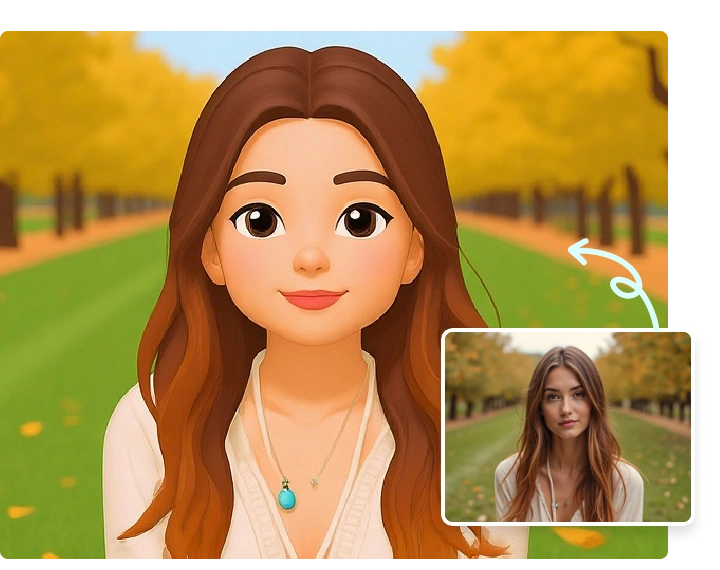
Custom Emoji Stickers for Chats
Create custom emoji stickers that feel more personal than generic icons. Use your generated emojis in group chats, messages, social captions, profile updates, or quick reactions when you want your own face to carry the mood.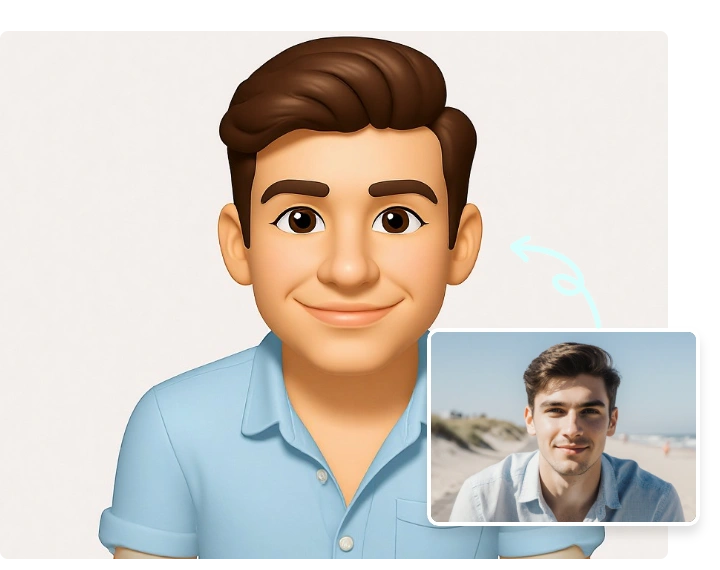
Photo to Emoji for Profiles and Posts
Use the emoji from photo result as a fun profile picture, sticker-style reaction image, social post asset, or printed keepsake. It is an easy way to turn a selfie into a share-ready visual without manual editing.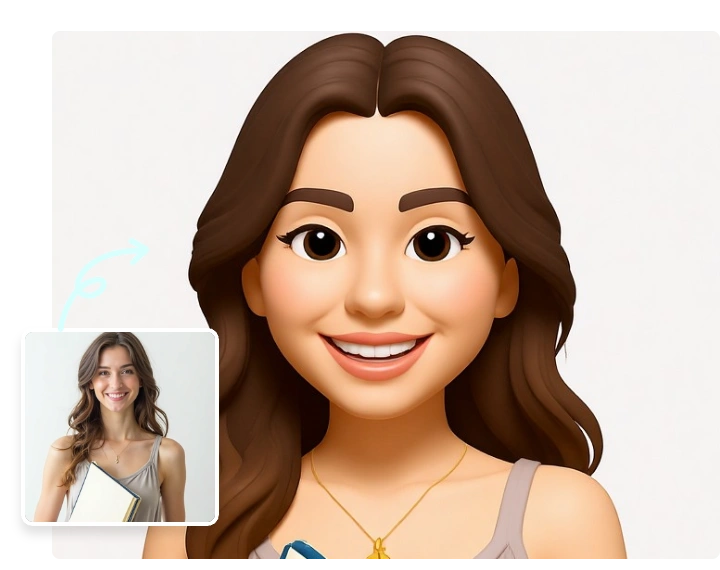
Fast Online Emoji Maker
No design software, drawing skills, or prompt writing are required. Upload your photo, select the Emoji filter, click Create, and let the AI emoji maker generate a polished result in a simple browser workflow.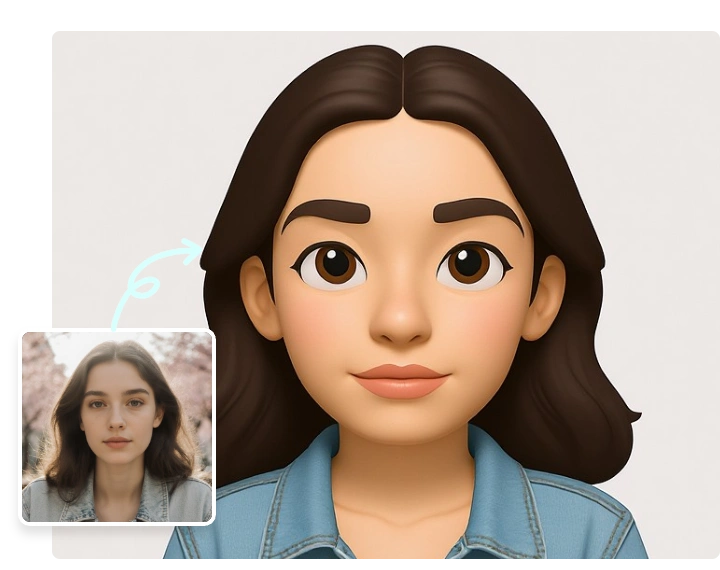
More Valuable Features from Dreamface
AI Avatar Generator
Create a profile-ready AI avatar from a selfie when you want a more polished portrait after trying custom emoji stickers.
AI Lego Generator
Turn another photo into a playful Lego-style character for profile pictures, social posts, gifts, and creative avatar ideas.
Background Remover
Remove or clean up backgrounds after creating an emoji, avatar, or sticker-style image so the final visual is easier to use anywhere.
Photo Enhancer
Sharpen and improve your selfie before generating emojis, or polish the final result for cleaner profile pictures and posts.