
Download the DreamFace App to Create Anywhere

Download on
App Store

Download on
Google Play

Install APK on
Android
Language
English- English
- Português
- 简体中文
- 繁體中文
- 日本語
- Español
- Bahasa Indonesia
- ไทย
- Tiếng Việt
- हिन्दी
- Русский
- Italiano
- 한국어
- मराठी
- Nederlands
- Norsk
- ਪੰਜਾਬੀ
- Polski
- Dansk
- Suomi
- Français
- Deutsch
- Svenska
- Kiswahili
- తెలుగు
- Türkçe
- বাংলা
- اردو
- العربية
- فارسی
- Ελληνικά
Language
Angel wings
Upload Image
Click to upload an image
Try with our sample images
Sample Filter


4.9

Chrome Store

Global Users

4.9
Apple Store
Trusted by Leading Institutions Worldwide












How to Use the AI Angel Wings Filter
step 1 Choose the Angel Wings Filter
Open the Angel Wings filter in DreamFace to start a dreamy portrait transformation designed for fantasy avatars, soft edits and social posts.
step 2 Upload One Clear Portrait
Add a selfie or portrait with one visible face. A clear upper-body photo with good lighting and enough shoulder space helps the wings fit more naturally.
step 3 Generate and Share Your Angel Portrait
Click Create to generate your angel wings photo, then download it for profile pictures, messages, creative posts or personal keepsakes.
AI Angel Wings Filter Features
Angel Wings Photo Effect
Turn a selfie or portrait into a dreamy angel wings image with soft feather details, glowing light and a graceful fantasy portrait style.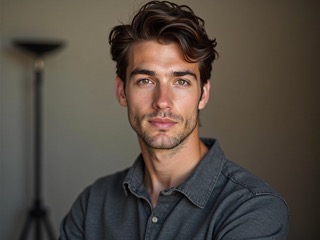
Soft Feather and Light Blending
DreamFace blends the wings, background glow, shadows and portrait lighting so the final image feels polished instead of pasted together.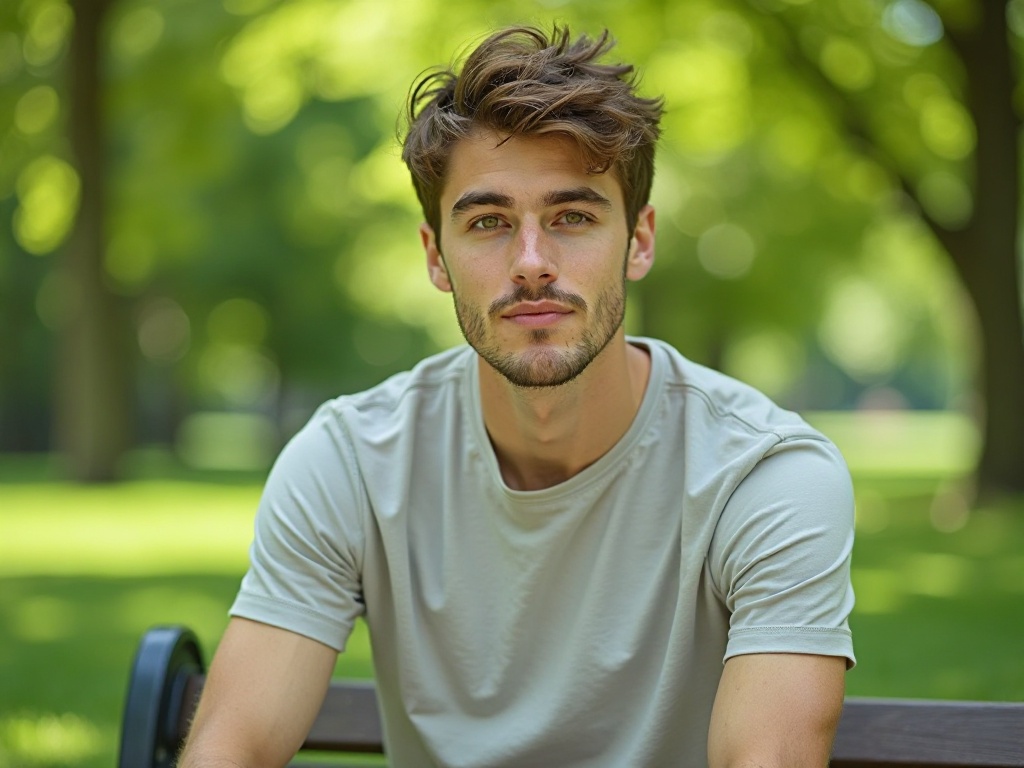
Angel-Style Profile Picture
Create an elegant angel-style portrait for profile pictures, creative posts, soft aesthetic edits, tribute-style images or fantasy photo ideas.
Fast Online Angel Wings Filter
No Photoshop, prompts or manual editing. Upload one clear photo, choose the Angel Wings filter and generate a downloadable result online.
More Valuable Features from Dreamface
AI Filter
Try more DreamFace AI filters for fantasy portraits, stylized avatars, creative edits and one-photo transformations.
Photo Enhance
Sharpen blurry portraits before using the filter so faces, lighting and wing details look cleaner in the final result.
Background Remover
Remove distracting backgrounds before or after generation so your angel wings portrait keeps the focus on the subject.
Avatar Video
Turn a finished portrait into a speaking avatar video when you want to use your angel-style image in creator or message content.
Frequently Asked Questions
What is the AI Angel Wings Filter?
The AI Angel Wings Filter is a DreamFace photo effect that turns one selfie or portrait into a dreamy angel-style image with soft wings, glowing light and a fantasy portrait look.
How do I add angel wings to a photo?
Upload a clear portrait, choose the Angel Wings filter and click Create. DreamFace will add angel-style wings, soft lighting and a dreamy background effect to your photo.
What photo works best for the angel wings filter?
A clear front-facing or upper-body portrait works best. Good lighting, minimal blur and enough space around the shoulders help the wings blend more naturally.
Can I add angel wings to a selfie?
Yes. A selfie can work well if your face is clear and the image is not too tightly cropped. For a stronger wing effect, use a portrait that shows the head and shoulders.
Will the angel wings look natural?
DreamFace aims to blend the wings, lighting, shadows and background style so the result looks like a polished fantasy portrait instead of a simple sticker overlay.
Can I download and share my angel wings photo?
Yes. After generation, you can download the image and use it for profile pictures, social posts, messages, creative edits or personal keepsakes.