DreamFace
- AI Tools
- Template
- Gallery
- Blog
- Pricing
- API


Language
En- English
- Português
- 简体中文
- 繁體中文
- 日本語
- Español
- Bahasa Indonesia
- ไทย
- Tiếng Việt
- हिन्दी
- Русский
- Italiano
- 한국어
- मराठी
- Nederlands
- Norsk
- ਪੰਜਾਬੀ
- Polski
- Dansk
- Suomi
- Français
- Deutsch
- Svenska
- Kiswahili
- తెలుగు
- Türkçe
- বাংলা
- اردو
- العربية
- فارسی
- Ελληνικά
Language
Start Now
Fried chicken
Upload Image
Click to upload an image
Try with our sample images
Sample Filter


4.9
'%3e%3cg%3e%3cpath%20d='M11.1034615625,1.816990478790283C11.4702615625,1.0737404787902831,12.5300515625,1.0737404787902831,12.8968515625,1.816990478790283L15.2941515625,6.674462478790283C15.4398515625,6.969602478790283,15.7214515625,7.174172478790283,16.047151562499998,7.221502478790283L21.4076515625,8.000432478790284C22.2278515625,8.119612478790284,22.5553515625,9.127592478790284,21.9618515625,9.706122478790283L18.0829515625,13.487052478790282C17.8472515625,13.716852478790283,17.7397515625,14.047852478790283,17.7953515625,14.372252478790283L18.7110515625,19.711052478790283C18.8511515625,20.527952478790283,17.9937515625,21.150952478790284,17.2601515625,20.765252478790284L12.4654515625,18.244552478790283C12.1741515625,18.091452478790284,11.8261515625,18.091452478790284,11.5348615625,18.244552478790283L6.7402115625,20.765252478790284C6.0065815625,21.150952478790284,5.1491515625,20.527952478790283,5.2892615625,19.711052478790283L6.2049515625,14.372252478790283C6.2605915625,14.047852478790283,6.1530415625,13.716852478790283,5.9173515625,13.487052478790282L2.0384295625,9.706122478790283C1.4449195625,9.127592478790284,1.7724199625,8.119612478790284,2.5926495625,8.000432478790284L7.9531815625,7.221502478790283C8.2788915625,7.174172478790283,8.560461562499999,6.969602478790283,8.7061215625,6.674462478790283L11.1034615625,1.816990478790283Z'%20fill='%23F0A000'%20fill-opacity='1'%20style='mix-blend-mode:passthrough'/%3e%3c/g%3e%3cg%20mask='url(%23master_svg1_5_13539)'%3e%3c/g%3e%3c/g%3e%3c/svg%3e)
Chrome Store

Global Users

4.9
Apple Store
Trusted by Leading Institutions Worldwide












How to Make a Fried chicken Photo
step 1 Upload One Clear Portrait
Start with one front-facing selfie or portrait where your face is easy to see and the lighting is clean.
step 2 Choose the Fried chicken Filter
Pick Fried chicken to add the playful fast-food setup with crispy chicken props, jumbo fries, and bright diner styling.
step 3 Create, Download, or Share
Generate your image, save the version you like best, and share your food-poster style portrait anywhere you want.
Why the Fried chicken Filter Stands Out
Oversized Fried-Chicken Prop Play
Create a humorous portrait built around giant crispy drumsticks and tabletop food props that make the final image feel like a bold fried-chicken ad shoot.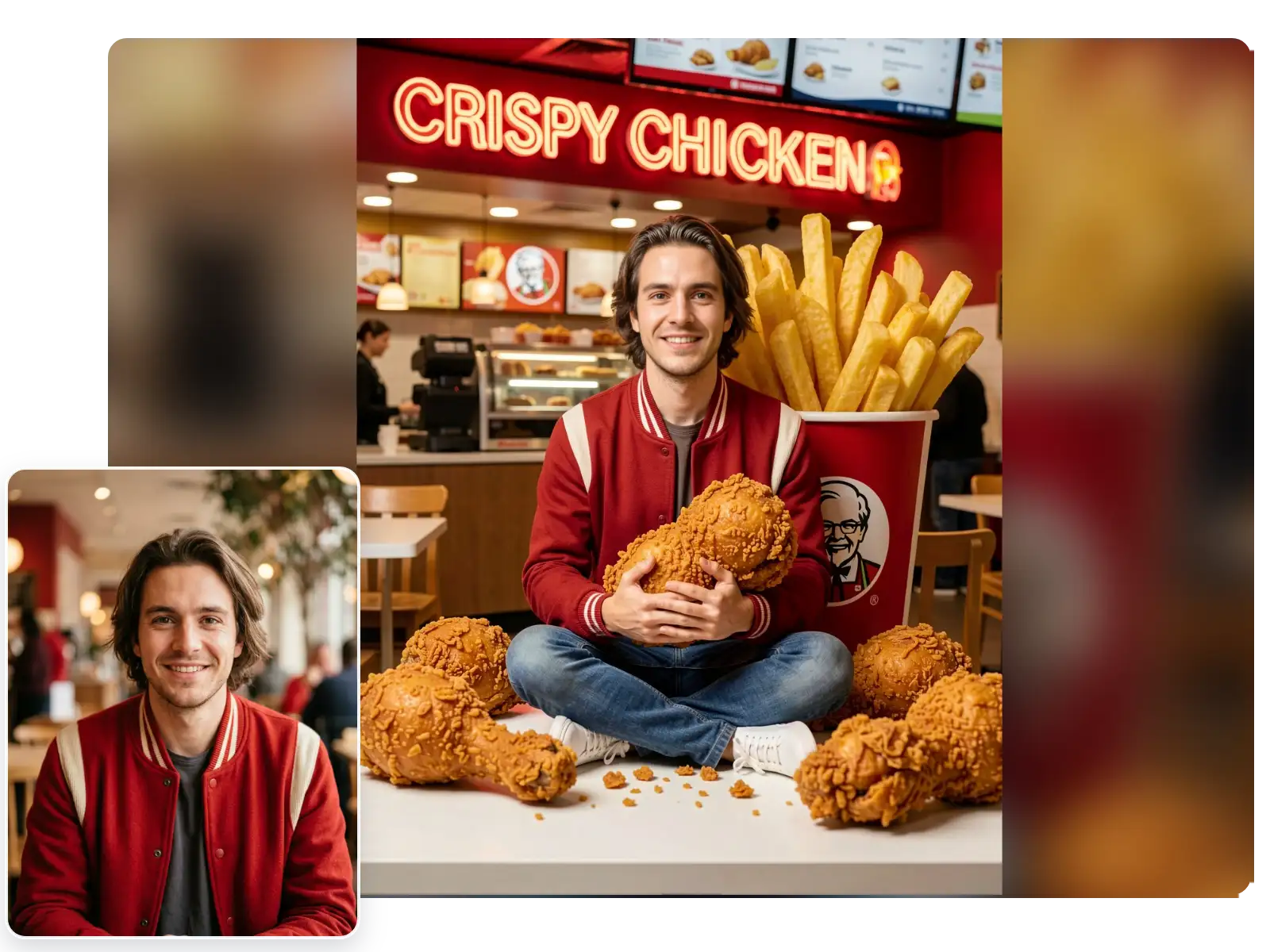
Jumbo Fries and Bright Diner Color
Bring in towering fries, bright red-and-white restaurant tones, and upbeat fast-food styling that instantly sells the playful diner mood.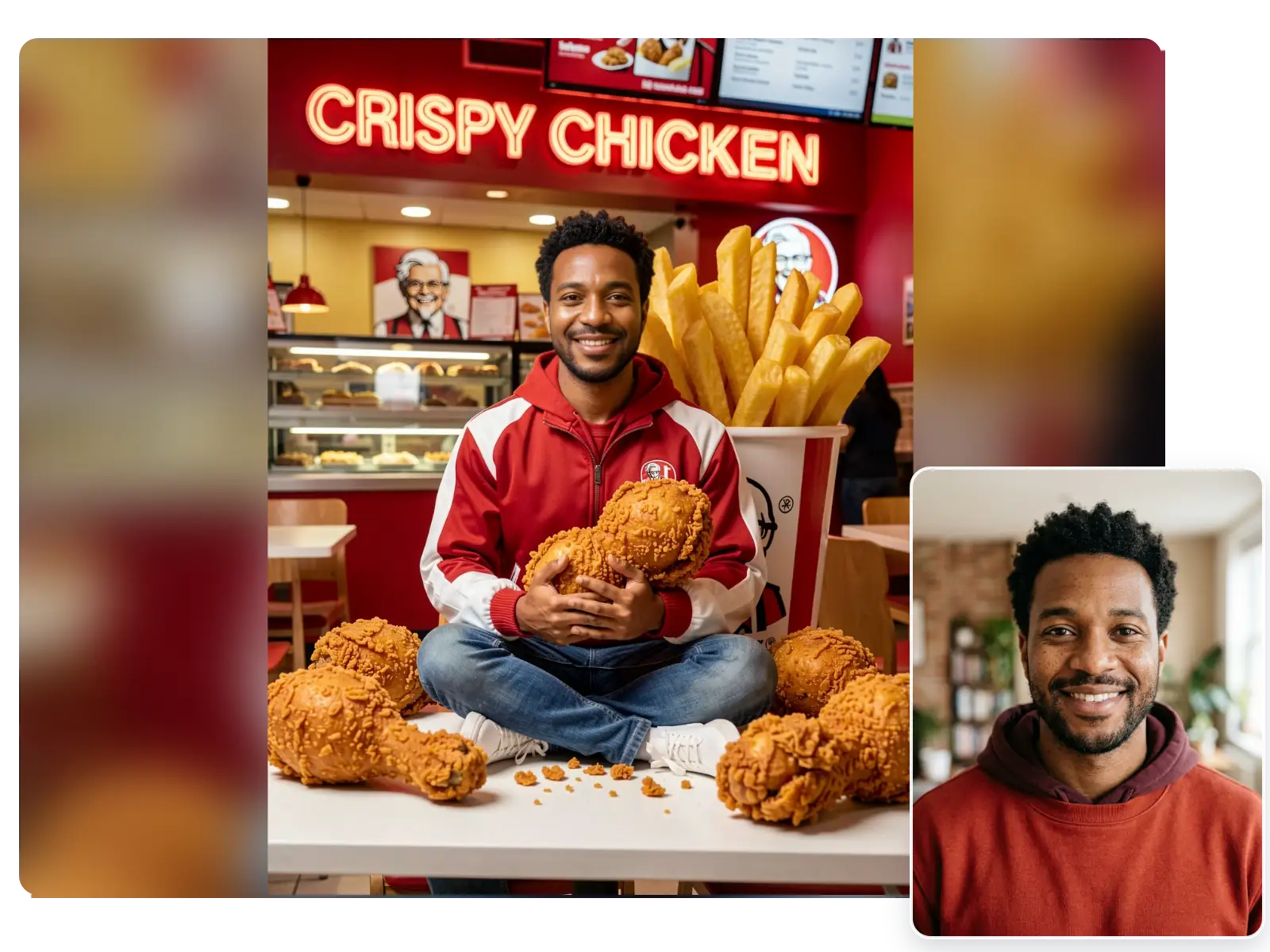
Solo Portraits Fit the Scene Best
This template works especially well with one centered face, letting the food props, counter backdrop, and commercial-photo framing stay clean and readable.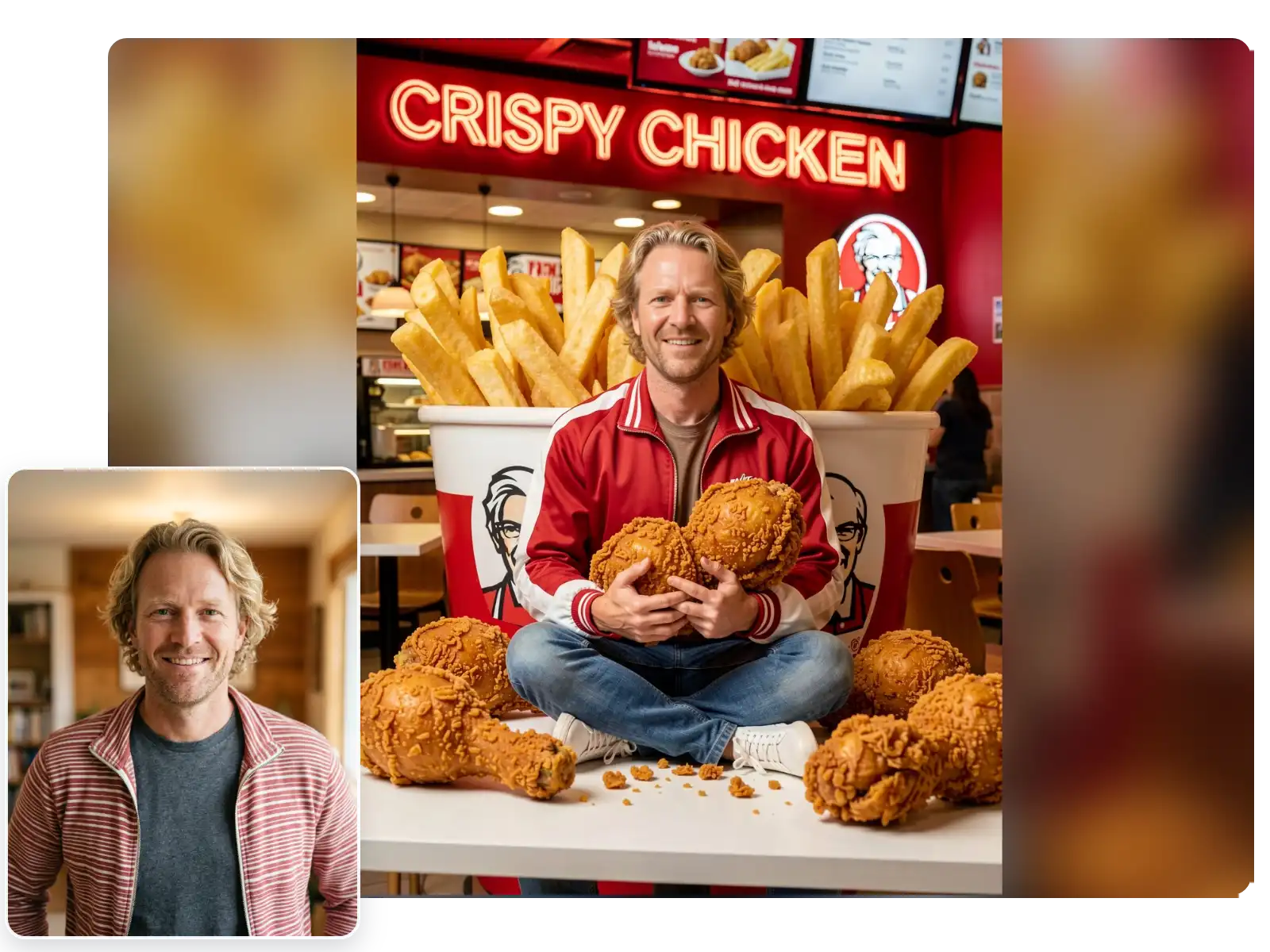
Fast One-Photo Creation
Upload one portrait, choose Fried chicken, and generate a share-ready image quickly without building the scene manually.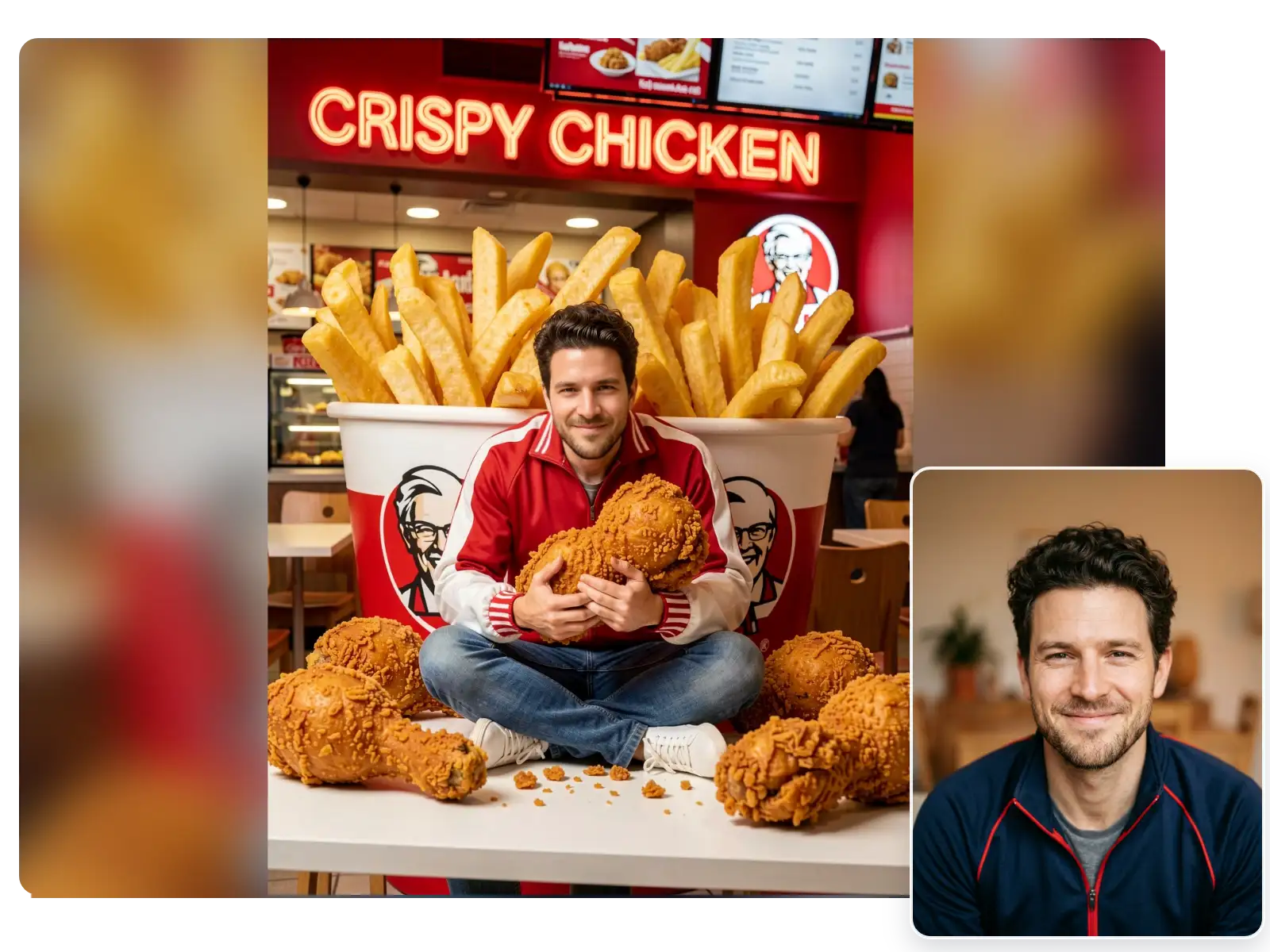
More Valuable Features from Dreamface
AI Filter
Compare Fried chicken with more photo styles when you want to test illustrated, cinematic, or playful looks from the same portrait.
Text to Image
Generate original food-themed scenes or new visual ideas from prompts when you want more than a preset photo filter result.
Photo Enhancer
Sharpen soft selfies and clean up facial details before applying Fried chicken so the final portrait looks clearer and more polished.
Background Remover
Remove distracting backgrounds first when you want a cleaner source image for the bright diner composition and oversized food props.