
Download the DreamFace App to Create Anywhere

Download on
App Store

Download on
Google Play

Install APK on
Android
Language
English- English
- Português
- 简体中文
- 繁體中文
- 日本語
- Español
- Bahasa Indonesia
- ไทย
- Tiếng Việt
- हिन्दी
- Русский
- Italiano
- 한국어
- मराठी
- Nederlands
- Norsk
- ਪੰਜਾਬੀ
- Polski
- Dansk
- Suomi
- Français
- Deutsch
- Svenska
- Kiswahili
- తెలుగు
- Türkçe
- বাংলা
- اردو
- العربية
- فارسی
- Ελληνικά
Language
Glass Fantasy
Upload Image
Click to upload an image
Try with our sample images
Sample Filter


4.9

Chrome Store

Global Users

4.9
Apple Store
Trusted by Leading Institutions Worldwide












How to Create a Glass Fantasy Portrait
step 1 Upload One Clear Portrait
Start with one well-lit photo where your face is visible and your pose is easy to read. Upper-body or full-body portraits usually work best for this floating fantasy scene.
step 2 Choose Glass Fantasy Filter
Select Glass Fantasy to add the signature glass dome, dreamy cloud backdrop, glowing butterflies, mushrooms, and miniature island styling.
step 3 Create, Download, and Share
Generate your fantasy portrait in moments, then download the finished image or share the bell-jar dreamscape wherever you want to post it.
Why Try the Glass Fantasy AI Filter
Bell-Jar Fantasy World
Place one portrait inside a luminous glass dome set on a floating island, turning a simple photo into a delicate storybook scene with dreamy scale and surreal charm.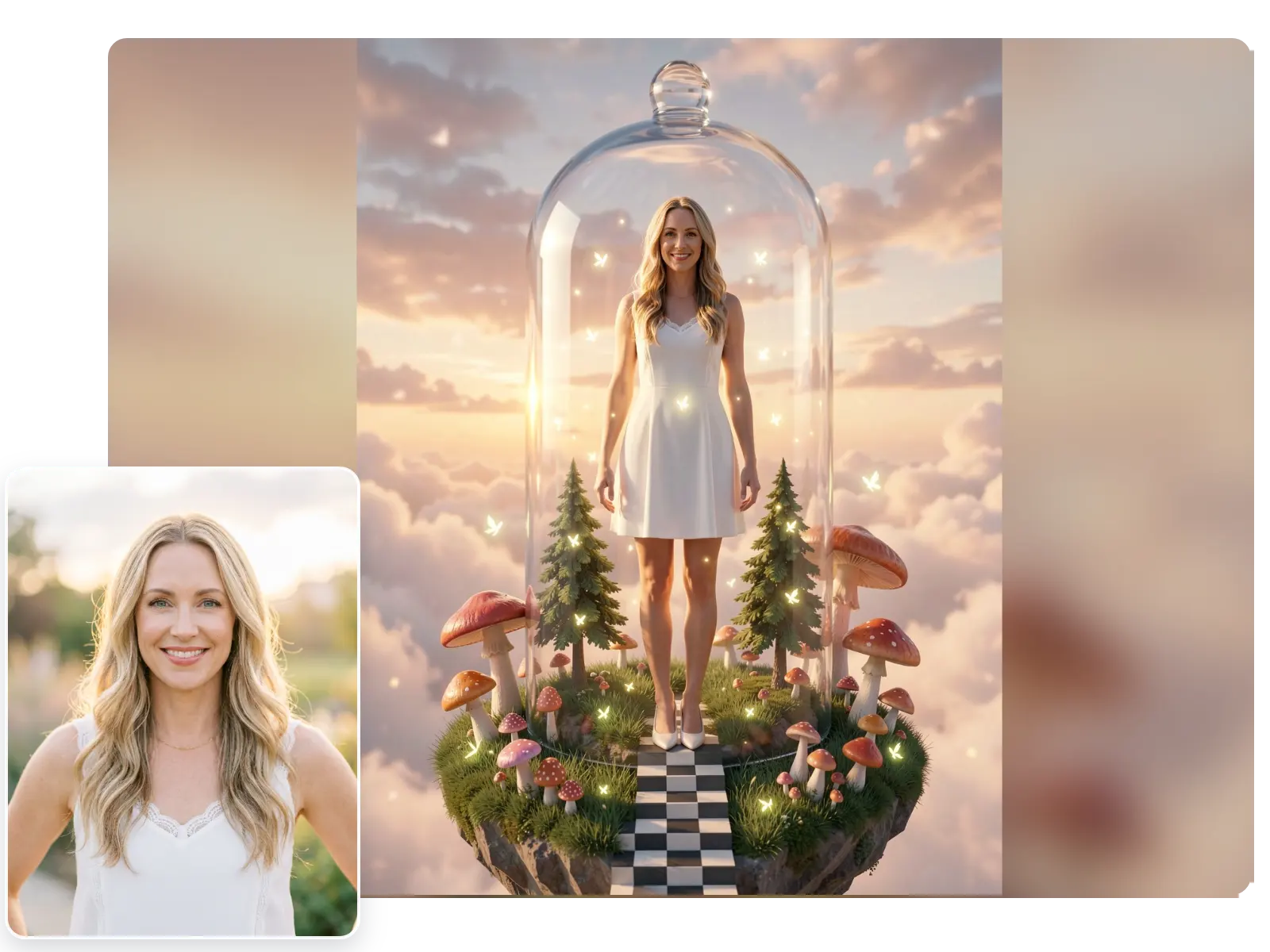
Pastel Clouds and Mushroom Detail
Bring in soft sunset clouds, glowing butterflies, tiny evergreens, and whimsical red mushrooms so the final image feels airy, enchanted, and richly layered.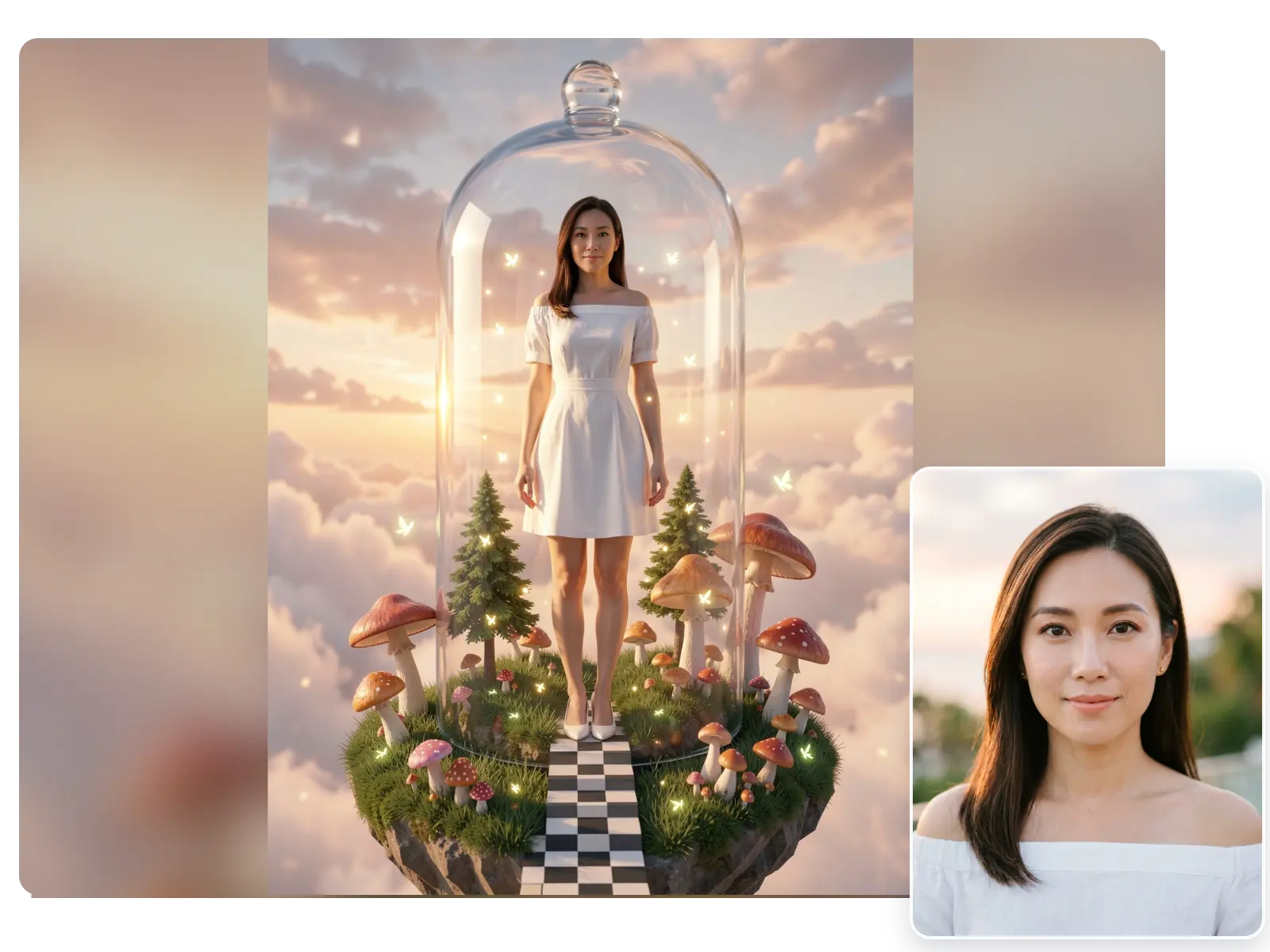
Best for Centered Storybook Poses
Glass Fantasy works especially well with clear, centered portraits where posture, dress shape, and facial expression can anchor the floating path-and-island composition.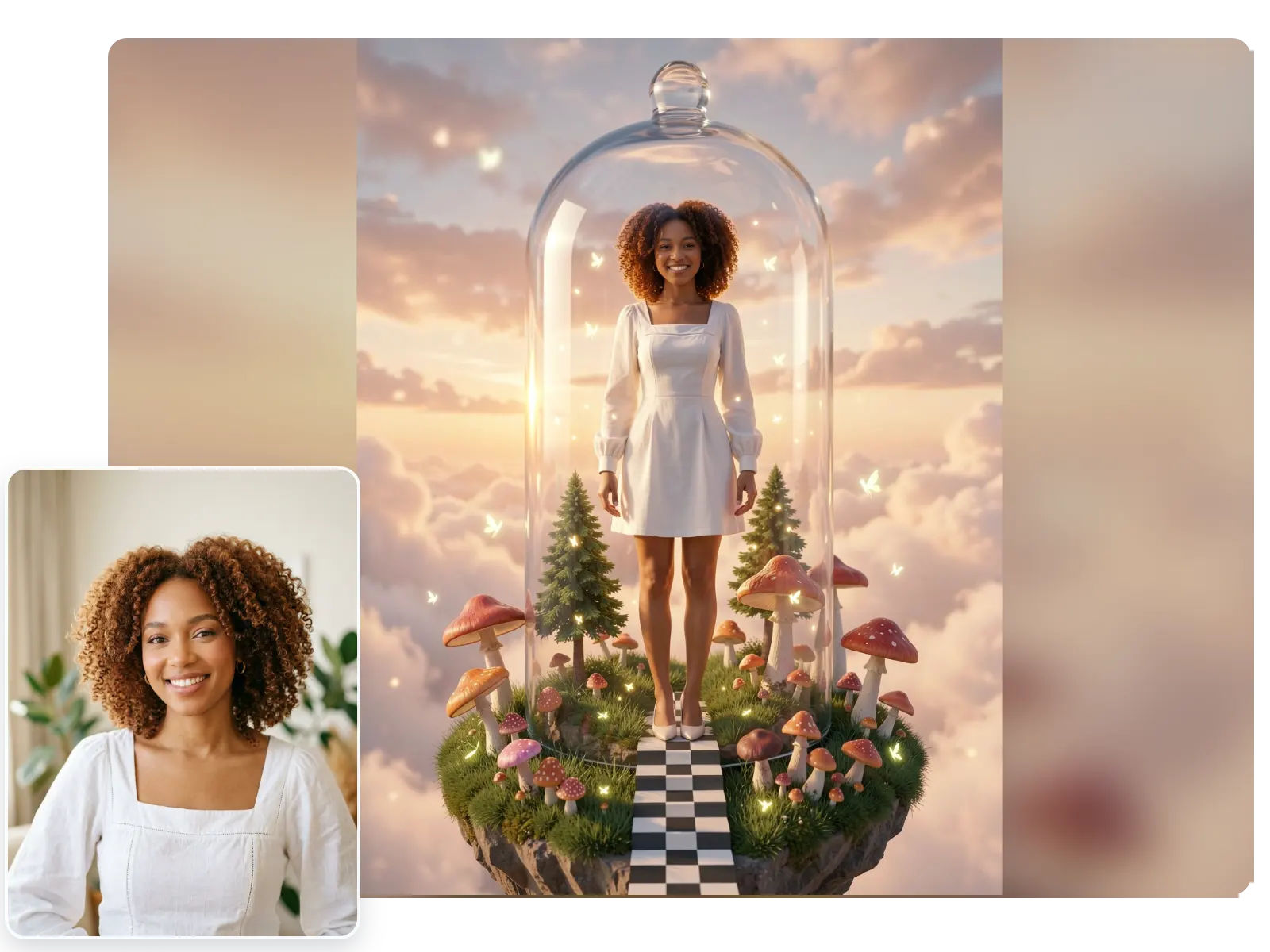
One-Photo Fantasy Makeover
Upload a single image, choose the template, and let DreamFace build the dreamy glass-world look quickly without needing manual editing or compositing skills.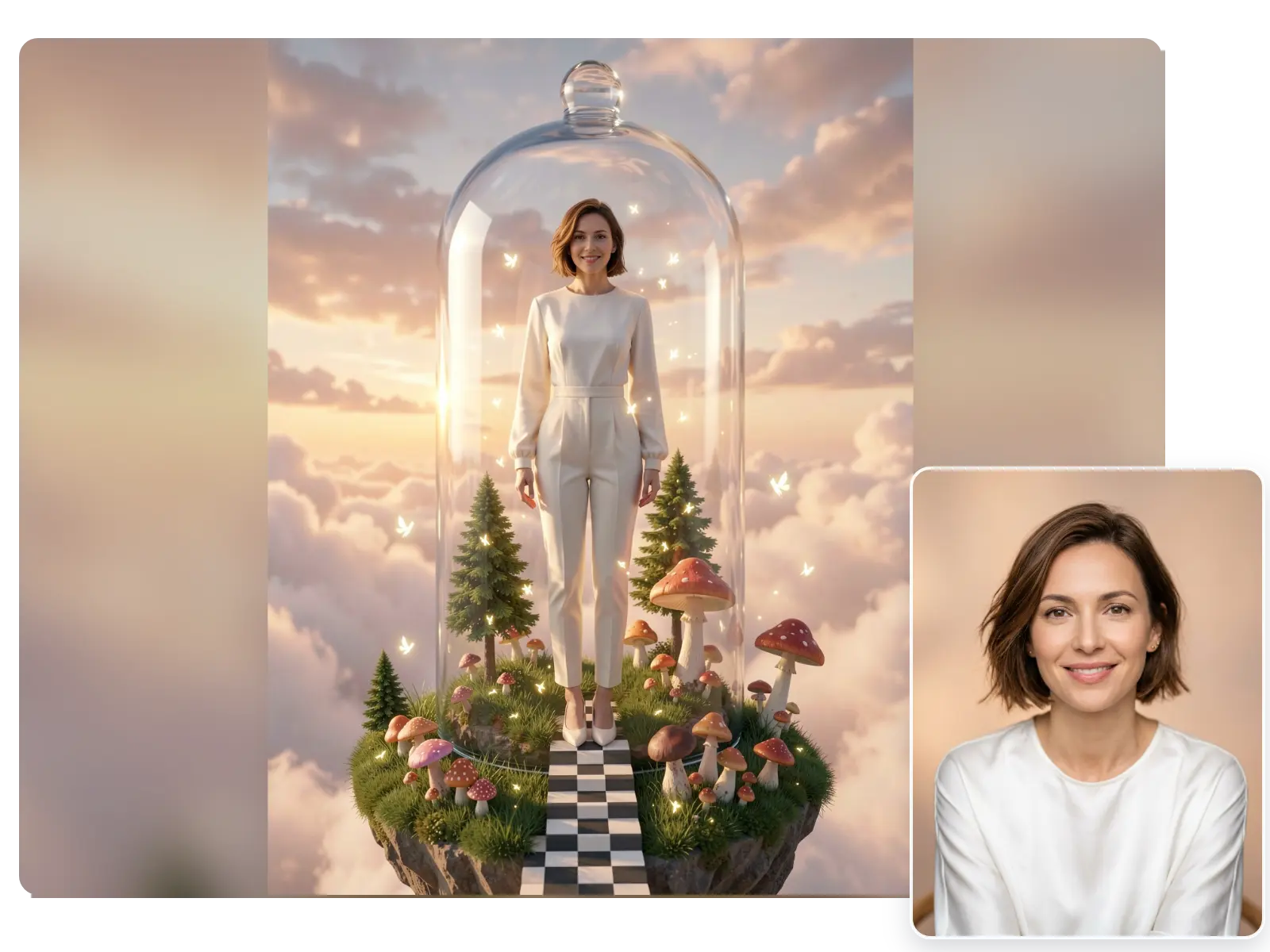
More Valuable Features from Dreamface
AI Filter
Try more artistic portrait looks when you want to compare Glass Fantasy with other dreamy or stylized photo effects.
Text to Image
Generate original fantasy scenes, props, and moodboard ideas from prompts before building your next magical portrait concept.
Background Remover
Cut out your portrait cleanly before restyling when you want tighter subject separation and cleaner fantasy composites.
Photo Enhancer
Sharpen faces and outfit details after generation so the glass dome, mushrooms, and pastel lighting read more clearly.
Frequently Asked Questions
Can a regular selfie still create the Glass Fantasy look?
Yes. A normal selfie can still work, but cleaner lighting and a straight-on angle help the AI place you naturally inside the glass dome and keep the dreamy details readable.
Is a full-body photo better for Glass Fantasy?
A full-body or upper-body portrait usually gives the strongest result because the template has a standing, centered composition with visible dress shape, path detail, and floating-island space around the subject.
Will the glass dome make my face look distorted?
Usually no. The effect is designed to keep your face clear while adding the dome around you. Bright, sharp input photos help the transparent glass look polished instead of warped.
Does Glass Fantasy only work with white dresses or soft styling?
No. White or pastel outfits naturally match the soft fantasy mood, but the filter can still restyle other clothing as long as the photo is clean, centered, and not visually crowded.
Why does a centered pose work best for this template?
Centered posing gives the AI room to build the floating path, mushrooms, and cloud space around you, so the final picture feels balanced instead of cramped or cropped.
Can I download and share my Glass Fantasy portrait after creating it?
Yes. After your image is generated, you can download the finished portrait and share the dreamy bell-jar result anywhere you like.