
Download the DreamFace App to Create Anywhere

Download on
App Store

Download on
Google Play

Install APK on
Android
Language
English- English
- Português
- 简体中文
- 繁體中文
- 日本語
- Español
- Bahasa Indonesia
- ไทย
- Tiếng Việt
- हिन्दी
- Русский
- Italiano
- 한국어
- मराठी
- Nederlands
- Norsk
- ਪੰਜਾਬੀ
- Polski
- Dansk
- Suomi
- Français
- Deutsch
- Svenska
- Kiswahili
- తెలుగు
- Türkçe
- বাংলা
- اردو
- العربية
- فارسی
- Ελληνικά
Language
Harley Cos
Upload Image
Click to upload an image
Try with our sample images
Sample Filter


4.9

Chrome Store

Global Users

4.9
Apple Store
Trusted by Leading Institutions Worldwide












How to Use the Harley Cos AI Filter
step 1 Upload Your Photo
Add one sharp portrait with an unobstructed face. Choose a well-lit photo without heavy filters or sunglasses.
step 2 Generate the Harley Cos Effect
Select Generate to create a portrait using the Harley Cos template.
step 3 Review Your Cosplay Selfie
View the result and check the face, makeup, hairstyle, and selfie details. Try a clearer source image if the result needs improvement.
Key Features of Harley Cos
Blue-and-Pink Twin Ponytails
High twin ponytails combine a blonde base with pastel blue and pink lengths. The contrasting colors frame the face and give the portrait its playful cosplay character.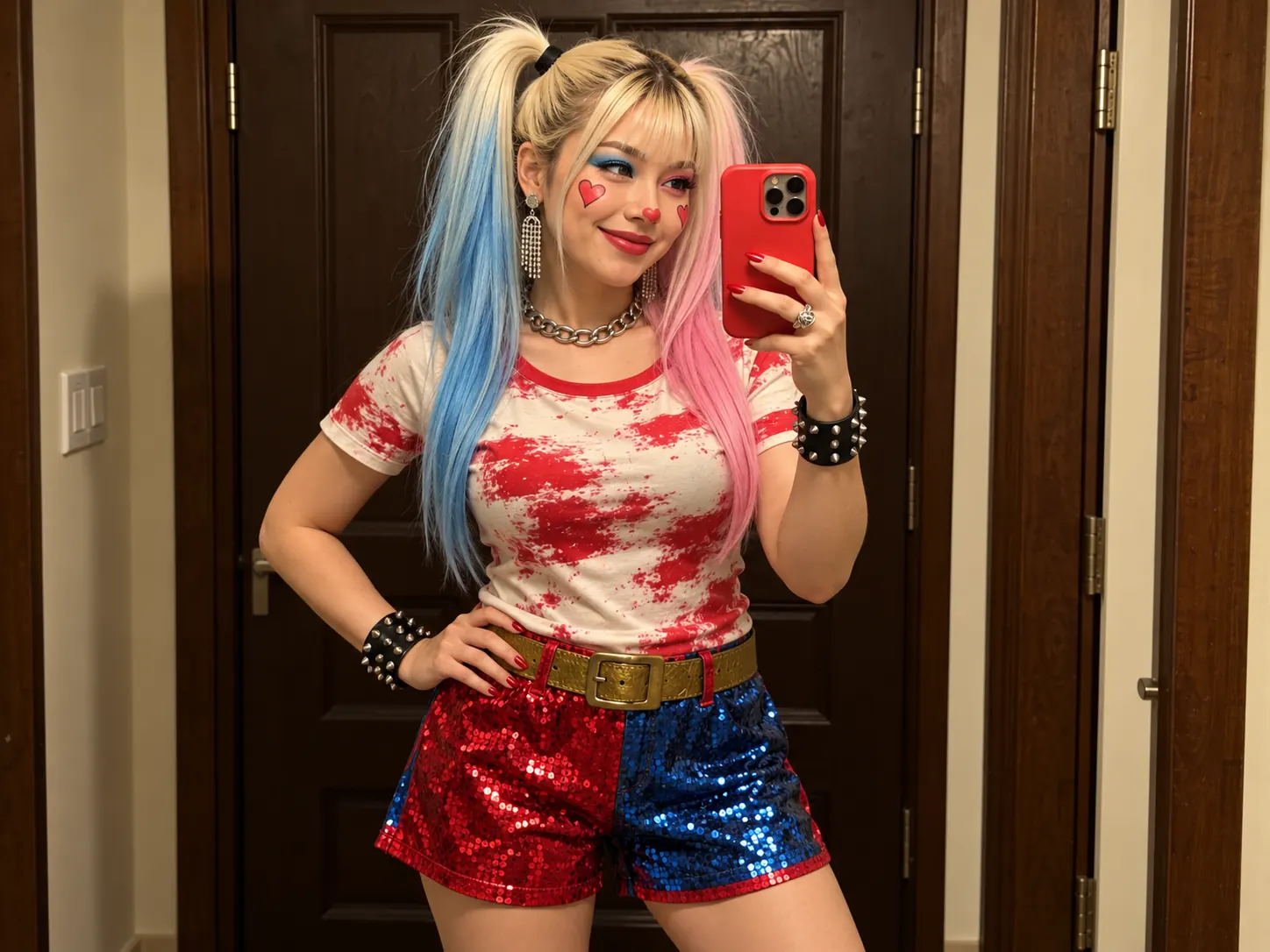
Playful Heart Makeup
Red hearts on the cheeks and nose pair with contrasting blue and pink eye makeup. A cheerful smile completes the colorful, theatrical look.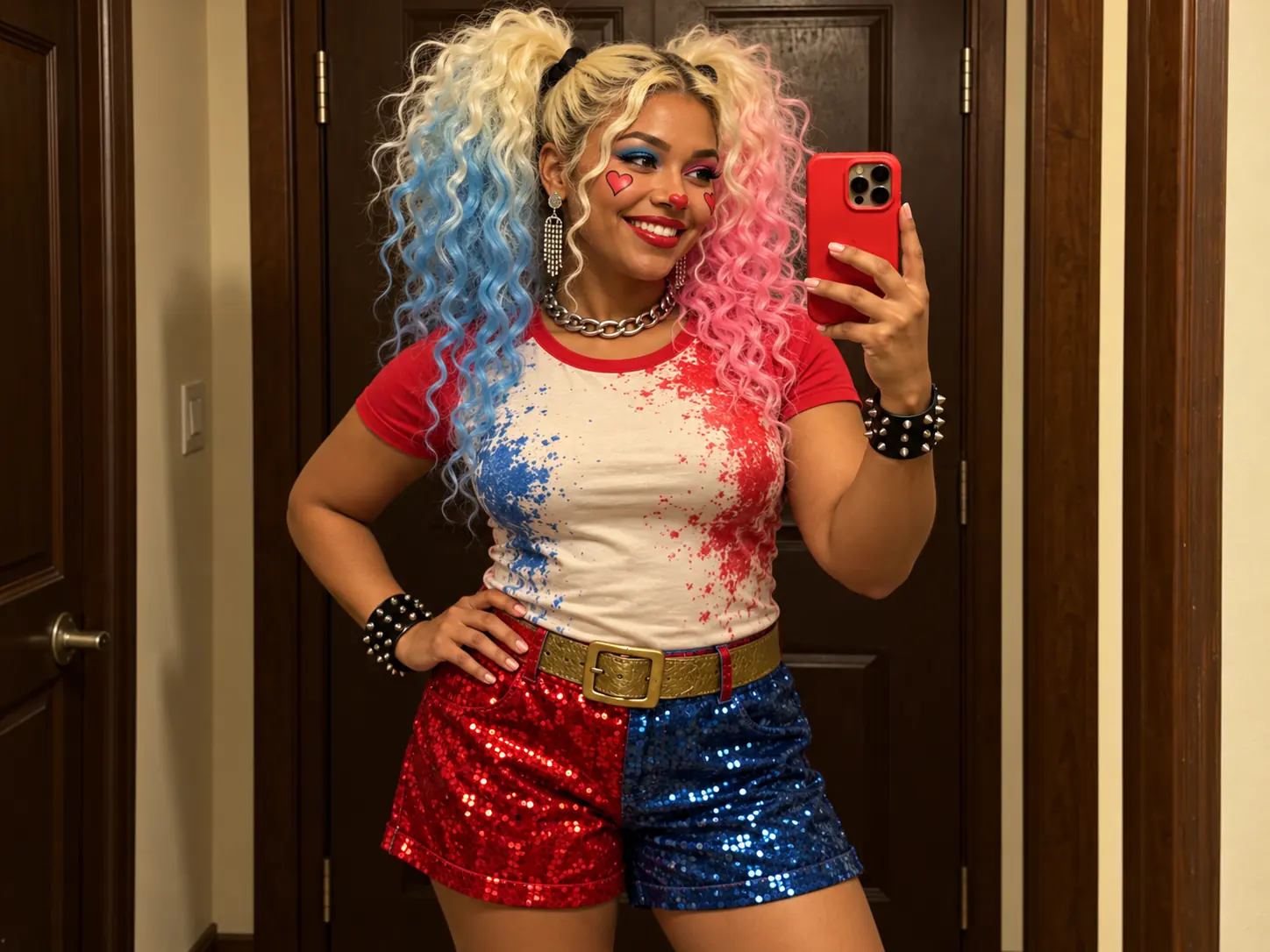
Sequins and Statement Accessories
Red-and-blue sequined shorts, a bold belt, silver jewelry, and black studded wrist cuffs create a coordinated costume with texture and shine.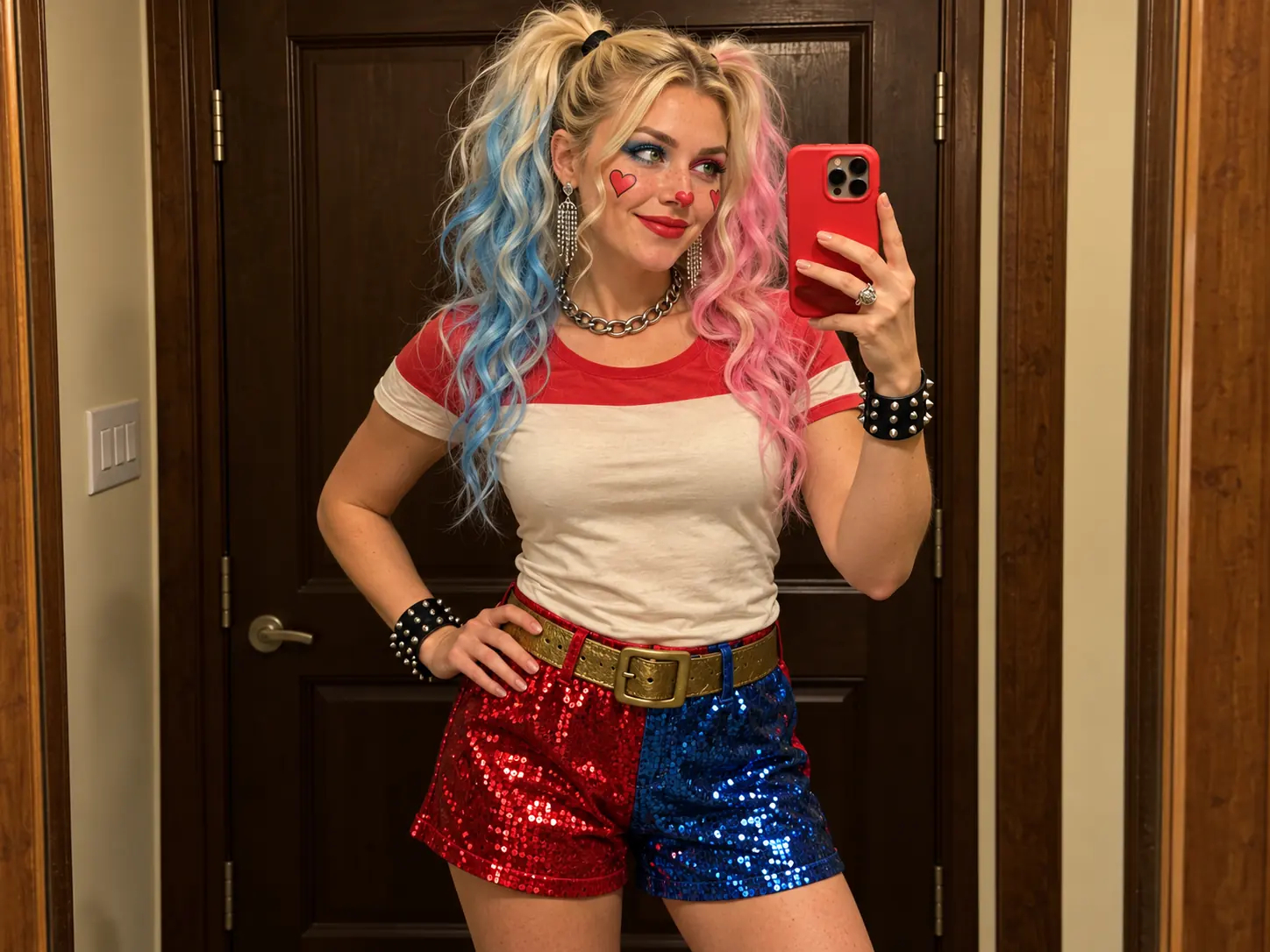
A Warm Mirror Selfie Scene
A red smartphone and hand-on-hip pose give the portrait a casual mirror-selfie composition. Dark wooden doors and warm indoor light keep the setting close to the reference style.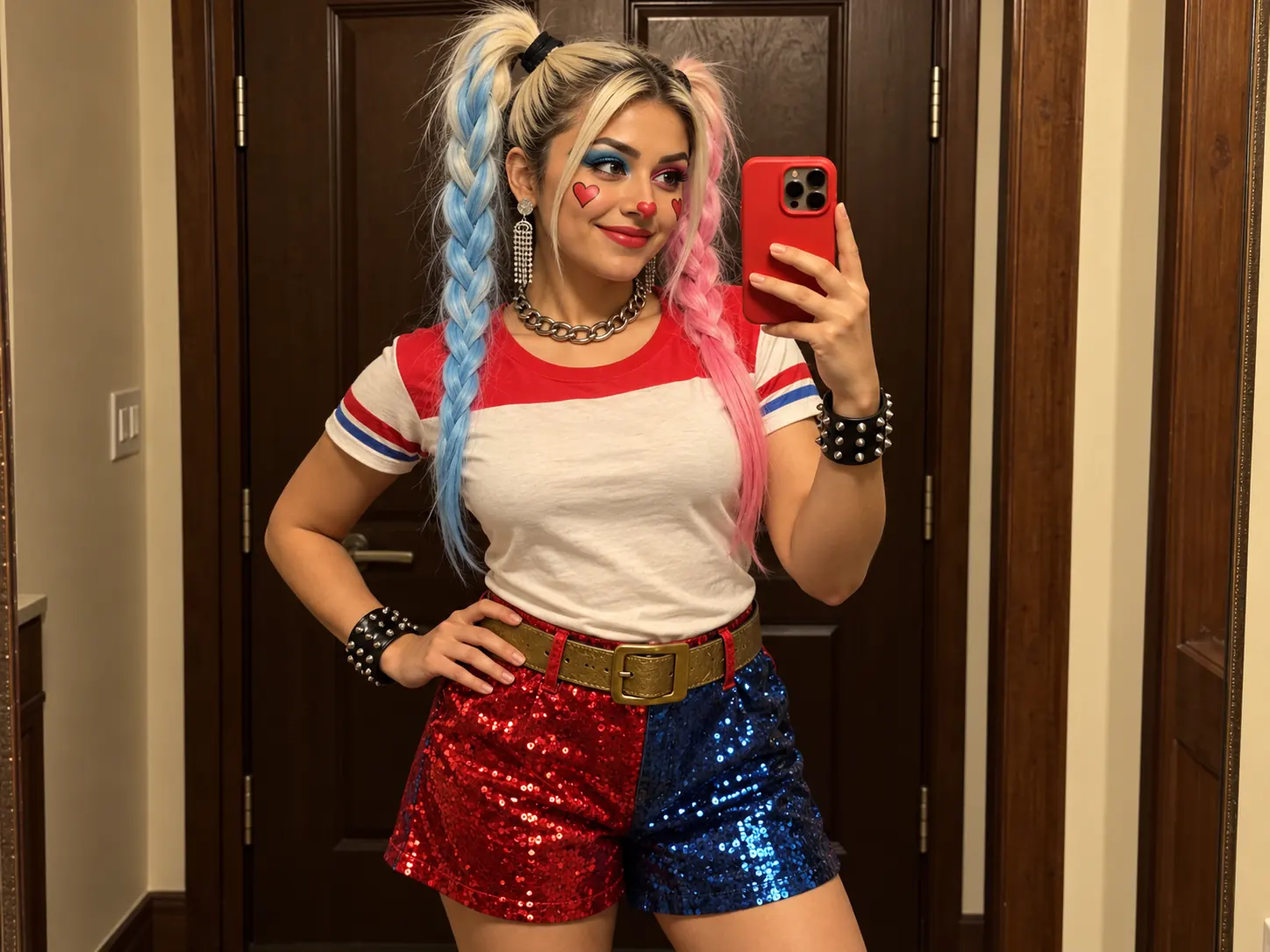
More Valuable Features from Dreamface
AI Kiss
Create AI kiss animations from photos.
AI Hug
Bring photos together in an AI-generated virtual hug.
Pet Video Animation
Turn pet photos into animated video content.
AI Video Maker
Explore AI tools for creating video content.
Frequently Asked Questions
What is the Harley Cos AI filter?
Harley Cos creates a playful cosplay mirror selfie with blue-and-pink twin ponytails, heart-shaped makeup, red-and-blue clothing, metallic accessories, and a red smartphone.
How many photos do I need?
This template has one upload area. Add one portrait with a single clearly visible face.
Do I need to wear a costume in my source photo?
No. The costume styling is part of the effect, so you can begin with a regular portrait rather than recreating the clothing and accessories.
Does the original photo need to be a mirror selfie?
No. The mirror-selfie pose and red phone belong to the template scene. A clear portrait can be used as the source.
What makes a good source portrait?
Use a sharp image with even lighting and an unobstructed face. Avoid strong shadows, sunglasses, heavy beauty filters, and cropped facial features.
Will the generated portrait match every detail of my photo?
AI-generated faces, hair, makeup, and accessories may vary. The template changes the overall styling, so review the result rather than expecting an exact reproduction of the source.