
Download the DreamFace App to Create Anywhere

Download on
App Store

Download on
Google Play

Install APK on
Android
Language
English- English
- Português
- 简体中文
- 繁體中文
- 日本語
- Español
- Bahasa Indonesia
- ไทย
- Tiếng Việt
- हिन्दी
- Русский
- Italiano
- 한국어
- मराठी
- Nederlands
- Norsk
- ਪੰਜਾਬੀ
- Polski
- Dansk
- Suomi
- Français
- Deutsch
- Svenska
- Kiswahili
- తెలుగు
- Türkçe
- বাংলা
- اردو
- العربية
- فارسی
- Ελληνικά
Language
My blythe doll
Upload Image
Click to upload an image
Try with our sample images
Sample Filter


4.9

Chrome Store

Global Users

4.9
Apple Store
Trusted by Leading Institutions Worldwide












How to Create Your Blythe Doll Portrait
step 1 Upload One Portrait
Add one clear selfie or head-and-shoulders photo with your face centered and easy to see.
step 2 Choose My blythe doll
Select My blythe doll to apply the big-eye doll portrait style to your photo.
step 3 Create and Save
Generate your image, then download or share your Blythe-style result in seconds.
Why This Blythe Doll Filter Stands Out
Oversized Sparkling Doll Eyes
Create the signature Blythe look with oversized sparkling eyes that give your portrait an instantly dreamy doll-face focus.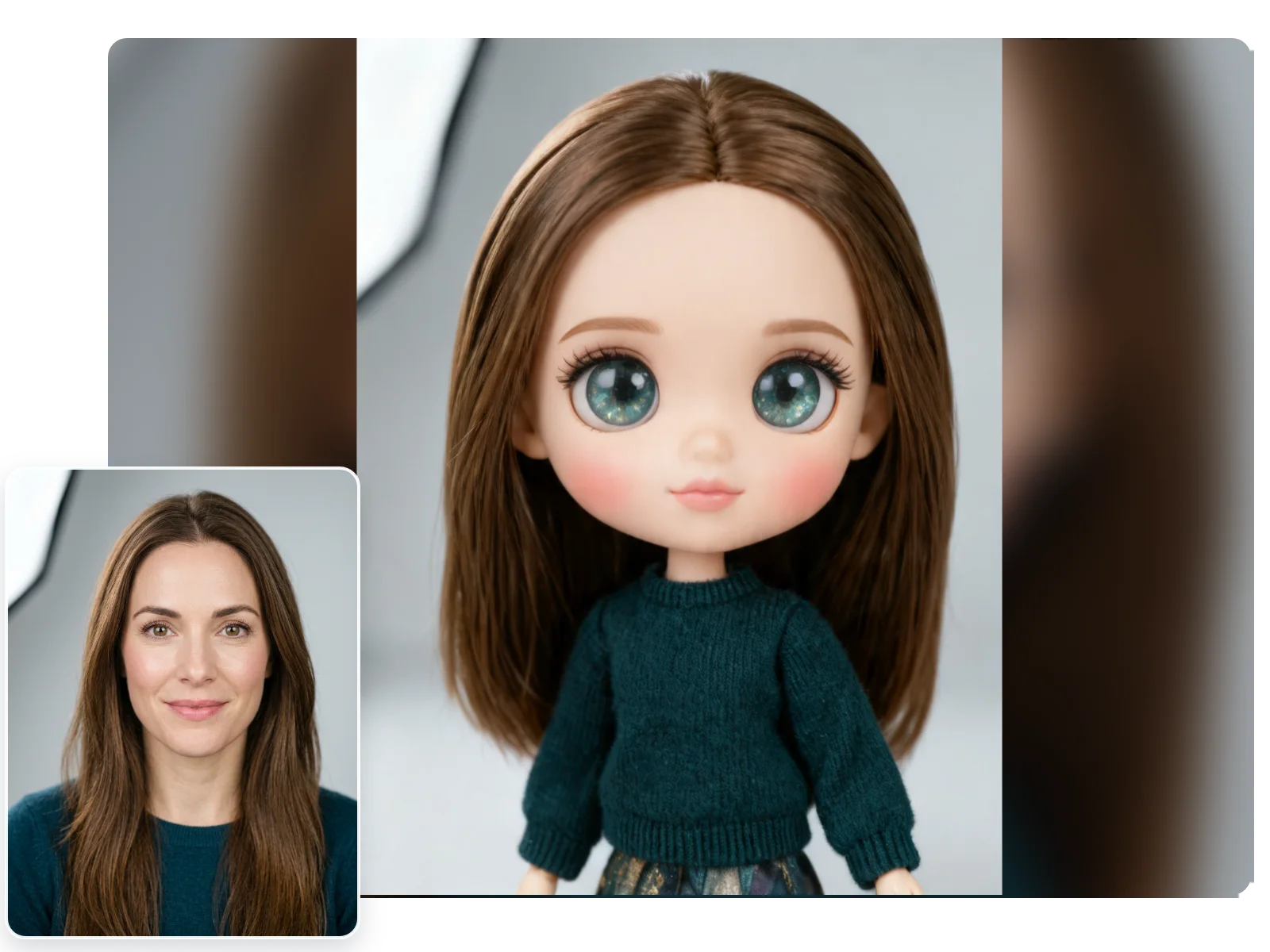
Smooth Collectible Doll Finish
Get smooth polished skin, tiny facial features, and soft blush details that feel like a collectible doll close-up.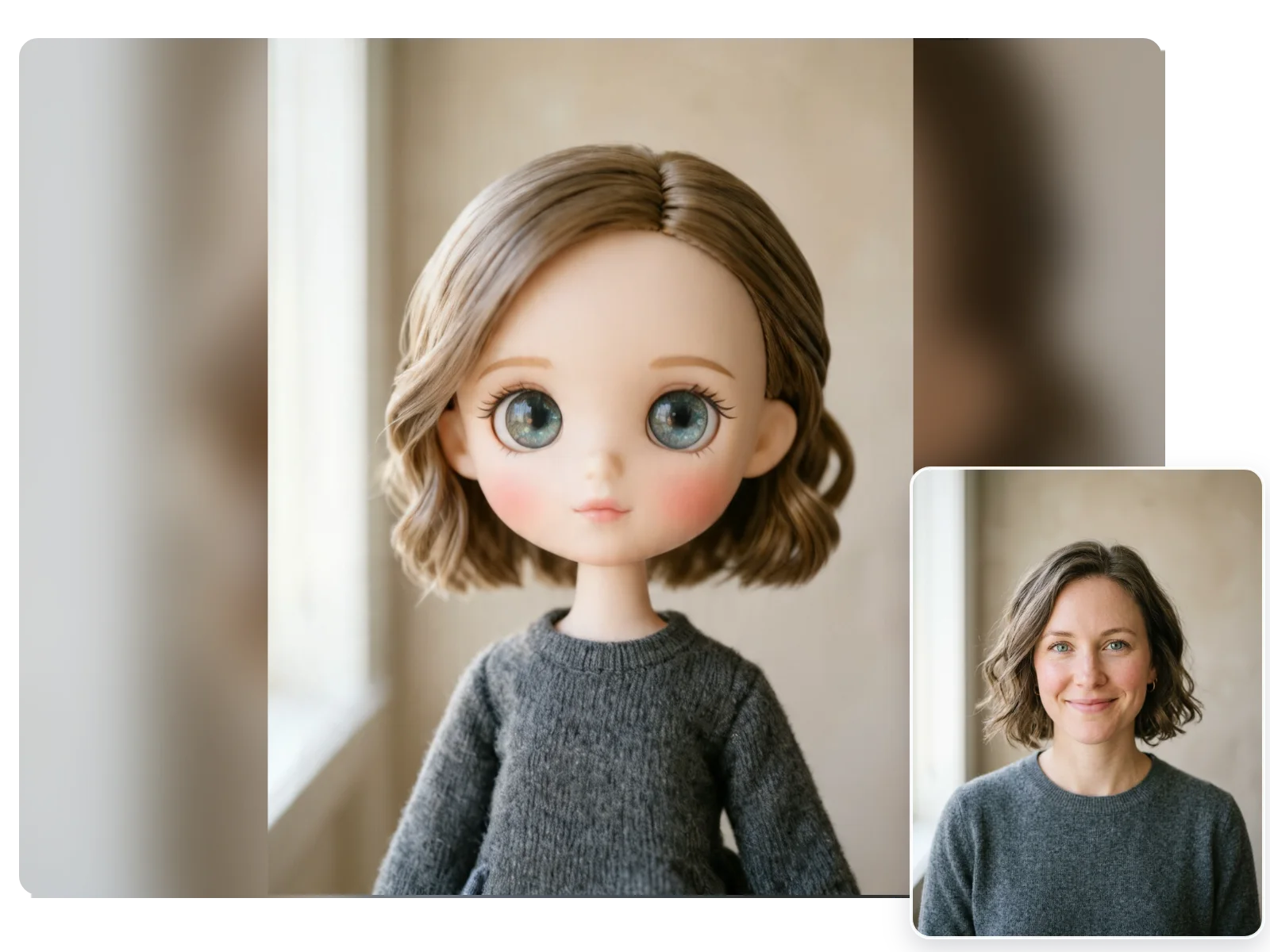
Made for Solo Doll-Look Selfies
Best for one-person selfies and beauty portraits, this filter keeps your hair and styling visible while reshaping the face into a cute toy-like look.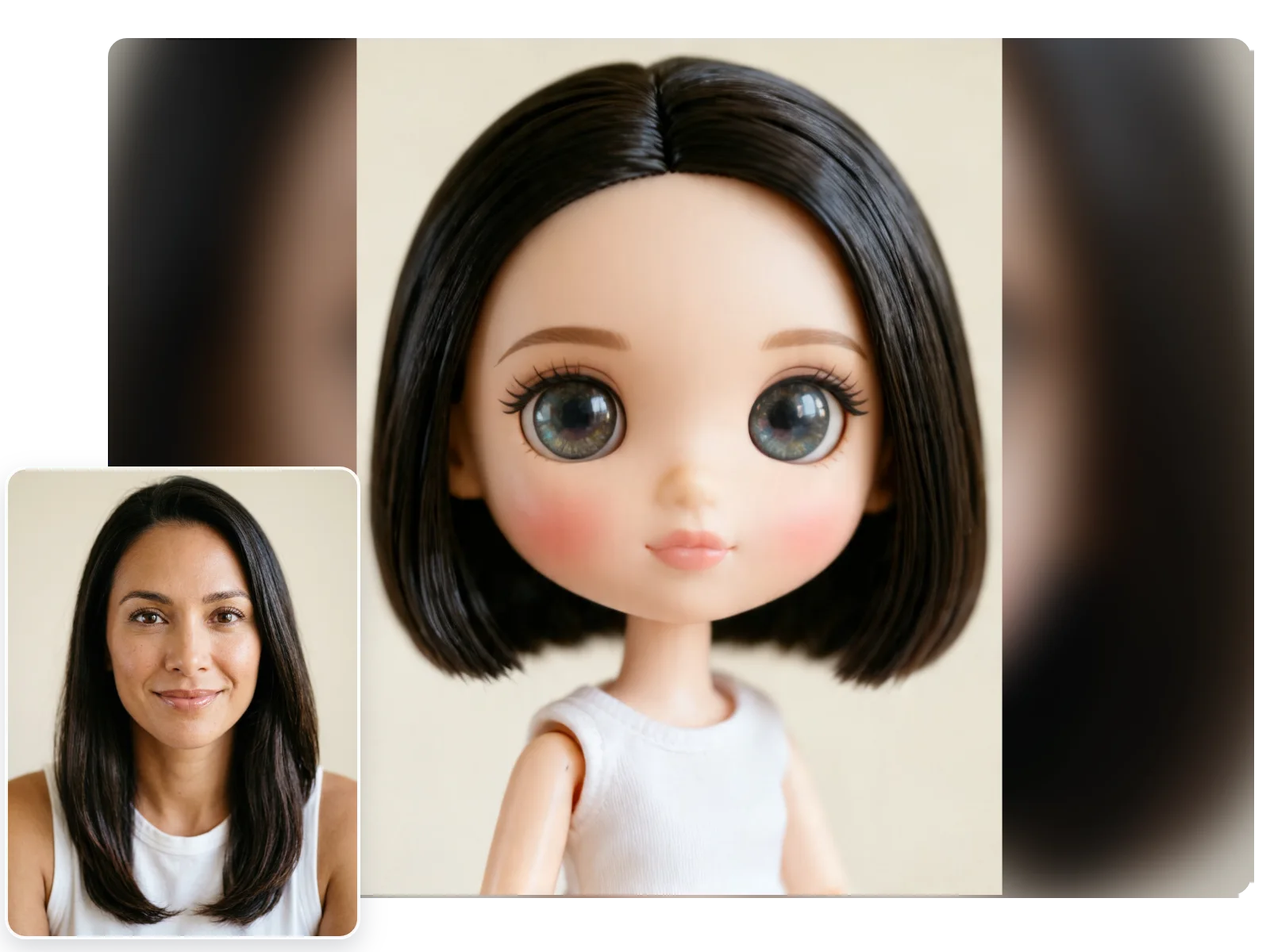
Fast Upload-to-Doll Result
Upload a photo, apply the filter, and generate a share-ready doll portrait fast without complicated editing.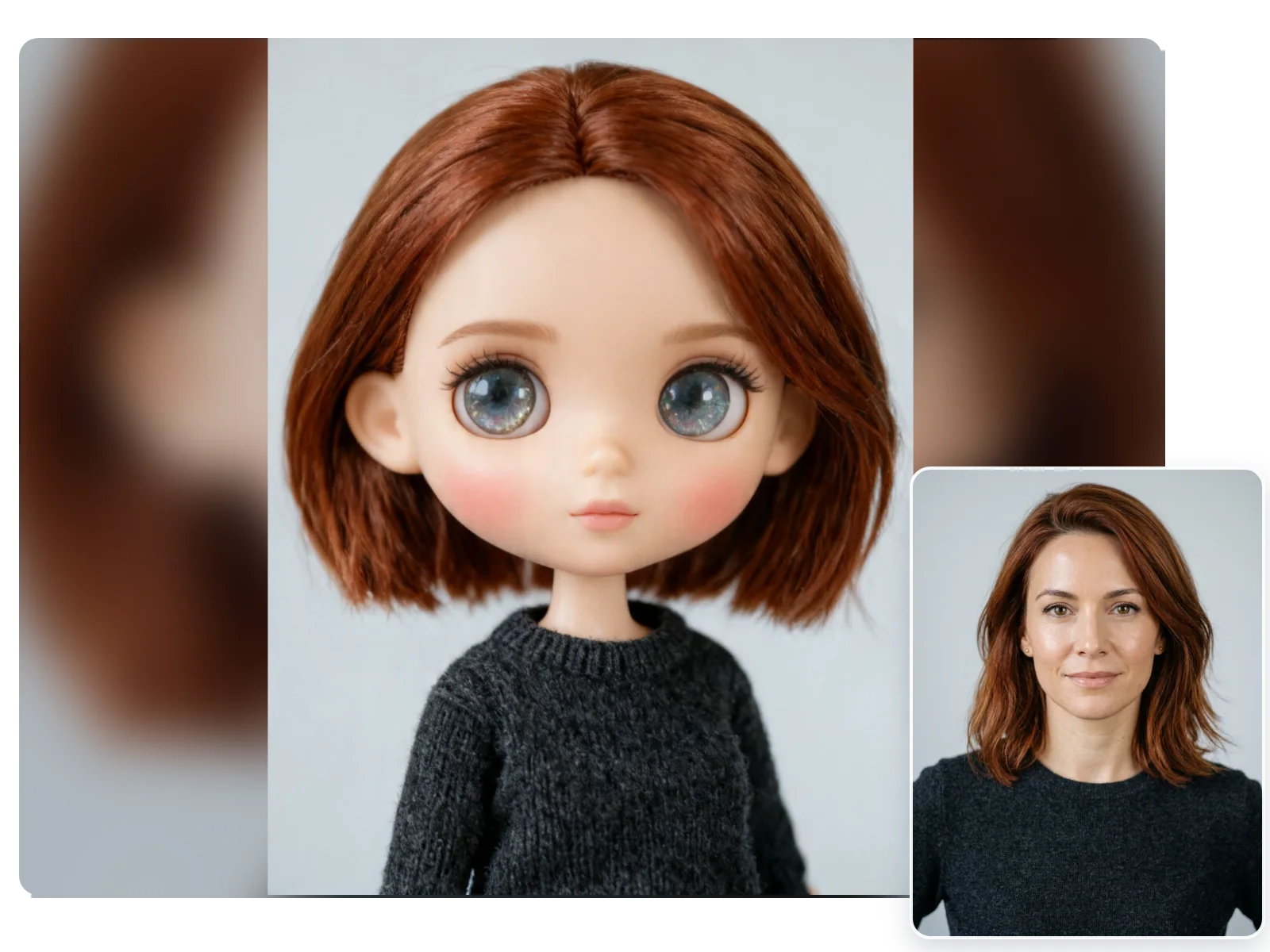
More Valuable Features from Dreamface
AI Kiss
Create emotionally impactful kiss animations with AI, bringing characters closer in a realistic and expressive way.
AI Hug
A digital AI experience to send virtual hugs for comfort and joy
Pet Video Animation
Animate your pets in fun, lifelike scenarios, turning them into captivating video content.
AI Video Maker
A versatile tool for professional-grade video creation.
Frequently Asked Questions
Can I use any photo for the My blythe doll filter?
It works best with one clear front-facing selfie or head-and-shoulders portrait where both eyes are visible.
What kind of photo creates the best Blythe doll look?
Use bright even lighting and a simple background so the filter can emphasize oversized glossy eyes and smooth doll-like skin.
Does this filter work for group photos?
This template is designed for one person at a time. Solo close-ups give the cleanest doll-face proportions and eye detail.
Will my hair color and outfit still show in the result?
Yes, the filter keeps major hair color and basic styling cues while transforming the face into a cute Blythe-inspired portrait.
Can I use glasses or bangs with this doll portrait filter?
Yes, but the best results come when the eyes are not heavily blocked. Light frames and neat bangs usually work better than dark shadows across the eyes.
How do I save and share my result?
After generation, download your Blythe doll image or share it directly from DreamFace in just a few taps.