DreamFace
- AI Tools
- Template
- Gallery
- Blog
- Pricing
- API


Language
En- English
- Português
- 简体中文
- 繁體中文
- 日本語
- Español
- Bahasa Indonesia
- ไทย
- Tiếng Việt
- हिन्दी
- Русский
- Italiano
- 한국어
- मराठी
- Nederlands
- Norsk
- ਪੰਜਾਬੀ
- Polski
- Dansk
- Suomi
- Français
- Deutsch
- Svenska
- Kiswahili
- తెలుగు
- Türkçe
- বাংলা
- اردو
- العربية
- فارسی
- Ελληνικά
Language
Start Now
Neon Retro
Upload Image
Click to upload an image
Try with our sample images
Sample Filter


4.9
'%3e%3cg%3e%3cpath%20d='M11.1034615625,1.816990478790283C11.4702615625,1.0737404787902831,12.5300515625,1.0737404787902831,12.8968515625,1.816990478790283L15.2941515625,6.674462478790283C15.4398515625,6.969602478790283,15.7214515625,7.174172478790283,16.047151562499998,7.221502478790283L21.4076515625,8.000432478790284C22.2278515625,8.119612478790284,22.5553515625,9.127592478790284,21.9618515625,9.706122478790283L18.0829515625,13.487052478790282C17.8472515625,13.716852478790283,17.7397515625,14.047852478790283,17.7953515625,14.372252478790283L18.7110515625,19.711052478790283C18.8511515625,20.527952478790283,17.9937515625,21.150952478790284,17.2601515625,20.765252478790284L12.4654515625,18.244552478790283C12.1741515625,18.091452478790284,11.8261515625,18.091452478790284,11.5348615625,18.244552478790283L6.7402115625,20.765252478790284C6.0065815625,21.150952478790284,5.1491515625,20.527952478790283,5.2892615625,19.711052478790283L6.2049515625,14.372252478790283C6.2605915625,14.047852478790283,6.1530415625,13.716852478790283,5.9173515625,13.487052478790282L2.0384295625,9.706122478790283C1.4449195625,9.127592478790284,1.7724199625,8.119612478790284,2.5926495625,8.000432478790284L7.9531815625,7.221502478790283C8.2788915625,7.174172478790283,8.560461562499999,6.969602478790283,8.7061215625,6.674462478790283L11.1034615625,1.816990478790283Z'%20fill='%23F0A000'%20fill-opacity='1'%20style='mix-blend-mode:passthrough'/%3e%3c/g%3e%3cg%20mask='url(%23master_svg1_5_13539)'%3e%3c/g%3e%3c/g%3e%3c/svg%3e)
Chrome Store

Global Users

4.9
Apple Store
Trusted by Leading Institutions Worldwide












How to Use the Free AI Neon Retro Filter
step 1 Upload Your Photo
Click Upload and choose a clear, front-facing photo. Even a casual selfie works — the AI uses it as the base for your retro portrait.
step 2 Select the Neon Retro Filter
Choose Neon Retro from the filter list to let the AI place you in a glowing 80s room, complete with vintage electronics and neon lighting.
step 3 Generate and Download
Click Generate and within seconds your neon-lit retro portrait is ready. Download the full-resolution image to share or keep as a throwback keepsake.
Key Features of the Free AI Neon Retro Filter
Full Neon-Lit Scene Reconstruction
The AI doesn't just add a color tint — it rebuilds the entire setting around you, from glowing neon strip lights and lava lamps to a retro boombox and a sunset skyline glowing on a CRT screen in the background.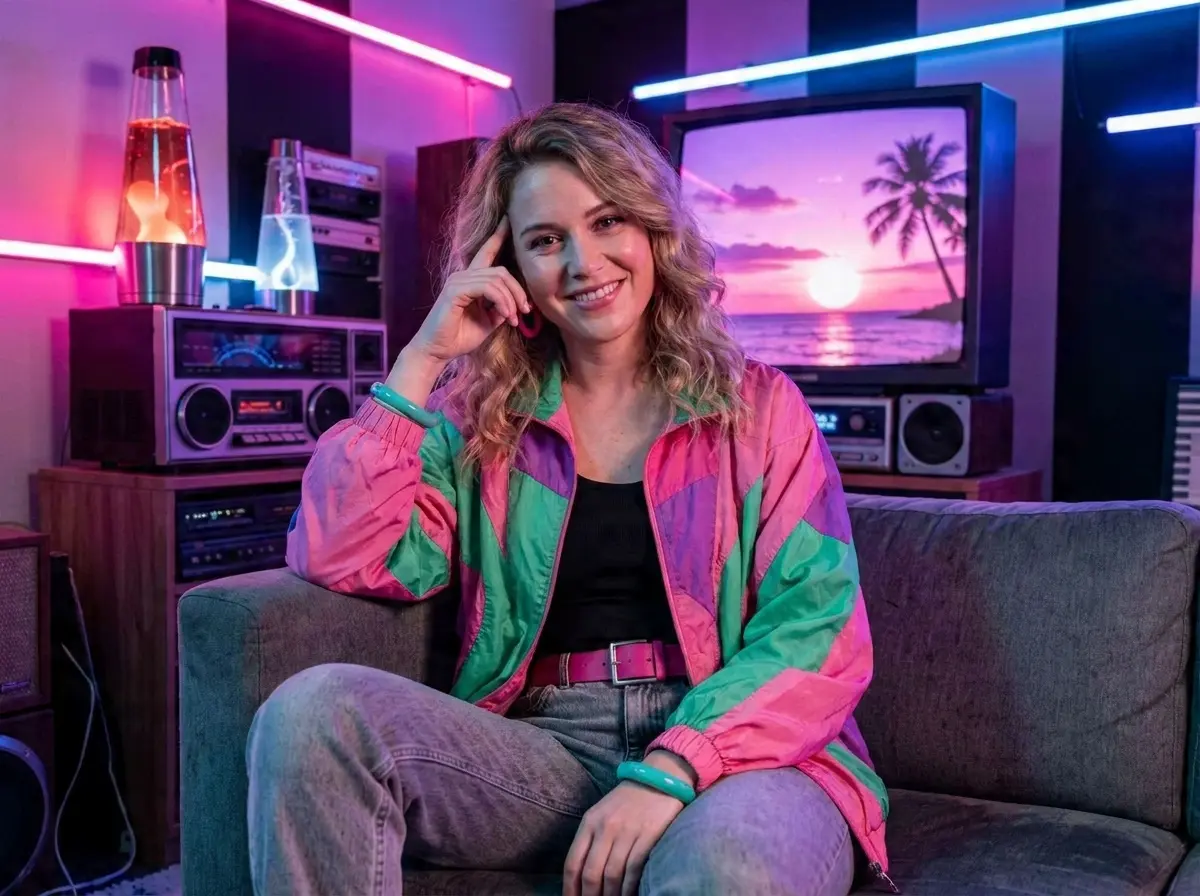
Authentic 80s Wardrobe Styling
Your outfit is transformed into a period-accurate colorblock windbreaker, high ponytail, and bold accessories, matching the pose and lighting so the final look feels styled, not filtered.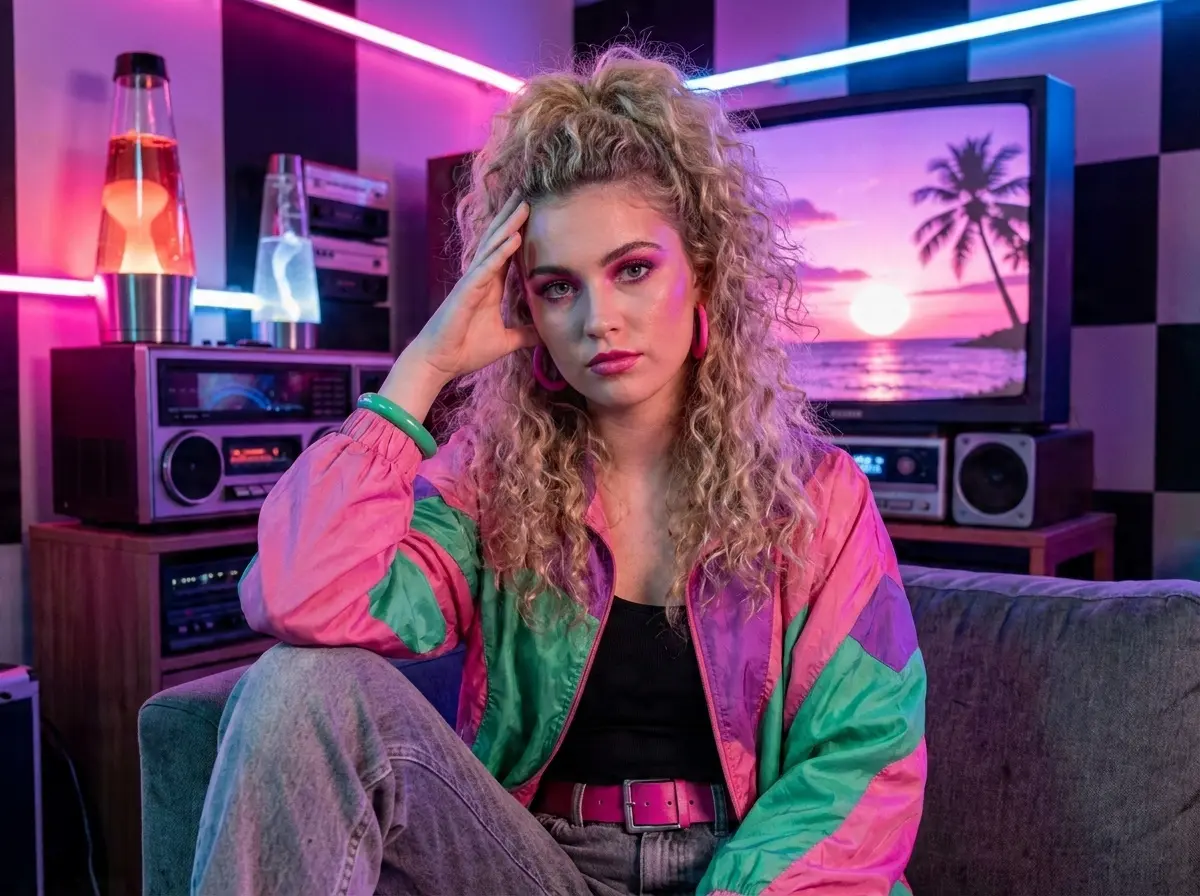
One Photo Is All You Need
There's no need for a costume, props, or a second photo. A single clear picture of your face is enough — the AI fills in the outfit, pose, and neon-lit room around it.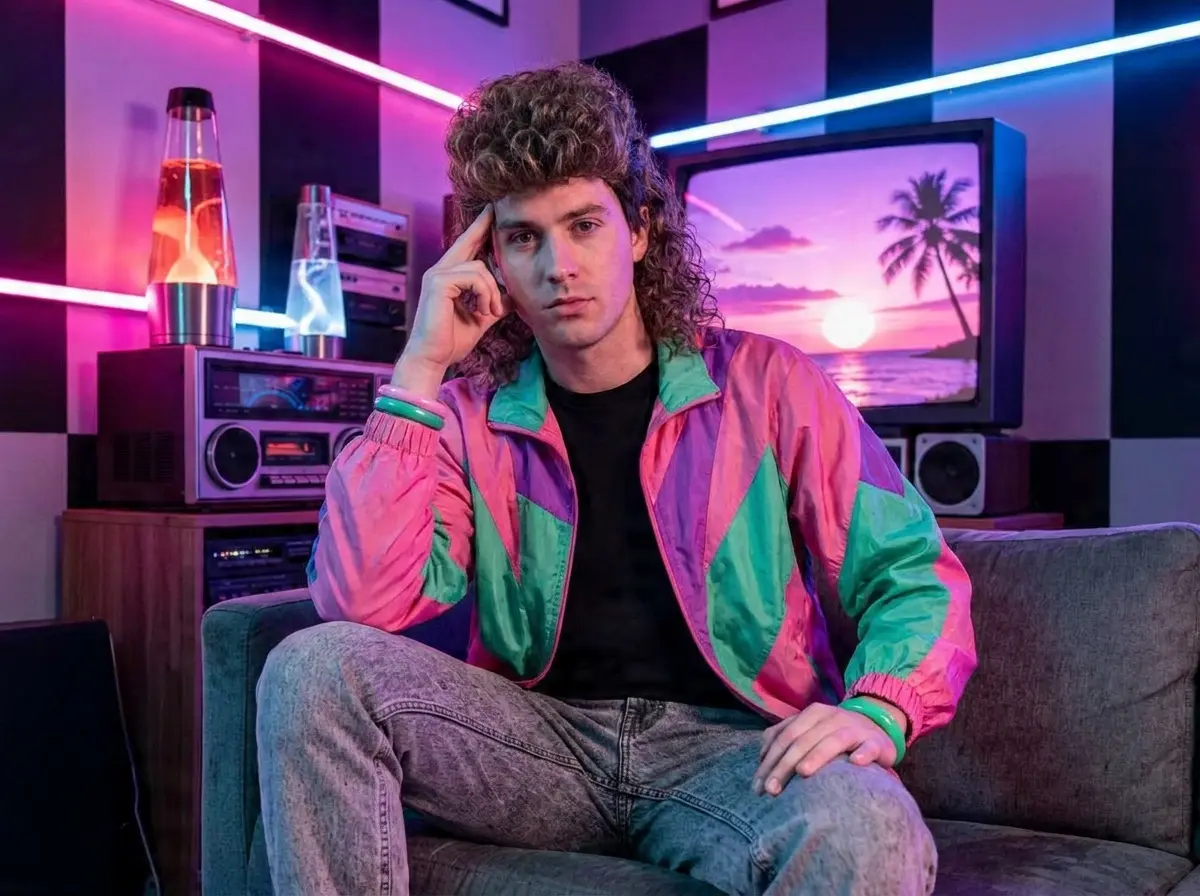
Vivid, High-Resolution Output
The final portrait is delivered in sharp, saturated detail so every neon highlight and glowing edge comes through clearly — ready to post, print, or set as a profile photo.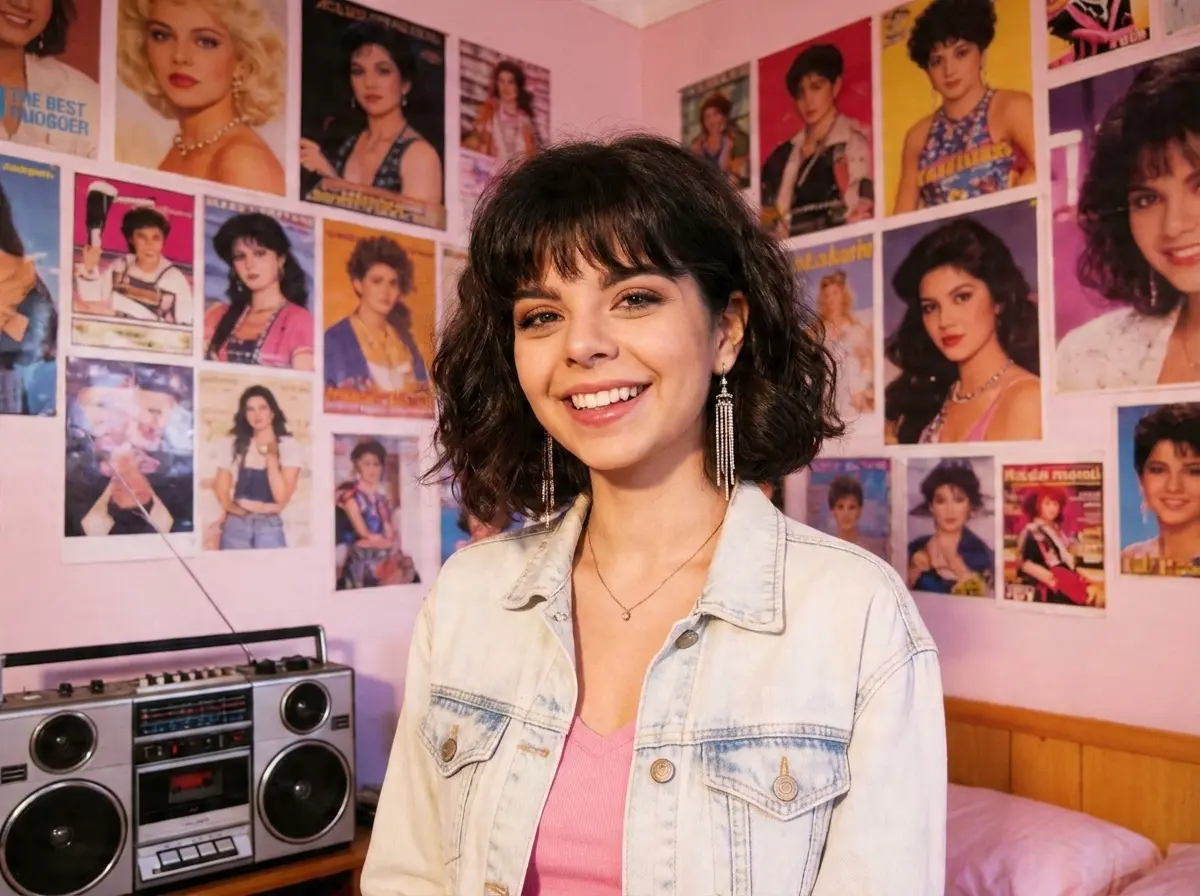
More Valuable Features from Dreamface
AI Kiss
Create emotionally impactful kiss animations with AI, bringing characters closer in a realistic and expressive way.
AI Hug
A digital AI experience to send virtual hugs for comfort and joy
Pet Video Animation
Animate your pets in fun, lifelike scenarios, turning them into captivating video content.
AI Video Maker
A versatile tool for professional-grade video creation.