
Download the DreamFace App to Create Anywhere

Download on
App Store

Download on
Google Play

Install APK on
Android
Language
English- English
- Português
- 简体中文
- 繁體中文
- 日本語
- Español
- Bahasa Indonesia
- ไทย
- Tiếng Việt
- हिन्दी
- Русский
- Italiano
- 한국어
- मराठी
- Nederlands
- Norsk
- ਪੰਜਾਬੀ
- Polski
- Dansk
- Suomi
- Français
- Deutsch
- Svenska
- Kiswahili
- తెలుగు
- Türkçe
- বাংলা
- اردو
- العربية
- فارسی
- Ελληνικά
Language
Praetorian
Upload Image
Click to upload an image
Try with our sample images
Sample Filter


4.9

Chrome Store

Global Users

4.9
Apple Store
Trusted by Leading Institutions Worldwide












How to Use the Praetorian AI Filter
step 1 Upload Your Cat Photo
Add one clear photo of your cat with the face, eyes, and ears visible. Choose good lighting and avoid obstructions.
step 2 Generate the Praetorian Portrait
Select Generate to apply the Praetorian fantasy-knight effect to your cat photo.
step 3 Review Your Cat Knight
View the generated portrait and check the feline features and armor details. Try another clear source photo if the result needs improvement.
Key Features of Praetorian
A Noble Feline Knight
A recognizable feline head and expressive eyes meet an upright armored silhouette. The calm three-quarter pose gives this fantasy cat portrait a dignified character.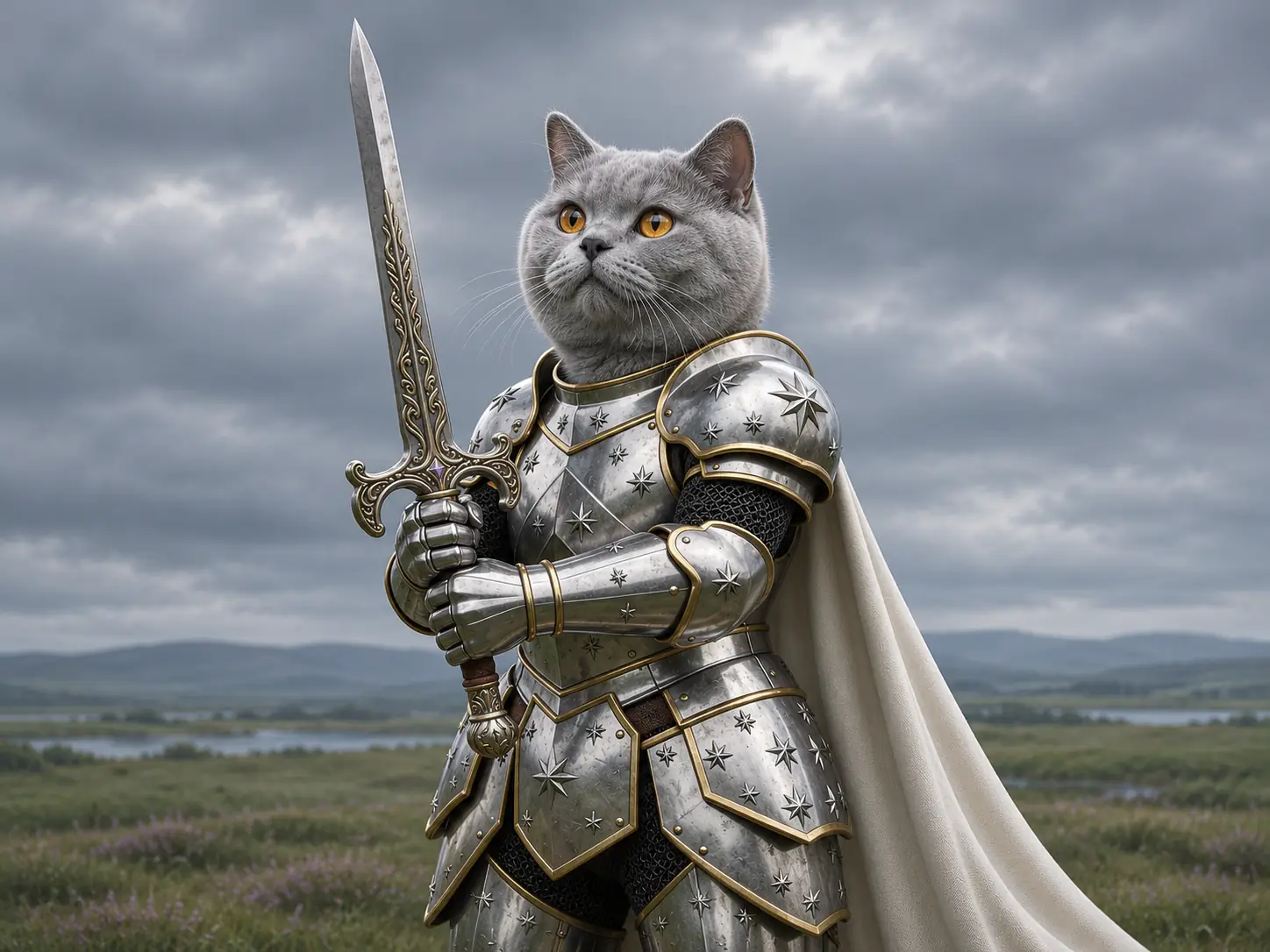
Star-Engraved Silver Armor
Silver plates carry decorative star motifs and fine gold edging. Dark chainmail and articulated gauntlets add layered texture to the detailed fantasy armor.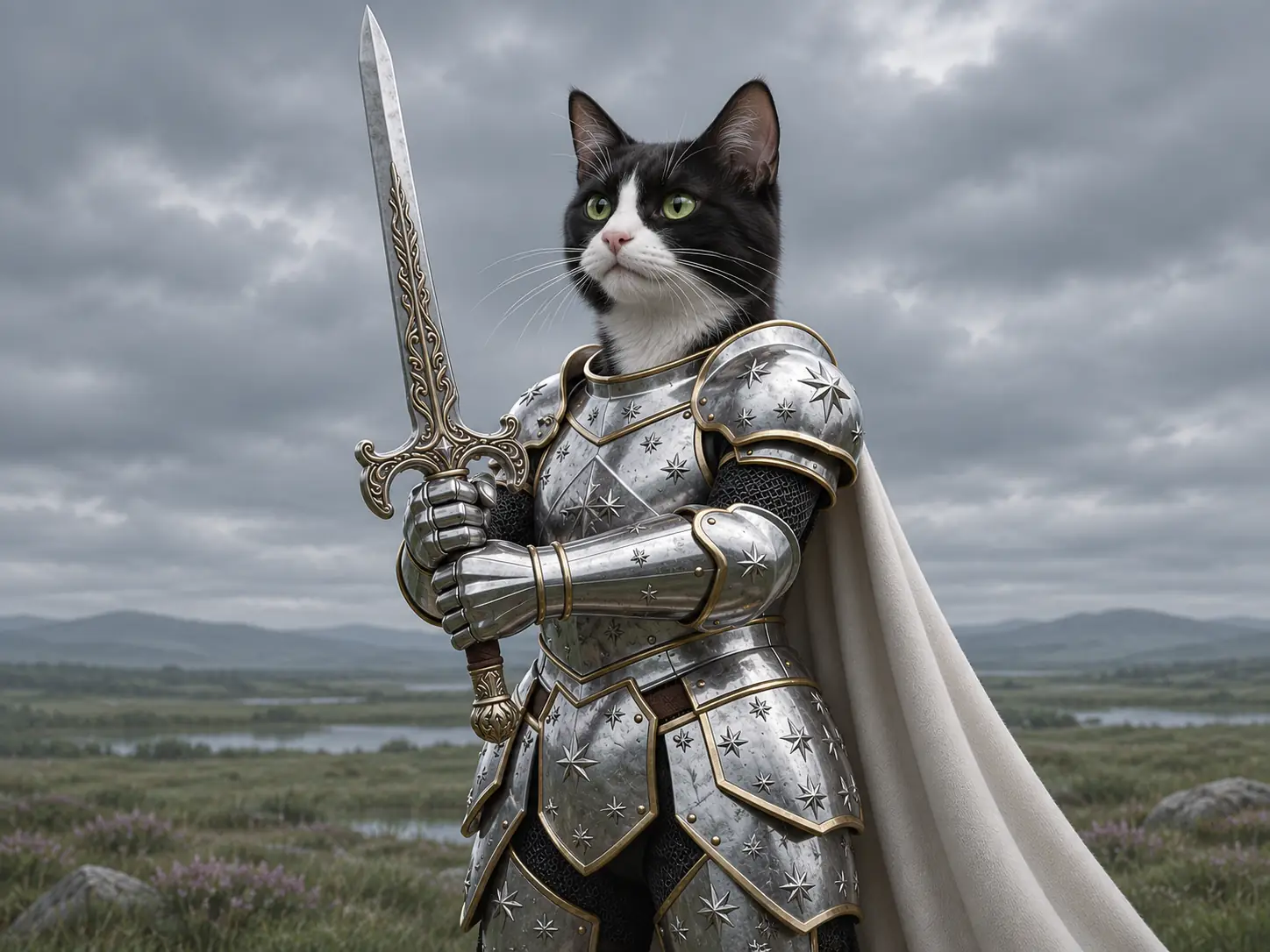
An Ornate Upright Sword
Both armored hands hold a long decorative sword beside the face. The engraved blade and sculpted guard form a strong vertical element in the peaceful knightly pose.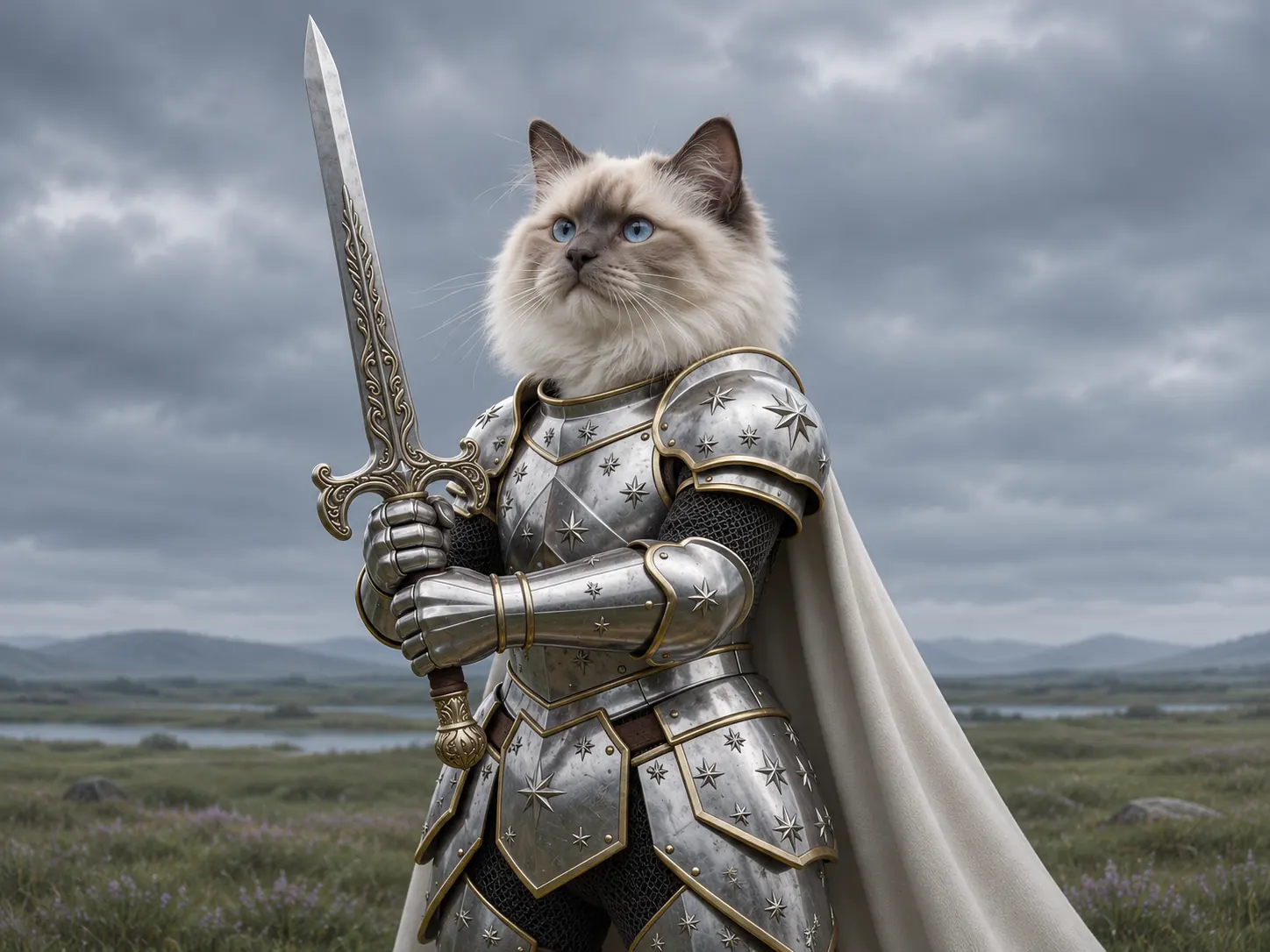
Ivory Cape and Cloudy Skies
An ivory cape falls behind the armor against a muted grassy landscape. Soft overcast light highlights metal and fur while keeping the background atmospheric.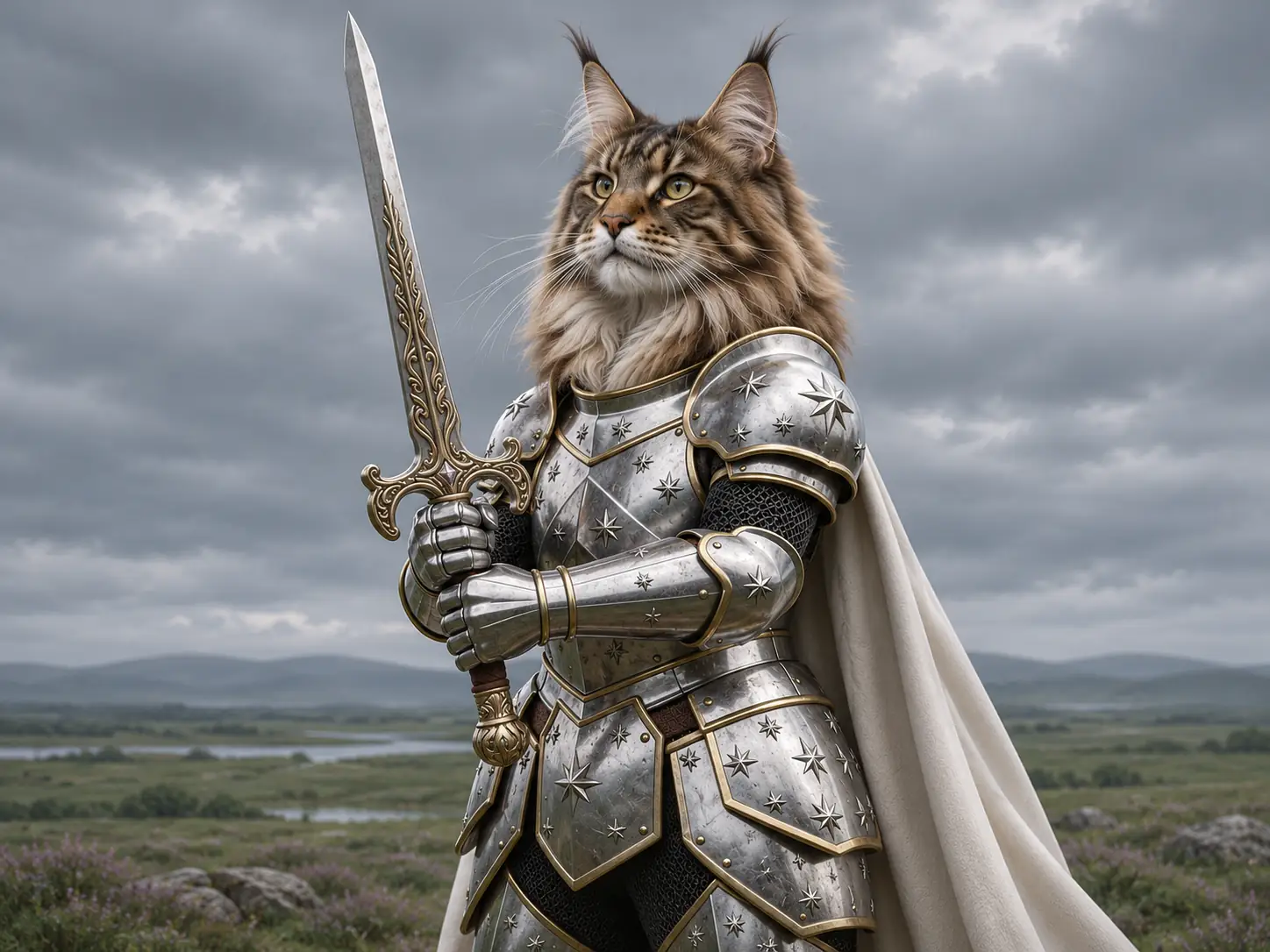
More Valuable Features from Dreamface
AI Kiss
Create AI kiss animations from photos.
AI Hug
Bring photos together in an AI-generated virtual hug.
Pet Video Animation
Turn pet photos into animated video content.
AI Video Maker
Explore AI tools for creating video content.
Frequently Asked Questions
What is the Praetorian AI filter?
Praetorian turns a cat photo into a fantasy knight portrait with star-engraved silver armor, gold trim, an ornate sword, and an ivory cape against a cloudy landscape.
What photo should I upload?
Use one sharp photo of a single cat with its face and ears visible. Even lighting and an unobstructed view help the model interpret the feline features.
Does my cat need to wear a costume?
No. The armor, sword, and cape are generated as part of the effect. A regular cat photo is the starting point.
Can I use cats with different fur colors?
You can try source photos of cats with different coats and facial features. The generated fur pattern and appearance may vary, so review the result for your particular cat.
Is this a historically accurate Roman uniform?
The shown effect uses decorative fantasy plate armor, star engravings, a long sword, and an ivory cape. It is a stylized knight portrait rather than a historical reconstruction.
Will my cat look exactly the same in the result?
AI-generated facial details, fur markings, and proportions may differ from the source. A clear cat photo can help, but exact likeness is not guaranteed.