
Download the DreamFace App to Create Anywhere

Download on
App Store

Download on
Google Play

Install APK on
Android
Language
English- English
- Português
- 简体中文
- 繁體中文
- 日本語
- Español
- Bahasa Indonesia
- ไทย
- Tiếng Việt
- हिन्दी
- Русский
- Italiano
- 한국어
- मराठी
- Nederlands
- Norsk
- ਪੰਜਾਬੀ
- Polski
- Dansk
- Suomi
- Français
- Deutsch
- Svenska
- Kiswahili
- తెలుగు
- Türkçe
- বাংলা
- اردو
- العربية
- فارسی
- Ελληνικά
Language
Riding a motorcycle
Upload Image
Click to upload an image
Try with our sample images
Sample Filter


4.9

Chrome Store

Global Users

4.9
Apple Store
Trusted by Leading Institutions Worldwide












How to Make a Motorcycle Rider Photo
step 1 Upload One Clear Portrait
Upload one front-facing photo with a visible face and clean lighting for the best motorcycle rider result.
step 2 Choose Riding a motorcycle
Select Riding a motorcycle to apply the sportbike, racetrack, and racing-suit look to your image.
step 3 Generate and Share
Create your final motorcycle rider photo, then download it or share it anywhere you like.
Why This Motorcycle Rider Filter Stands Out
Racetrack Lean and Speed
Creates a high-energy track-day look with a leaned riding pose, bright daylight, and the visual rush of a fast corner.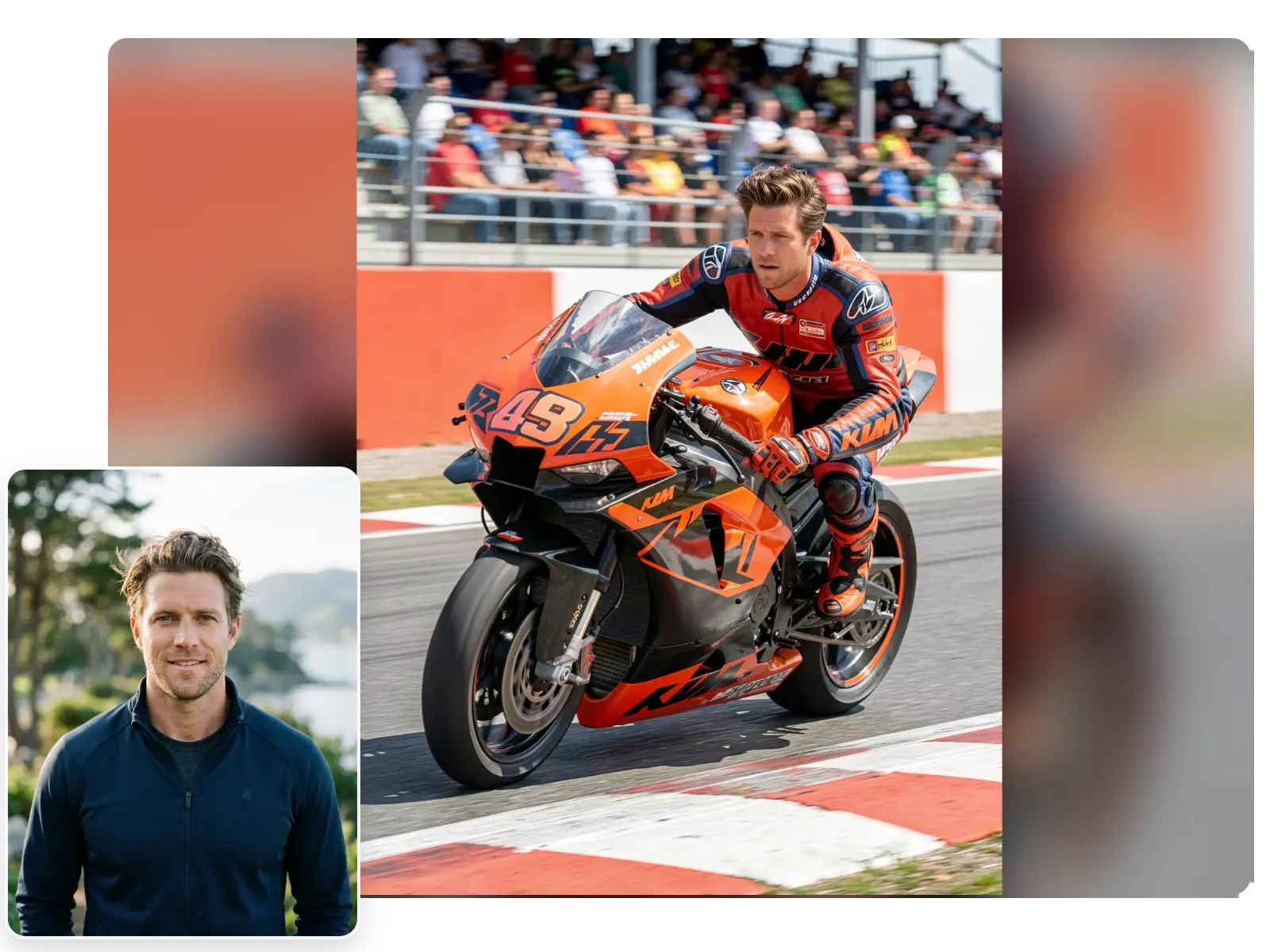
Sportbike and Racing Gear Style
Builds in the sharp fairing, racing suit, gloves, and performance styling that make the result feel like a superbike portrait.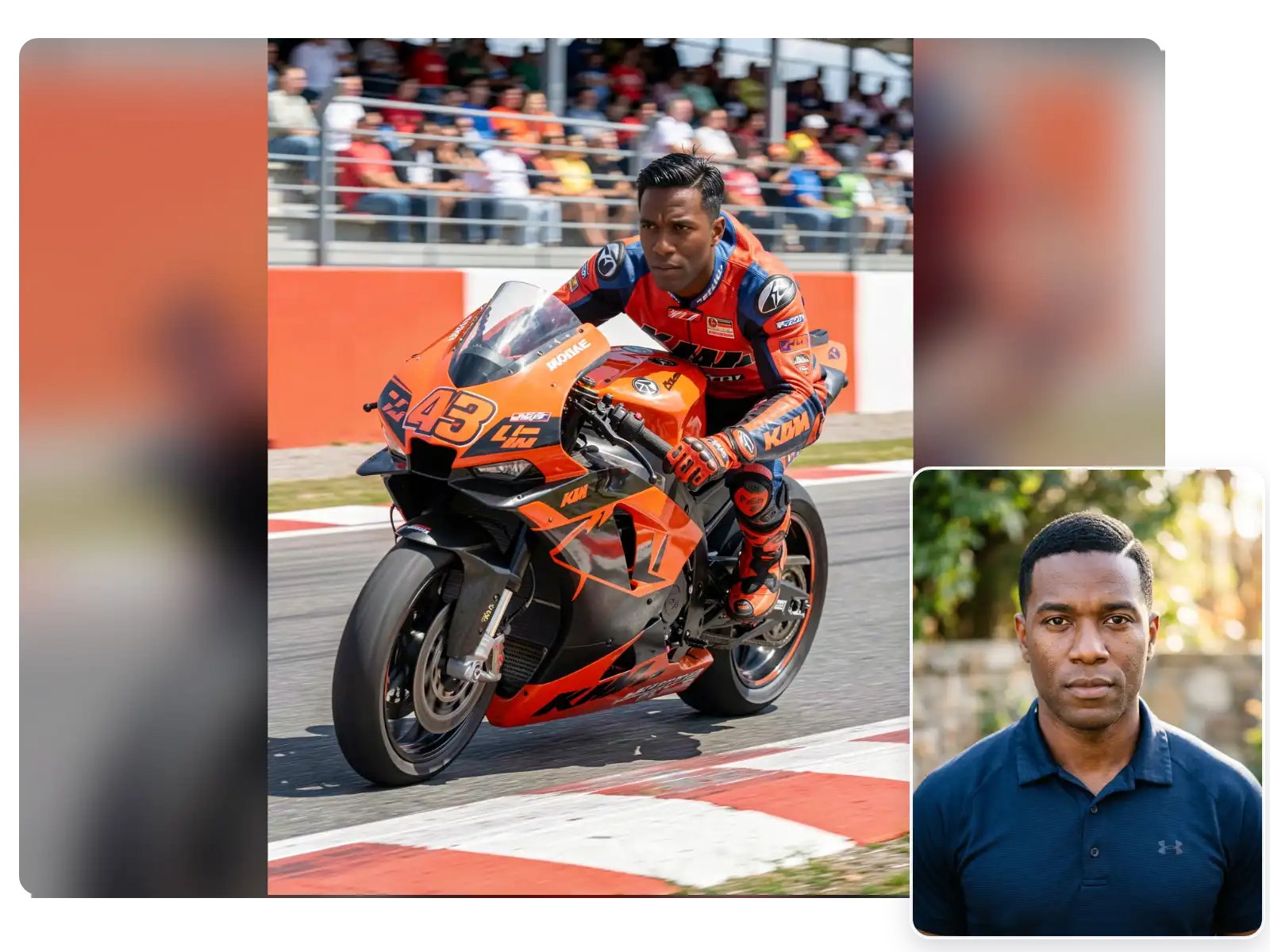
Made for Solo Rider Photos
Works best for one-person portraits with a clear face, focused expression, and enough room to shape a confident rider composition.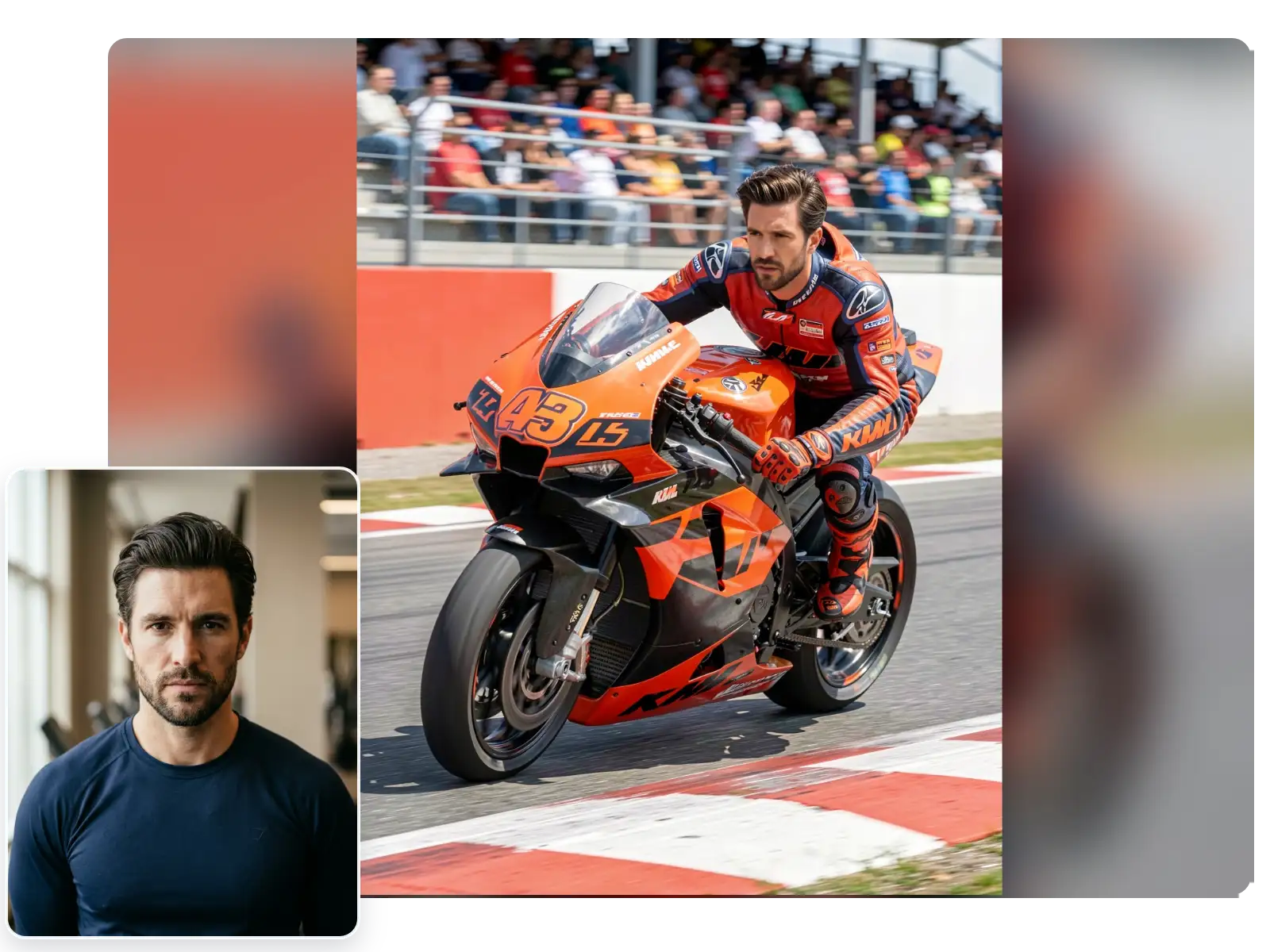
One Photo, Fast Result
Upload one image, choose the filter, and generate a polished motorcycle rider edit in just a few clicks.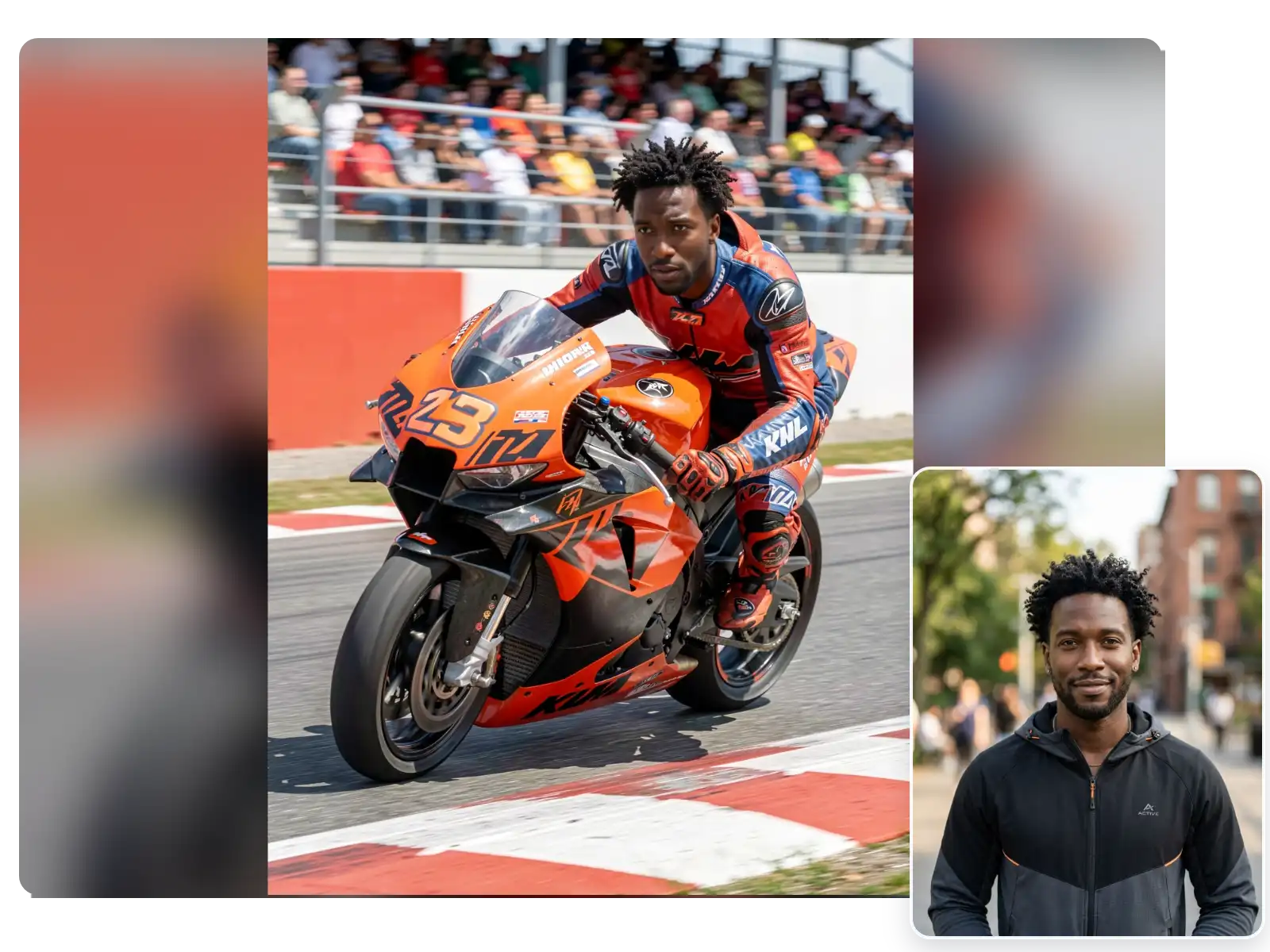
More Valuable Features from Dreamface
AI Filter
Try more stylized and realistic photo looks when you want to compare this racing portrait with other creative filters.
Photo Enhancer
Sharpen faces, suit textures, and lighting before generating your motorcycle rider image for a cleaner final result.
AI Image to Video
Animate your finished rider image into a motion-rich clip when you want the track-day energy to keep moving.
Background Remover
Remove distracting backgrounds before applying the filter to keep attention on the rider, bike, and racing mood.
Frequently Asked Questions
Can this filter turn my photo into a racetrack motorcycle rider scene?
Yes. This template is designed to turn a clear solo portrait into a fast racetrack rider look with a sportbike feel and track-day energy.
Do I need a real motorcycle or helmet in my original photo?
No. A real motorcycle or helmet is not required. A clean single-person portrait with a visible face gives the filter more room to build the rider look.
What kind of photo works best for the Riding a motorcycle filter?
Use one clear portrait with a visible face, simple background, and good lighting. Sharp facial detail helps the filter create a stronger rider result.
Will the result keep my face visible under the racing look?
Yes. The filter is built to keep your face readable while adding the racing mood, track setting, and motorcycle rider styling around it.
Can I use this filter for sportbike or superbike-style edits?
Yes. It fits sporty portrait edits well and is especially useful when you want a sharp sportbike or superbike-inspired result instead of a casual biker look.
Is Riding a motorcycle free to try?
Yes. You can try Riding a motorcycle online and see whether the result fits your photo before deciding if you want more generations or tools.