
Download the DreamFace App to Create Anywhere

Download on
App Store

Download on
Google Play

Install APK on
Android
Language
English- English
- Português
- 简体中文
- 繁體中文
- 日本語
- Español
- Bahasa Indonesia
- ไทย
- Tiếng Việt
- हिन्दी
- Русский
- Italiano
- 한국어
- मराठी
- Nederlands
- Norsk
- ਪੰਜਾਬੀ
- Polski
- Dansk
- Suomi
- Français
- Deutsch
- Svenska
- Kiswahili
- తెలుగు
- Türkçe
- বাংলা
- اردو
- العربية
- فارسی
- Ελληνικά
Language
Ruby Birthday
Upload Image
Click to upload an image
Try with our sample images
Sample Filter


4.9

Chrome Store

Global Users

4.9
Apple Store
Trusted by Leading Institutions Worldwide











How to Use the Ruby Birthday AI Filter
step 1 Upload Your Portrait
Add one clear photo with a single unobstructed face. Choose a sharp, well-lit image for readable facial details.
step 2 Generate Your Ruby Birthday Portrait
Select Generate to apply the Ruby Birthday scene to your uploaded photo.
step 3 Review Your Birthday Scene
View the generated result and check the face and scene details. If needed, try a clearer source portrait for another result.
Key Features of Ruby Birthday
Ruby-Red Heart Balloons
Reflective heart-shaped balloons frame the subject against a soft cream wall. Their rich red color gives the birthday portrait a warm, romantic backdrop.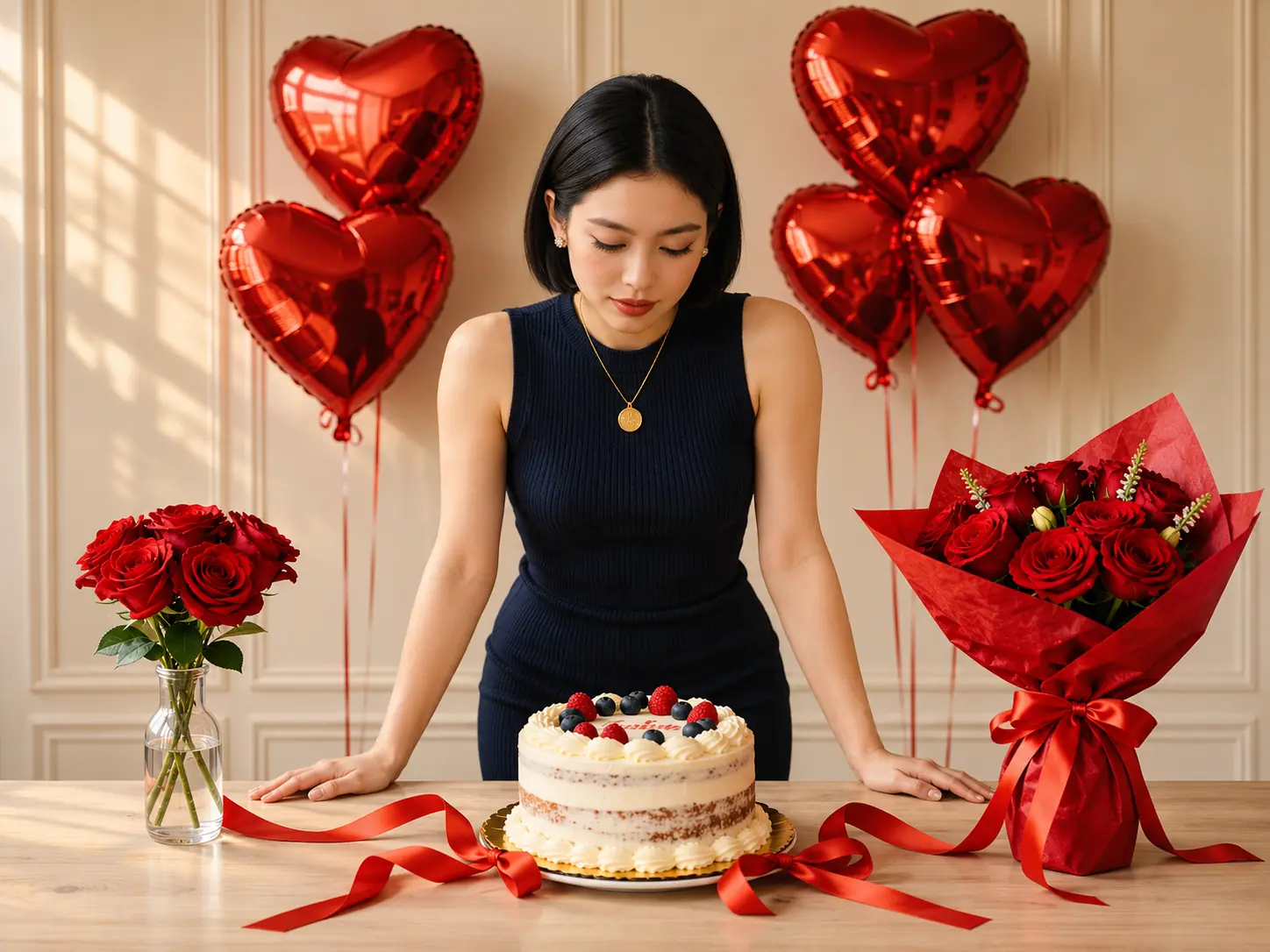
Roses and Satin Ribbons
A small vase of red roses and a larger wrapped bouquet flank the scene. Flowing red satin ribbons across the table tie the floral details together.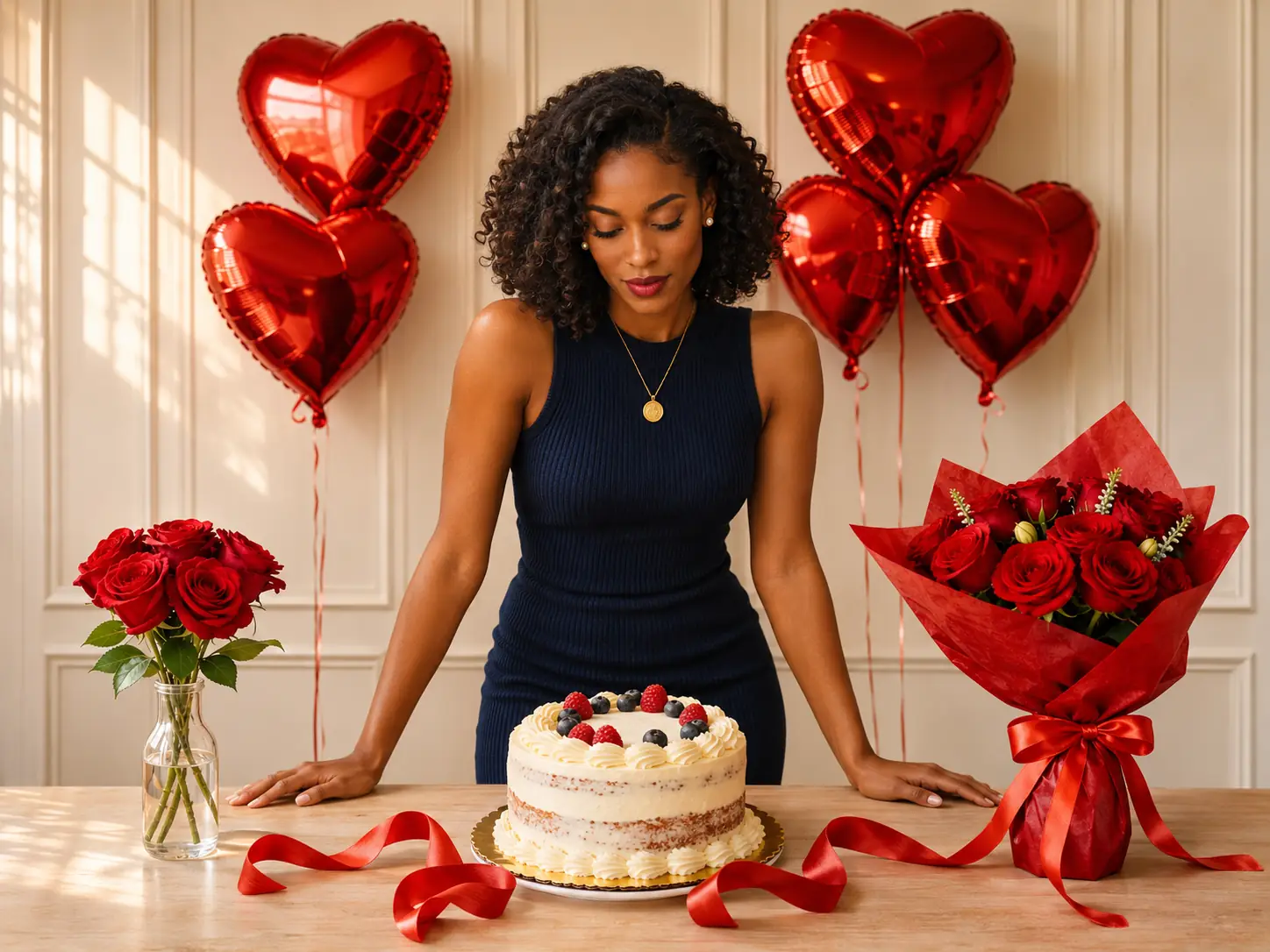
A Berry-Topped Birthday Cake
A cream-frosted layer cake topped with raspberries and blueberries anchors the foreground. The downward gaze and hands resting on the table create a quiet celebratory moment.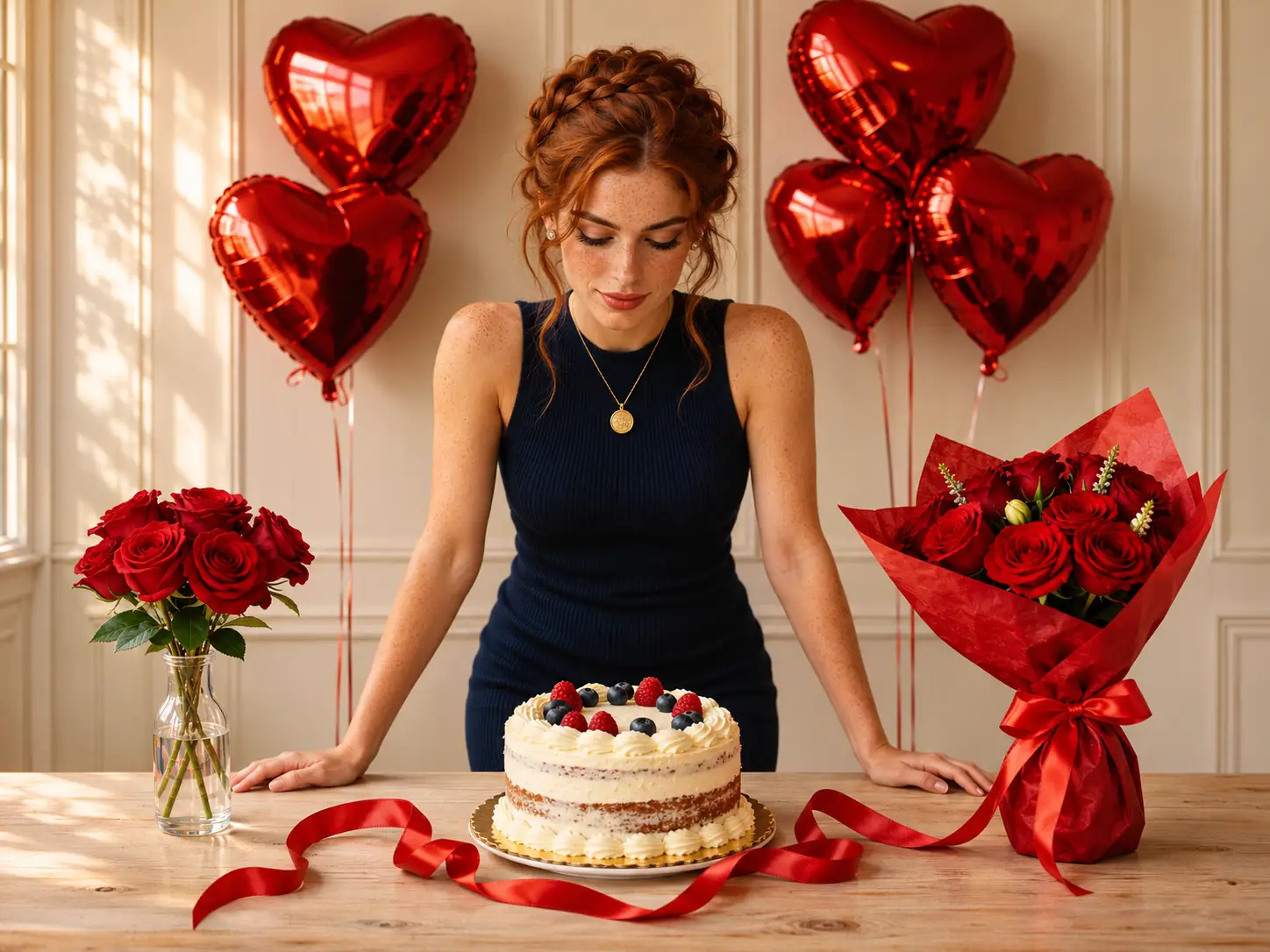
Elegant Styling in Warm Light
A sleeveless navy dress, small earrings, and a round gold pendant balance the vivid red decorations. Soft warm light brings out the textures of the flowers, fabric, and cake.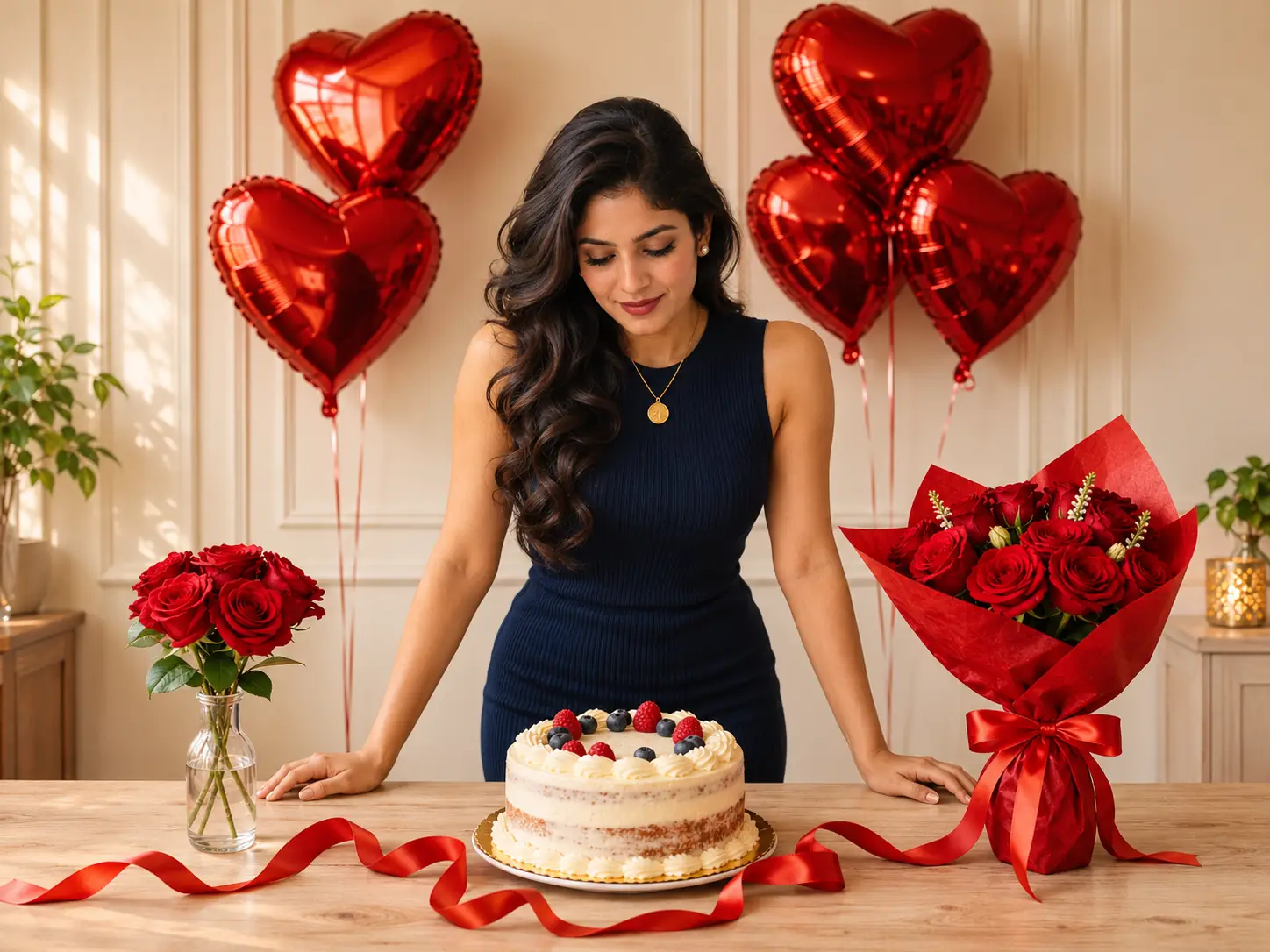
More Valuable Features from Dreamface
AI Kiss
Create AI kiss animations from photos.
AI Hug
Bring photos together in an AI-generated virtual hug.
Pet Video Animation
Turn pet photos into animated video content.
AI Video Maker
Explore AI tools for creating video content.
Frequently Asked Questions
What is the Ruby Birthday AI filter?
Ruby Birthday creates a birthday portrait with red heart-shaped balloons, rose bouquets, satin ribbons, and a berry-topped cake. The subject wears a navy dress and gold pendant in a softly lit indoor setting.
How many photos should I upload?
This template has one upload area. Add one clear portrait with a single visible face.
Do I need a birthday cake or decorations in my original photo?
No. The cake, balloons, roses, and ribbons are part of the template scene, so a regular portrait can serve as the source.
Do I need to wear a navy dress?
The navy dress and gold pendant belong to the effect styling. You do not need to recreate that outfit in your source photo, though generated clothing details may vary.
Which source photos work best?
Use a sharp portrait with even lighting and an unobstructed face. Avoid sunglasses, heavy beauty filters, strong shadows, and tightly cropped facial features.
Will the result preserve my exact appearance?
AI-generated facial details, expressions, and scene elements can vary. Review the result and try another clear source photo if the first portrait does not represent you as intended.