
Download the DreamFace App to Create Anywhere

Download on
App Store

Download on
Google Play

Install APK on
Android
Language
English- English
- Português
- 简体中文
- 繁體中文
- 日本語
- Español
- Bahasa Indonesia
- ไทย
- Tiếng Việt
- हिन्दी
- Русский
- Italiano
- 한국어
- मराठी
- Nederlands
- Norsk
- ਪੰਜਾਬੀ
- Polski
- Dansk
- Suomi
- Français
- Deutsch
- Svenska
- Kiswahili
- తెలుగు
- Türkçe
- বাংলা
- اردو
- العربية
- فارسی
- Ελληνικά
Language
Silent Morning News
Upload Image
Click to upload an image
Try with our sample images
Sample Filter


4.9

Chrome Store

Global Users

4.9
Apple Store
Trusted by Leading Institutions Worldwide












How to Create a Silent Morning News Portrait
step 1 Upload One Portrait
Upload one clear face photo with simple lighting. A centered portrait gives Silent Morning News a stronger newspaper-scene result.
step 2 Choose Silent Morning News
Select the Silent Morning News filter to apply its newspaper-reading setup, vintage monochrome tone, and quiet editorial mood.
step 3 Generate and Download
Create your image, then download or share the finished portrait once the newspaper scene and benchside styling are ready.
Why Silent Morning News Stands Out
Newspaper-Reading Editorial Scene
Place your portrait into a composed newspaper-reading moment with tailored styling, seated posture, and a story-led city look that feels quiet and intentional.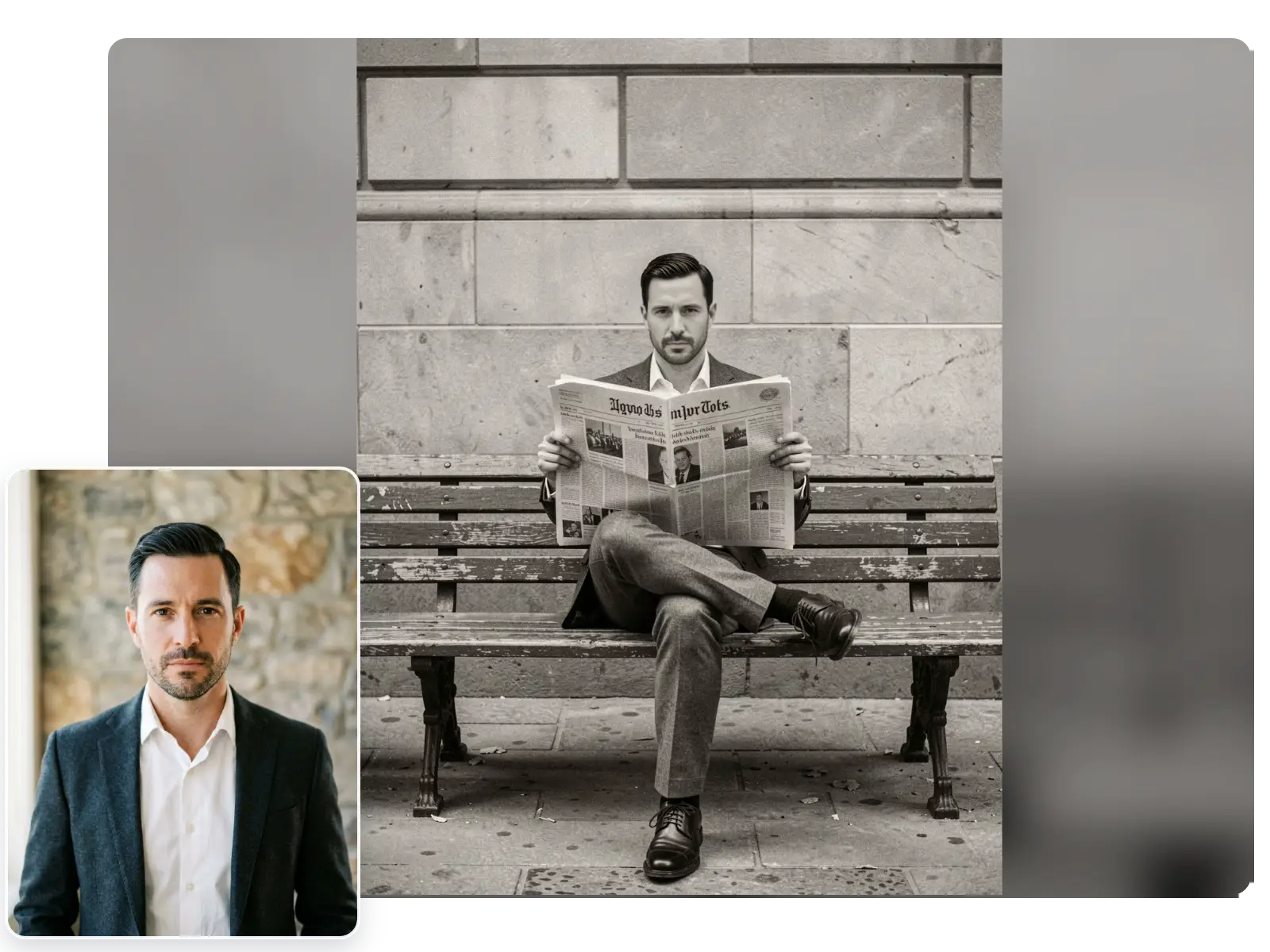
Vintage Monochrome News Mood
Keep the old-paper atmosphere with black-and-white tones, soft contrast, and subtle texture that echo classic press photography instead of a generic portrait edit.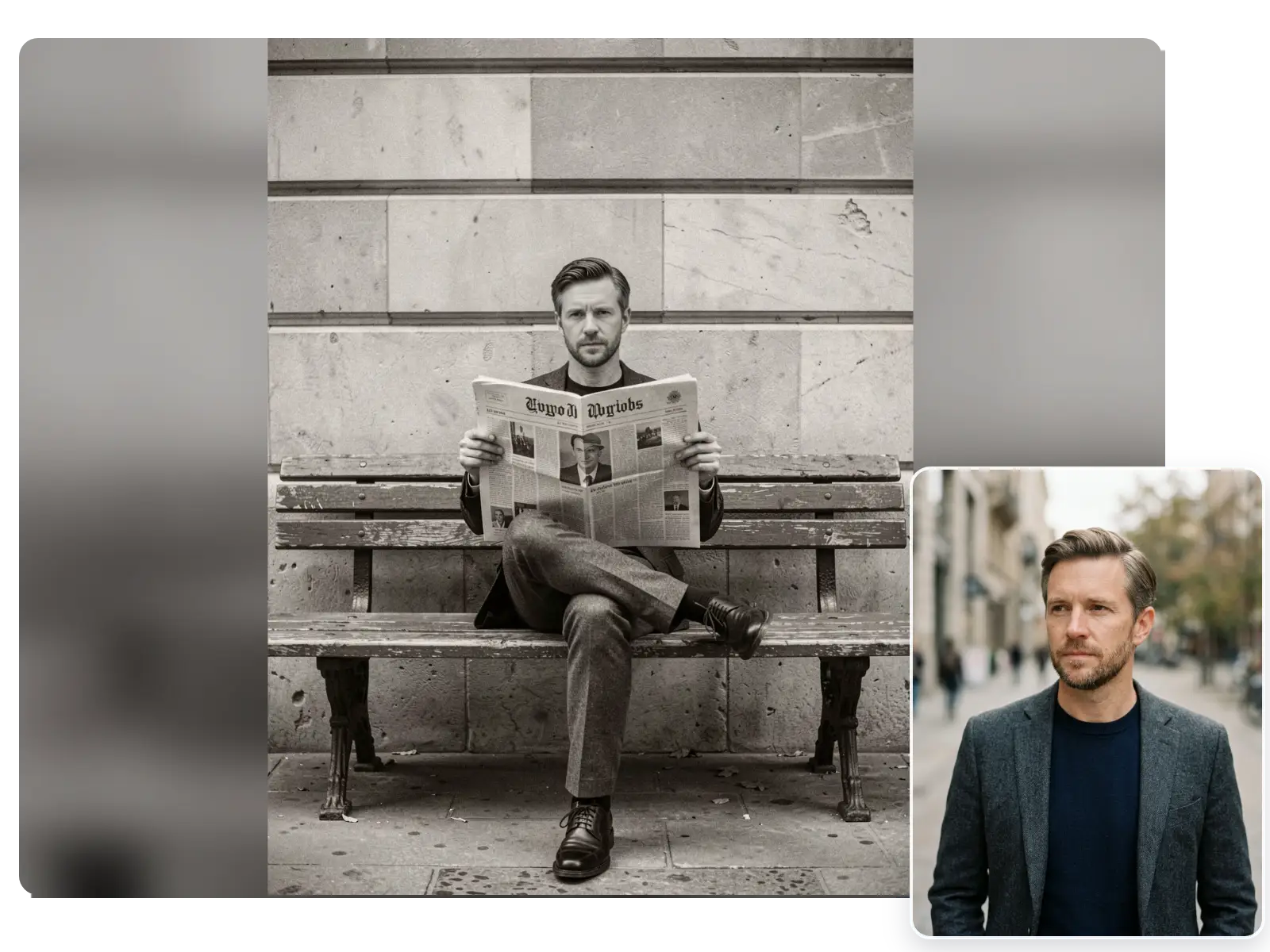
Benchside City Composition
This template suits photos that can carry a calm, front-facing pose, translating them into a balanced bench portrait with architectural backdrop cues and refined spacing.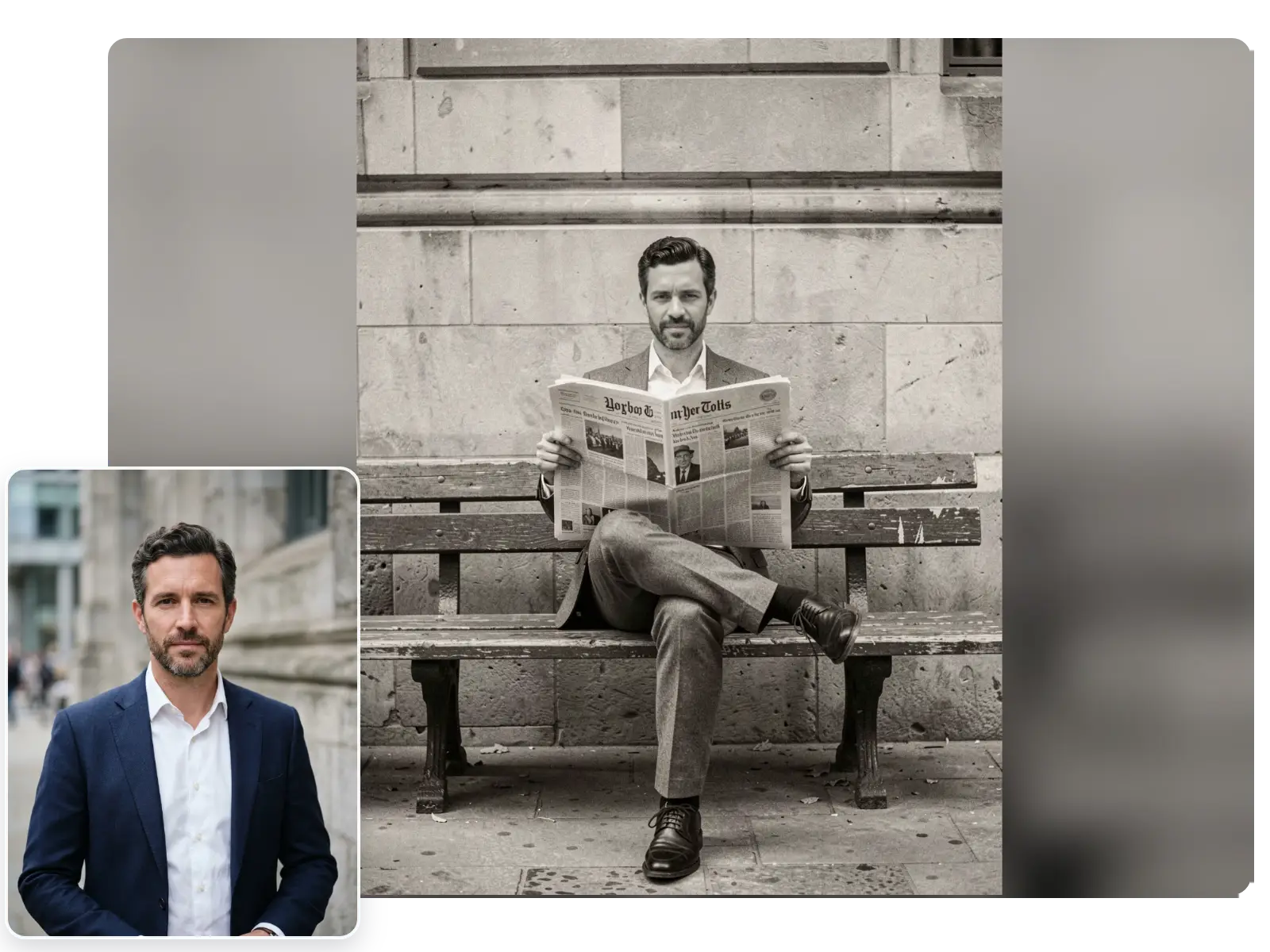
One Photo, Fast Makeover
Upload one clear portrait, apply Silent Morning News, and generate a polished result you can download or share in just a few clicks.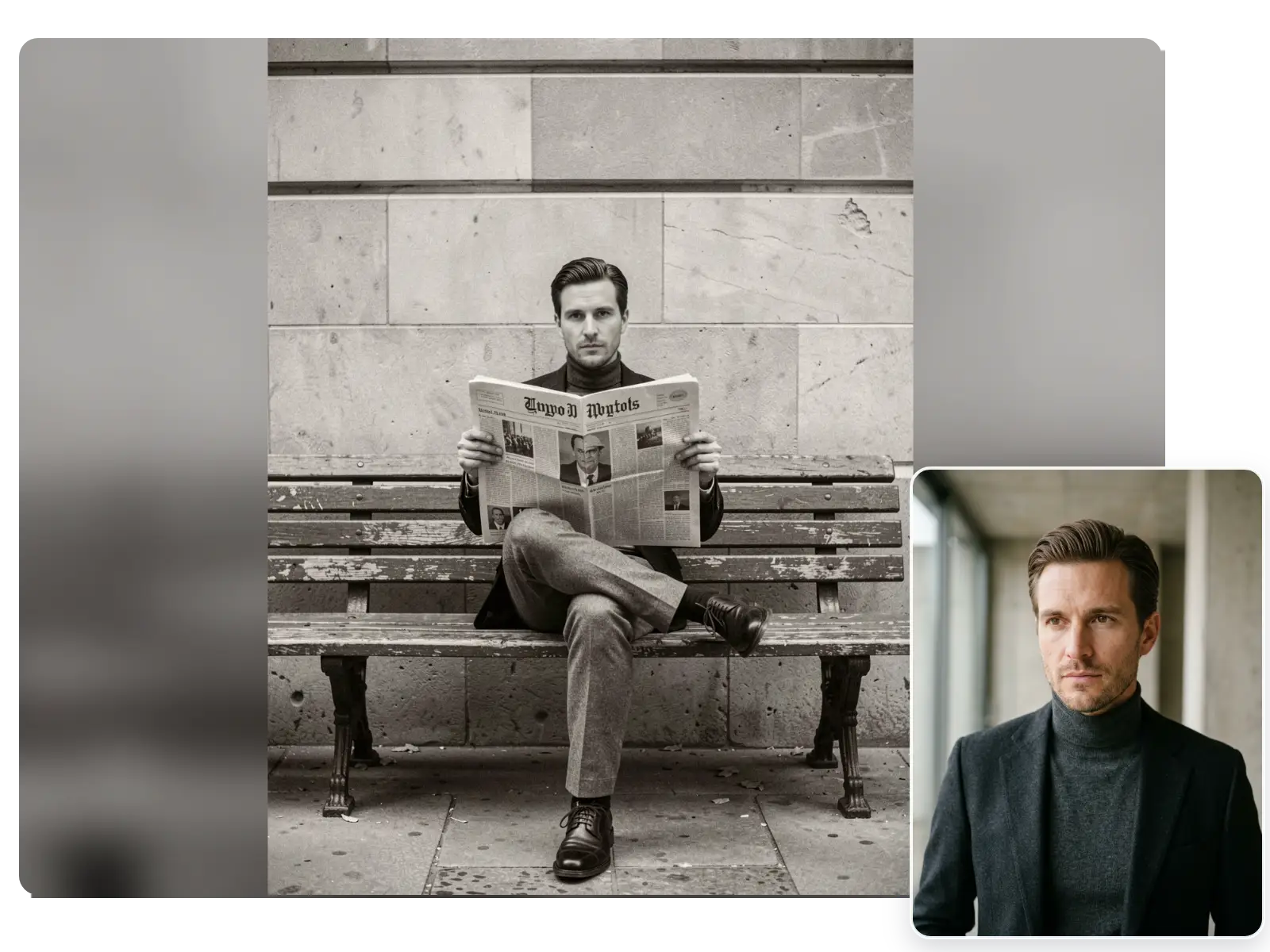
More Valuable Features from Dreamface
AI Filter
Try more portrait styles and scene-based looks when you want alternatives to the newspaper-reading aesthetic.
Text to Image
Create original vintage editorials, city scenes, or monochrome concepts from prompts when you want to expand the Silent Morning News mood beyond one template.
Photo Enhancer
Sharpen facial detail and clean up soft uploads before applying Silent Morning News for a crisper editorial result.
Background Remover
Isolate your subject before styling when you want cleaner edges and more flexible portrait inputs for scene-based filters.
Frequently Asked Questions
What kind of photo works best for Silent Morning News?
A clear solo portrait with your face easy to see works best. Front-facing photos with simple lighting help the filter place you naturally into the seated newspaper scene.
Does Silent Morning News always create a black-and-white look?
Yes. The template leans into a vintage monochrome editorial style, so the muted black-and-white palette is part of what creates its calm morning-news atmosphere.
Can this filter keep a serious, calm expression?
Yes. Neutral or slightly thoughtful expressions usually fit this template best and help the result feel like a quiet morning paper portrait instead of a playful pose.
Will the result include the newspaper and bench scene?
The template is designed around a seated newspaper-reading setup with a city-style bench and architectural background cues, so those story elements are part of the final visual identity.
Do I need more than one image to use this filter?
No. Silent Morning News is a one-photo template, so you only need to upload a single portrait to get started.
Can I download and share the final image?
Yes. Once your image is generated, you can download it and share it anywhere you like.