
Download the DreamFace App to Create Anywhere

Download on
App Store

Download on
Google Play

Install APK on
Android
Language
English- English
- Português
- 简体中文
- 繁體中文
- 日本語
- Español
- Bahasa Indonesia
- ไทย
- Tiếng Việt
- हिन्दी
- Русский
- Italiano
- 한국어
- मराठी
- Nederlands
- Norsk
- ਪੰਜਾਬੀ
- Polski
- Dansk
- Suomi
- Français
- Deutsch
- Svenska
- Kiswahili
- తెలుగు
- Türkçe
- বাংলা
- اردو
- العربية
- فارسی
- Ελληνικά
Language
Sky Swing
Upload Image
Click to upload an image
Try with our sample images
Sample Filter


4.9

Chrome Store

Global Users

4.9
Apple Store
Trusted by Leading Institutions Worldwide












How to Use the Sky Swing Effect
step 1 Upload Your Photo
Upload a clear photo of yourself for the AI to place you naturally on a sky-high swing.
step 2 Apply Sky Swing Effect
Select the Sky Swing effect. The AI automatically creates a floating swing scene with clouds and bright tones.
step 3 Generate & Share
Click Create to generate your sky-swinging photo and share it as a dreamy, playful post.
Key Features of the Sky Swing Effect
Floating in the Sky
The Sky Swing effect turns your photo into a dreamy scene with your character swinging high in the sky among soft clouds.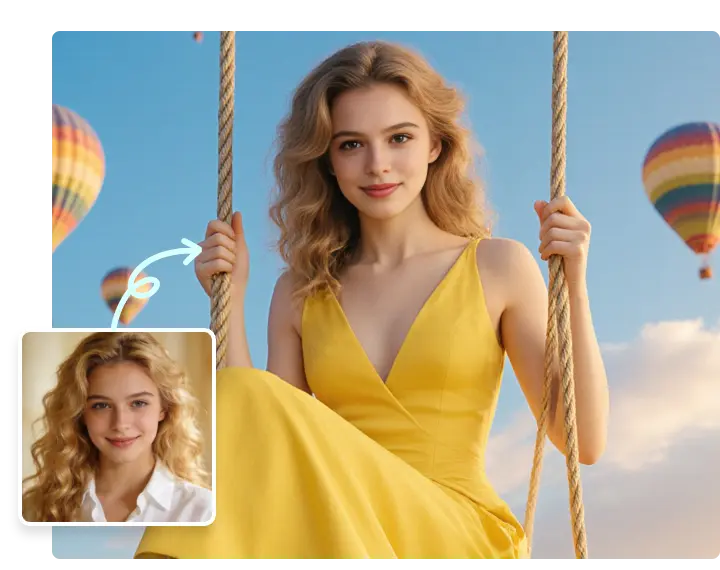
Airy & Dreamy Atmosphere
Inspired by sky and cloud aesthetics, the filter creates a light, floating environment with bright tones and playful vibes.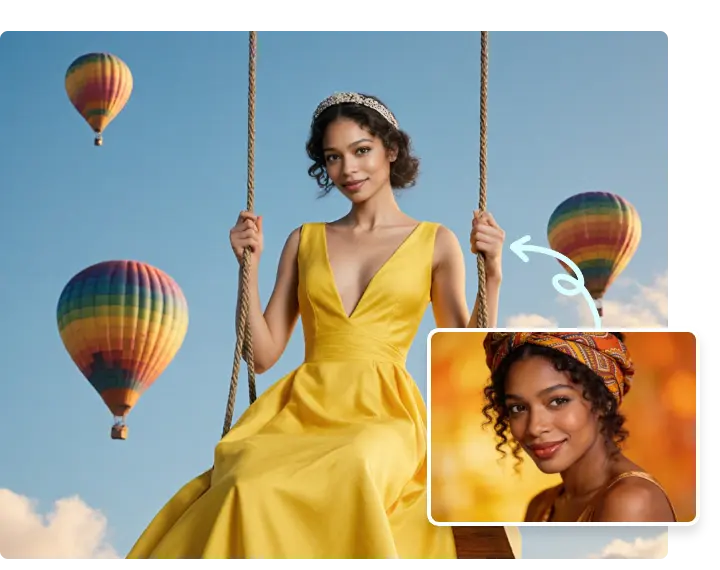
Natural Lighting & Joyful Expression
AI applies soft lighting, balanced colors, and happy expressions to make the photo feel airy and dreamlike.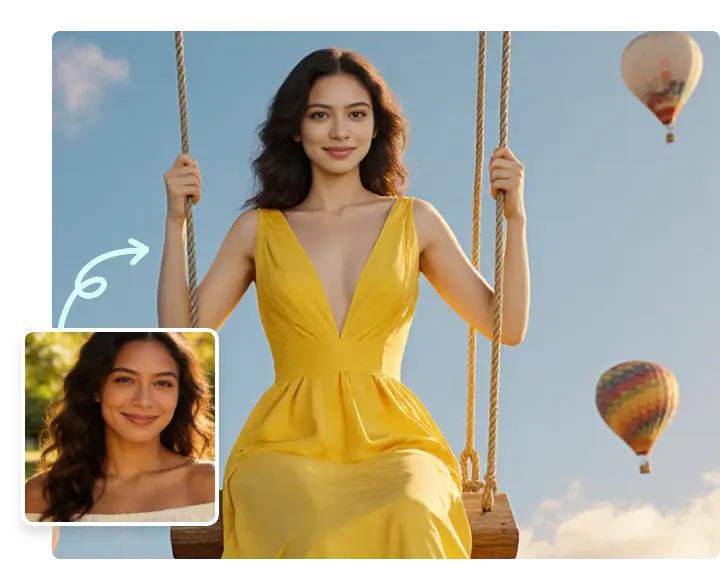
One-Click Sky Swing Scene
No photography or editing skills needed. Apply the Sky Swing effect once and instantly appear swinging in the sky.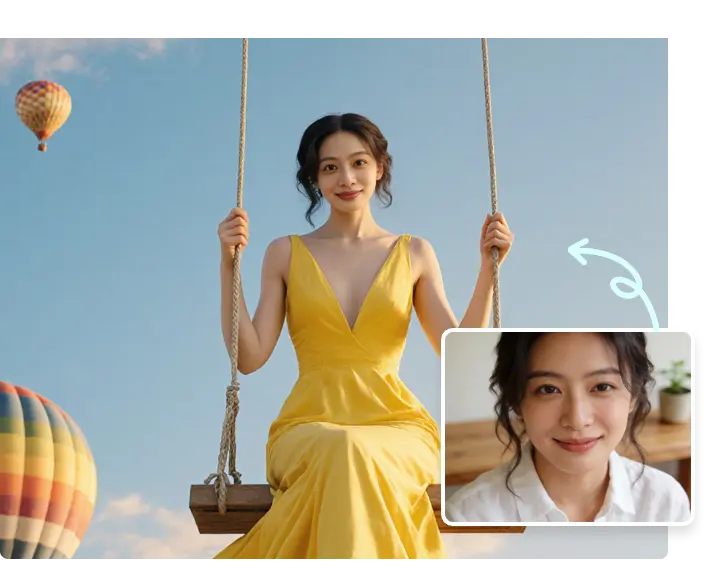
More Valuable Features from Dreamface
AI Kiss
Create emotionally impactful kiss animations with AI, bringing characters closer in a realistic and expressive way.
AI Hug
A digital AI experience to send virtual hugs for comfort and joy.
Pet Video Animation
Animate your pets in fun, lifelike scenarios, turning them into captivating video content.
AI Video Maker
A versatile tool for professional-grade video creation.
Frequently Asked Questions
What is the Sky Swing effect?
The Sky Swing effect is an AI photo filter that places your character swinging high in the sky among soft clouds.
What photos work best with this effect?
Clear portrait or half-body photos work best, allowing the AI to integrate you naturally into the floating swing scene.
Does it look like a dreamy sky scene?
Yes. The effect focuses on soft lighting, airy backgrounds, and playful swing motion for a whimsical feel.
Do I need editing or photography skills?
No. Simply upload your photo and apply the Sky Swing effect—the AI handles composition, lighting, and scene creation automatically.
Is the Sky Swing effect free?
Yes, you can try it for free. Premium plans unlock higher quality results and faster processing.