
Download the DreamFace App to Create Anywhere

Download on
App Store

Download on
Google Play

Install APK on
Android
Language
English- English
- Português
- 简体中文
- 繁體中文
- 日本語
- Español
- Bahasa Indonesia
- ไทย
- Tiếng Việt
- हिन्दी
- Русский
- Italiano
- 한국어
- मराठी
- Nederlands
- Norsk
- ਪੰਜਾਬੀ
- Polski
- Dansk
- Suomi
- Français
- Deutsch
- Svenska
- Kiswahili
- తెలుగు
- Türkçe
- বাংলা
- اردو
- العربية
- فارسی
- Ελληνικά
Language
Studio suit
Upload Image
Click to upload an image
Try with our sample images
Sample Filter


4.9

Chrome Store

Global Users

4.9
Apple Store
Trusted by Leading Institutions Worldwide









How to Make a Studio Suit Portrait
step 1 Upload One Portrait
Start with one clear solo photo where your face is easy to see.
step 2 Choose Studio suit
Select the Studio suit filter to apply the spotlight studio and tailored menswear look.
step 3 Create and Share
Generate your suit portrait, then download it or share it anywhere you want.
Why Try the Studio Suit Filter
Spotlight Studio Drama
Create a solo portrait with a focused overhead spotlight, deep studio shadows, and the commanding face-first composition that makes this template feel polished and cinematic without looking generic.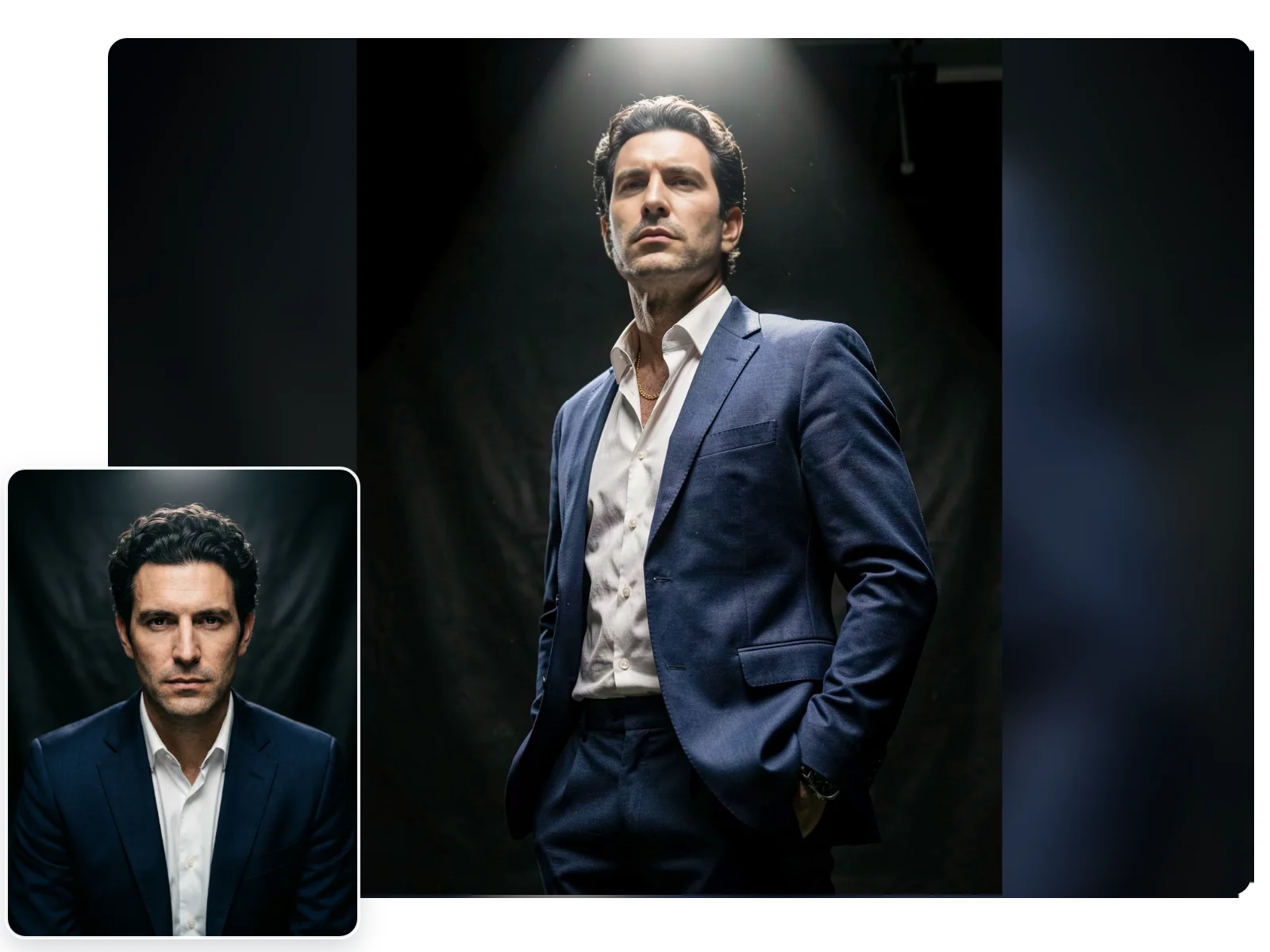
Tailored Suit Editorial Look
Transform your photo into a refined navy-suit portrait with crisp lapels, an open-collar shirt, and the sleek menswear styling that gives the result a premium editorial finish.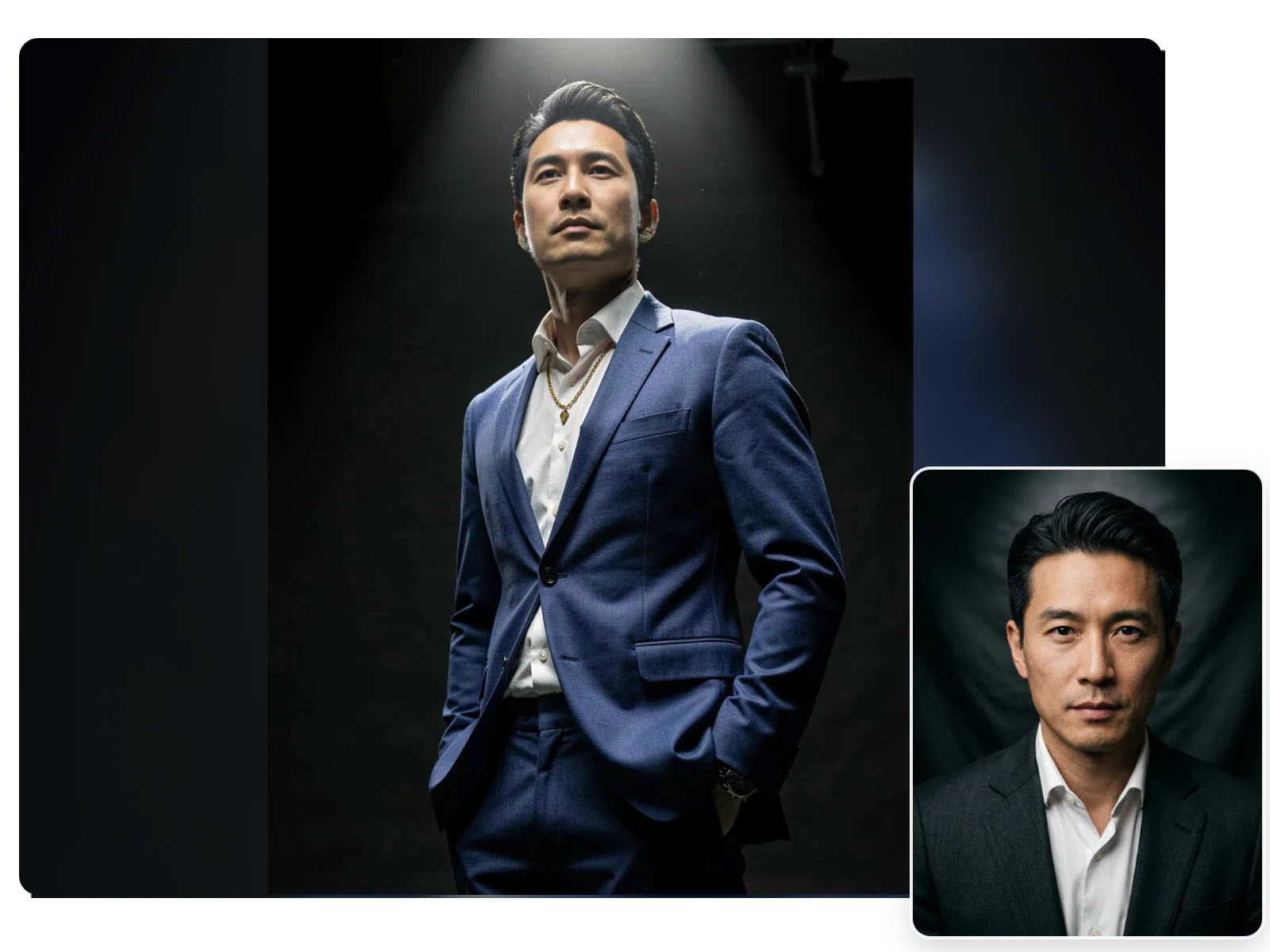
Built for Strong Solo Profiles
This filter works best for one clear portrait when you want a confident, studio-led result for profile photos, fashion-inspired posts, or polished personal branding images.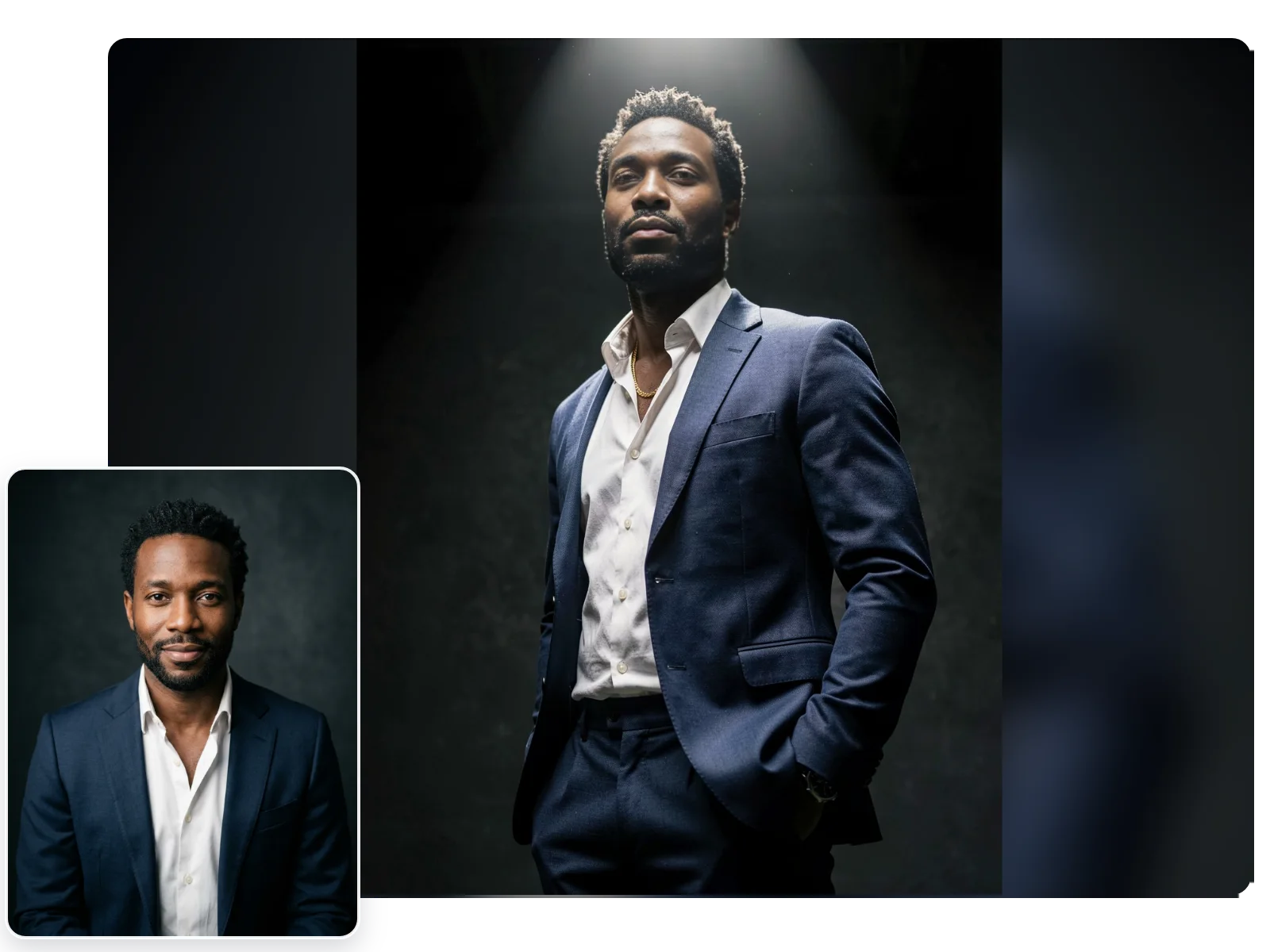
Fast One-Photo Creation
Upload a single image, apply the Studio suit filter, and generate a ready-to-share portrait in just a few steps without needing a real studio setup.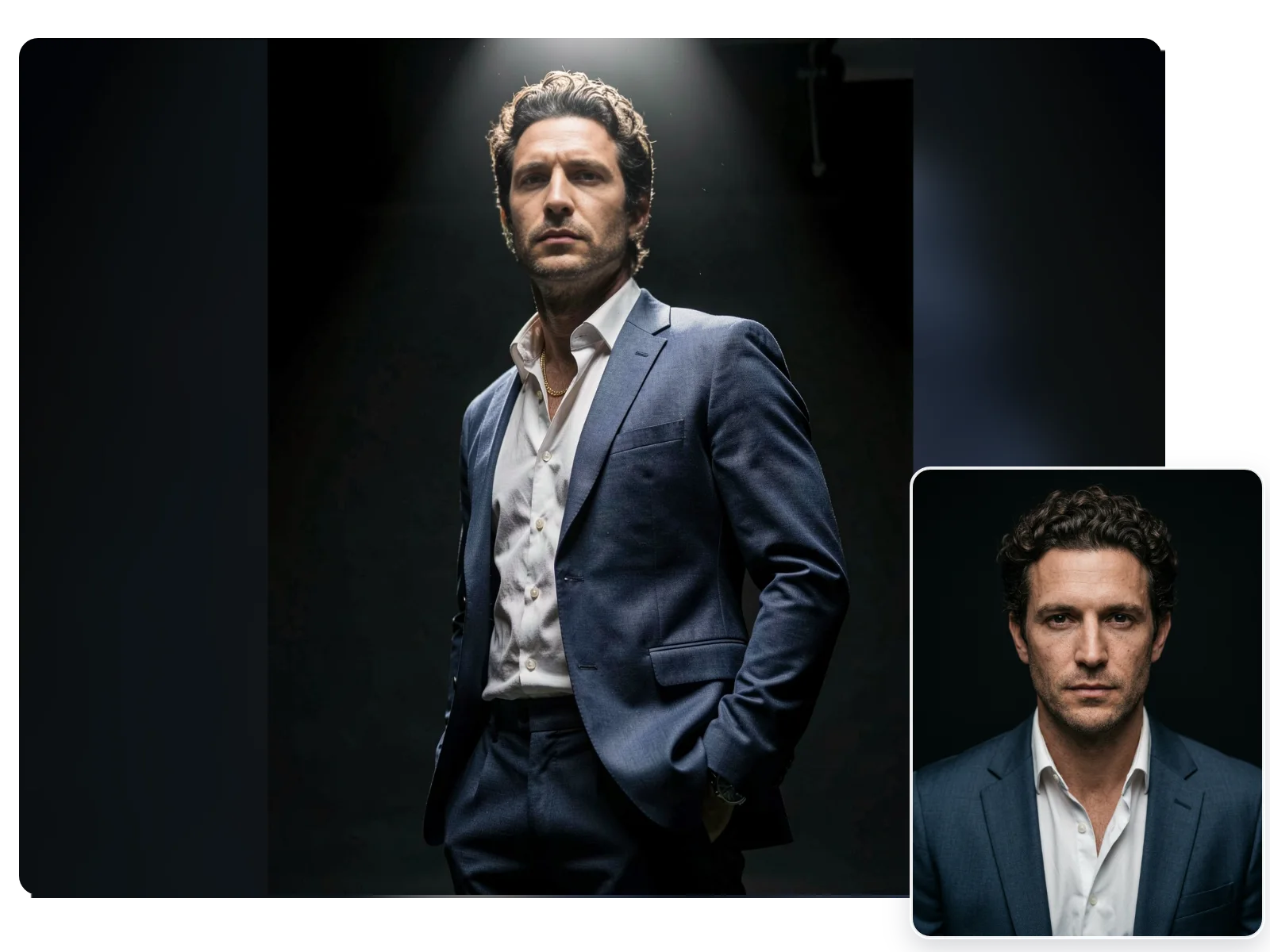
More Valuable Features from Dreamface
AI Kiss
Create emotionally impactful kiss animations with AI, bringing characters closer in a realistic and expressive way.
AI Hug
A digital AI experience to send virtual hugs for comfort and joy
Pet Video Animation
Animate your pets in fun, lifelike scenarios, turning them into captivating video content.
AI Video Maker
A versatile tool for professional-grade video creation.
Frequently Asked Questions
Can a casual selfie still work with the Studio suit filter?
Yes. A clear front-facing selfie usually works well, because the filter mainly adds the tailored suit styling, dark studio backdrop, and focused spotlight mood around your face.
Who looks best in the Studio suit portrait style?
This template is built around a sharp menswear portrait, so it is strongest for single adult photos that suit a confident, tailored look. The clearer the face and posture, the better the result.
Do darker photos still work for the spotlight studio look?
Usually yes. The filter can add the spotlight effect for you, but a photo with visible facial details will give cleaner contrast and a more natural studio finish.
Will my face still look natural in this dramatic lighting?
The goal is a realistic face with stronger contrast, not an over-edited mask. Use a sharp solo portrait and the filter will keep the result closer to an editorial photo than a heavy effect.
Why does this filter look more editorial than a standard business headshot?
Because the styling combines a dark backdrop, focused overhead light, and a tailored open-collar suit, it feels more like a fashion portrait than a flat office headshot.
How many photos do I need to use the Studio suit filter?
You only need one photo for this template. Upload a clear single portrait, apply the filter, and then download or share the finished image.