


How to Tell If a Video Is AI Generated
Determining whether a video is AI generated requires examining a combination of visual, motion, audio, and contextual signals rather than relying on a single indicator. Common signs include inconsistent facial details, unnatural skin textures, irregular eye movement, limited or repetitive body motion, and subtle mismatches between lip movement and audio. Contextual clues such as missing source information or lack of surrounding footage can also raise suspicion. Because modern AI-generated videos are increasingly realistic and real videos can be heavily edited or compressed, detection is best approached as a probability-based assessment rather than a definitive judgment.
- AI Video Generator
- Avatar Video
- AI Video
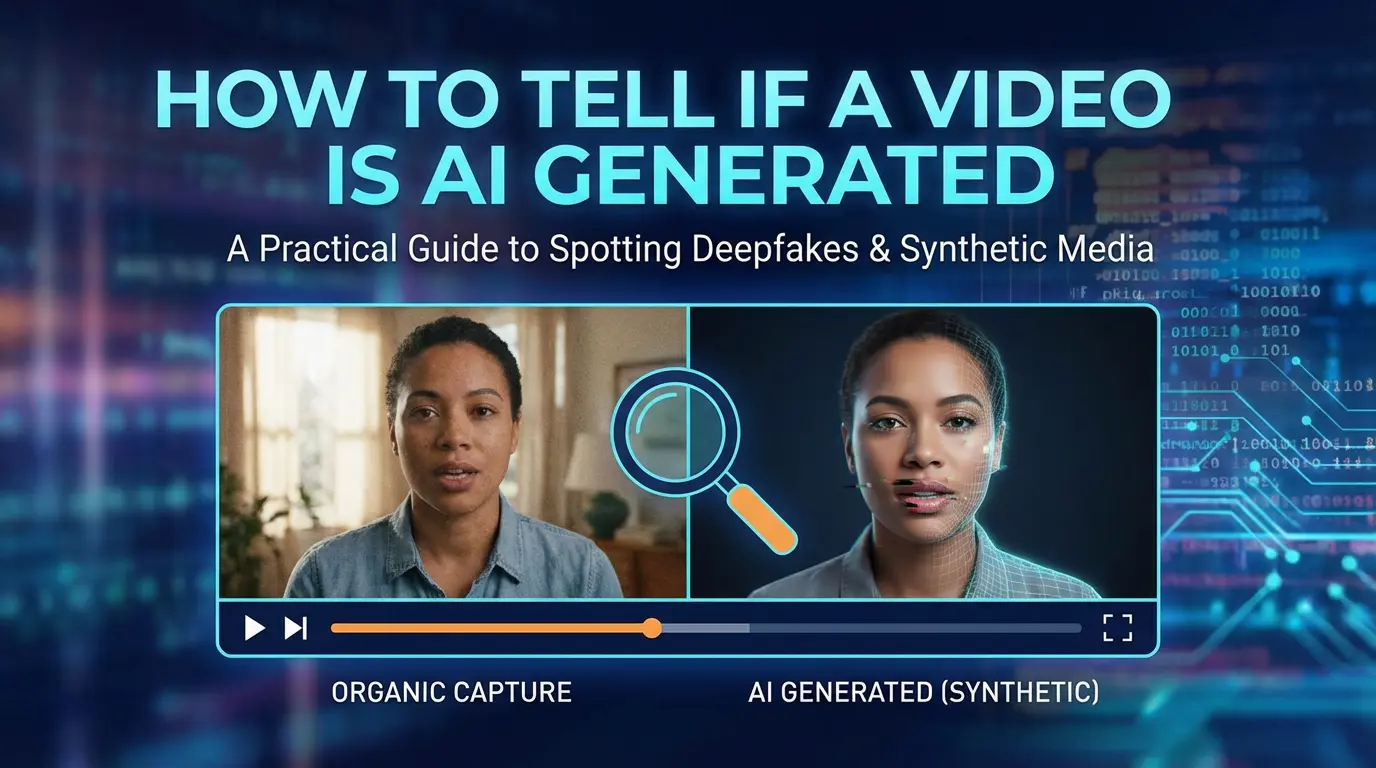
Practical Signs, Limitations, and What to Look For
As AI-generated videos become more realistic and widely used, a common question has emerged:
How can you tell if a video is AI generated?
There is no single indicator that guarantees a video was created by AI. Instead, identifying AI-generated video usually involves observing a combination of visual, motion, audio, and contextual signals.
This article explains the most common signs, what they mean, and why certainty is often difficult.
Why It Is Becoming Harder to Tell
Early AI-generated videos were relatively easy to identify due to obvious visual artifacts and unnatural motion.
Today, AI video generation has improved significantly:
- facial animation is smoother
- lip sync is more accurate
- lighting and texture look more realistic
- resolution is higher
As a result, detection now relies on patterns and inconsistencies, not obvious flaws.
Visual Signs to Look For
Inconsistent Facial Details
One of the most common signs appears in facial features.
Look closely for:
- eyes that blink unnaturally or asymmetrically
- pupils that do not track movement correctly
- subtle changes in facial structure across frames
AI-generated faces may look realistic in a single frame but inconsistent over time.
Unnatural Skin Texture
AI-generated videos may show:
- overly smooth or plastic-like skin
- inconsistent shadows on the face
- textures that appear stable even when lighting changes
Human-recorded video usually contains small imperfections that vary naturally.
Hair and Edges That Behave Strangely
Hair, glasses, earrings, and other fine details are difficult for AI to render consistently.
Common issues include:
- hair that blends into the background
- edges that flicker or blur
- accessories that slightly change shape or position
These issues are more noticeable during movement.
Motion and Body Behavior
Limited or Repetitive Movement
Many AI-generated videos focus heavily on the face and upper body.
Signs include:
- stiff head or shoulder movement
- repeated gestures
- limited body motion below the chest
In real video, micro-movements occur constantly and unpredictably.
Mismatch Between Motion and Physics
Watch for motion that feels correct visually but incorrect physically, such as:
- head movement without corresponding body adjustment
- clothing that does not react naturally to motion
- background elements that remain static when they should shift
These subtle mismatches can indicate AI generation.
Audio and Lip Synchronization
Lip Sync That Is Too Perfect—or Slightly Off
AI lip sync can appear:
- unnaturally precise
- slightly delayed
- disconnected from facial muscle movement
Pay attention to jaw motion, cheek movement, and timing rather than just the lips.
Voice Characteristics
AI-generated voices may have:
- consistent tone with little emotional variation
- unnatural pauses
- rhythm that feels scripted
However, modern AI voices are improving rapidly, so this signal alone is not reliable.
Contextual and Metadata Clues
Lack of Source Context
AI-generated videos often appear:
- without a clear origin
- without behind-the-scenes footage
- without multiple camera angles
Real videos often have surrounding context that supports authenticity.
Metadata Is Not Always Reliable
While metadata can sometimes reveal editing or generation tools, it is:
- easily removed
- often stripped by platforms
- not present in many shared videos
Metadata should be treated as a weak signal, not proof.
Why You Can Rarely Be 100% Certain
No single sign can definitively prove a video is AI generated.
This is because:
- real videos can be heavily edited
- AI videos can be post-processed to hide artifacts
- compression can distort both real and AI footage
Detection is best approached as probability-based, not binary.
Common Misconceptions
“AI Videos Always Look Fake”
This is no longer true.
Many AI-generated videos look convincing, especially in short clips.
“Bad Quality Means AI”
Low quality alone does not indicate AI generation.
Many real videos are blurry, compressed, or poorly lit.
“Perfect Quality Means AI”
High quality is also not proof.
Professional production can look extremely polished.
A More Reliable Way to Think About Detection
Instead of asking:
“Is this video AI or real?”
A better question is:
“Does this video behave like real-world footage over time?”
The longer the clip and the more movement it contains, the easier inconsistencies become to detect.
Ethical and Practical Considerations
As AI-generated videos become common, detection alone is not enough.
Platforms, creators, and viewers increasingly rely on:
- disclosure and labeling
- context and credibility
- source verification
Visual inspection is only one part of responsible media evaluation.
Platforms that curate and categorize AI tools, such as ToolPilot , also play a role in improving transparency by helping users understand what tools exist, how they are used, and in what contexts AI-generated content is produced.
Summary
Telling whether a video is AI generated involves observing a combination of visual inconsistencies, unnatural motion, audio mismatches, and contextual clues. There is no single definitive indicator, and certainty is often impossible. As AI-generated video quality improves, detection becomes more about probability and pattern recognition than obvious visual flaws. Understanding the limitations of detection helps viewers approach video content more critically and responsibly.
.webp)
DreamFace AI Live Avatar: Always-On AI Character Livestreaming
Turn any character into an always-on live streaming host — from talk shows and quizzes to memorial tributes and late-night companionship — with no one required behind the camera.
By Daniel一Aug 18, 2026- AI Video
- AI Live Avatar

Best AI Video Generator 2026: Why Multi-Model AI Platforms Are Winning
AI video generation has entered a completely new era in 2026. What started as short experimental clips has rapidly evolved into cinematic storytelling, AI anime production, virtual influencers, talking avatars, and fully AI-generated social media content.
By Bentley一May 26, 2026- AI Video Generator
- AI Video
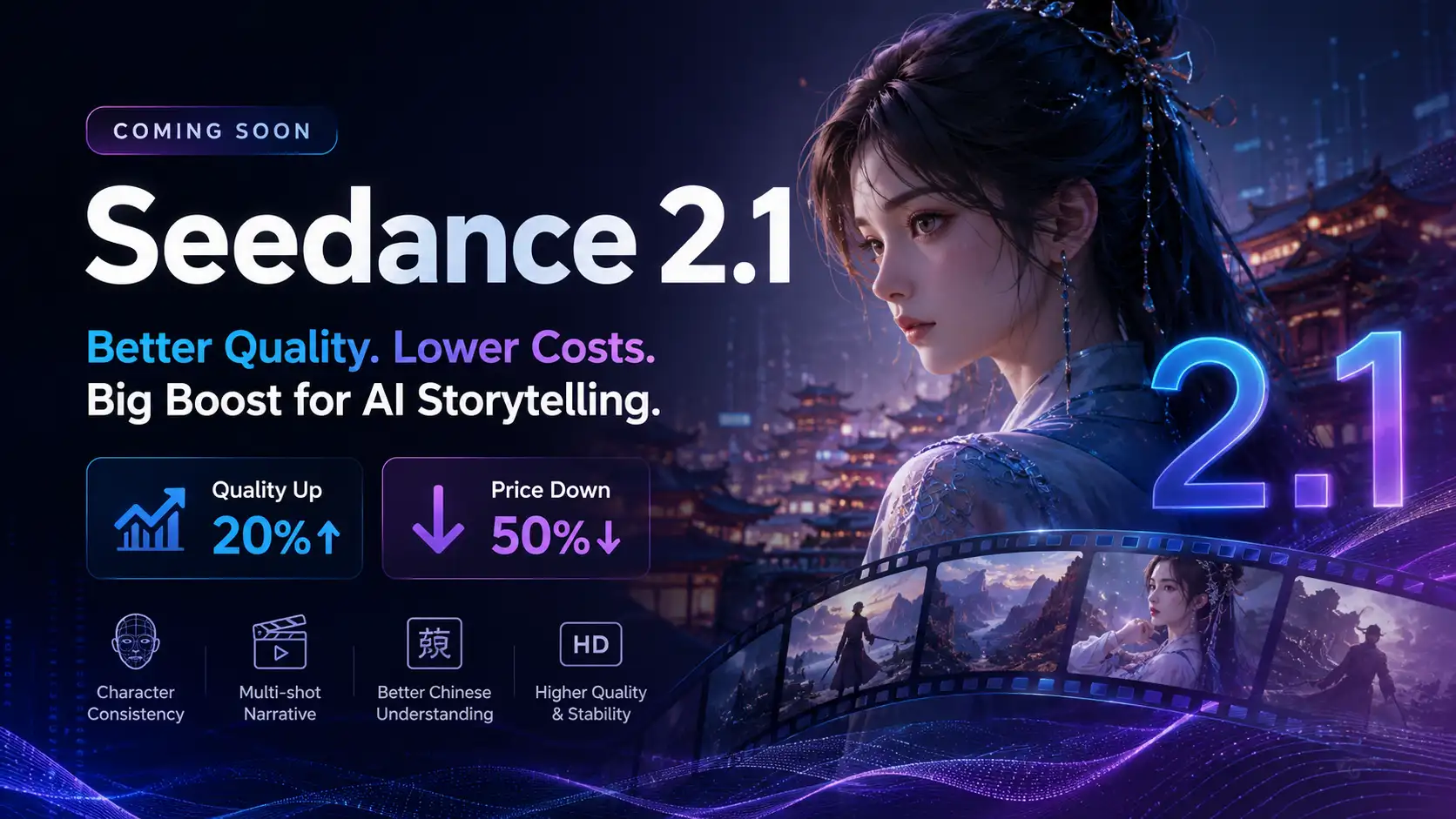
Seedance 2.1 Is Coming: Better Quality, Lower Costs, and a Big Boost for AI Storytelling
The AI video generation race has slowed down a bit recently. Earlier this year, new models were launching almost every week, pushing image and video generation forward at an incredible pace. After the buzz around GPT Image models, the industry has been waiting for the next major leap in AI video.
By stxph一May 23, 2026- AI Video
- Seedance 2.1
- Seedance 2.0