DreamFace
- AI Tools
- Template
- Gallery
- Blog
- Pricing
- API


Language
En- English
- Português
- 简体中文
- 繁體中文
- 日本語
- Español
- Bahasa Indonesia
- ไทย
- Tiếng Việt
- हिन्दी
- Русский
- Italiano
- 한국어
- मराठी
- Nederlands
- Norsk
- ਪੰਜਾਬੀ
- Polski
- Dansk
- Suomi
- Français
- Deutsch
- Svenska
- Kiswahili
- తెలుగు
- Türkçe
- বাংলা
- اردو
- العربية
- فارسی
- Ελληνικά
Language
Start Now
AI Bikini Generator
Upload Image
Click to upload an image
Try with our sample images
Sample Filter


4.9
'%3e%3cg%3e%3cpath%20d='M11.1034615625,1.816990478790283C11.4702615625,1.0737404787902831,12.5300515625,1.0737404787902831,12.8968515625,1.816990478790283L15.2941515625,6.674462478790283C15.4398515625,6.969602478790283,15.7214515625,7.174172478790283,16.047151562499998,7.221502478790283L21.4076515625,8.000432478790284C22.2278515625,8.119612478790284,22.5553515625,9.127592478790284,21.9618515625,9.706122478790283L18.0829515625,13.487052478790282C17.8472515625,13.716852478790283,17.7397515625,14.047852478790283,17.7953515625,14.372252478790283L18.7110515625,19.711052478790283C18.8511515625,20.527952478790283,17.9937515625,21.150952478790284,17.2601515625,20.765252478790284L12.4654515625,18.244552478790283C12.1741515625,18.091452478790284,11.8261515625,18.091452478790284,11.5348615625,18.244552478790283L6.7402115625,20.765252478790284C6.0065815625,21.150952478790284,5.1491515625,20.527952478790283,5.2892615625,19.711052478790283L6.2049515625,14.372252478790283C6.2605915625,14.047852478790283,6.1530415625,13.716852478790283,5.9173515625,13.487052478790282L2.0384295625,9.706122478790283C1.4449195625,9.127592478790284,1.7724199625,8.119612478790284,2.5926495625,8.000432478790284L7.9531815625,7.221502478790283C8.2788915625,7.174172478790283,8.560461562499999,6.969602478790283,8.7061215625,6.674462478790283L11.1034615625,1.816990478790283Z'%20fill='%23F0A000'%20fill-opacity='1'%20style='mix-blend-mode:passthrough'/%3e%3c/g%3e%3cg%20mask='url(%23master_svg1_5_13539)'%3e%3c/g%3e%3c/g%3e%3c/svg%3e)
Chrome Store

Global Users

4.9
Apple Store
Trusted by Leading Institutions Worldwide












How to Use the AI Bikini Generator
step 1 Upload One Clear Photo
Choose a portrait, full-body photo, or model image with good lighting so the AI can read the subject, pose, and overall image style.
step 2 Choose a Bikini Filter
Pick the bikini-style look you want to preview, from simple beachwear edits to more playful summer photo styles.
step 3 Create and Download
Generate your AI bikini photo, review the result, then download the version you want for social posts, mood boards, or creative projects.
AI Bikini Generator Features
Turn a Photo into an AI Bikini Image
Upload one image and create a bikini-style photo without manual editing. The AI Bikini Generator is built for quick summer edits, profile concepts, beachwear previews, and creative visual ideas.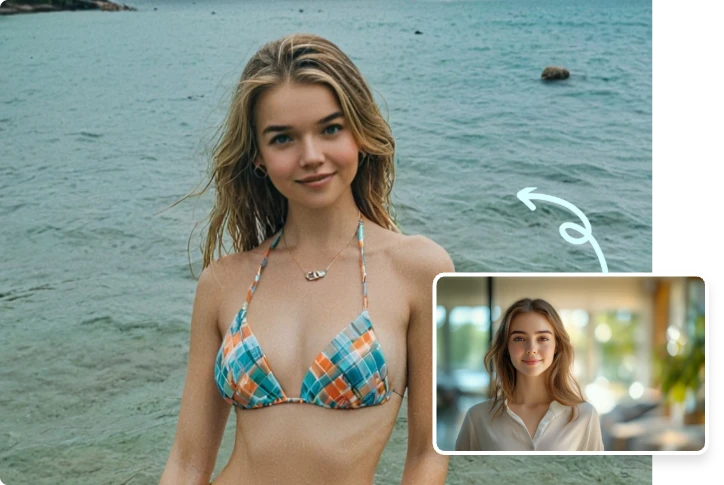
Try Different Bikini Filters
Preview different bikini filters from the same starting photo. Test clean beachwear styles, sporty looks, high-waisted designs, or trend-led summer edits before choosing your favorite result.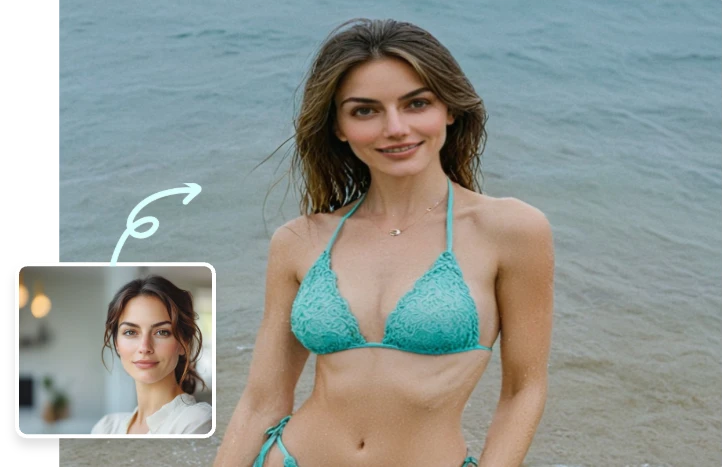
No Photoshop or Retouching Needed
Skip masks, layers, and complicated photo tools. Choose your image, select a bikini filter, and let AI create a new version you can review, regenerate, or save.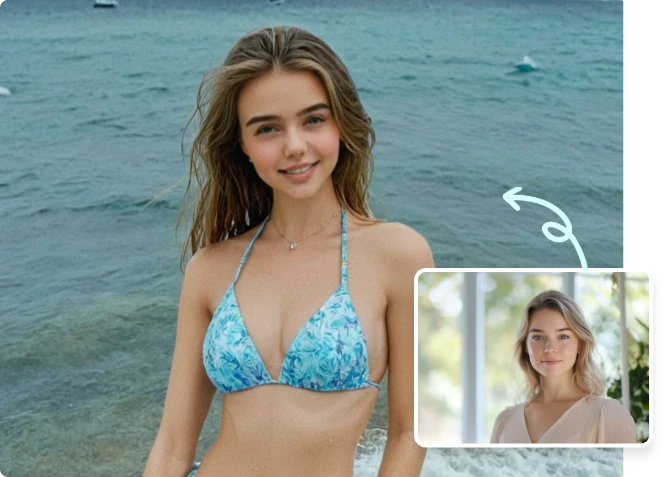
Use It for Social Posts and Style Ideas
Create AI bikini photos for social content, outfit inspiration, creator posts, fashion mood boards, or just-for-fun summer edits. The workflow keeps the result easy to preview and share.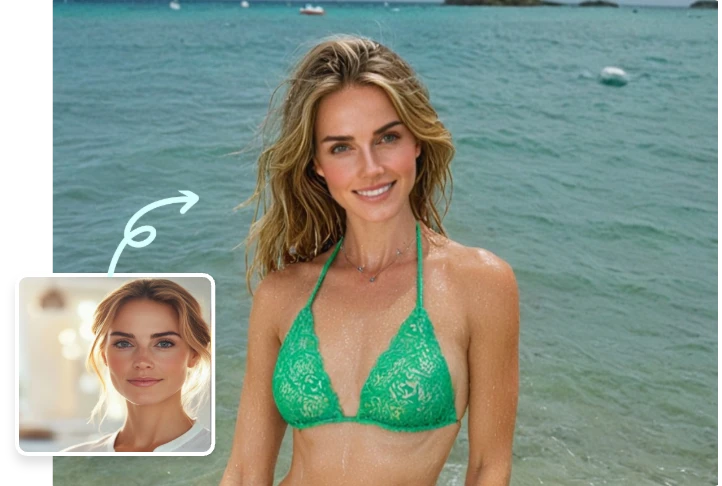
More Valuable Features from Dreamface
Photo Enhancer
Improve photo clarity before applying bikini filters, especially when your source image is soft, low-light, or slightly blurry.
Text to Image
Create more image concepts from prompts or reference photos when you want style directions beyond one bikini filter.
AI Image to Video
Turn a finished bikini-style photo or summer image concept into a short AI video for social posts and creative content.
AI Video Generator
Build broader AI visuals from text, images, or creative prompts when you want to extend one photo idea into more content.