DreamFace

Language

En
    Language
  • English
  • Português
  • 简体中文
  • 繁體中文
  • 日本語
  • Español
  • Bahasa Indonesia
  • ไทย
  • Tiếng Việt
  • हिंदी
  • Русский
  • Italiano
  • 한국어
  • मराठी
  • Nederlands
  • Norsk
  • ਪੰਜਾਬੀ
  • Polski
  • Dansk
  • Suomi
  • Français
  • Deutsch
  • Svenska
  • Kiswahili
  • తెలుగు
  • Türkçe
  • বাংলা
  • اردو
  • العربية
  • فارسی
  • Ελληνικά
Start Now
Chrome Store
4.9

Chrome Store

20,000,000+

Global Users

Apple Store
4.9

Apple Store

Trusted by Leading Institutions Worldwide

How to Generate a Fantasy Video

step 1

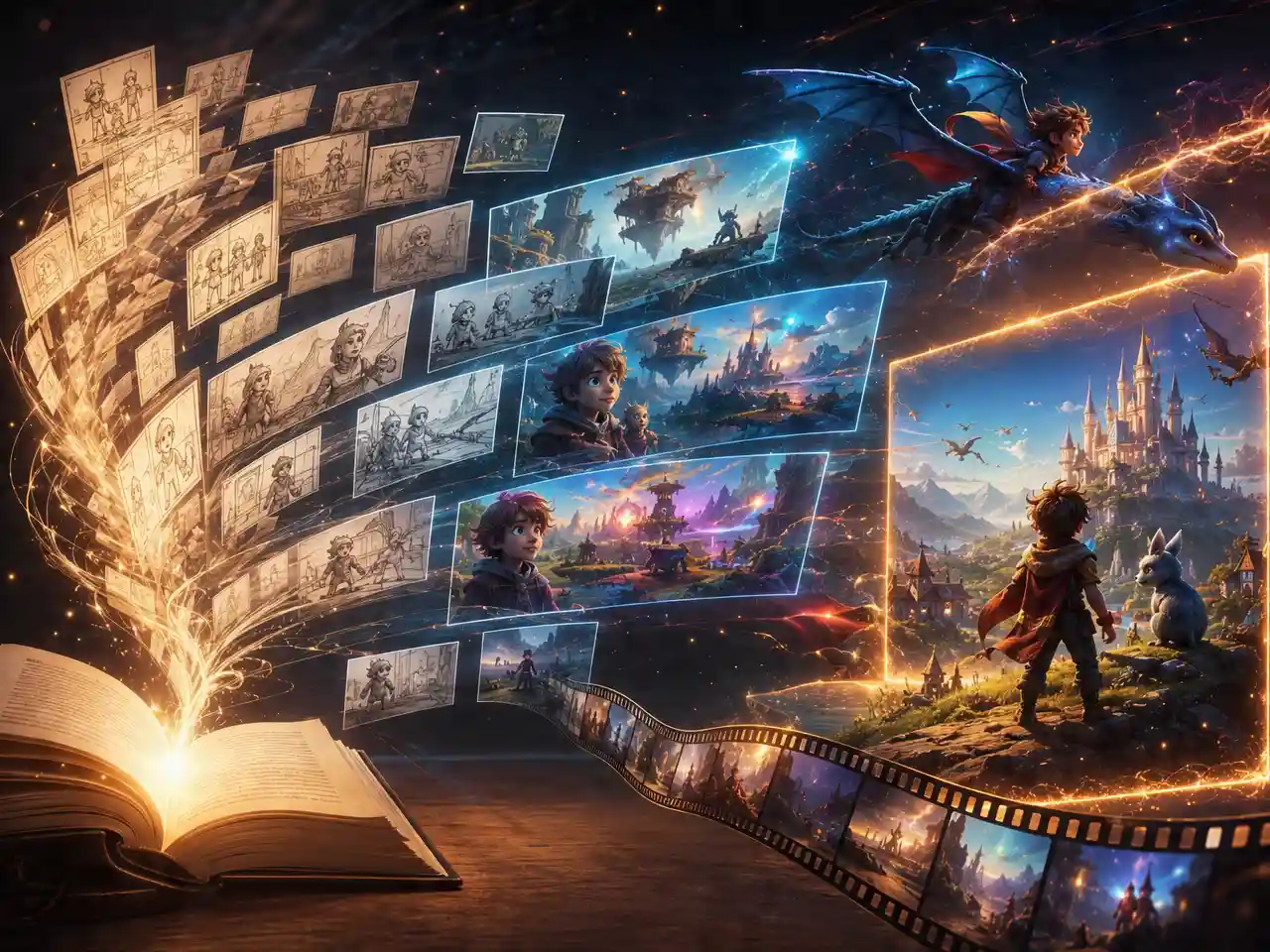
Describe the Fantasy Scene

Write the setting, creature, or piece of magic you want to see.

step 2

Generate the Scene

DreamFace builds the video around that description.

step 3

Review and Export

Preview the result and download once it matches the world you had in mind.

AI Fantasy Video Generator Features

Built for Worlds That Aren't Real

Describe a mythical setting, a creature, or a piece of magic and get video generated around that world instead of defaulting to realistic, real-world scenes.
Built for Worlds That Aren't Real

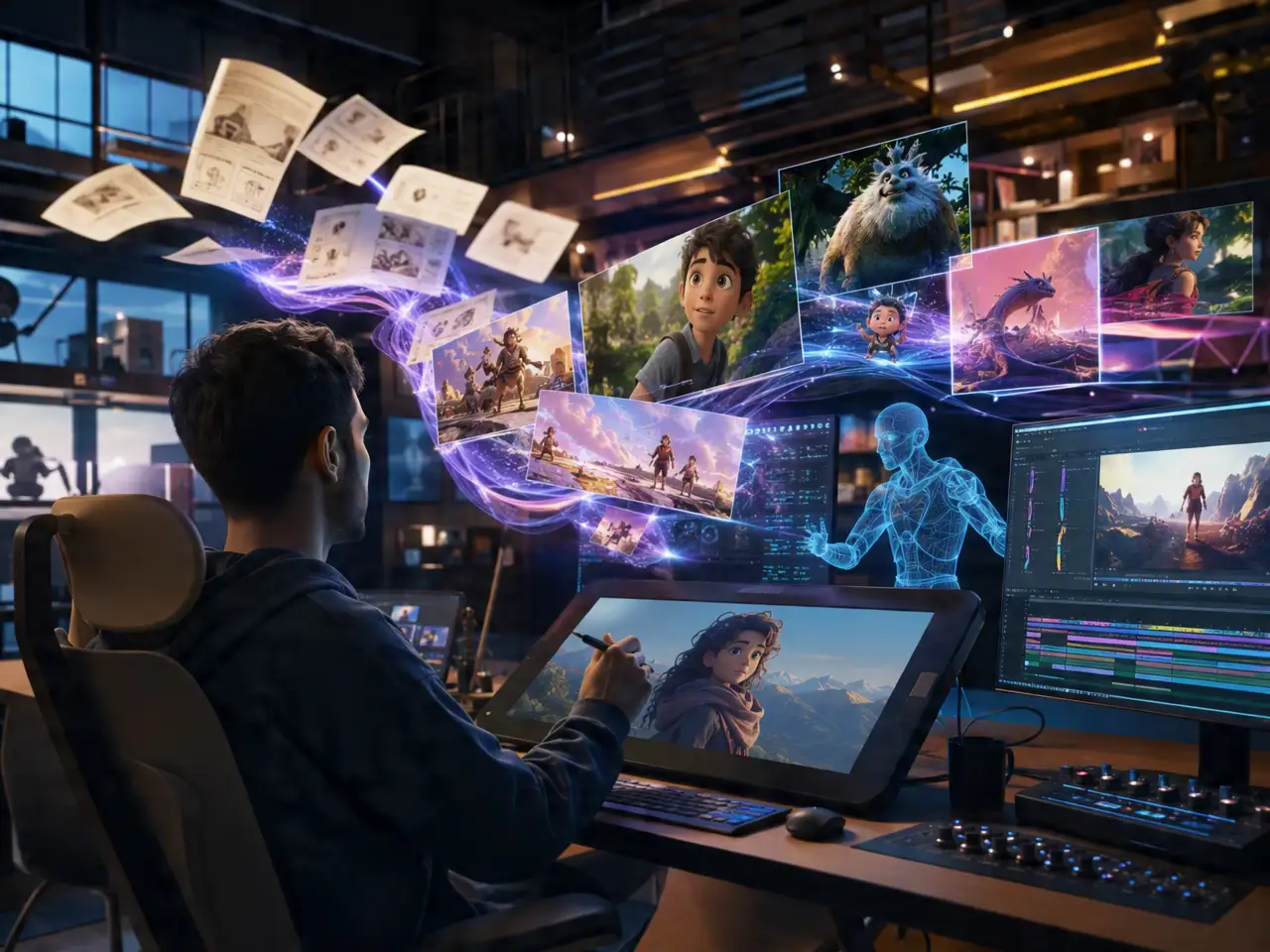
Suited to Trailers and Teasers

Pacing and tone lean toward the dramatic, game trailer, book teaser, or tabletop campaign content, rather than a quick everyday social clip.
Suited to Trailers and Teasers

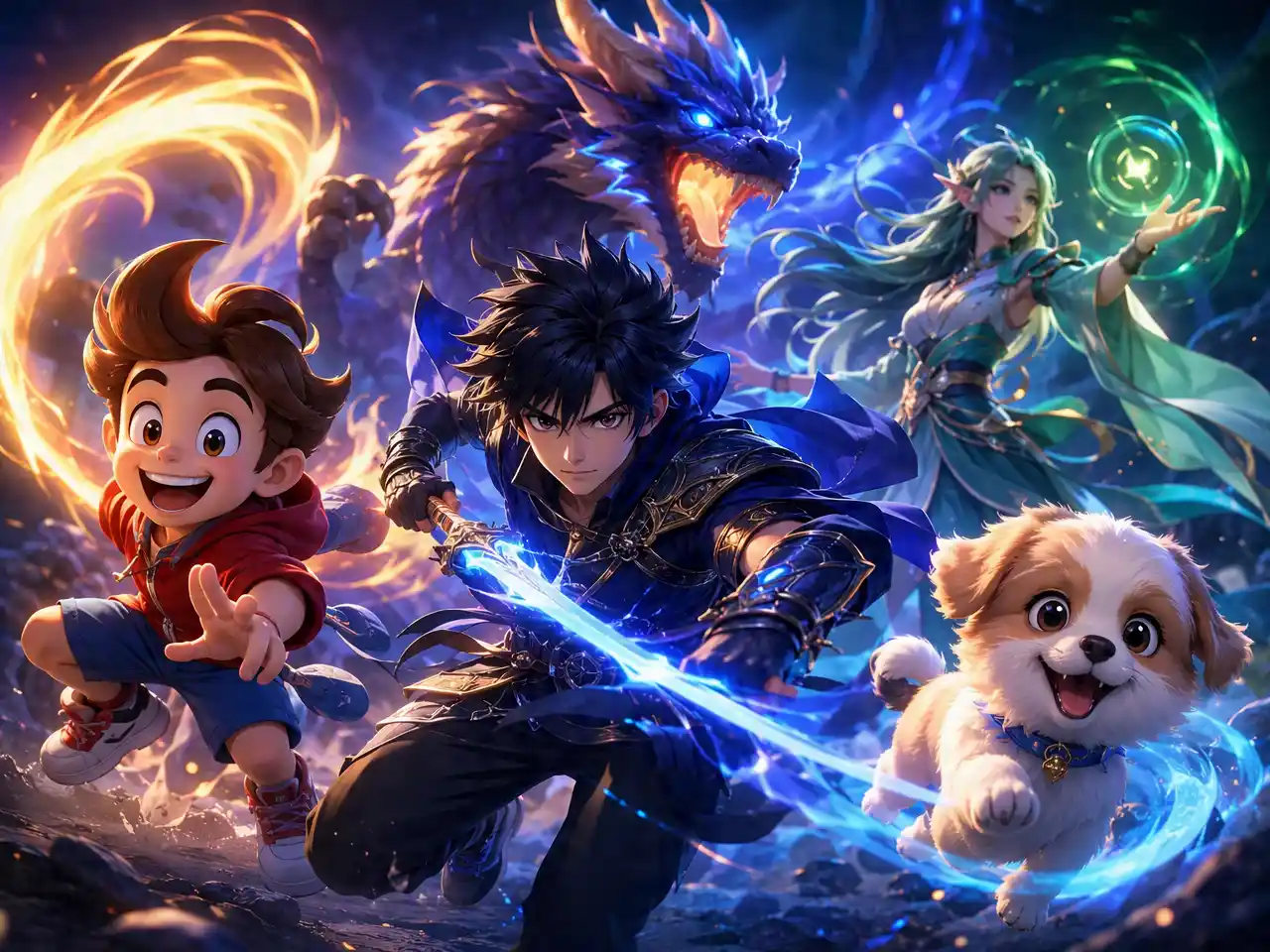
Creatures and Characters Follow the Prompt

Describe a specific creature or character design and the scene follows that description rather than defaulting to a generic fantasy look.
Creatures and Characters Follow the Prompt

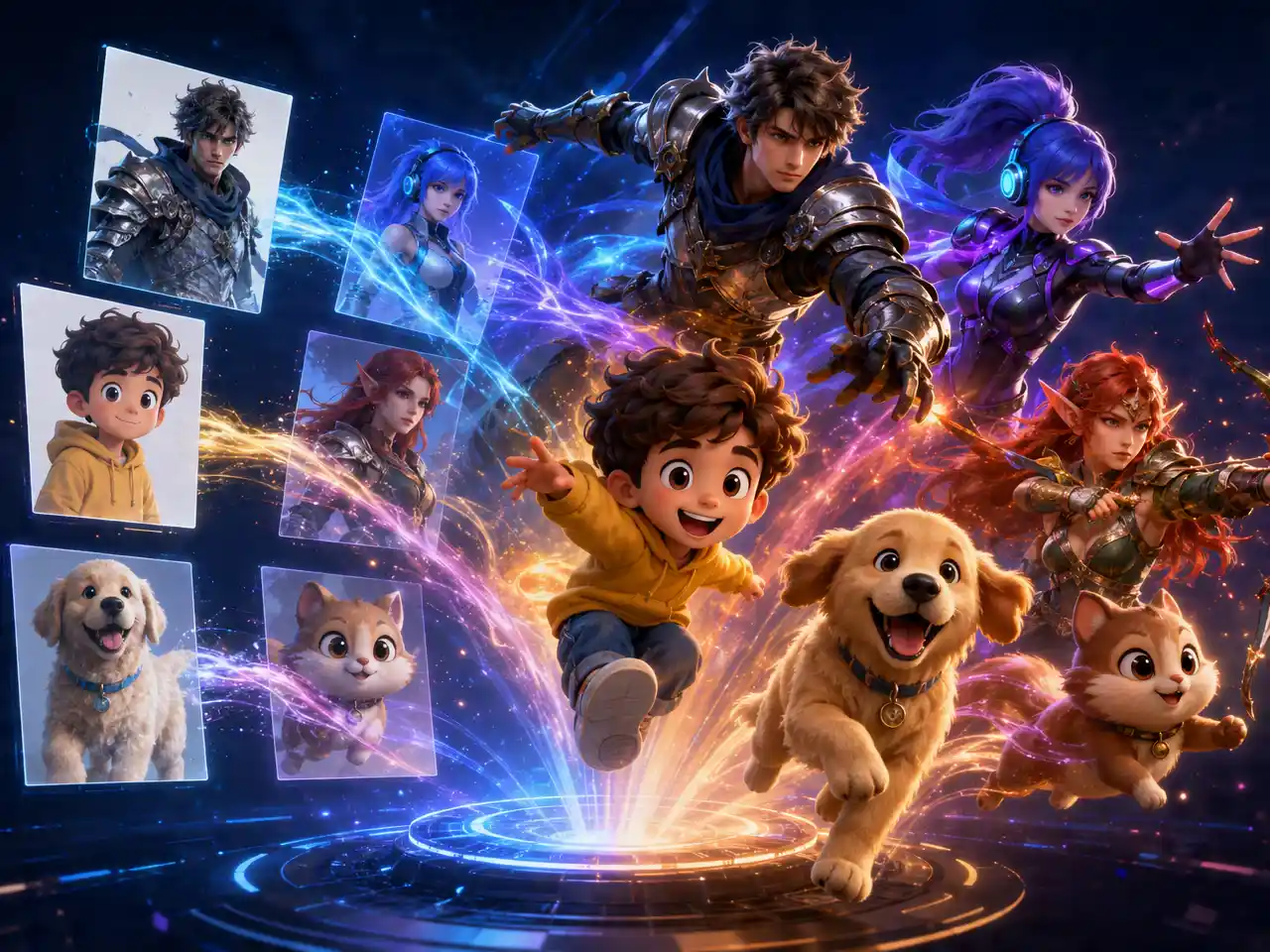
Pairs With Character Consistency for a Series

Combine with DreamFace's character consistency feature to keep the same fantasy character recognizable across more than one generated scene.
Pairs With Character Consistency for a Series

Frequently Asked Questions

Why Use DreamFace for Fantasy Video?

Prompt-Driven, Not Template-Locked

Scenes are generated from your description rather than picked from a fixed set of preset fantasy templates.

Detail Holds on Complex Scenes

Creature and environment detail stay sharp even in more visually complex fantasy scenes.

Regenerate to Refine the World

Try a different take on the same scene if the first generation doesn't match the world you had in mind.

Prompts Stay Yours

Descriptions of characters, creatures, or settings used to generate a scene aren't published or reused on DreamFace's end.

More Valuable Features from Dreamface

AI Video Generator
Create AI product videos, ad clips, launch teasers, ecommerce demos, and social product content from prompts, images, or templates.
AI Video
Use DreamFace AI Video to turn static product images or text into lifelike video animations with templates, references, and start or end frames.
Video Enhancer
Enhance product clips with AI upscaling, sharper details, better color, and higher-resolution output before publishing ads or ecommerce videos.
Background Remover
Remove product photo backgrounds and prepare clean cutouts for product video scenes, ads, marketplace clips, and branded social promos.

They Love Dreamface

Didn't Default to Realism

Other tools kept pulling my dragon prompt toward something photoreal, this one actually leaned into the fantasy look.

Good for a Campaign Teaser

Used it to generate a short clip for my tabletop group's campaign intro, set the tone better than a text description alone.

Creature Design Followed the Prompt

Described specific details about a creature and they actually showed up instead of a generic fantasy monster.

Paired Well With Character Consistency

Kept my main character recognizable across three separate fantasy scenes using both tools together.

Useful for a Book Teaser

Made a short mood video for my fantasy novel instead of just a static cover reveal.

Detail Held Up in a Busy Scene

Worried a crowded battle scene would turn to mush, the detail stayed readable.

Didn't Default to Realism

Other tools kept pulling my dragon prompt toward something photoreal, this one actually leaned into the fantasy look.

Good for a Campaign Teaser

Used it to generate a short clip for my tabletop group's campaign intro, set the tone better than a text description alone.

Creature Design Followed the Prompt

Described specific details about a creature and they actually showed up instead of a generic fantasy monster.

Paired Well With Character Consistency

Kept my main character recognizable across three separate fantasy scenes using both tools together.

Useful for a Book Teaser

Made a short mood video for my fantasy novel instead of just a static cover reveal.

Detail Held Up in a Busy Scene

Worried a crowded battle scene would turn to mush, the detail stayed readable.