DreamFace

En
    Language
  • English
  • Português
  • 简体中文
  • 繁體中文
  • 日本語
  • Español
  • Bahasa Indonesia
  • ไทย
  • Tiếng Việt
  • हिंदी
  • Русский
  • Italiano
  • 한국어
  • मराठी
  • Nederlands
  • Norsk
  • ਪੰਜਾਬੀ
  • Polski
  • Dansk
  • Suomi
  • Français
  • Deutsch
  • Svenska
  • Kiswahili
  • తెలుగు
  • Türkçe
  • বাংলা
  • اردو
  • العربية
  • فارسی
  • Ελληνικά
Start Now
Chrome Store
4.9

Chrome Store

20,000,000+

Global Users

Apple Store
4.9

Apple Store

Trusted by Leading Institutions Worldwide

How to Add Music to a Video with AI

step 1

Upload Your Video

Choose the video you want to enhance with AI music or sound effects. Dreamface prepares the clip so the generated audio can support the visual mood and pacing.

step 2

Describe the Soundtrack

Enter a prompt for the music, mood, genre, tempo, ambience, or sound effects you want. For better results, describe the scene and how you want the video to feel.

step 3

Generate and Download

Create the AI soundtrack, preview how it works with your video, then download the finished result for social media, marketing, storytelling, or personal projects.

AI Music Video Generator Features for Better Video Sound

Generate AI Music for Any Video

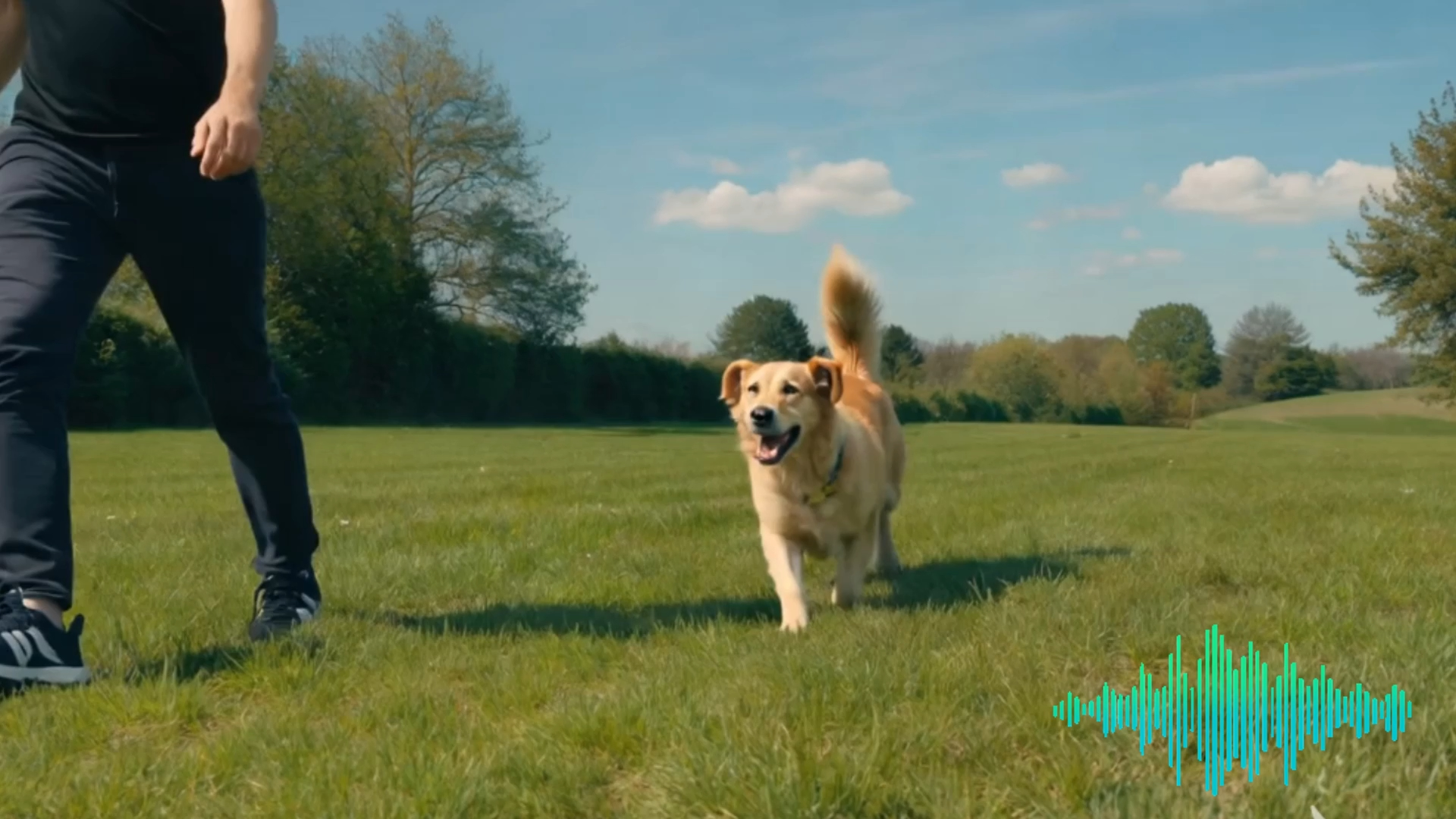
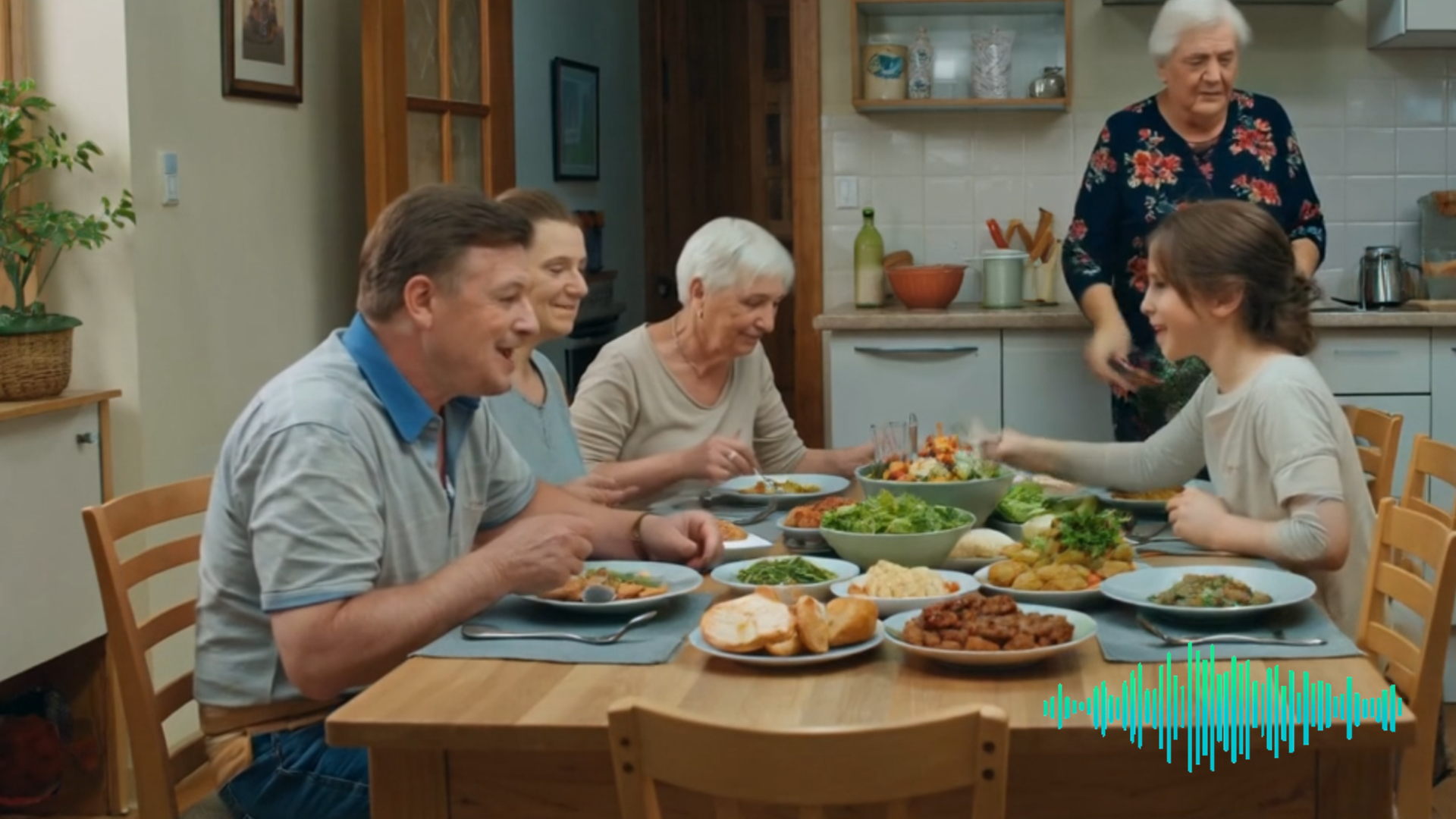
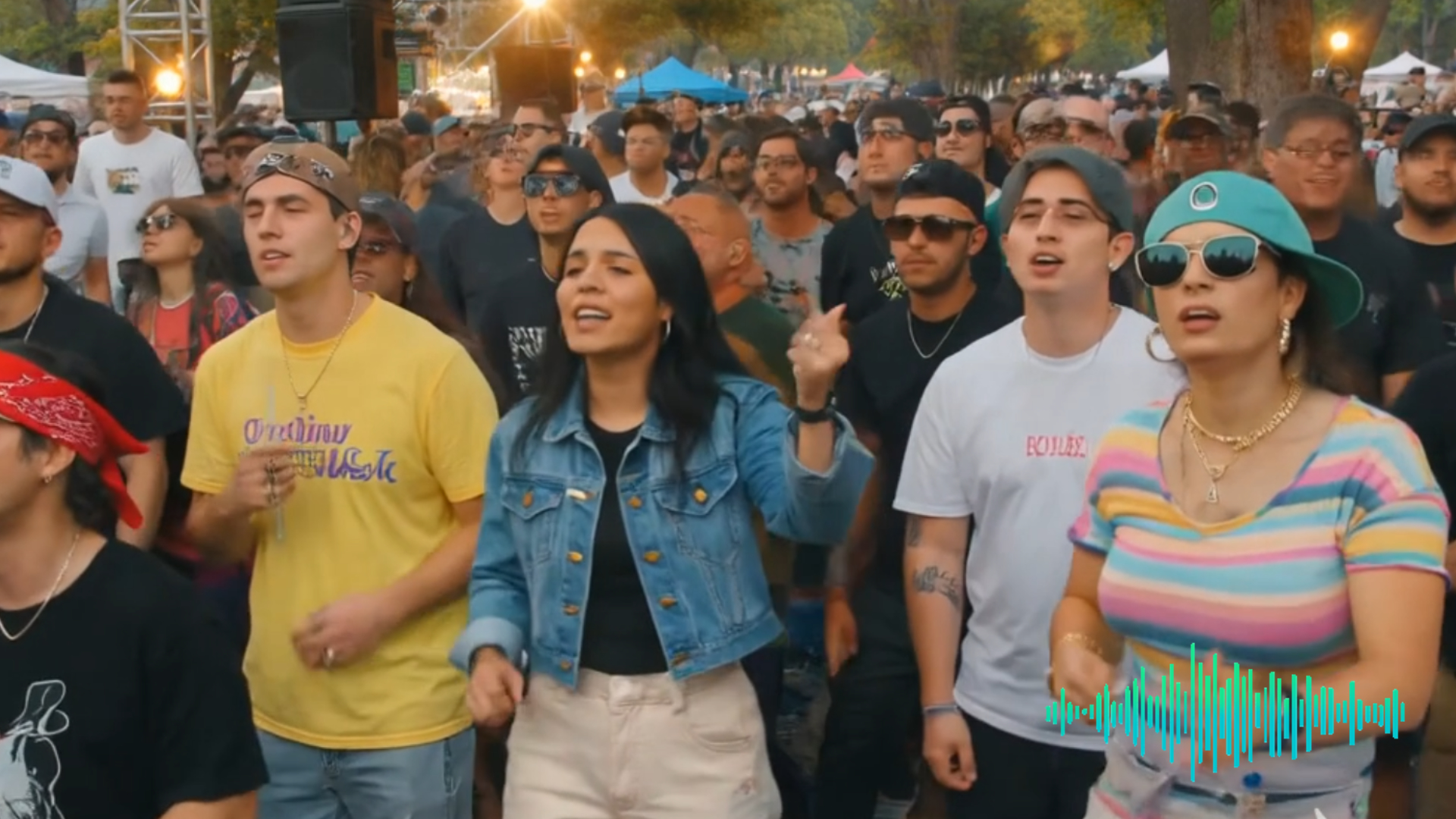
Turn a silent, unfinished, or rough video into a soundtrack-backed clip. Describe the music style, mood, scene, or sound effects, and Dreamface generates audio designed to support your video.
Generate AI Music for Any Video

Add Background Music and Sound Effects Online

Create background music, ambience, transitions, and sound effects without opening a timeline editor. Dreamface helps you build video audio from a simple text prompt.
Add Background Music and Sound Effects Online

Fast Upload, Prompt, and Download Workflow

Upload your video, enter a soundtrack prompt, generate AI audio, preview the result, and download a more complete video for social media, marketing, or personal use.
Fast Upload, Prompt, and Download Workflow

AI Soundtracks for Shorts, Reels, and Ads

Use the AI Music Video Generator for TikTok clips, Instagram Reels, YouTube Shorts, product videos, travel edits, creator posts, presentations, and other video projects.
AI Soundtracks for Shorts, Reels, and Ads

Frequently Asked Questions

Why Use Dreamface to Add Music to Videos?

Prompt-Based AI Soundtrack Generation

Dreamface turns your written audio direction into music and sound effects for video. You can ask for cinematic, upbeat, emotional, ambient, dramatic, or scene-specific audio.

Video-First Audio Matching

Instead of adding a random track, Dreamface helps generate audio around the video you upload and the mood you describe, so the soundtrack feels more connected to the clip.

Simple Online Creation Flow

No music library search, audio recording, or manual editing timeline is required. Upload a video, describe the soundtrack, generate the result, and download your finished clip.

Private Video Processing

Dreamface is designed for creator workflows that involve personal videos, brand clips, and draft content, helping you generate and download results in a secure online environment.

More Valuable Features from Dreamface

AI Video Generator
Create AI videos from text, images, or prompts, then pair the result with music or sound effects for a more complete final clip.
AI Image to Video
Turn static images into engaging videos, then add AI-generated music or sound effects to make the result more share-ready.
Animate from Audio
Transform audio into animated visual stories, useful for songs, voice clips, podcasts, and audio-led creative content.
Video Enhancer
Improve video sharpness, resolution, and color before adding AI music, so your final clip looks and sounds more polished.

They Love Dreamface

Made My Video Feel Finished

My clip felt empty before I added music. I uploaded it, described the mood, and Dreamface generated a soundtrack that made the whole video feel much more complete.

No More Stock Music Searching

I usually waste time looking for the right track. This was easier because I could describe the sound I wanted and generate something that matched the video.

Great for Short-Form Content

I use it for reels and short videos when I need background music quickly. The prompt workflow is simple, and the result is much faster than editing audio manually.

Prompt Control Helps a Lot

Being able to describe the mood, genre, and sound effects made the output feel more intentional. It is much better than dropping in a random background track.

Simple Upload-to-Download Flow

The process is easy to follow. Upload the video, type what kind of soundtrack you want, generate it, and download the finished version.

Useful for Creator Videos

As a creator, I need quick audio for social videos. Dreamface helps me turn rough clips into more polished videos without switching between several tools.

Made My Video Feel Finished

My clip felt empty before I added music. I uploaded it, described the mood, and Dreamface generated a soundtrack that made the whole video feel much more complete.

No More Stock Music Searching

I usually waste time looking for the right track. This was easier because I could describe the sound I wanted and generate something that matched the video.

Great for Short-Form Content

I use it for reels and short videos when I need background music quickly. The prompt workflow is simple, and the result is much faster than editing audio manually.

Prompt Control Helps a Lot

Being able to describe the mood, genre, and sound effects made the output feel more intentional. It is much better than dropping in a random background track.

Simple Upload-to-Download Flow

The process is easy to follow. Upload the video, type what kind of soundtrack you want, generate it, and download the finished version.

Useful for Creator Videos

As a creator, I need quick audio for social videos. Dreamface helps me turn rough clips into more polished videos without switching between several tools.