DreamFace
- AI Tools
- Template
- Gallery
- Blog
- Pricing
- API


Language
En- English
- Português
- 简体中文
- 繁體中文
- 日本語
- Español
- Bahasa Indonesia
- ไทย
- Tiếng Việt
- हिन्दी
- Русский
- Italiano
- 한국어
- मराठी
- Nederlands
- Norsk
- ਪੰਜਾਬੀ
- Polski
- Dansk
- Suomi
- Français
- Deutsch
- Svenska
- Kiswahili
- తెలుగు
- Türkçe
- বাংলা
- اردو
- العربية
- فارسی
- Ελληνικά
Language
Start Now
Animate Image AI Online
Use DreamFace Animate Image AI to turn a still photo into a short video online. Upload one image, describe the motion, and create natural facial movement, camera motion, and share-ready output without editing skills.
How to animate an image with AI online
step 1 Upload the Image You Want to Animate
Choose a clear portrait, avatar, illustration, product shot, pet photo, or old picture from your device. Higher-quality images help create cleaner AI animation results.
step 2 Add an AI Animation Prompt
Describe the motion you want, such as a smile, blink, head turn, body movement, cinematic camera push, or emotional scene style, then start the generation.
step 3 Generate, Download, and Share
Preview the animated photo video, download the result, and share it on social media, messaging apps, presentations, or creative projects.
Animate Image AI Features for Photo-to-Video Creation
Animate Image AI From One Photo
Turn one still image into a moving AI video with subtle blinks, smiles, head turns, and natural motion that keeps the subject recognizable.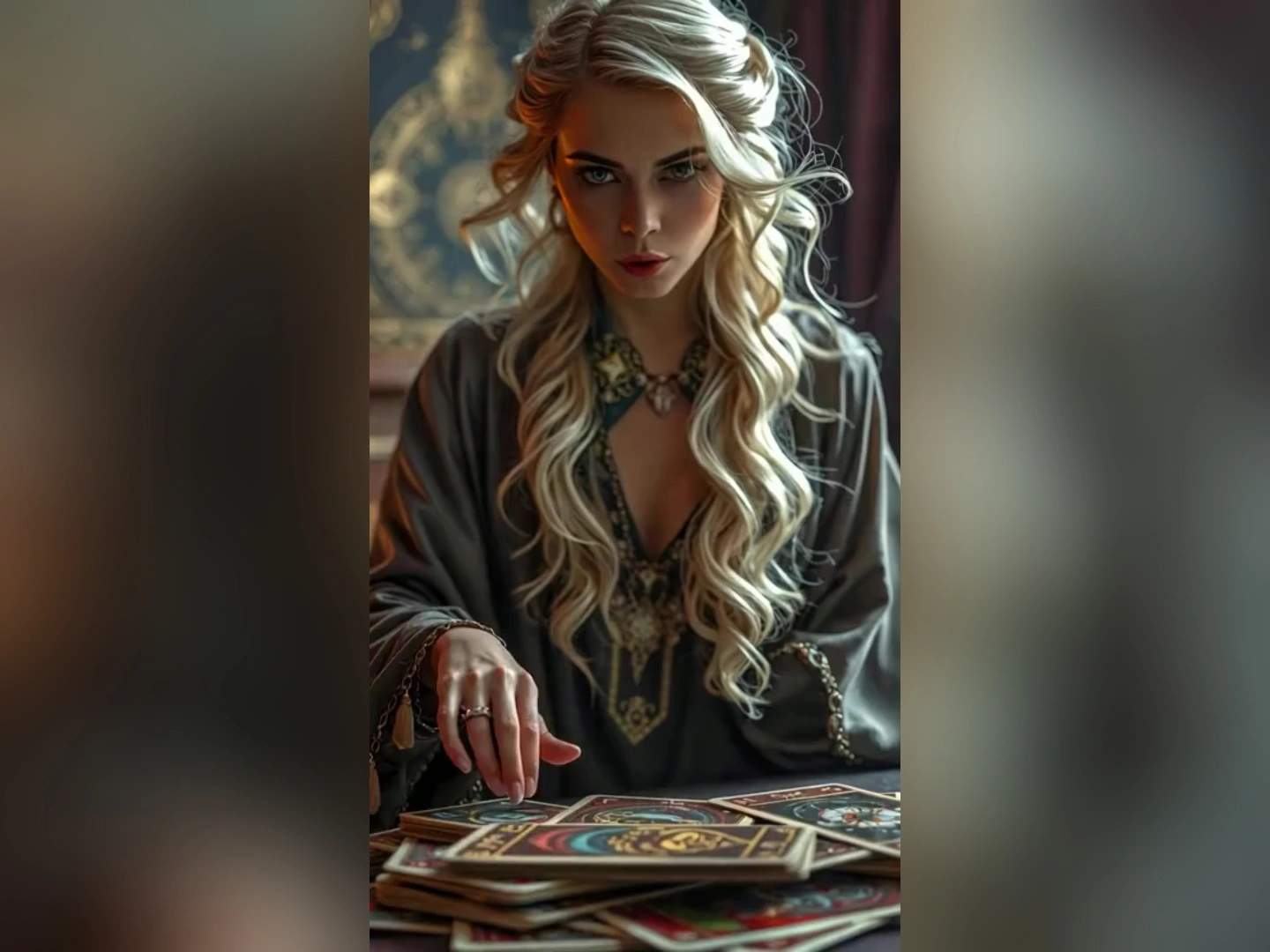
Prompt-Based Photo Animation
Type the movement, mood, expression, or camera direction you want, and guide the image animation instead of relying only on preset effects.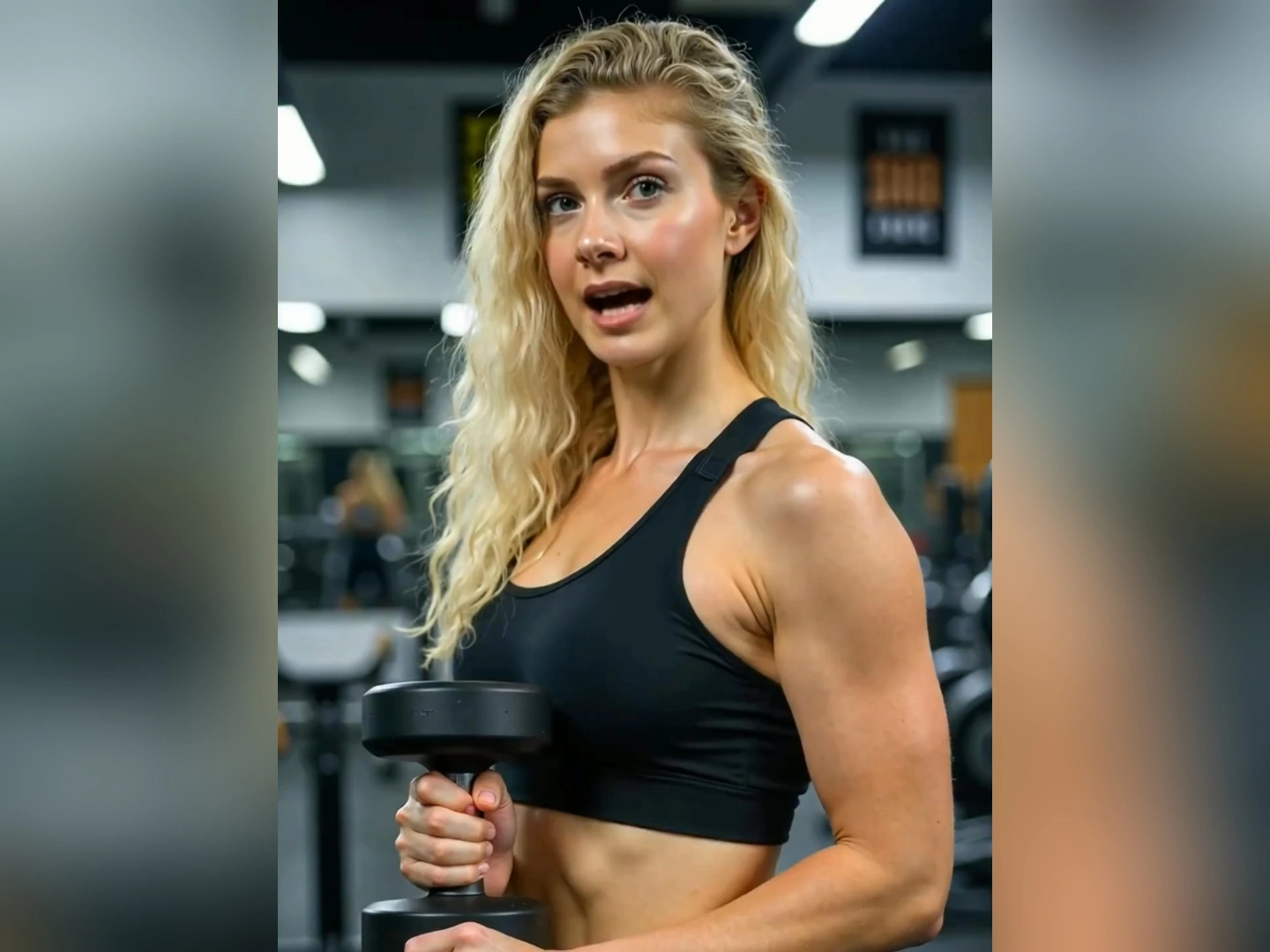
Portrait, Avatar, and Art Animation
Animate portraits, profile photos, avatars, illustrations, product shots, and old photos for social clips, storytelling, and creative experiments.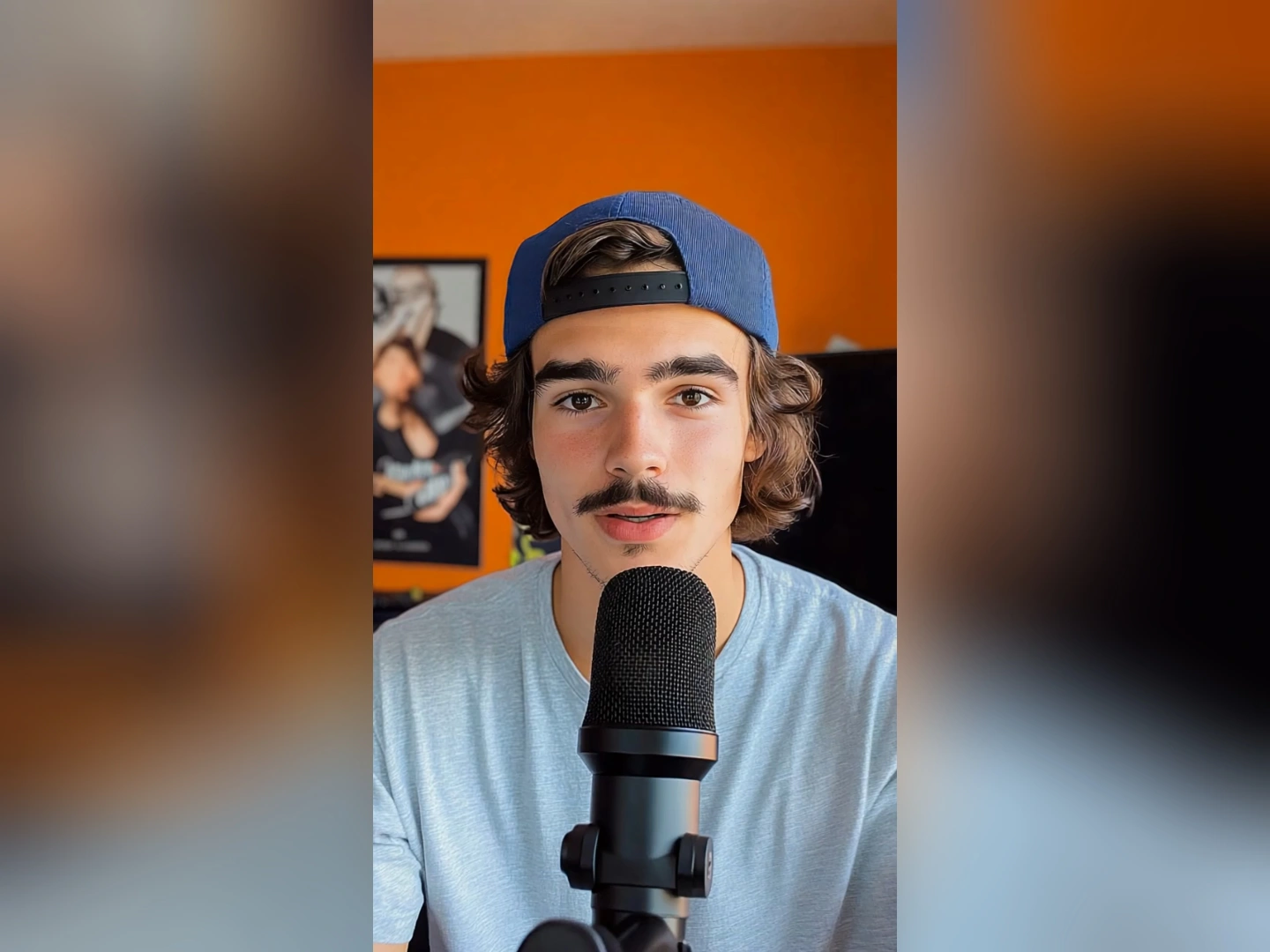
Download Share-Ready AI Videos
Export your animated image as a clean video clip for TikTok, Reels, messages, presentations, ads, or personal content workflows.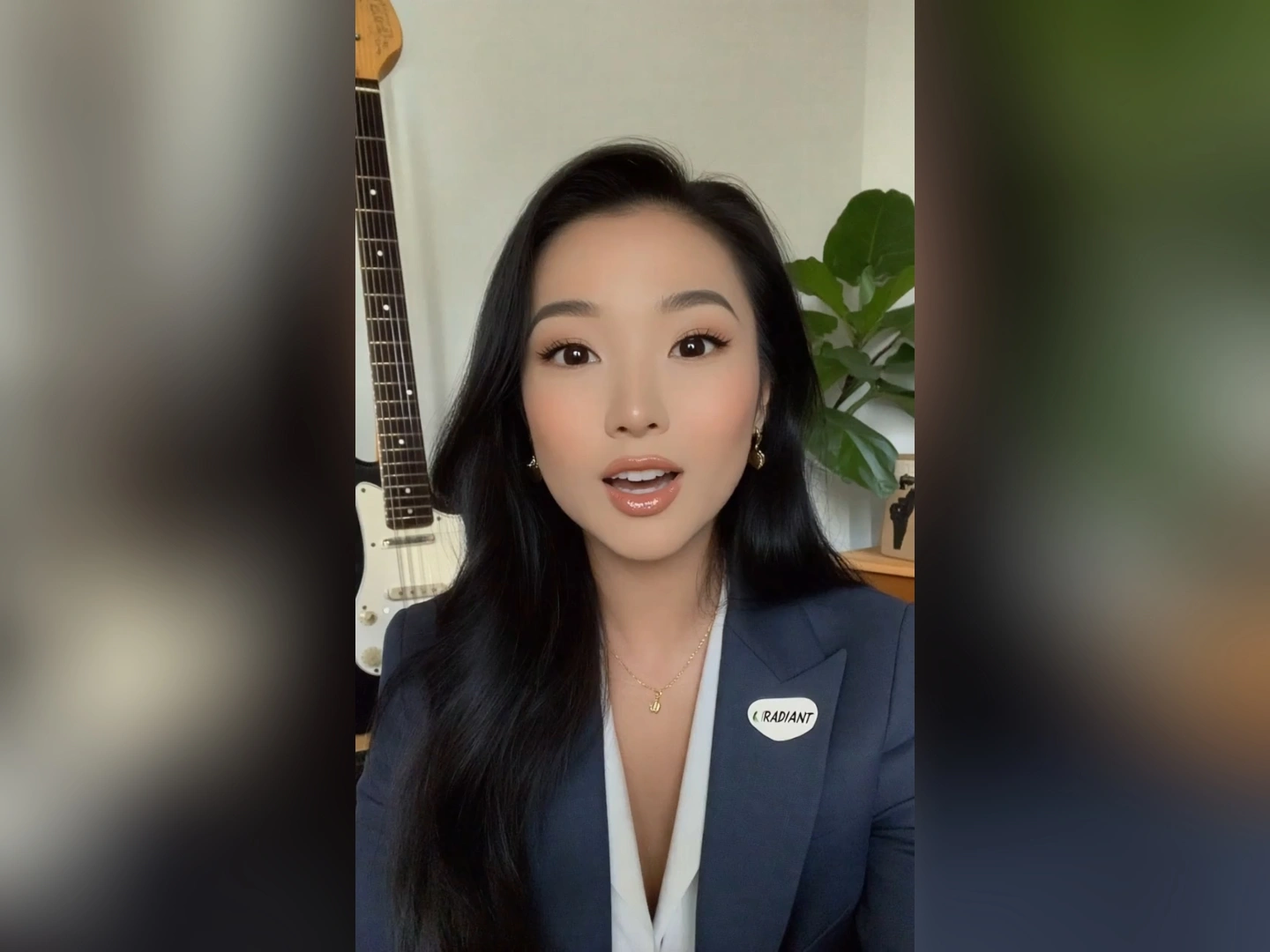
More Valuable Features from Dreamface
AI Image to Video
Use the broader AI Image to Video workflow when you want effects, model choices, and prompt-based video creation beyond a single animate-image flow.
AI Video Generator
Create AI videos from text, images, or mixed creative inputs when your project needs more than one animated photo or a larger video concept.
Photo Enhancer
Enhance blurry or low-resolution photos before animation so faces, edges, and details look cleaner in the final AI video.
Video Enhancer
Improve resolution, sharpness, and overall clarity after generation so your animated photo video looks more polished before publishing.