DreamFace

En
    Language
  • English
  • Português
  • 简体中文
  • 繁體中文
  • 日本語
  • Español
  • Bahasa Indonesia
  • ไทย
  • Tiếng Việt
  • हिंदी
  • Русский
  • Italiano
  • 한국어
  • मराठी
  • Nederlands
  • Norsk
  • ਪੰਜਾਬੀ
  • Polski
  • Dansk
  • Suomi
  • Français
  • Deutsch
  • Svenska
  • Kiswahili
  • తెలుగు
  • Türkçe
  • বাংলা
  • اردو
  • العربية
  • فارسی
  • Ελληνικά
Start Now
left
Chrome Store
4.9

Chrome Store

right
left
20,000,000+

Global Users

right
left
Apple Store
4.9

Apple Store

right

We trusted by Famous institutions worldwide

How to Use ChatGPT Images 2.0 for Better Results

step1

Start with a clear visual goal

Use ChatGPT Images 2.0 for a specific output such as a poster, product mockup, ad creative, infographic, comic panel, social graphic, or an edit of an uploaded photo.

step2

Write a prompt with useful detail

Describe the subject, composition, colors, style, aspect ratio, mood, and any exact text you want. If you already have a reference image, upload it before asking for edits.

step3

Refine the image step by step

Keep improving the same result inside chat. Adjust wording, layout, background, or small visual details until the output is strong enough to use in a real workflow.

ChatGPT Images 2.0 Features and Use Cases

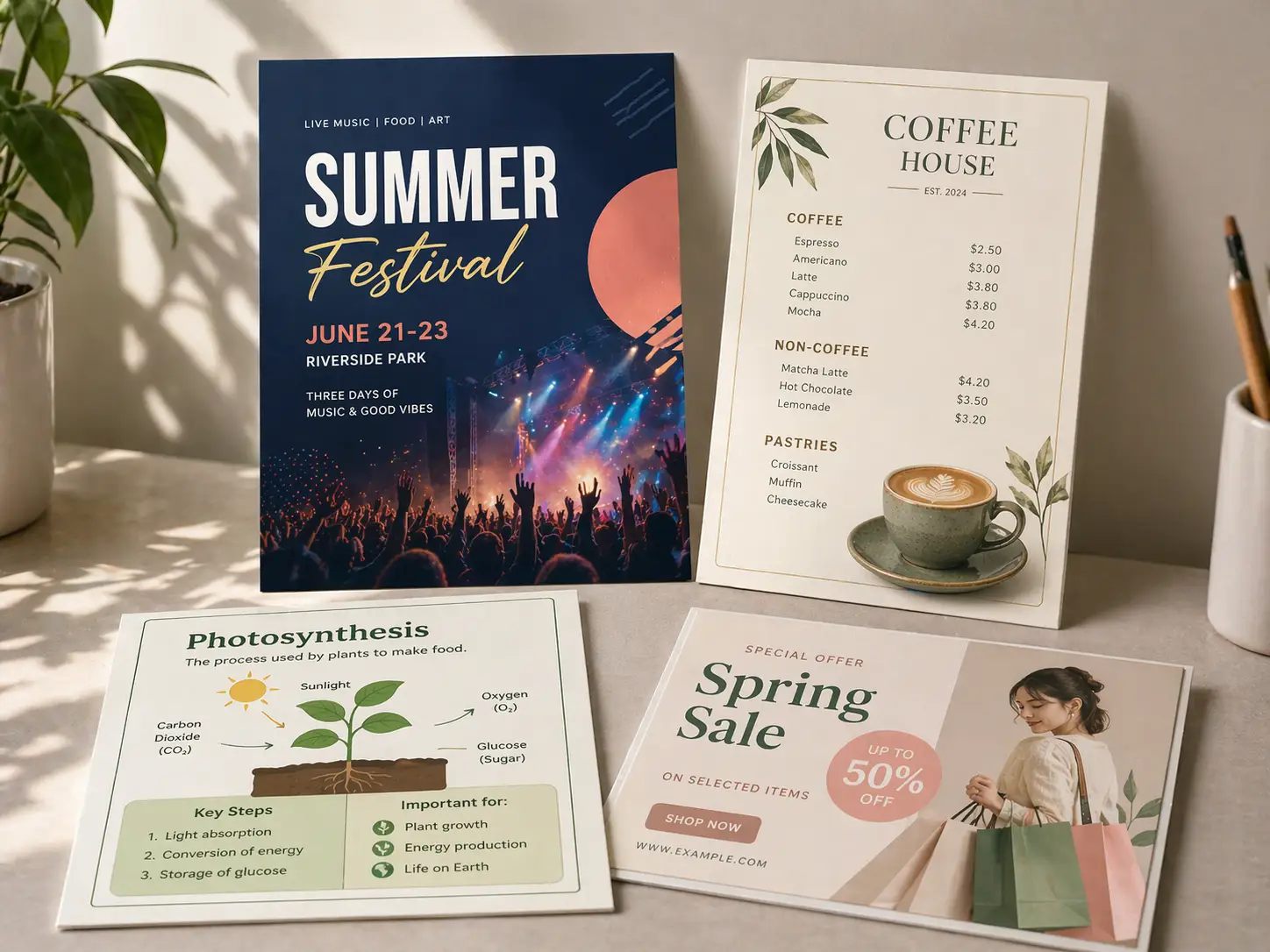
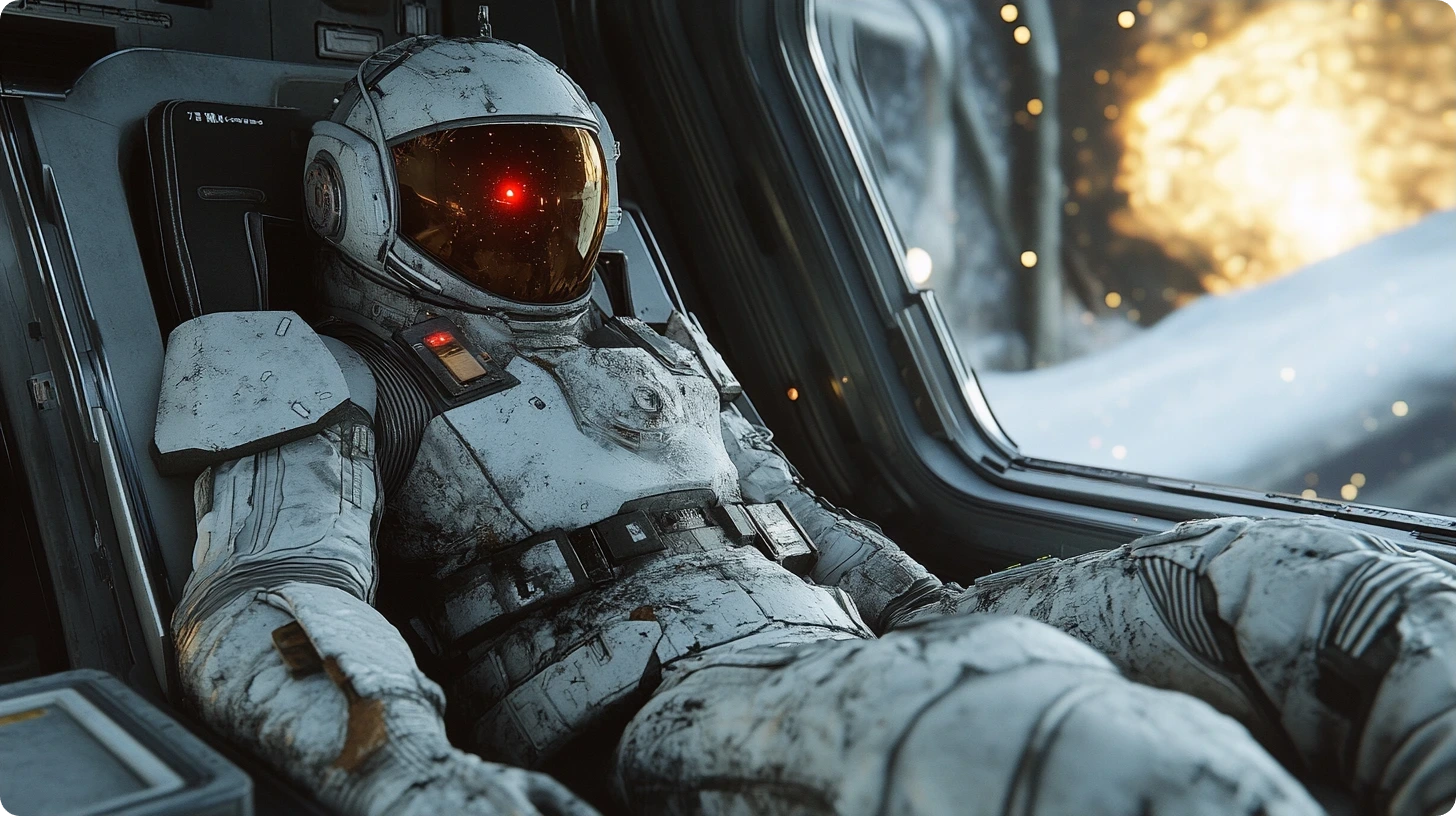
Generate Posters, Menus, and Text-Heavy Graphics

ChatGPT Images 2.0 is especially useful for images that need readable words, cleaner layout, and stronger visual hierarchy, including flyers, menus, labels, study cards, and promo graphics.
Generate Posters, Menus, and Text-Heavy Graphics

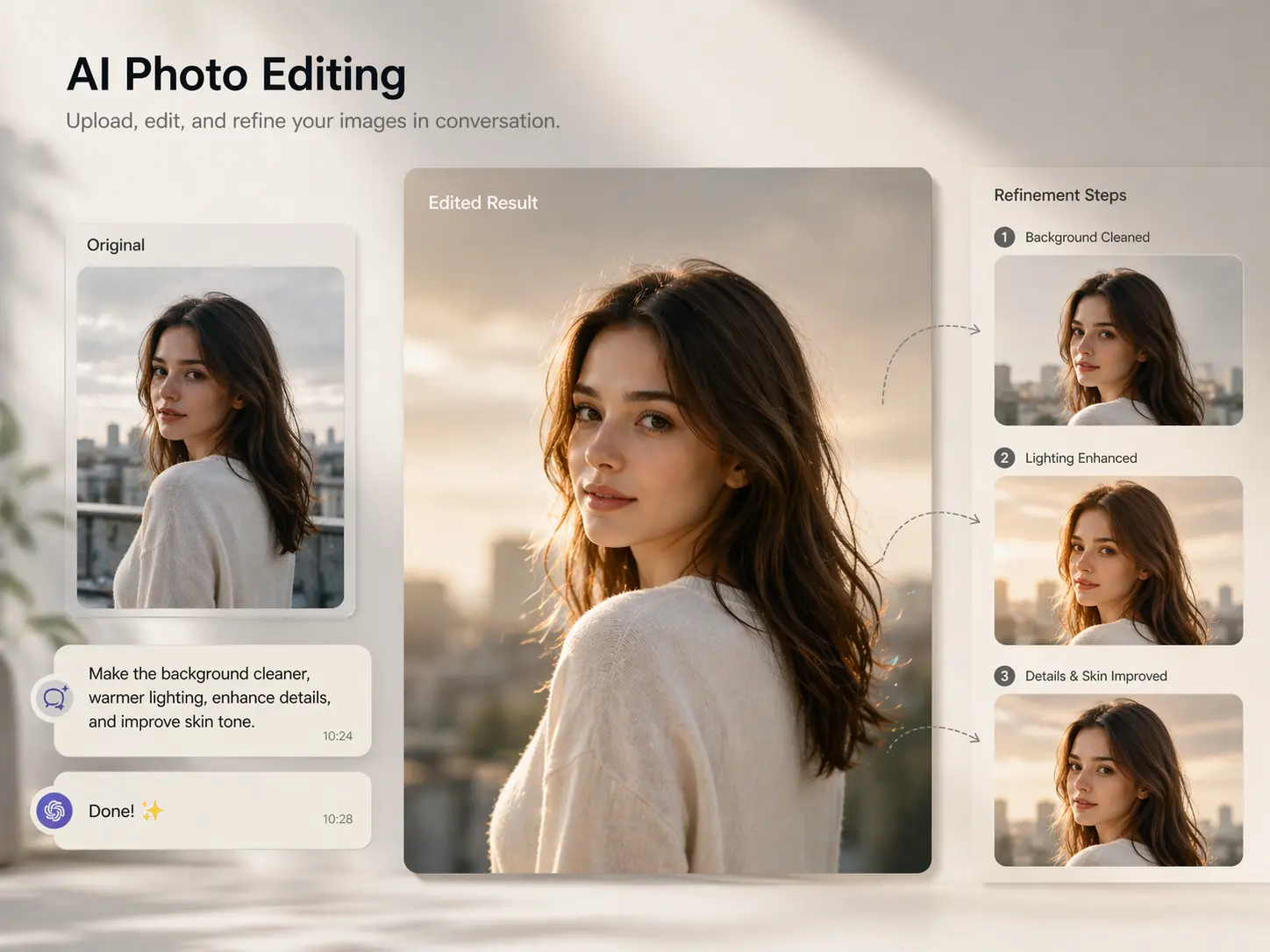
Edit Uploaded Images in Chat

Upload a photo or draft image, describe the changes you want, and keep refining it in the same conversation. This workflow works well for restyling, cleanup, background changes, and small detail fixes.
Edit Uploaded Images in Chat

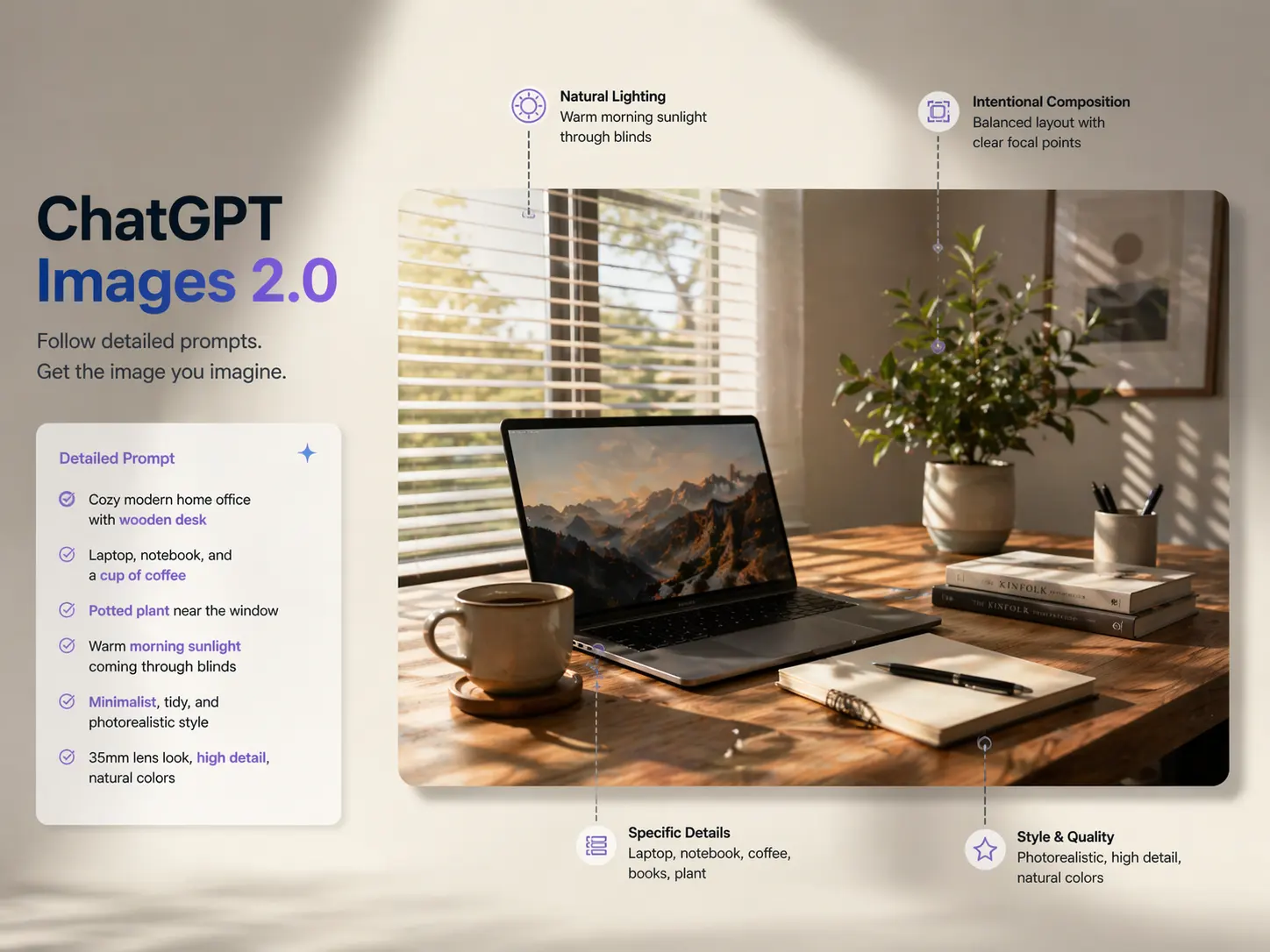
Follow Detailed Prompts More Reliably

Use detailed instructions for objects, wording, composition, color direction, and style. The model is better suited to practical image tasks where prompt accuracy matters.
Follow Detailed Prompts More Reliably

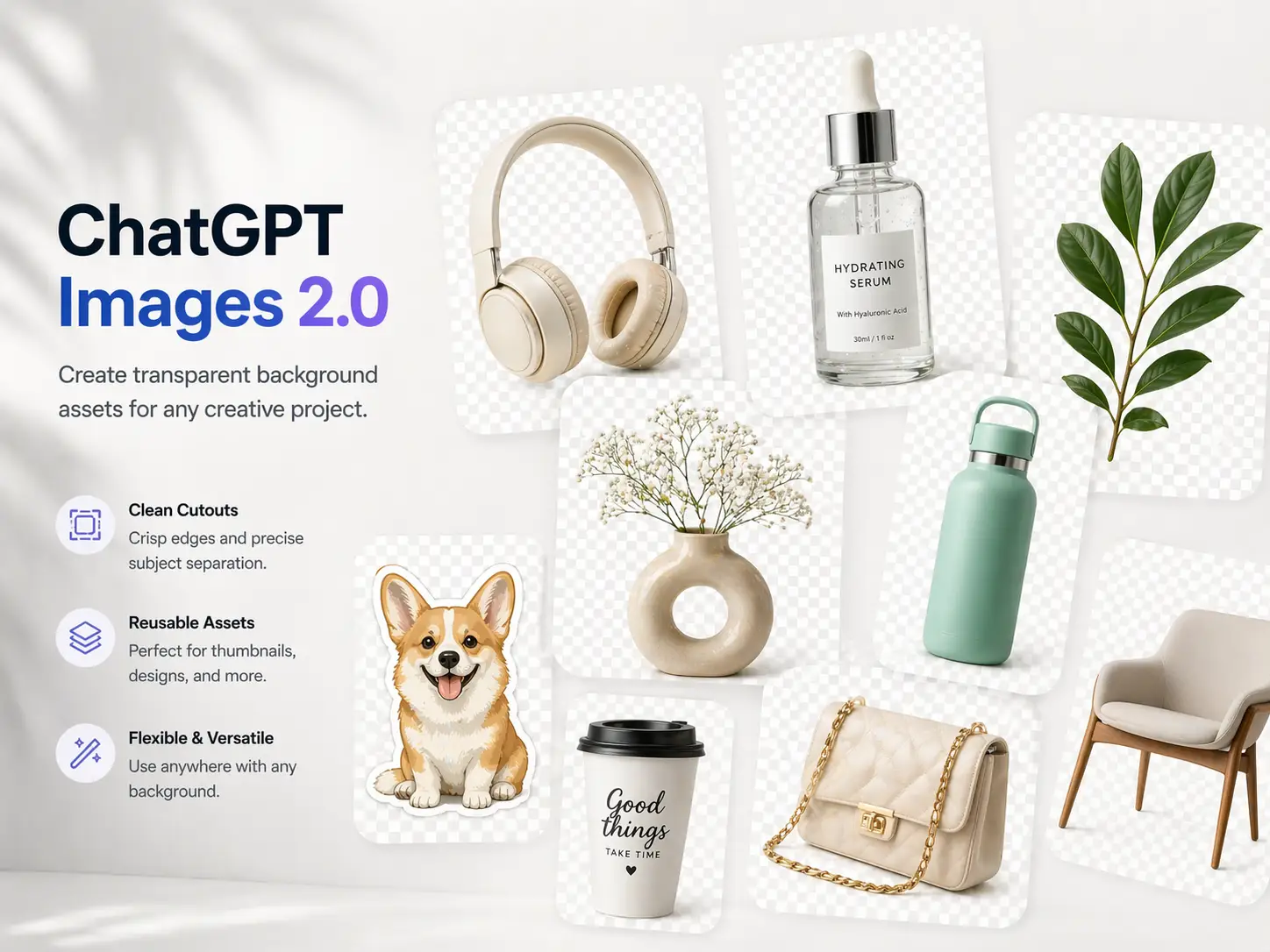
Create Transparent Background Assets

Create cutout-ready visuals and cleaner design assets for thumbnails, product comps, overlays, and social media graphics that need flexible backgrounds.
Create Transparent Background Assets

Frequently Asked Questions

Why ChatGPT Images 2.0 Works for Practical Image Tasks

Better Text Rendering

One of the main reasons this model stands out is its stronger ability to generate readable text, labels, headings, and structured visual information inside an image.

More Accurate Prompt Following

It performs better when you need several elements in one image, more exact wording, stronger composition, or clearer control over what should appear on screen.

Useful Editing Workflow

This is not only a text-to-image tool. It also helps with editing uploaded photos, refining selected areas, and creating cleaner assets for design and content work.

Faster Multi-Turn Iteration

Because the process stays conversational, it is easier to improve one concept over multiple turns instead of restarting every time a detail looks wrong.

More Valuable Features from Dreamface

Text to Image
Use Text to Image when you want a DreamFace workflow close to ChatGPT Images 2.0, including prompt-based image creation, quick concept drafts, and image-to-image style exploration.
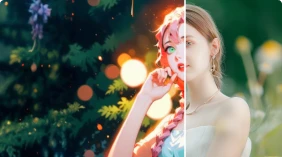
AI Filter
Use AI Filter to compare more artistic, illustrated, anime, or stylized directions after generation when one image needs several distinct visual looks.
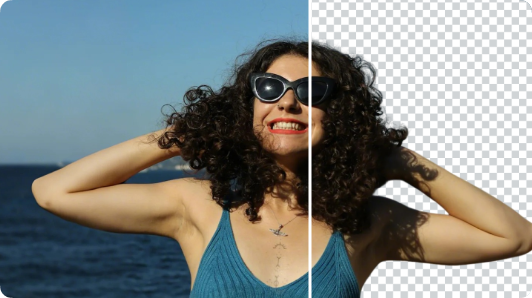
Background Remover
Use Background Remover to clean up portraits, product images, and social graphics before or after generation so the main subject stays clearer and easier to reuse.
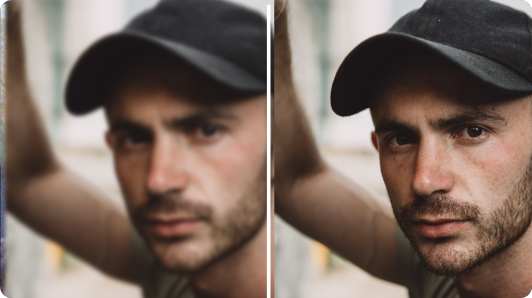
Photo Enhance
Use Photo Enhance to sharpen blurry or low-detail images before refinement, helping your final visual look cleaner, clearer, and more ready for publishing.

They Love Dreamface

Poster text came out cleaner

I used it for a quick event flyer and the title text stayed much more readable than I expected.

Way easier for revisions

The best part was fixing the same image in chat instead of starting over every time a small detail looked off.

Useful for social graphics

I got a few thumbnail and promo ideas fast, then just kept refining the version that was closest.

Better than generic art outputs

It felt more useful for real design tasks, especially when I needed wording, layout, and image style to work together.

Helped with product mockups

I tried it for simple product visuals and it was good for rough concepts before doing any final cleanup.

Transparent assets saved time

Getting cleaner cutout-style images made it easier to reuse the same visual across different posts and layouts.

Poster text came out cleaner

I used it for a quick event flyer and the title text stayed much more readable than I expected.

Way easier for revisions

The best part was fixing the same image in chat instead of starting over every time a small detail looked off.

Useful for social graphics

I got a few thumbnail and promo ideas fast, then just kept refining the version that was closest.

Better than generic art outputs

It felt more useful for real design tasks, especially when I needed wording, layout, and image style to work together.

Helped with product mockups

I tried it for simple product visuals and it was good for rough concepts before doing any final cleanup.

Transparent assets saved time

Getting cleaner cutout-style images made it easier to reuse the same visual across different posts and layouts.