DreamFace

En
    Language
  • English
  • Português
  • 简体中文
  • 繁體中文
  • 日本語
  • Español
  • Bahasa Indonesia
  • ไทย
  • Tiếng Việt
  • हिंदी
  • Русский
  • Italiano
  • 한국어
  • मराठी
  • Nederlands
  • Norsk
  • ਪੰਜਾਬੀ
  • Polski
  • Dansk
  • Suomi
  • Français
  • Deutsch
  • Svenska
  • Kiswahili
  • తెలుగు
  • Türkçe
  • বাংলা
  • اردو
  • العربية
  • فارسی
  • Ελληνικά
Start Now
left
Chrome Store
4.9

Chrome Store

right
left
20,000,000+

Global Users

right
left
Apple Store
4.9

Apple Store

right

We trusted by Famous institutions worldwide

How to Use the Text to Image Generator

step1

Choose a Creation Mode

Start with Text to Image to generate from a prompt, or use Image to Image when you want to restyle or refine an existing photo.

step2

Add Your Prompt or Reference Image

Describe the subject, style, and mood you want, or upload an image to guide the result. Then select the visual style that best fits your goal.

step3

Generate, Refine, and Download

Review the output, regenerate if needed, and download the version that works best for your design, content, or campaign.
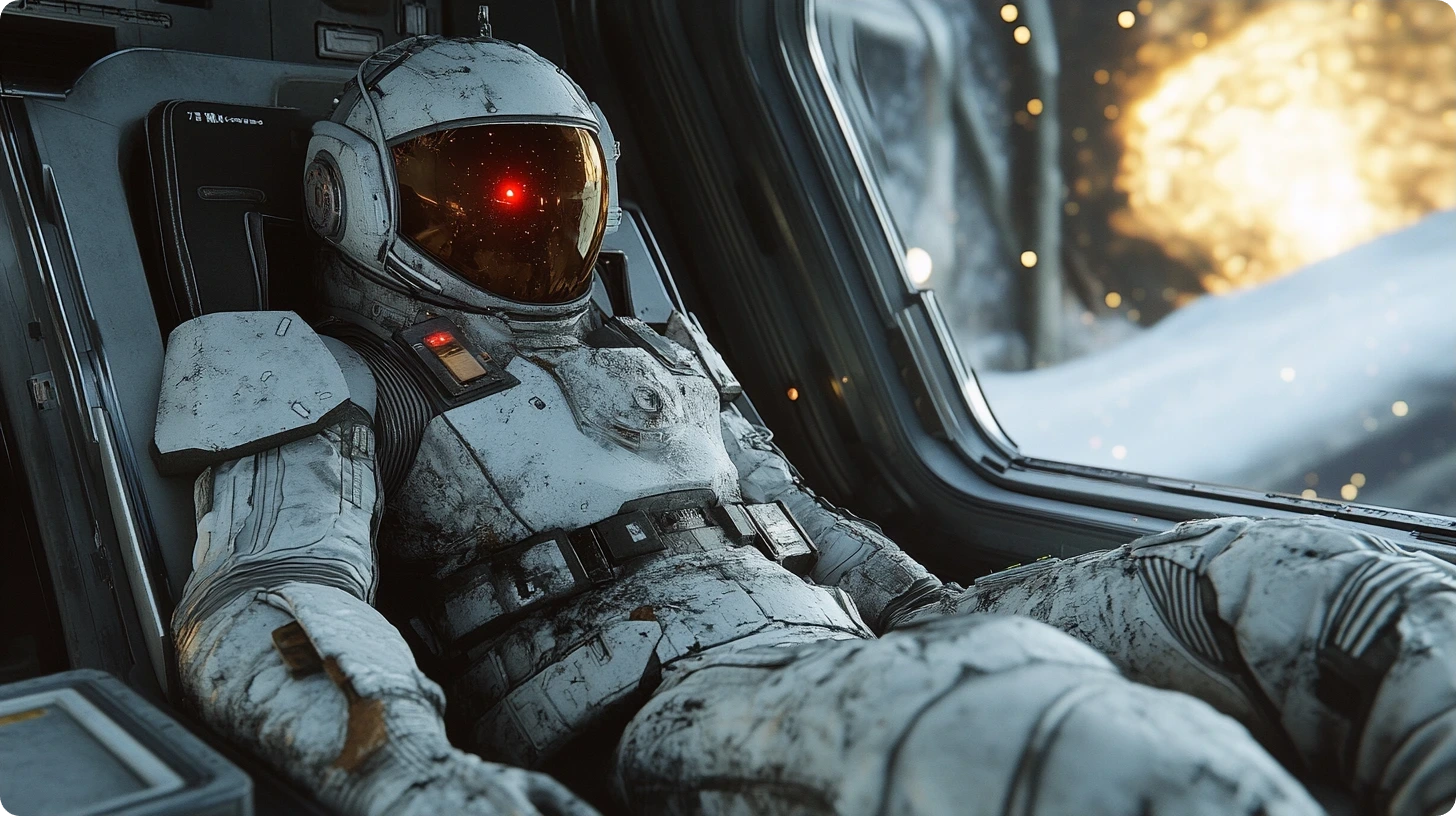

Key Features of DreamFace's Text to Image Generator

Generate AI Images from Simple Prompts

Turn short text prompts into polished visuals for ads, social content, concept art, product ideas, and creative exploration. DreamFace helps you move from idea to image quickly without complex setup.
Generate AI Images from Simple Prompts

Restyle Photos with Image to Image

Upload a reference image and create fresh variations with new looks, moods, or art directions. This is useful for concept development, portrait restyling, and visual iteration.
Restyle Photos with Image to Image

Explore Multiple Art Styles Fast

Switch between realistic, illustrated, cinematic, and stylized outputs to match your project. Test different directions before you commit to a final visual for your brand or campaign.
Explore Multiple Art Styles Fast

Create Faster with an Easy Workflow

Generate, compare, and download high-quality images in a few clicks. The tool is built for creators, marketers, and teams who want strong results without a steep learning curve.
Create Faster with an Easy Workflow

Frequently Asked Questions

Why Use DreamFace for AI Image Creation?

Prompt-to-Image Accuracy

DreamFace turns clear prompts into relevant visuals faster, helping you get usable first drafts without heavy manual editing.

Flexible Image-to-Image Editing

Use a source image to explore new styles, improve composition, or create multiple variants while keeping the original idea intact.

Fast Creative Iteration

Generate several directions quickly for moodboards, ads, social posts, thumbnails, and concept work without slowing down your workflow.

Beginner-Friendly Workflow

You do not need design software or advanced prompting skills to start creating strong visual concepts and production-ready assets.

More Valuable Features from Dreamface

Background Remover
Remove backgrounds in one click when you need clean product shots, profile images, transparent assets, or polished edits after generating AI visuals.
Photo Enhancer
Sharpen soft images, improve clarity, and clean up details when you want your generated or edited visuals to look more publish-ready.
Old Photo Restoration
Restore damaged or faded photos with AI before turning them into new creative assets, updated portraits, or stylized image variations.
AI Image Detector
Check whether an image is likely AI-generated when you need authenticity signals, comparison workflows, or extra review around generated content.

They Love Dreamface

Great for Fast AI Visual Concepts

I use this when I need quick image directions for campaigns and social posts. The prompt-to-image results are strong, and image-to-image is helpful when I want to refine a draft instead of starting over.

Helpful for Non-Designers

I do not have a design background, but I can still create polished visuals with a short prompt and a few retries. It is much easier than building graphics from scratch.

Useful for Marketing Work

This tool helps me create fresh promotional images without relying on generic stock assets. It is fast enough for day-to-day content production and flexible enough to test different styles.

Solid Image-to-Image Workflow

I uploaded a rough concept image and used it to explore several looks. That made it much easier to compare directions before choosing the final style.

Good Speed and Image Quality

The generation process is quick, which makes iteration easy. I can test multiple prompt ideas in one session and usually find a result I can use.

Easy Way to Explore Styles

I like how simple it is to move from a reference photo to a new visual style. It is useful for both creative experiments and practical content tasks.

Great for Fast AI Visual Concepts

I use this when I need quick image directions for campaigns and social posts. The prompt-to-image results are strong, and image-to-image is helpful when I want to refine a draft instead of starting over.

Helpful for Non-Designers

I do not have a design background, but I can still create polished visuals with a short prompt and a few retries. It is much easier than building graphics from scratch.

Useful for Marketing Work

This tool helps me create fresh promotional images without relying on generic stock assets. It is fast enough for day-to-day content production and flexible enough to test different styles.

Solid Image-to-Image Workflow

I uploaded a rough concept image and used it to explore several looks. That made it much easier to compare directions before choosing the final style.

Good Speed and Image Quality

The generation process is quick, which makes iteration easy. I can test multiple prompt ideas in one session and usually find a result I can use.

Easy Way to Explore Styles

I like how simple it is to move from a reference photo to a new visual style. It is useful for both creative experiments and practical content tasks.