DreamFace
- AI Tools
- Template
- Gallery
- Blog
- Pricing
- API


Language
En- English
- Português
- 简体中文
- 繁體中文
- 日本語
- Español
- Bahasa Indonesia
- ไทย
- Tiếng Việt
- हिंदी
- Русский
- Italiano
- 한국어
- मराठी
- Nederlands
- Norsk
- ਪੰਜਾਬੀ
- Polski
- Dansk
- Suomi
- Français
- Deutsch
- Svenska
- Kiswahili
- తెలుగు
- Türkçe
- বাংলা
- اردو
- العربية
- فارسی
- Ελληνικά
Language
Start Now
Moment of lightning
Upload Image
Click to upload an image
Try with our sample images
Sample Filter


4.9
'%3e%3cg%3e%3cpath%20d='M11.1034615625,1.816990478790283C11.4702615625,1.0737404787902831,12.5300515625,1.0737404787902831,12.8968515625,1.816990478790283L15.2941515625,6.674462478790283C15.4398515625,6.969602478790283,15.7214515625,7.174172478790283,16.047151562499998,7.221502478790283L21.4076515625,8.000432478790284C22.2278515625,8.119612478790284,22.5553515625,9.127592478790284,21.9618515625,9.706122478790283L18.0829515625,13.487052478790282C17.8472515625,13.716852478790283,17.7397515625,14.047852478790283,17.7953515625,14.372252478790283L18.7110515625,19.711052478790283C18.8511515625,20.527952478790283,17.9937515625,21.150952478790284,17.2601515625,20.765252478790284L12.4654515625,18.244552478790283C12.1741515625,18.091452478790284,11.8261515625,18.091452478790284,11.5348615625,18.244552478790283L6.7402115625,20.765252478790284C6.0065815625,21.150952478790284,5.1491515625,20.527952478790283,5.2892615625,19.711052478790283L6.2049515625,14.372252478790283C6.2605915625,14.047852478790283,6.1530415625,13.716852478790283,5.9173515625,13.487052478790282L2.0384295625,9.706122478790283C1.4449195625,9.127592478790284,1.7724199625,8.119612478790284,2.5926495625,8.000432478790284L7.9531815625,7.221502478790283C8.2788915625,7.174172478790283,8.560461562499999,6.969602478790283,8.7061215625,6.674462478790283L11.1034615625,1.816990478790283Z'%20fill='%23F0A000'%20fill-opacity='1'%20style='mix-blend-mode:passthrough'/%3e%3c/g%3e%3cg%20mask='url(%23master_svg1_5_13539)'%3e%3c/g%3e%3c/g%3e%3c/svg%3e)
Chrome Store

Global Users

4.9
Apple Store
Trusted by Leading Institutions Worldwide












How to Create Your Moment of Lightning Portrait
step 1 Upload One Clear Portrait
Start with a sharp solo photo where your face is easy to see. Close-up and head-and-shoulders shots work best for this lightning-driven look.
step 2 Choose Moment of Lightning
Pick Moment of lightning to apply the desert storm setting, dramatic sky, and poised portrait styling shown in the template preview.
step 3 Create, Download, and Share
Generate your image in seconds, then save the final portrait for posts, wallpapers, profile pictures, or creative edits.
Why Try the Moment of Lightning Filter
Lightning-Framed Close-Ups
Bright forks of lightning cut through the sky around your face, giving the portrait a charged, high-drama look without losing clear facial detail.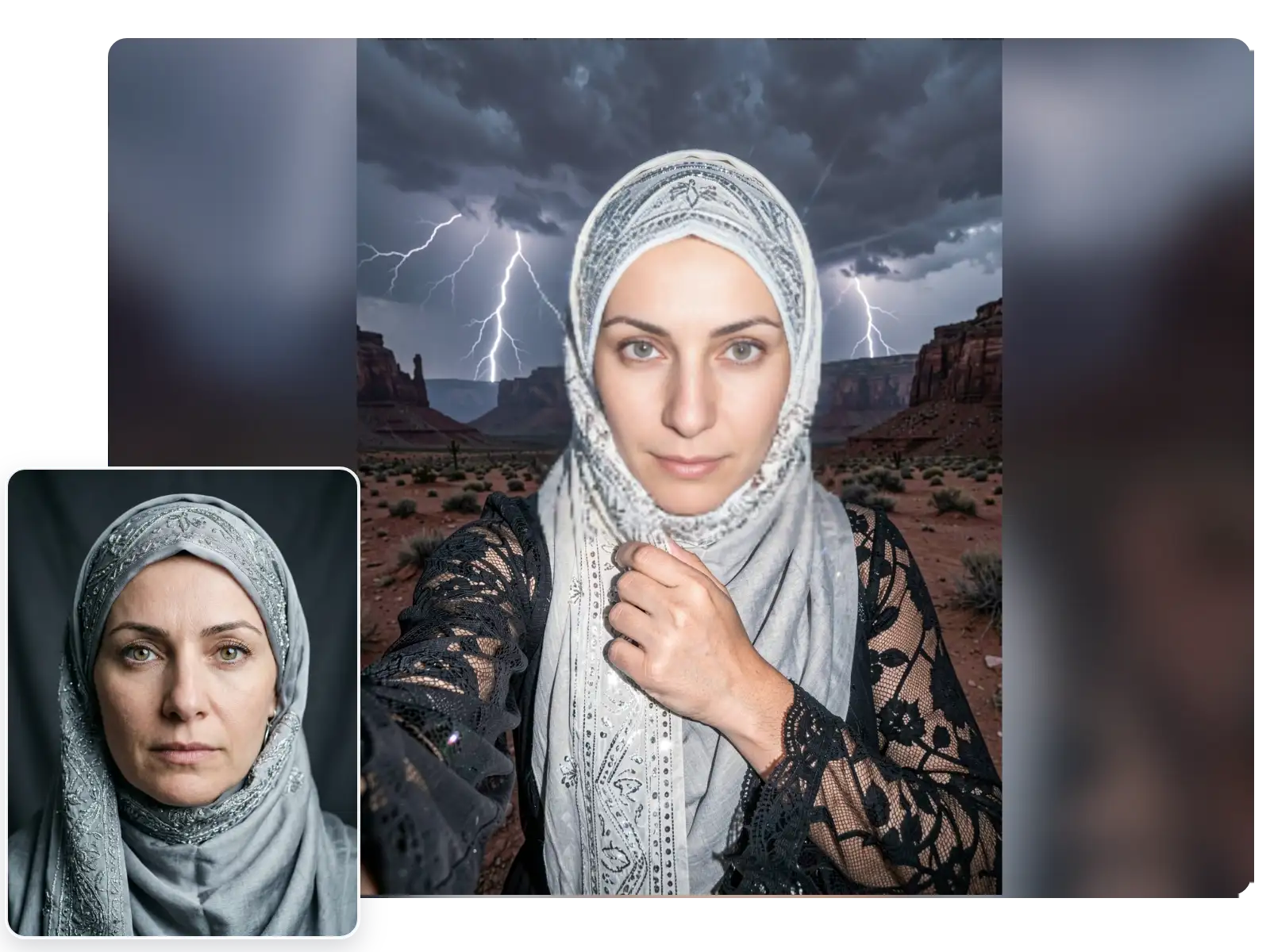
Desert Thunderstorm Atmosphere
The filter builds a canyon-like backdrop with dark cloud cover and storm depth, so the final image feels bold, remote, and cinematic in a grounded way.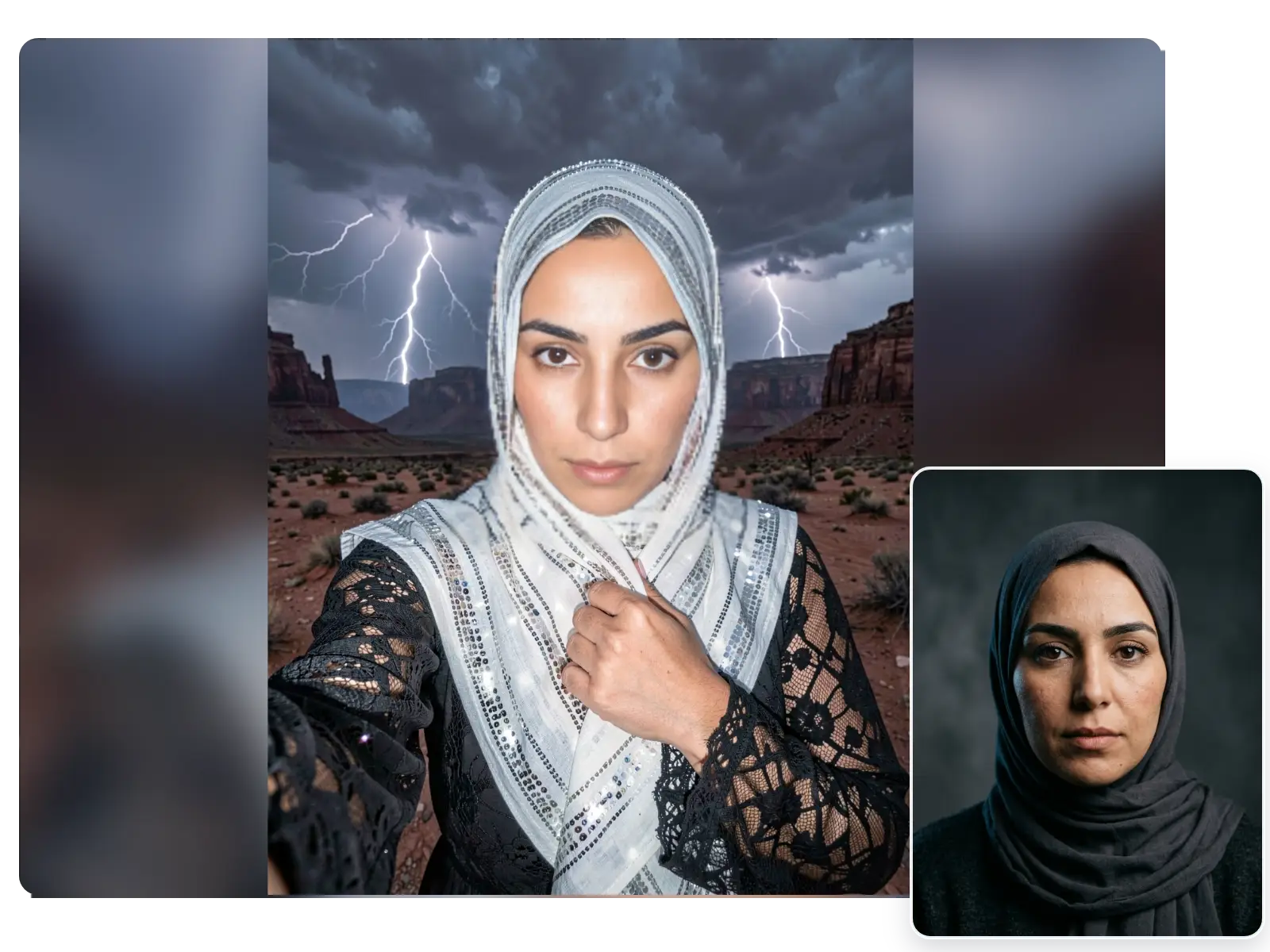
Silver Veil Elegance
Moment of lightning pairs the storm setting with refined scarf styling, dark lace texture, and a calm centered pose for a regal solo portrait finish.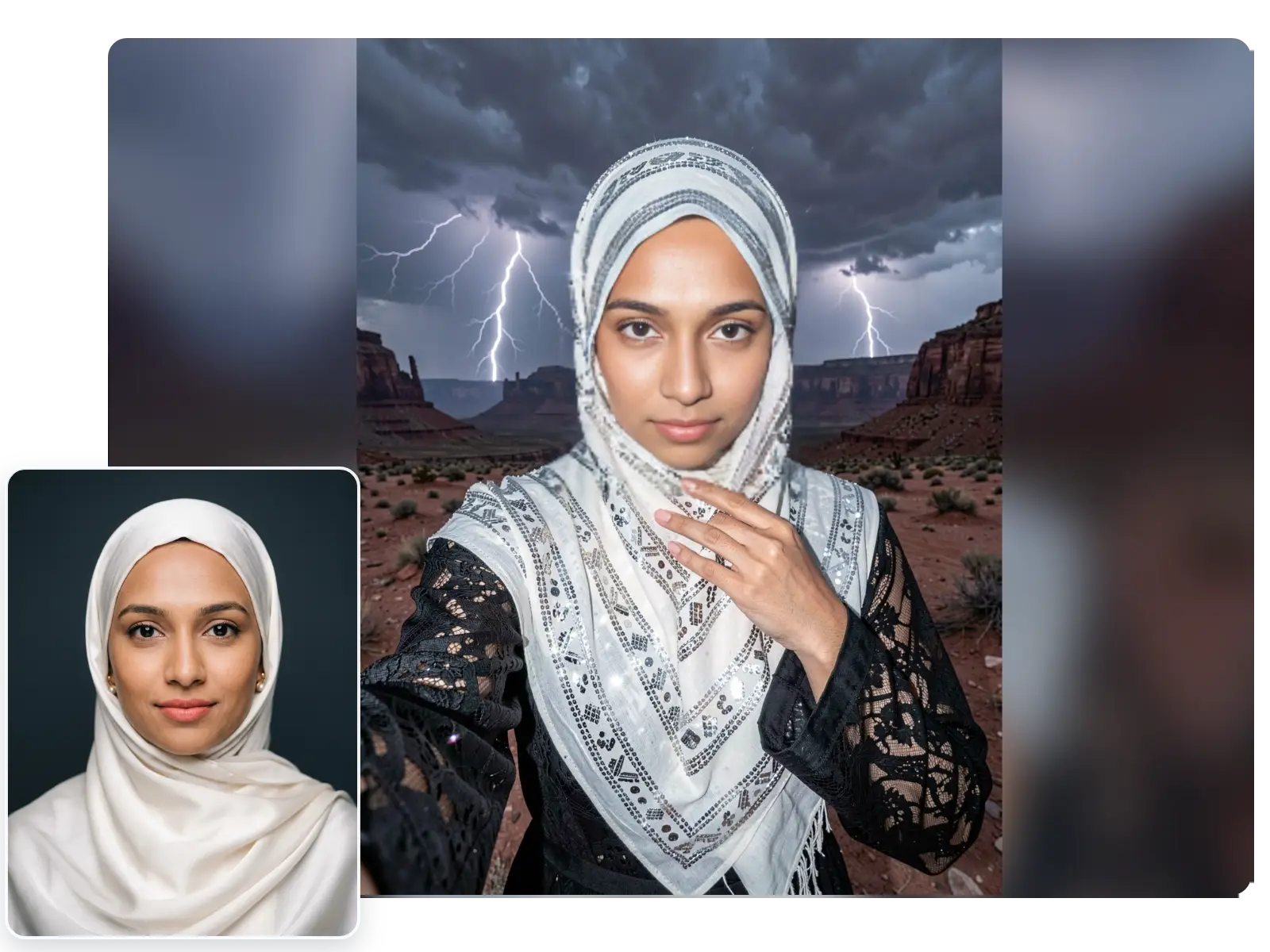
Fast One-Photo Creation
Upload one portrait, choose the template, and let DreamFace generate your storm-lit result quickly for sharing, profile updates, or creative posts.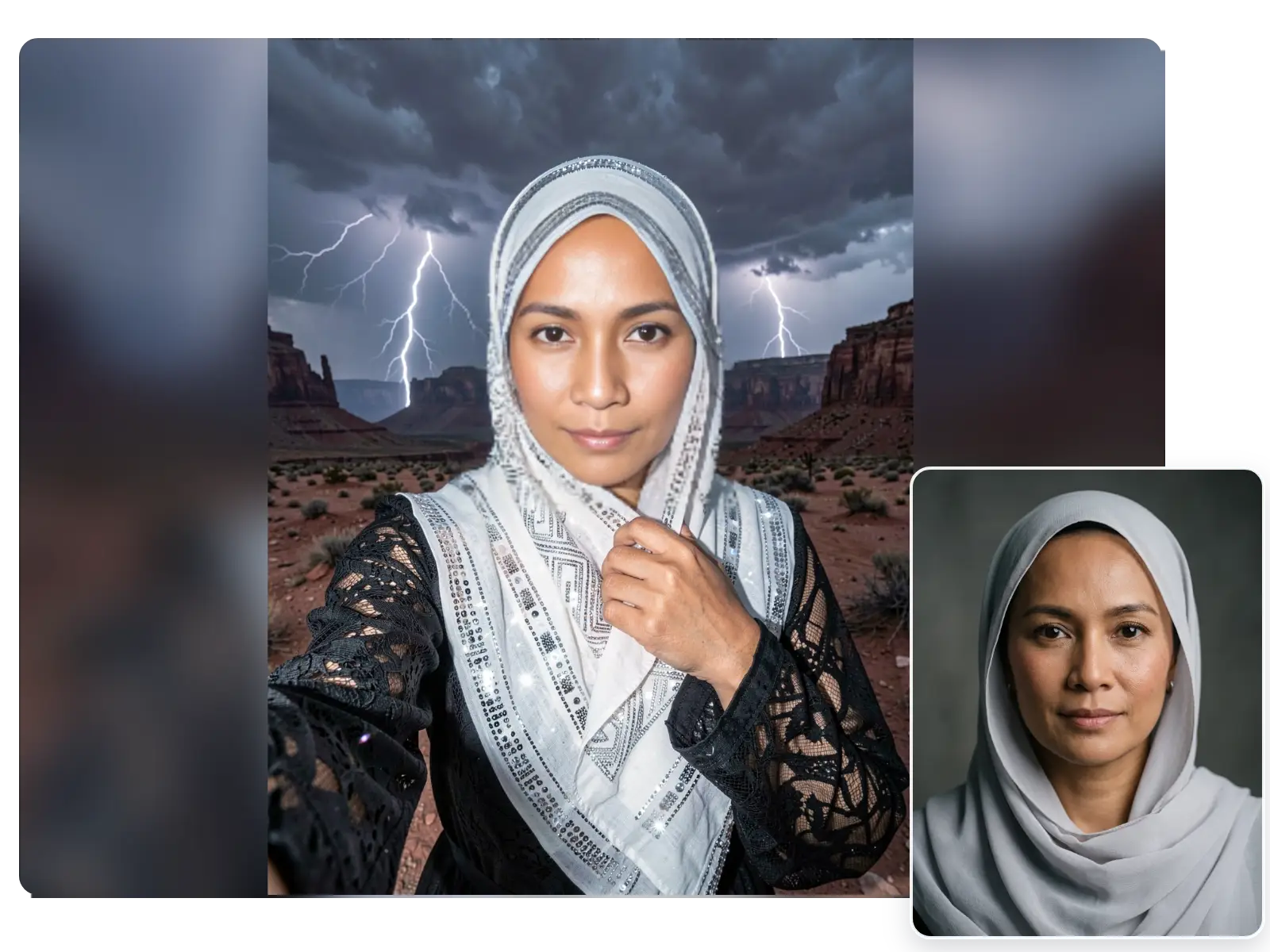
More Valuable Features from Dreamface
AI Filter
Try more portrait styles from the same photo when you want to compare storm drama with softer, artistic, or trend-led looks.
AI Headshot
Create a polished studio-style profile image when you want a clean professional headshot after exploring dramatic portrait templates.
Background Remover
Cut out your subject fast when you want to reuse a lightning portrait in posters, edits, thumbnails, or custom storm-themed layouts.
Photo Enhancer
Sharpen blur and lift detail before applying the filter so your final storm portrait keeps crisp features and cleaner texture.