
Download the DreamFace App to Create Anywhere

Download on
App Store

Download on
Google Play

Install APK on
Android
Language
English- English
- Português
- 简体中文
- 繁體中文
- 日本語
- Español
- Bahasa Indonesia
- ไทย
- Tiếng Việt
- हिन्दी
- Русский
- Italiano
- 한국어
- मराठी
- Nederlands
- Norsk
- ਪੰਜਾਬੀ
- Polski
- Dansk
- Suomi
- Français
- Deutsch
- Svenska
- Kiswahili
- తెలుగు
- Türkçe
- বাংলা
- اردو
- العربية
- فارسی
- Ελληνικά
Language
Neon Cyber Glasses
Upload Image
Click to upload an image
Try with our sample images
Sample Filter


4.9

Chrome Store

Global Users

4.9
Apple Store
Trusted by Leading Institutions Worldwide









How to Use the Neon Cyber Glasses Filter
step 1 Upload Your Portrait
Start with one clear close-up or head-and-shoulders photo with your face centered and your eyes easy to see.
step 2 Choose Neon Cyber Glasses
Select the Neon Cyber Glasses filter to add a glowing visor look with dramatic blue-and-amber cyber lighting.
step 3 Create and Share
Generate your futuristic portrait in seconds, then download it or share it anywhere you want your new cyber style to stand out.
Why the Neon Cyber Glasses Filter Stands Out
Glow-Line Visor Effect
Add sharp luminous visor lines across the eyes for a sleek sci-fi eyewear look that instantly feels futuristic and fashion-forward.
Blue-Orange Neon Contrast
Blend cool electric blues with warm amber highlights to recreate the bold cyberpunk lighting style seen in polished tech-beauty portraits.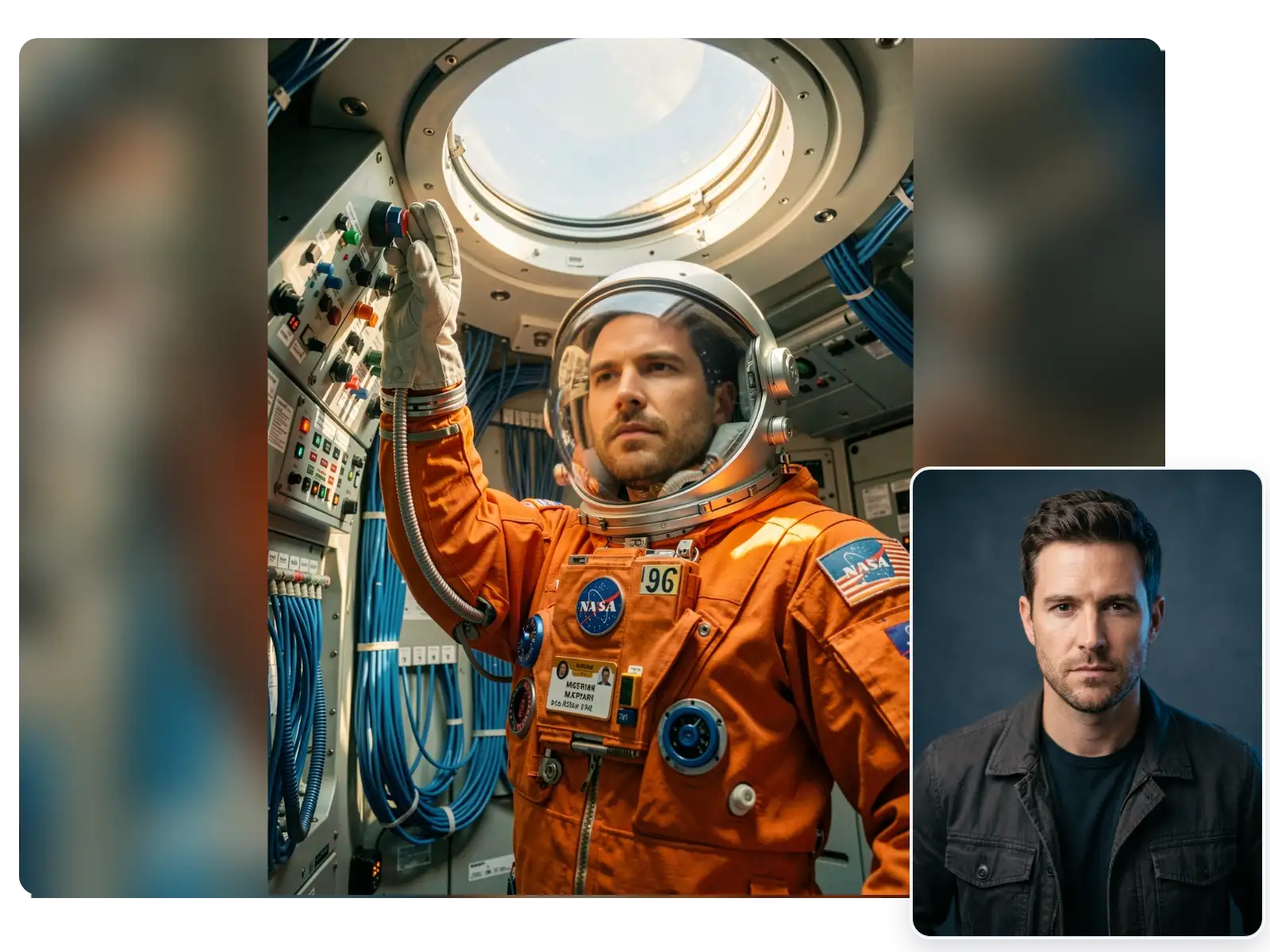
Made for Tight Beauty Crops
Best for close-up selfies and head-and-shoulders portraits where the eyes, skin, lips, and face contours stay crisp, clean, and striking.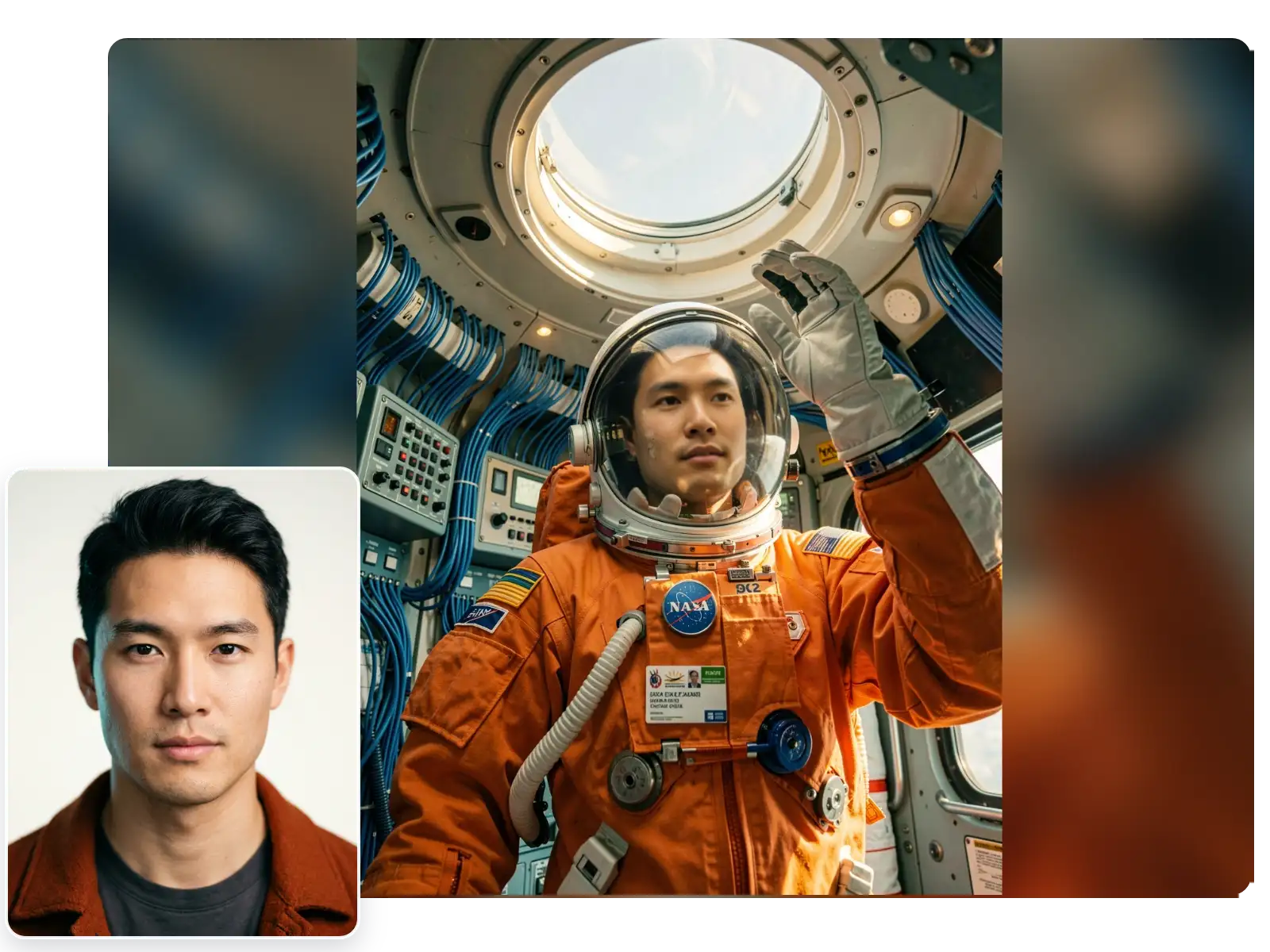
Quick Futuristic Restyles
Upload one portrait, apply the filter, and get a polished neon look fast when you want an easy cyber-themed profile image.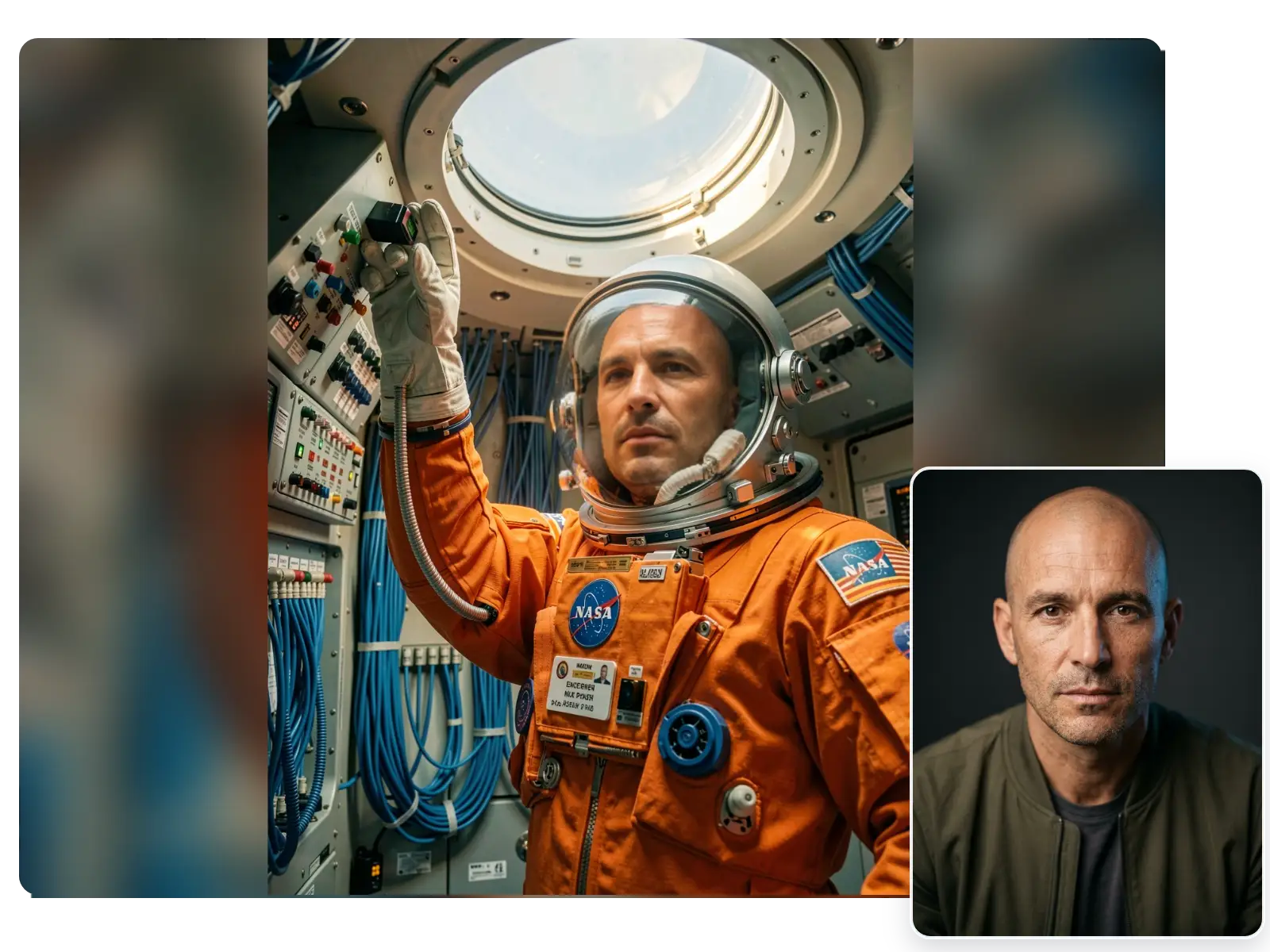
More Valuable Features from Dreamface
AI Filter
Try more neon, anime, and illustrated looks from the same portrait when you want to compare Cyber Glasses with other bold visual styles.
AI Image Generator
Build custom cyberpunk scenes, lighting, and tech-fashion concepts from prompts when you want more futuristic ideas beyond one preset.
Photo Enhancer
Sharpen eyes, visor edges, and neon highlights after generation when you want a cleaner, crisper final portrait.
AI Face Swap
Drop your face into stylized clips and futuristic scenes when you want your cyber look to move beyond static portraits.
Frequently Asked Questions
Can I use a normal selfie for the Neon Cyber Glasses filter?
Yes. A regular close-up selfie works well as long as your face is clear, centered, and not heavily blocked by hair or deep shadows.
Does this filter create the glowing visor and neon lighting automatically?
The filter is designed to add glowing visor lines plus bold blue-and-orange contrast, which is what gives the result its futuristic cyber aesthetic.
Is this template better for close-up portraits or wider photos?
Close-up and head-and-shoulders portraits usually work best because this template focuses on the eyes, face lighting, and the visor effect across the upper face.
Will it still work if I already wear glasses in my source photo?
It can still work, but the cleanest results usually come from photos without heavy frames or face coverings so the visor effect can sit clearly across the eyes.
How many photos do I need to upload?
You only need one portrait for this template. Upload a clear face photo, apply the filter, and DreamFace will handle the transformation for you.
Can I download and share my Neon Cyber Glasses result?
Yes. After your image is generated, you can download the result and use it as a profile picture, post, wallpaper, or shareable cyber-style portrait.