
Download the DreamFace App to Create Anywhere

Download on
App Store

Download on
Google Play

Install APK on
Android
Language
English- English
- Português
- 简体中文
- 繁體中文
- 日本語
- Español
- Bahasa Indonesia
- ไทย
- Tiếng Việt
- हिन्दी
- Русский
- Italiano
- 한국어
- मराठी
- Nederlands
- Norsk
- ਪੰਜਾਬੀ
- Polski
- Dansk
- Suomi
- Français
- Deutsch
- Svenska
- Kiswahili
- తెలుగు
- Türkçe
- বাংলা
- اردو
- العربية
- فارسی
- Ελληνικά
Language
Traveler Comics
Upload Image
Click to upload an image
Try with our sample images
Sample Filter


4.9

Chrome Store


4.9
Apple Store
Global Users
Trusted by Leading Institutions Worldwide












How to Apply AI Filter?
step 1 Upload Your Photo
Upload a clear portrait or character image. Traveler Comics works best with front-facing photos where facial expressions and upper body details are visible, allowing the AI to accurately position the camera strap, map, and travel accessories.
step 2 Apply the Traveler Comics Filter
Select the Traveler Comics AI Filter to instantly convert your image into an anime-inspired travel illustration. The system enhances outlines, adds soft comic shading, and integrates iconic explorer elements like a neck camera and hand-held map.
step 3 Generate and Download
Click Generate to create your stylized travel comic portrait in seconds. Preview the result, make adjustments if needed, and download a high-resolution image ready for social media, storytelling, or creative projects.
Key Features of AI Filter
Anime Travel Style
Traveler Comics blends modern anime aesthetics with playful travel storytelling. Your subject appears as a smiling explorer with a camera around the neck and a map in hand, enhanced by clean linework, vibrant color tones, and soft gradient shading that create a lively illustrated atmosphere.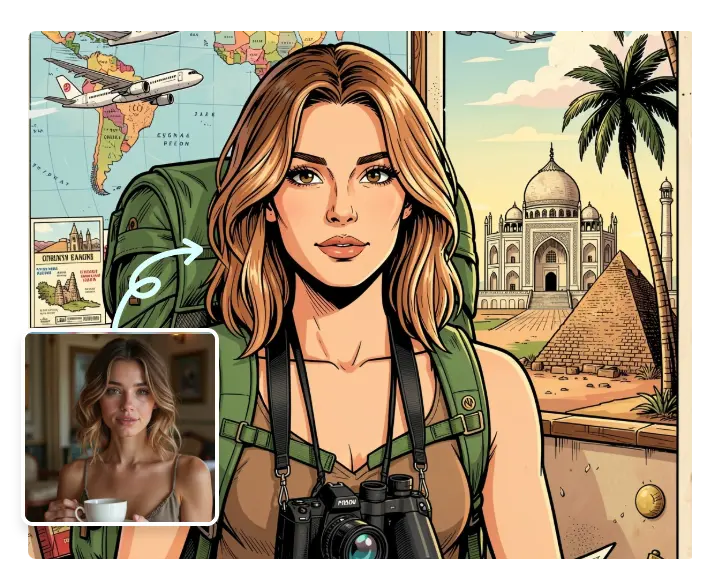
Expressive Comic Details
The filter enhances facial expressions, eye highlights, and subtle smiles to match the cheerful travel theme. It adds dynamic comic-style outlines, light motion accents, and background simplification to keep focus on the character while maintaining a bold, polished visual identity.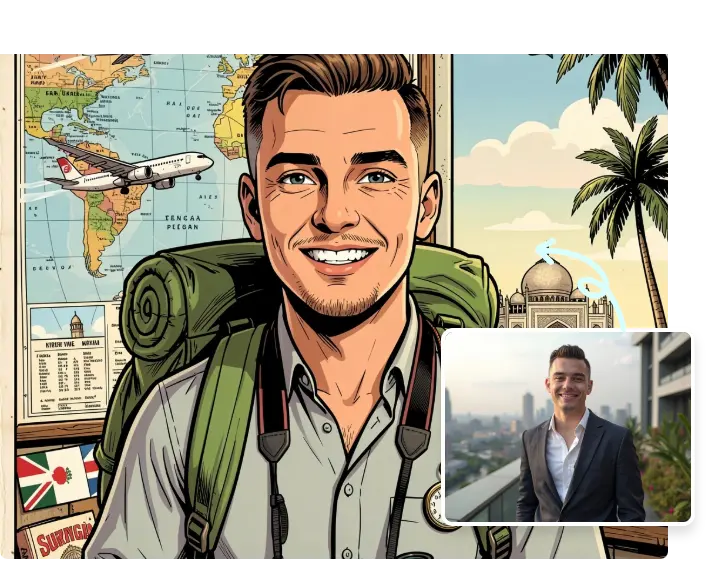
Balanced Color Enhancement
Traveler Comics intelligently adjusts brightness, saturation, and contrast to achieve a fresh outdoor feel. Skin tones remain natural while clothing and accessories gain stylized vibrancy, ensuring the final image feels energetic without losing realism or clarity.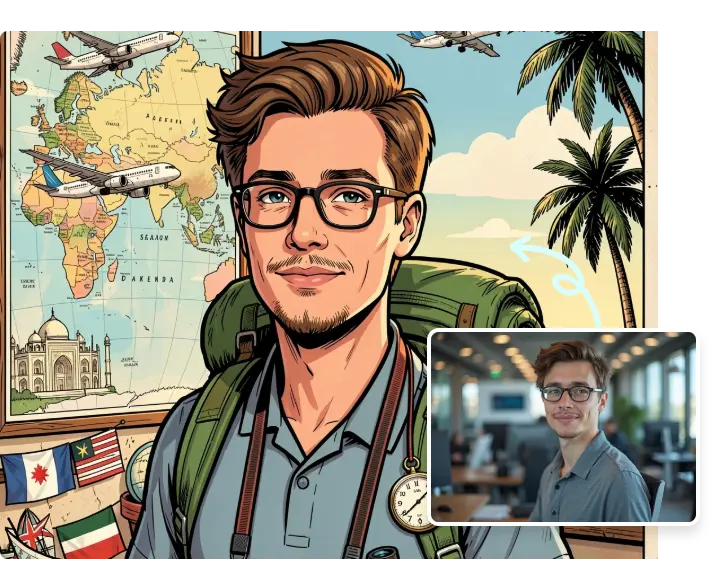
Optimized for Social Sharing
Designed for profile pictures, travel blogs, and creative content, this AI Filter produces high-resolution results with crisp edges and consistent detail. Whether used for branding or personal storytelling, the final output is visually striking and platform-ready.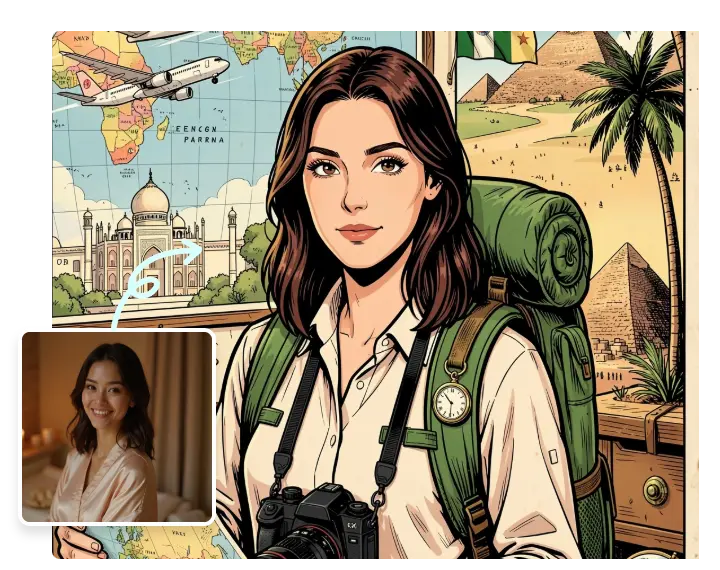
More Valuable Features from Dreamface
Old Photo Restoration
Restore, colorize, and enhance old photos instantly.
Watermark Remover
Remove watermarks easily with the Free AI Watermark Remover.
AI Wedding Photo Generator
Turn any photo into a stunning wedding or bridal portrait.
AI Birthday Image Generator
Upload your photos to instantly create AI-enhanced birthday images
Frequently Asked Questions
How does the Traveler Comics AI Filter work?
Traveler Comics uses advanced AI style transfer to analyze your portrait, detect facial structure and pose, and then apply anime-inspired outlines, shading, and travel-themed elements like a camera and map for a cohesive comic look.
What types of photos work best?
Yes. The filter is optimized for clear, front-facing portraits but also works with half-body shots. Visible shoulders and hands help the AI accurately place the camera strap and map for a natural explorer appearance.
How long does it take to generate the image?
Generation usually takes just a few seconds. Processing time may vary slightly depending on image resolution and server demand, but results are delivered quickly and ready for download.
Can I use the generated images commercially?
Absolutely. You can use images created with the Traveler Comics AI Filter for branding, social media, marketing materials, and other commercial purposes, as long as you own the original photo rights.
Do I need editing experience?
No design skills are required. Simply upload your photo, select the filter, and let the AI handle the styling, color adjustments, and comic detailing automatically.
Can I regenerate for different variations?
Yes. You can regenerate the image multiple times to explore slightly different shading effects, color balances, and stylistic nuances until you find the perfect travel comic look.