
Download the DreamFace App to Create Anywhere

Download on
App Store

Download on
Google Play

Install APK on
Android
Language
English- English
- Português
- 简体中文
- 繁體中文
- 日本語
- Español
- Bahasa Indonesia
- ไทย
- Tiếng Việt
- हिन्दी
- Русский
- Italiano
- 한국어
- मराठी
- Nederlands
- Norsk
- ਪੰਜਾਬੀ
- Polski
- Dansk
- Suomi
- Français
- Deutsch
- Svenska
- Kiswahili
- తెలుగు
- Türkçe
- বাংলা
- اردو
- العربية
- فارسی
- Ελληνικά
Language
Vintage gamer
Upload Image
Click to upload an image
Try with our sample images
Sample Filter


4.9

Chrome Store

Global Users

4.9
Apple Store
Trusted by Leading Institutions Worldwide












How to Make a Vintage Gamer Portrait
step 1 Upload One Portrait
Start with one clear selfie or head-and-shoulders photo with your face fully visible for the best retro gamer result.
step 2 Choose Vintage gamer
Pick the Vintage gamer template to add cozy pastel bedroom energy, warm daylight tones, and nostalgic gaming-room style.
step 3 Generate and Share
Create your image, then download or share your finished vintage gamer portrait anywhere you want.
Why Try the Vintage Gamer Filter
Warm Window-Lit Gamer Mood
Create a soft retro-gamer portrait with sunlit skin, gentle shadows, and the relaxed bedroom glow that makes the style feel cozy instead of staged.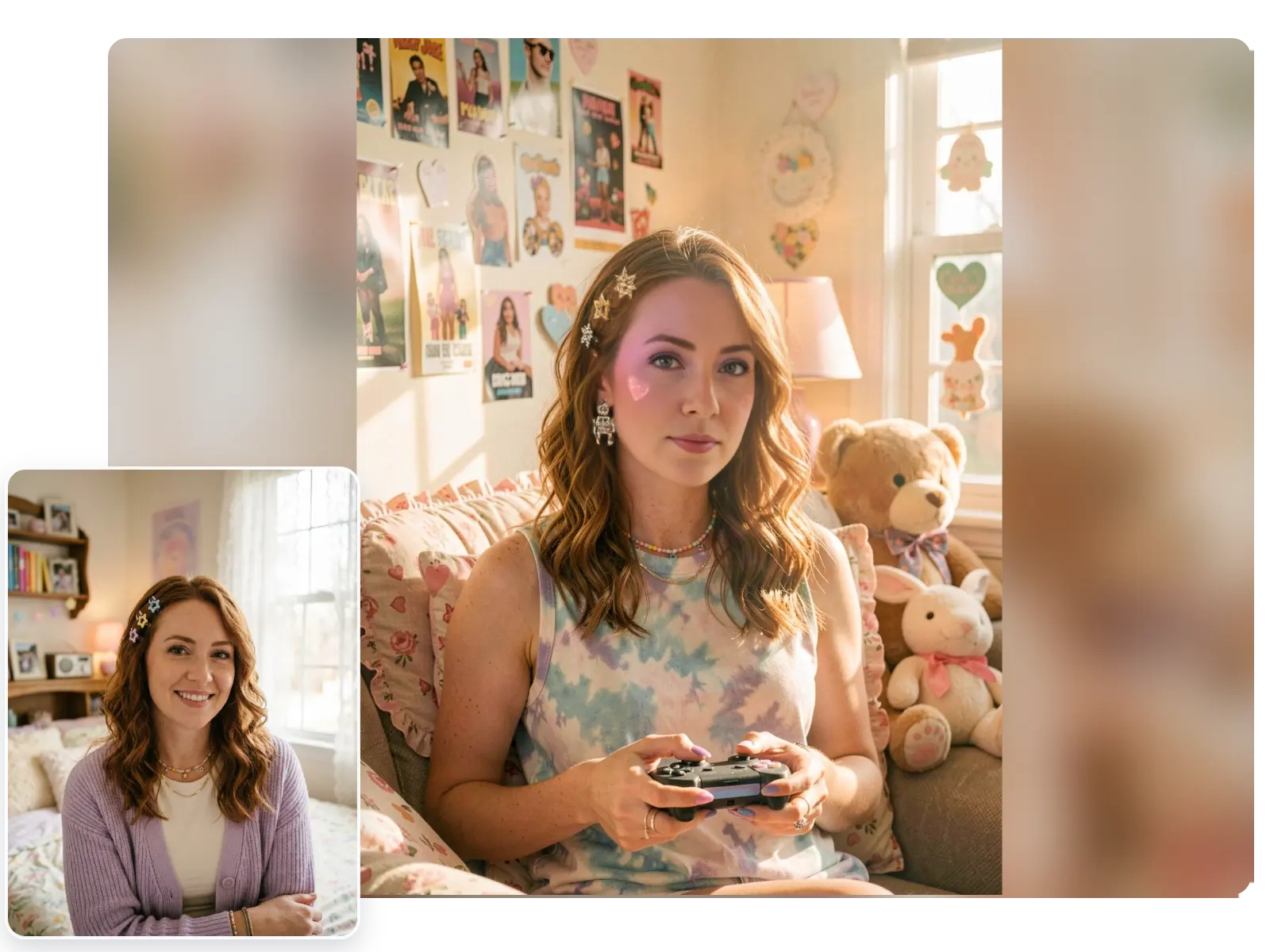
Pastel Bedroom Nostalgia
Keep the template's floral, poster-filled, plush-toy energy through pastel tones and cute room styling that echo early-2000s bedroom photos.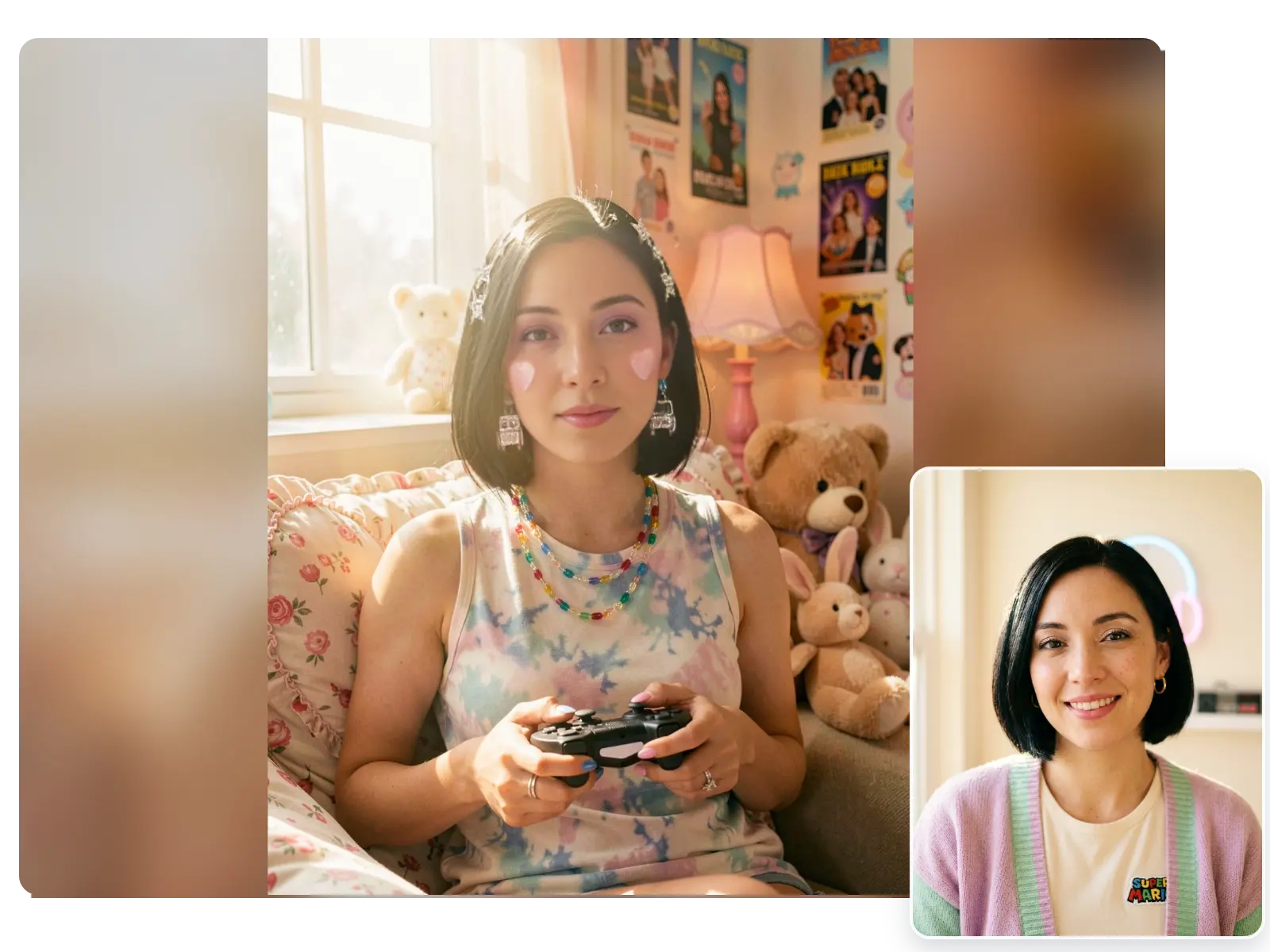
Made for Solo Selfies
This one-photo filter works best for centered head-and-shoulders portraits, so regular selfies can turn into a polished vintage gamer look without extra setup.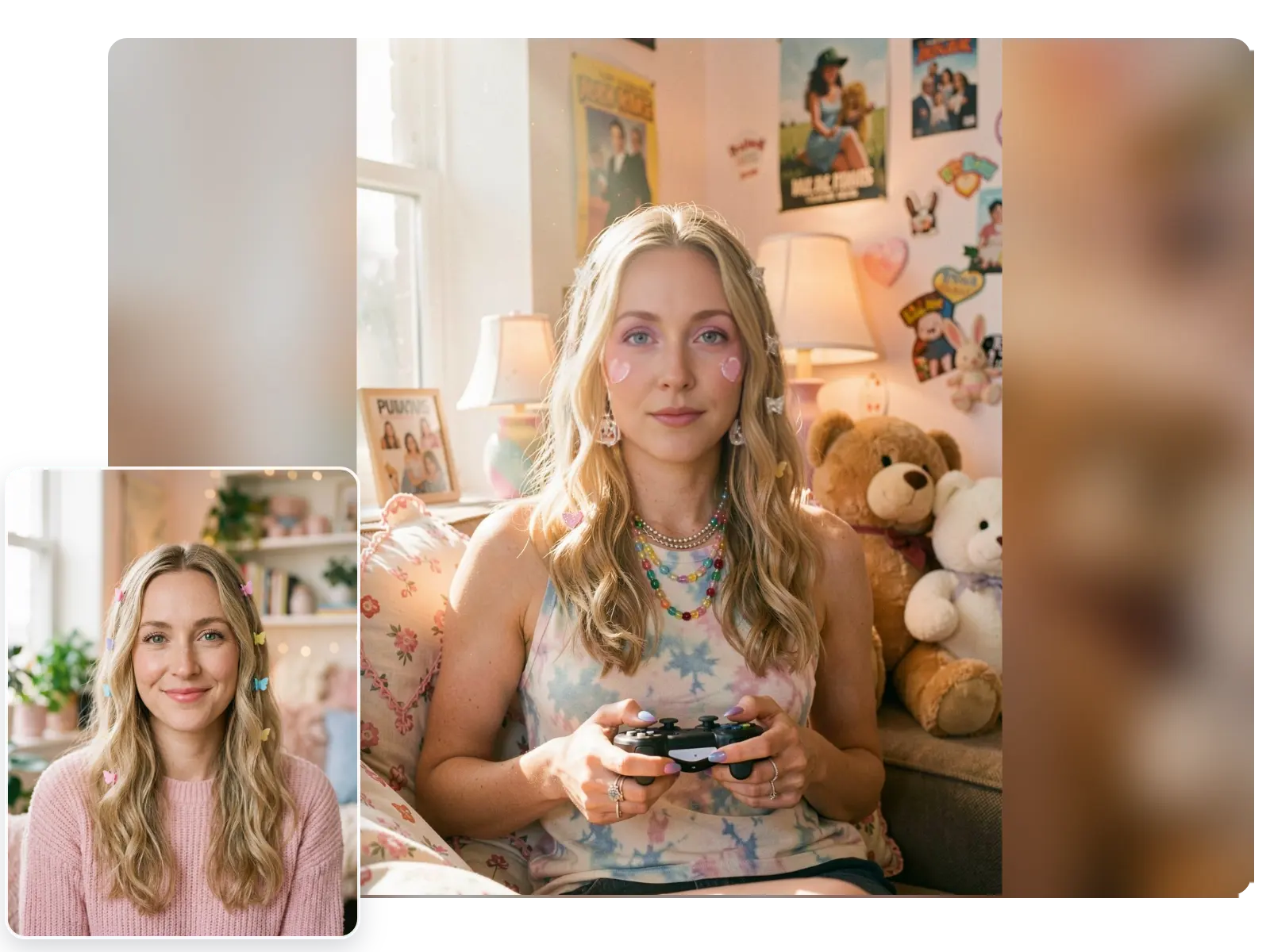
Fast One-Photo Creation
Upload a clear portrait, choose Vintage gamer, and generate a share-ready image in seconds with no complicated editing workflow.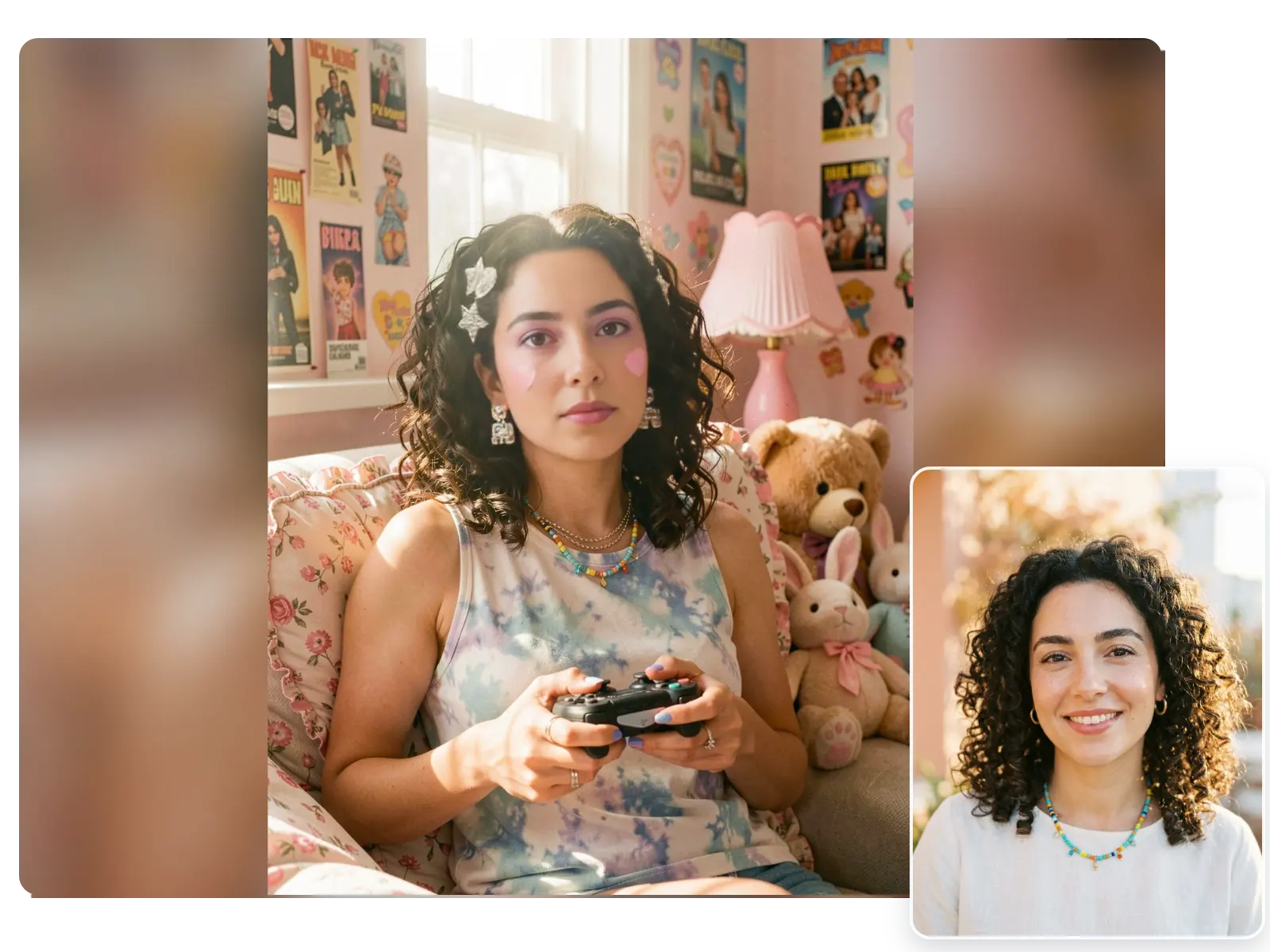
More Valuable Features from Dreamface
AI Filter
Try more anime, illustrated, and stylized looks on the same photo when users want to compare this filter with other visual transformations.
Background Remover
Remove busy backgrounds before generation so portraits, couple shots, and pet photos keep more focus on the main subject.
Photo Enhance
Sharpen blurry photos and recover detail before using the filter for cleaner faces, textures, and more polished final results.
Old Photo Restoration
Repair faded or damaged photos and restore color when the filter has retro, nostalgic, or archive-like visual cues.
Frequently Asked Questions
Can regular selfies create the Vintage gamer look?
Yes. A clear solo selfie with your face centered works well, especially for head-and-shoulders photos.
Does this filter work best with indoor daylight photos?
Indoor portraits with soft natural light usually match the warm bedroom mood best, but evenly lit photos also work.
Will the background stay busy if my room is cluttered?
The filter focuses on the portrait mood first, so a cleaner input helps, but it can still create the pastel retro-gamer feel from ordinary room shots.
Is Vintage gamer better for close-up portraits or full-body photos?
Close-up or head-and-shoulders portraits fit this template best because the style depends on face detail, soft lighting, and cozy room cues.
How many photos do I need for Vintage gamer?
You only need one photo for this template.
Can I try Vintage gamer before downloading?
Yes. You can upload a photo, preview the result, and decide whether to save or share it after generation.