


Face Swap Revolution: Transform Your Videos with DreamFace’s Cutting-Edge Feature
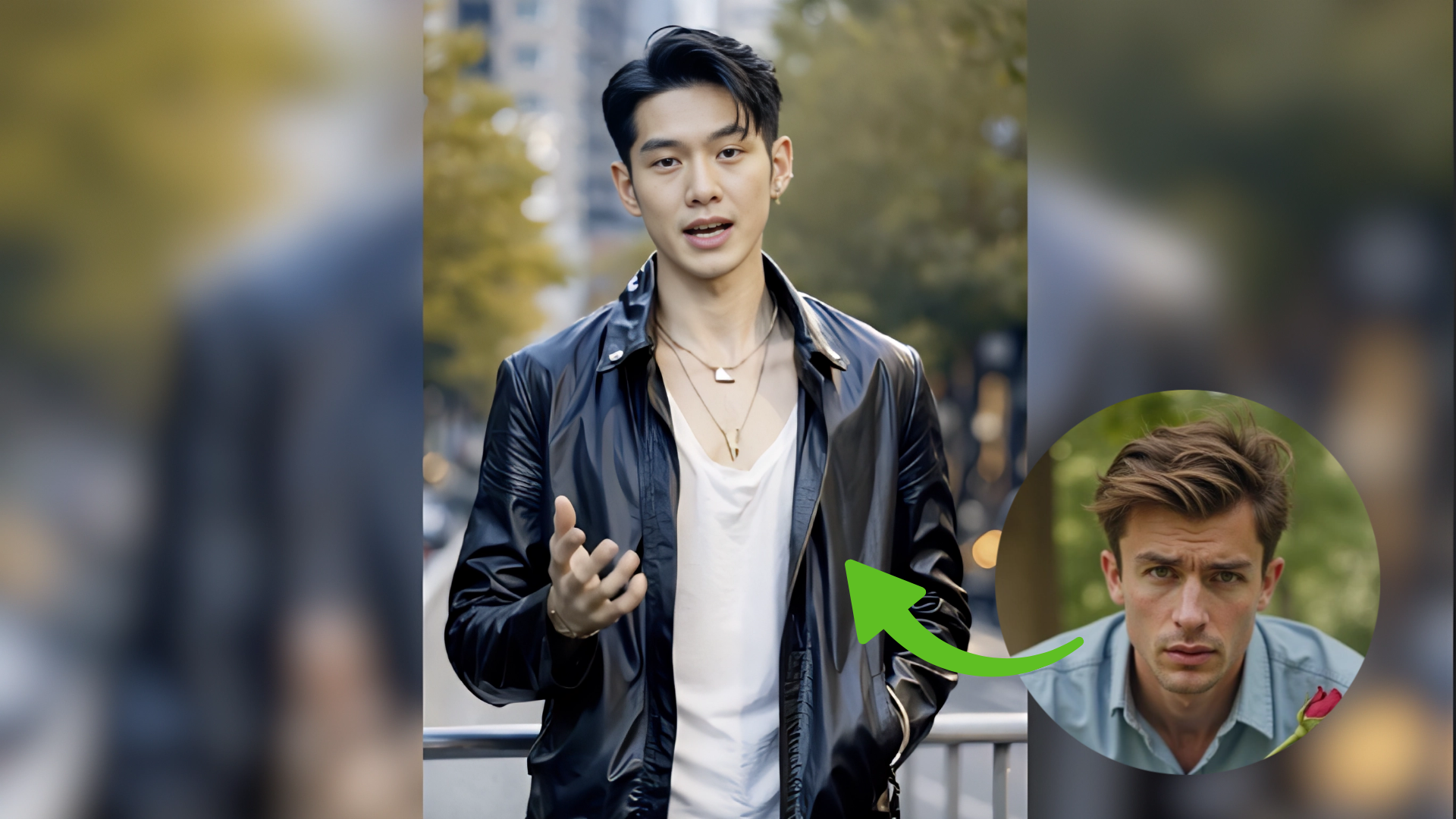
Using advanced facial recognition, alignment, and blending algorithms, DreamFace can accurately map a new face onto the existing video
- Face Swap
- AI Video
- Avatar Video
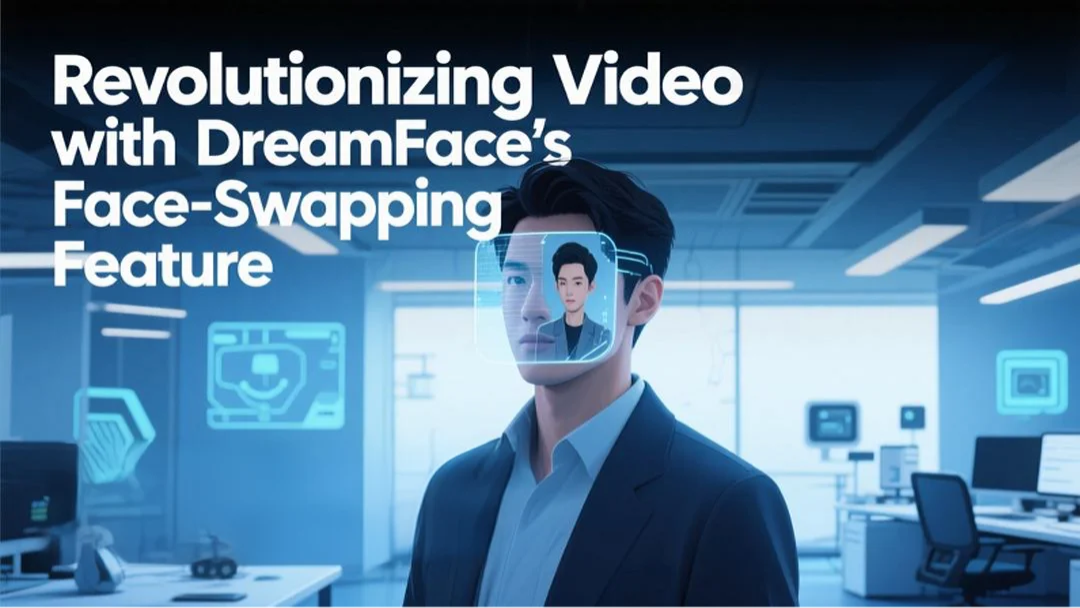
Effortless Face Replacement in Videos Using Just a Photo
In today's content-driven world, creators and businesses are increasingly turning to AI tools to streamline production, save costs, and boost visual appeal. Among the most powerful innovations in AI video generation is face-swapping technology—and DreamFace delivers a seamless, high-precision experience in this space.
Face swap has rapidly become a go-to solution for personalizing video content, enabling users to insert any face into pre-recorded or even real-time video scenes with remarkable realism.
What is Face-Swapping in DreamFace?
DreamFace’s face swap feature allows users to replace the face of a person in a pre-recorded video with a face from an uploaded photo. Using advanced facial recognition, alignment, and blending algorithms, DreamFace can accurately map a new face onto the existing video—creating lifelike, expressive results that maintain lip sync, emotion, and motion continuity.
In essence, with just one clear photo, users can appear in professionally produced videos without ever stepping in front of a camera.
Key Use Cases for Face-Swapping
AI-powered face-swapping isn’t just a novelty—it unlocks scalable personalization and content agility across today’s fast-moving digital landscape. Here are some of the most impactful and creative use cases:
1. E-commerce & Product Marketing
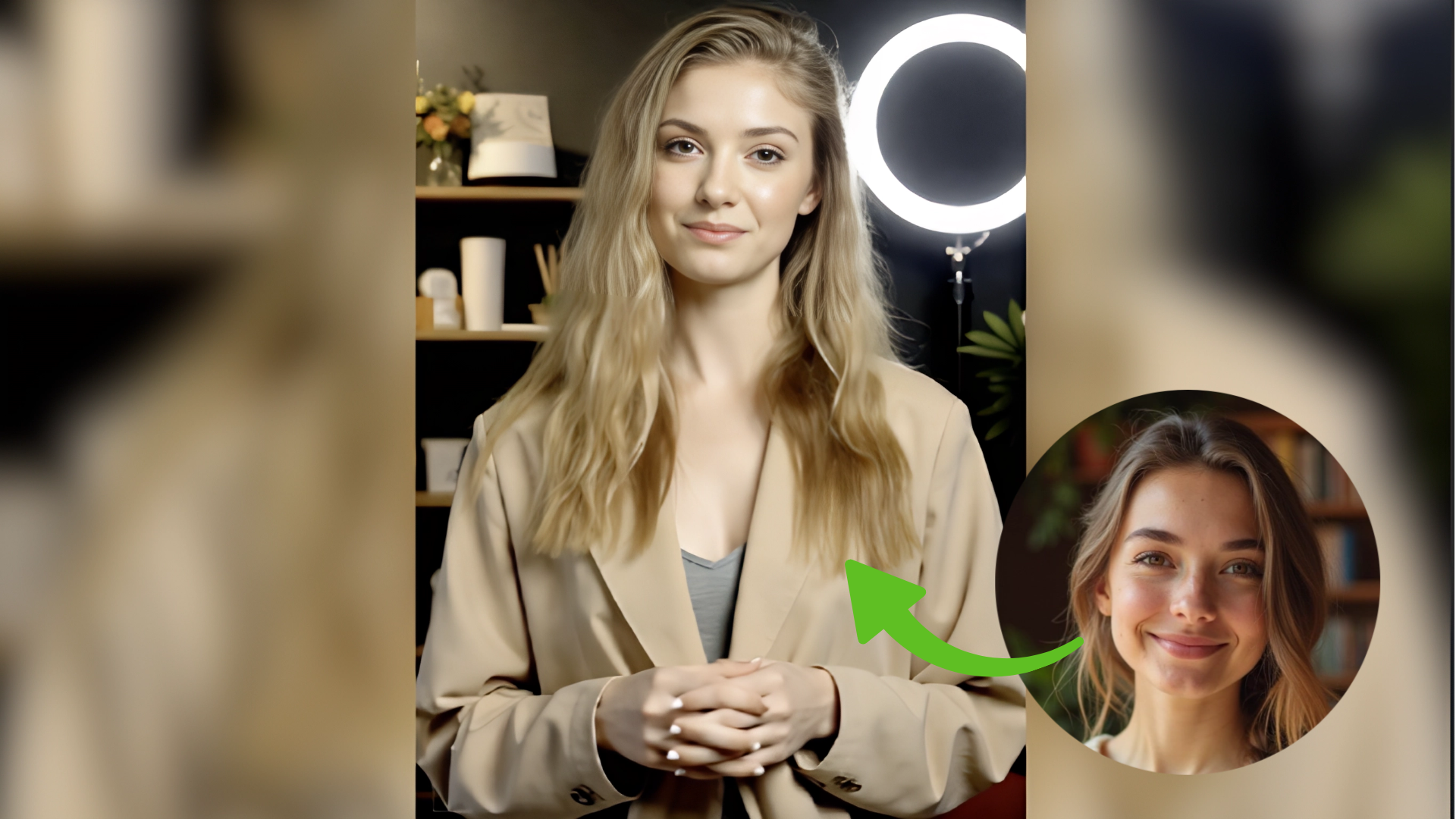
E-commerce brands can effortlessly localize product videos by swapping in region-specific spokespersons or brand ambassadors—all without reshooting content. This drastically reduces production time while tailoring content for different demographics and markets.
2. Social Media & Influencer Marketing
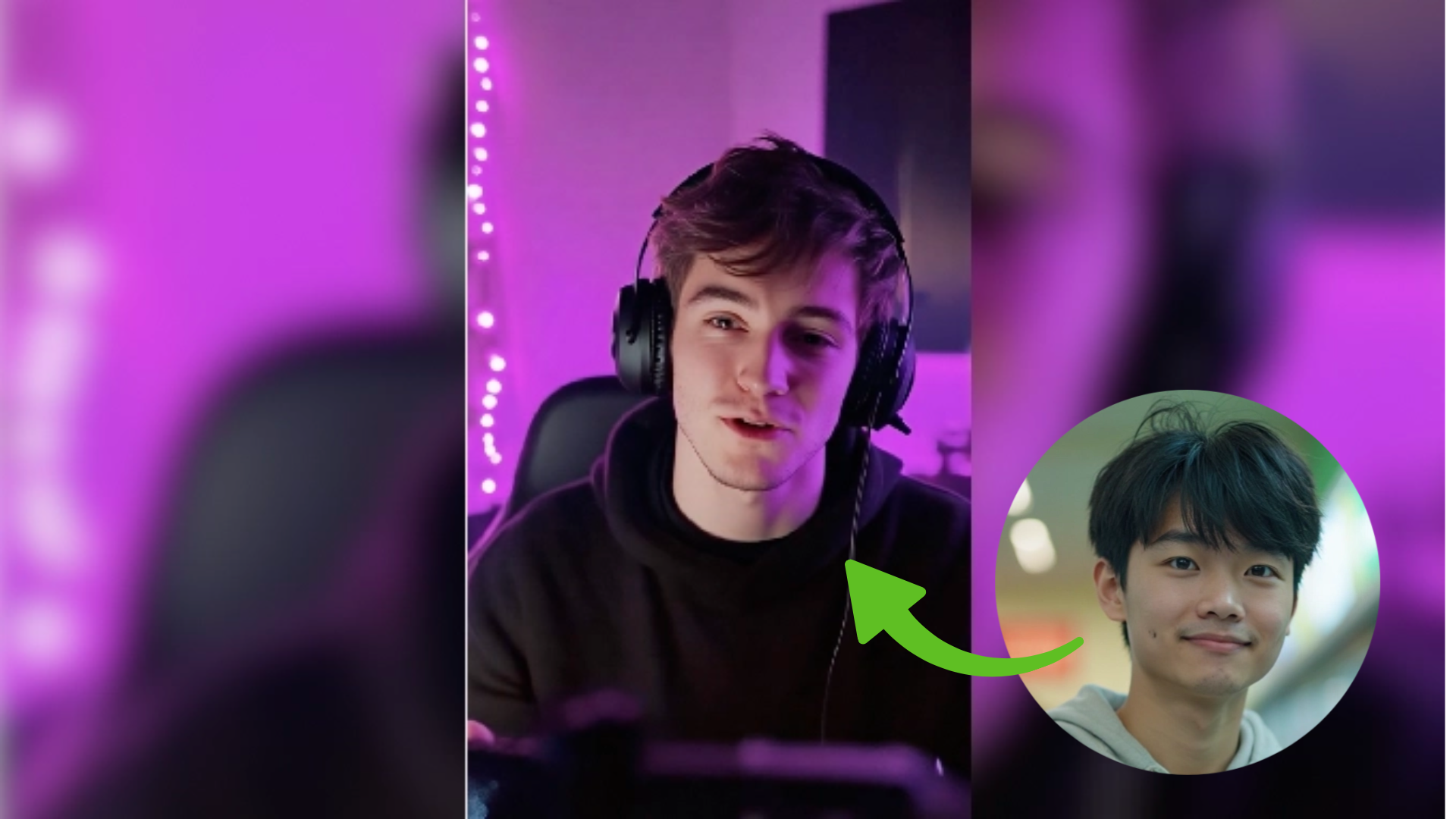
Influencers and creators can insert their face into trending memes, viral templates, or cinematic scenes to stay on top of content cycles. Face-swapping enables rapid, personalized short-form content production for TikTok, YouTube Shorts, and Instagram Reels—no camera needed.
3. Virtual Events & AI Brand Ambassadors
Brands can use face-swapping to create custom AI hosts for livestreams, virtual expos, or automated customer engagement. This approach not only adds a human touch but also opens the door for consistent, scalable brand representation without needing real-time presenters.
How It Works: Simplicity Meets Precision
DreamFace makes professional-quality face-swapping as easy as choosing a scene and clicking a button—no editing skills required. Here's how the process works:
1.Choose a Video Template
Start by selecting a video scene that fits your needs—whether it’s for e-commerce, entertainment, or social media. DreamFace offers a variety of ready-made templates optimized for different scenarios.
2.Upload a Face Photo
Upload a clear image of the face you'd like to insert. DreamFace’s AI will automatically detect facial features and prepare them for seamless integration.
3.Generate & Download
With one click, DreamFace completes the face-swap and delivers a high-quality, realistic video—lip-synced, expression-aware, and ready to share within seconds.
DreamFace vs. Other Face-Swap Tools: Feature Comparison
When comparing DreamFace with other face-swapping video tools, several distinct advantages make DreamFace a standout choice for creators and businesses alike:
Ease of Use: DreamFace requires no login or video editing skills. Users can simply upload a photo and generate a video with minimal effort. In contrast, many other tools demand technical setup, software installation, or integration with SDKs.
Speed: DreamFace generates a face-swapped video in approximately 1-2 minutes, while most competing tools take anywhere from 3 to 10 minutes to complete similar tasks, reducing efficiency for fast-paced content needs.
Photo Requirements: With DreamFace, only one clear image is needed to perform accurate face swapping. Other platforms often require multiple images from different angles or even full datasets to achieve usable results.
Output Quality: DreamFace delivers high-resolution videos with realistic lip synchronization and seamless facial blending. Other tools frequently suffer from misalignment issues, resulting in unnatural or distorted appearances.
Pricing: DreamFace provides affordable plans starting at $4.99/week, with unlimited access. In contrast, many alternative tools charge higher monthly fees or use pay-per-video pricing models, which can become costly over time.
Why Face-Swapping Matters in 2025
With personalization becoming the cornerstone of video marketing and education, AI-powered face-swapping adds a new dimension to scalable, adaptive content creation. According to recent industry surveys, personalized video content can increase viewer engagement by up to 80%, and face-driven videos are 3x more likely to be shared on social media.
DreamFace puts this capability directly into your hands—whether you’re a solo creator or an enterprise team looking to scale.
Final Thoughts: A Powerful Tool for the New Era of Content
DreamFace’s face-swapping functionality is more than a gimmick—it’s a productivity multiplier. Whether you're trying to create dozens of localized ads, reuse existing video formats with new characters, or simply put yourself in the spotlight, this tool removes the technical and financial barriers that used to make such effects exclusive to studios.
Try it once—with a single photo—and you'll see why AI video creation has never been this easy, fast, and flexible.
Click here Get started now with 5 free generations and explore face-swapping like never before.
.webp)
DreamFace AI Live Avatar: Always-On AI Character Livestreaming
Turn any character into an always-on live streaming host — from talk shows and quizzes to memorial tributes and late-night companionship — with no one required behind the camera.
By Daniel一Aug 18, 2026- AI Video
- AI Live Avatar

Best AI Video Generator 2026: Why Multi-Model AI Platforms Are Winning
AI video generation has entered a completely new era in 2026. What started as short experimental clips has rapidly evolved into cinematic storytelling, AI anime production, virtual influencers, talking avatars, and fully AI-generated social media content.
By Bentley一May 26, 2026- AI Video Generator
- AI Video
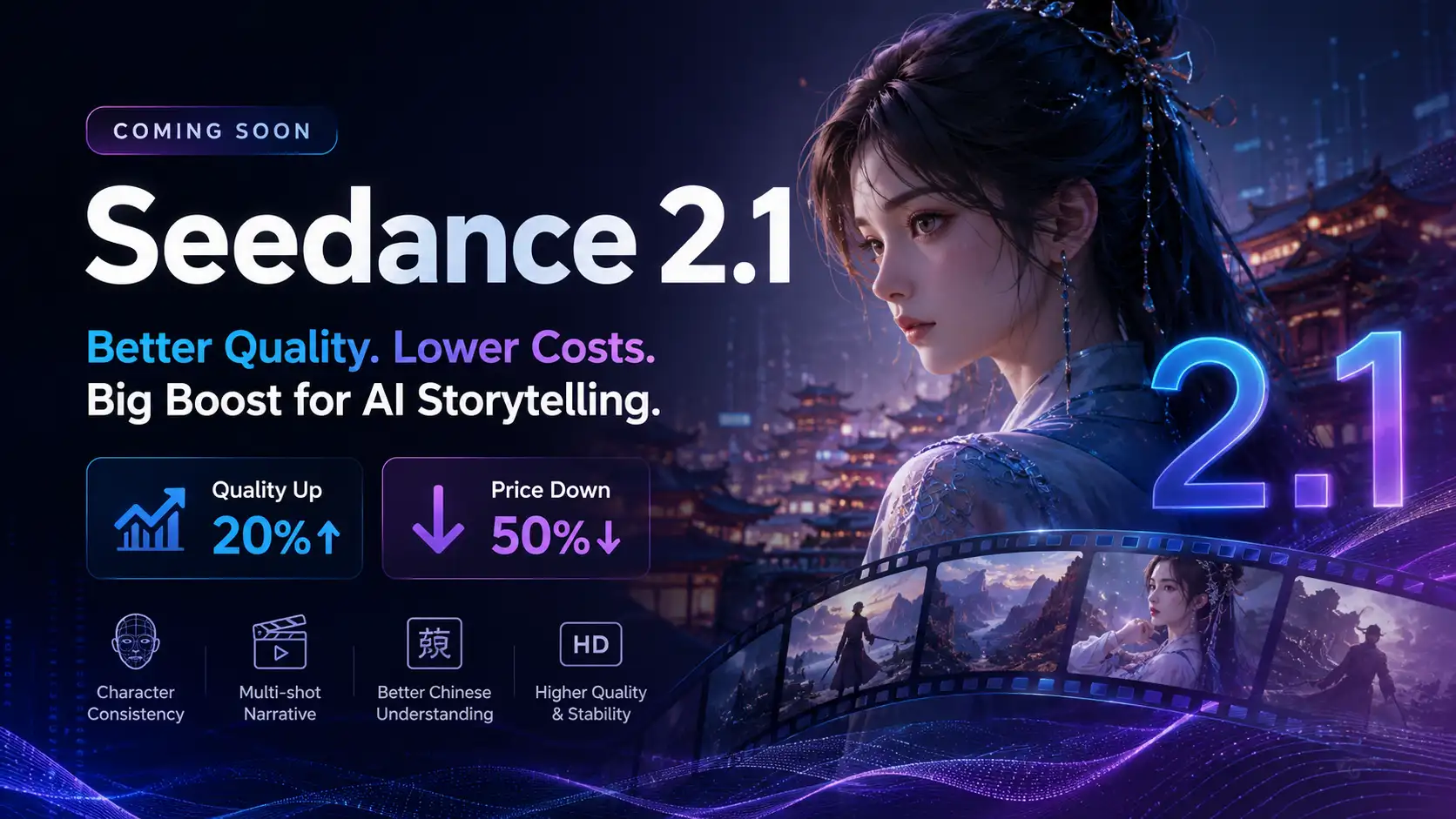
Seedance 2.1 Is Coming: Better Quality, Lower Costs, and a Big Boost for AI Storytelling
The AI video generation race has slowed down a bit recently. Earlier this year, new models were launching almost every week, pushing image and video generation forward at an incredible pace. After the buzz around GPT Image models, the industry has been waiting for the next major leap in AI video.
By stxph一May 23, 2026- AI Video
- Seedance 2.1
- Seedance 2.0