DreamFace

En
    Language
  • English
  • Português
  • 简体中文
  • 繁體中文
  • 日本語
  • Español
  • Bahasa Indonesia
  • ไทย
  • Tiếng Việt
  • हिंदी
  • Русский
  • Italiano
  • 한국어
  • मराठी
  • Nederlands
  • Norsk
  • ਪੰਜਾਬੀ
  • Polski
  • Dansk
  • Suomi
  • Français
  • Deutsch
  • Svenska
  • Kiswahili
  • తెలుగు
  • Türkçe
  • বাংলা
  • اردو
  • العربية
  • فارسی
  • Ελληνικά
Start Now
left
Chrome Store
4.9

Chrome Store

right
left
20,000,000+

Global Users

right
left
Apple Store
4.9

Apple Store

right

We trusted by Famous institutions worldwide

How to Use AI Voice Clone

step1

Record Your Voice

Read a short sample in a quiet place so the AI can capture your tone, rhythm, and pronunciation.

step2

Upload Audio or Video

Add an audio or video file that contains the voice you own or have permission to clone.

step3

Generate Your AI Voice

DreamFace analyzes the sample and creates a realistic voice clone you can use for natural voiceovers.
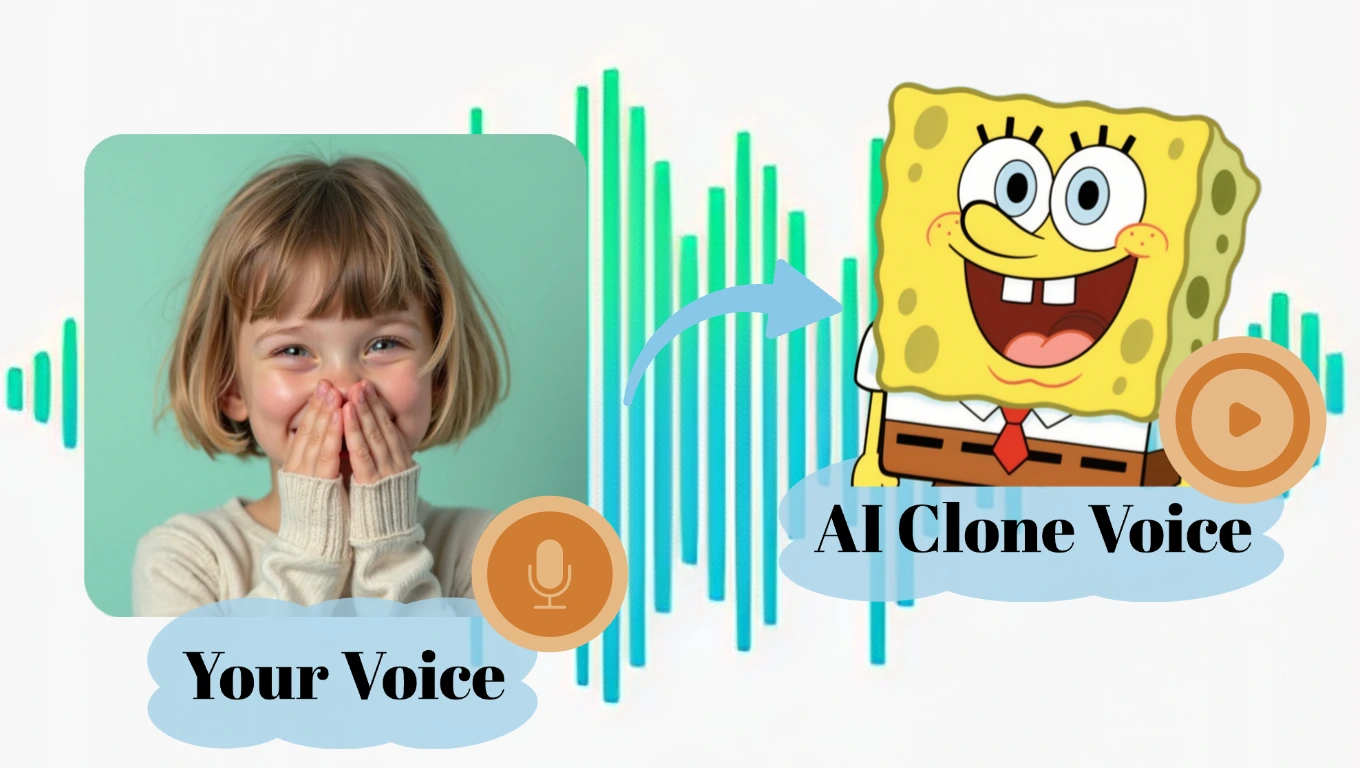
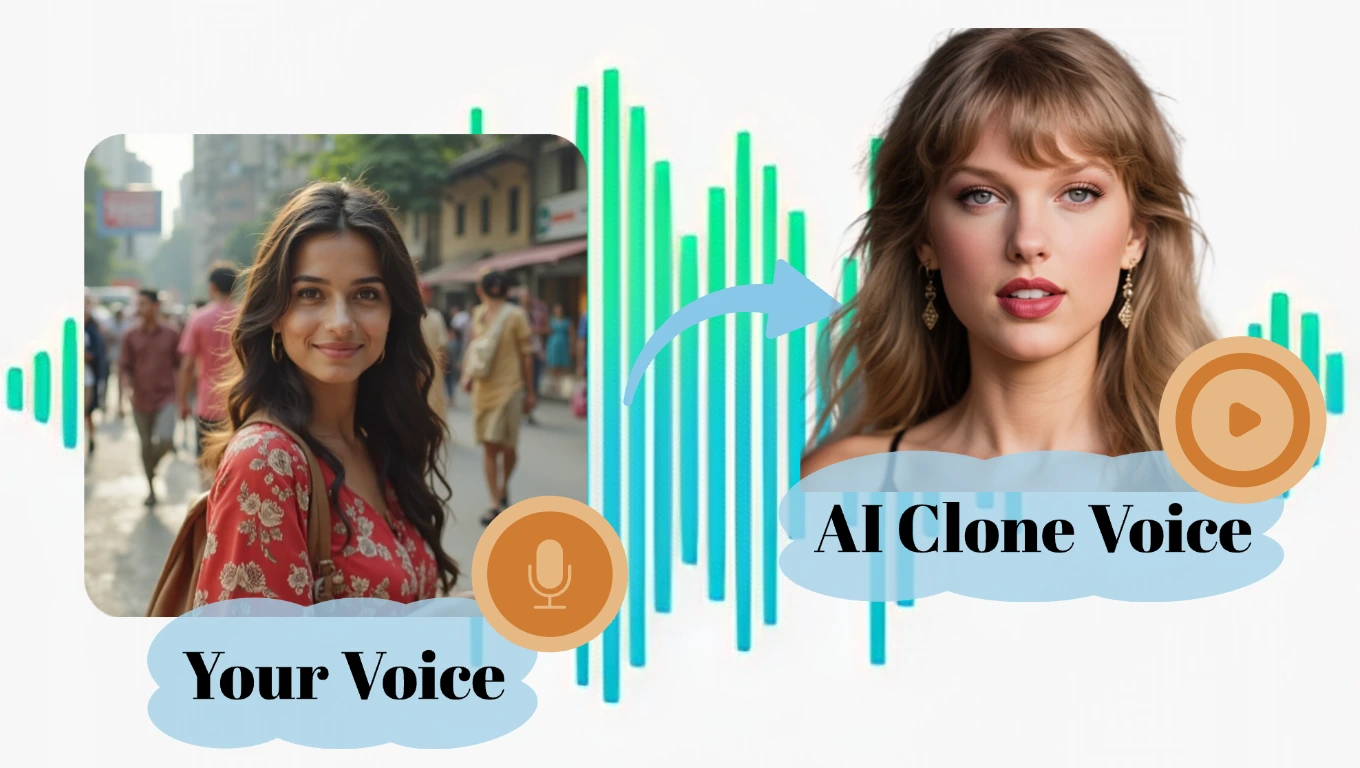
AI Voice Clone Features for Creators

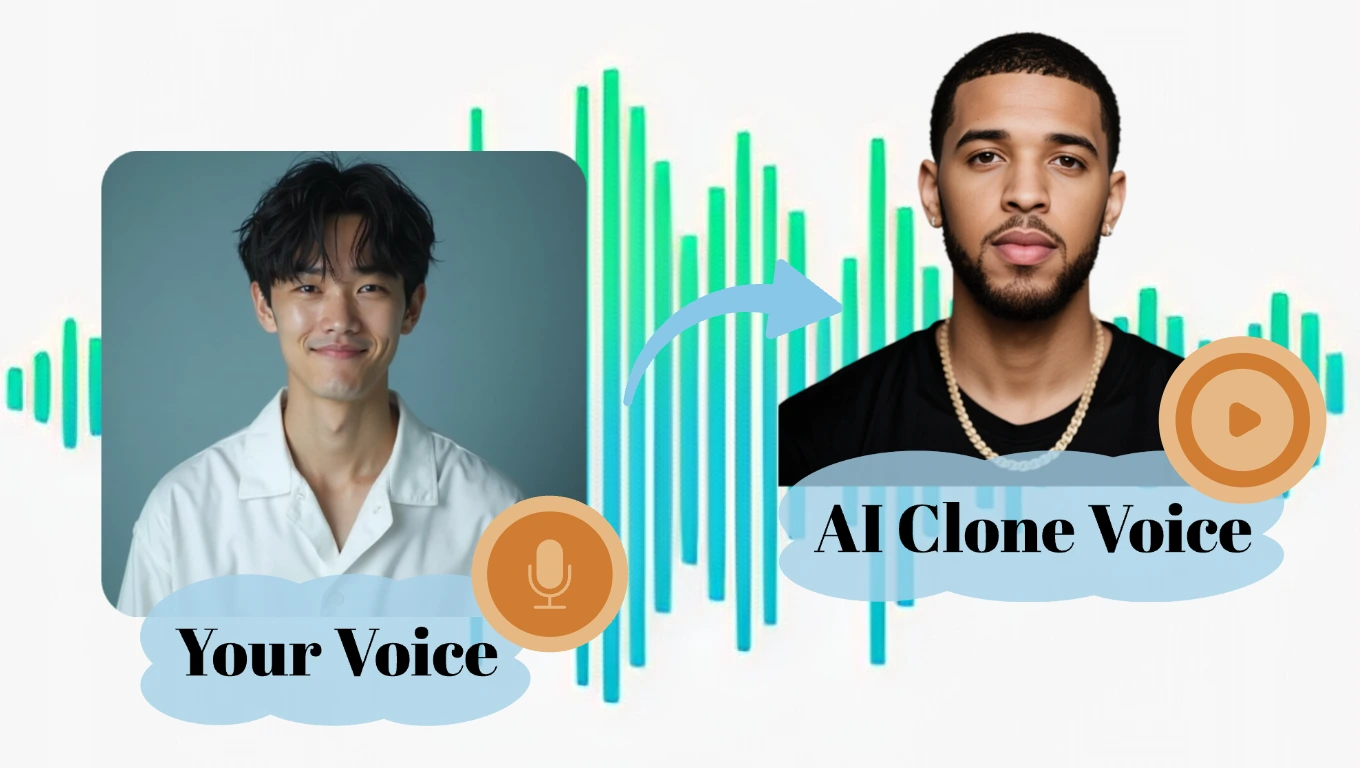
Studio-Quality Voice Cloning

Create a natural AI voice clone from a short recording or uploaded audio. DreamFace captures tone, pacing, pitch, and speaking style so your voiceovers sound consistent across videos, podcasts, lessons, and social content.
Studio-Quality Voice Cloning

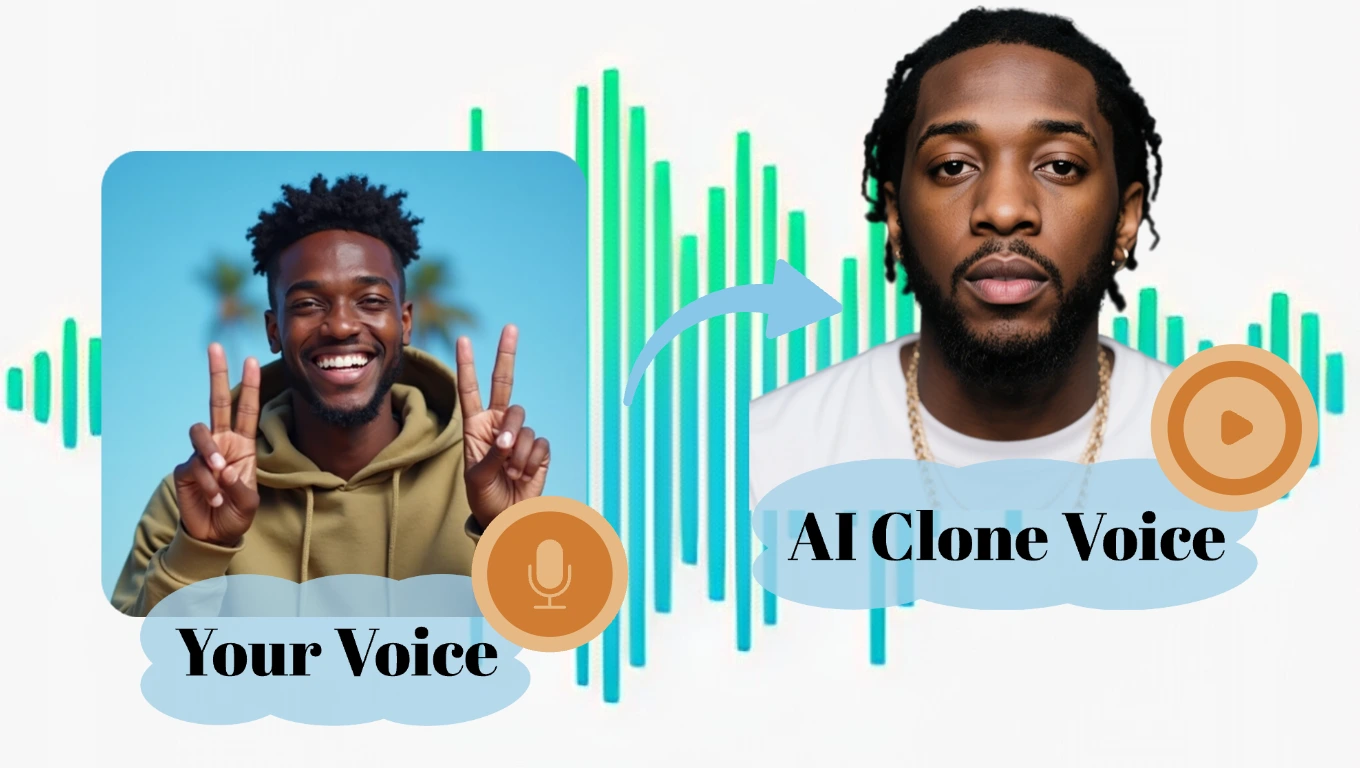
Record or Upload Voice Samples

Start with a fresh microphone recording or upload an existing audio or video clip. The flexible workflow helps creators clone voices from clean source material without complex studio setup.
Record or Upload Voice Samples

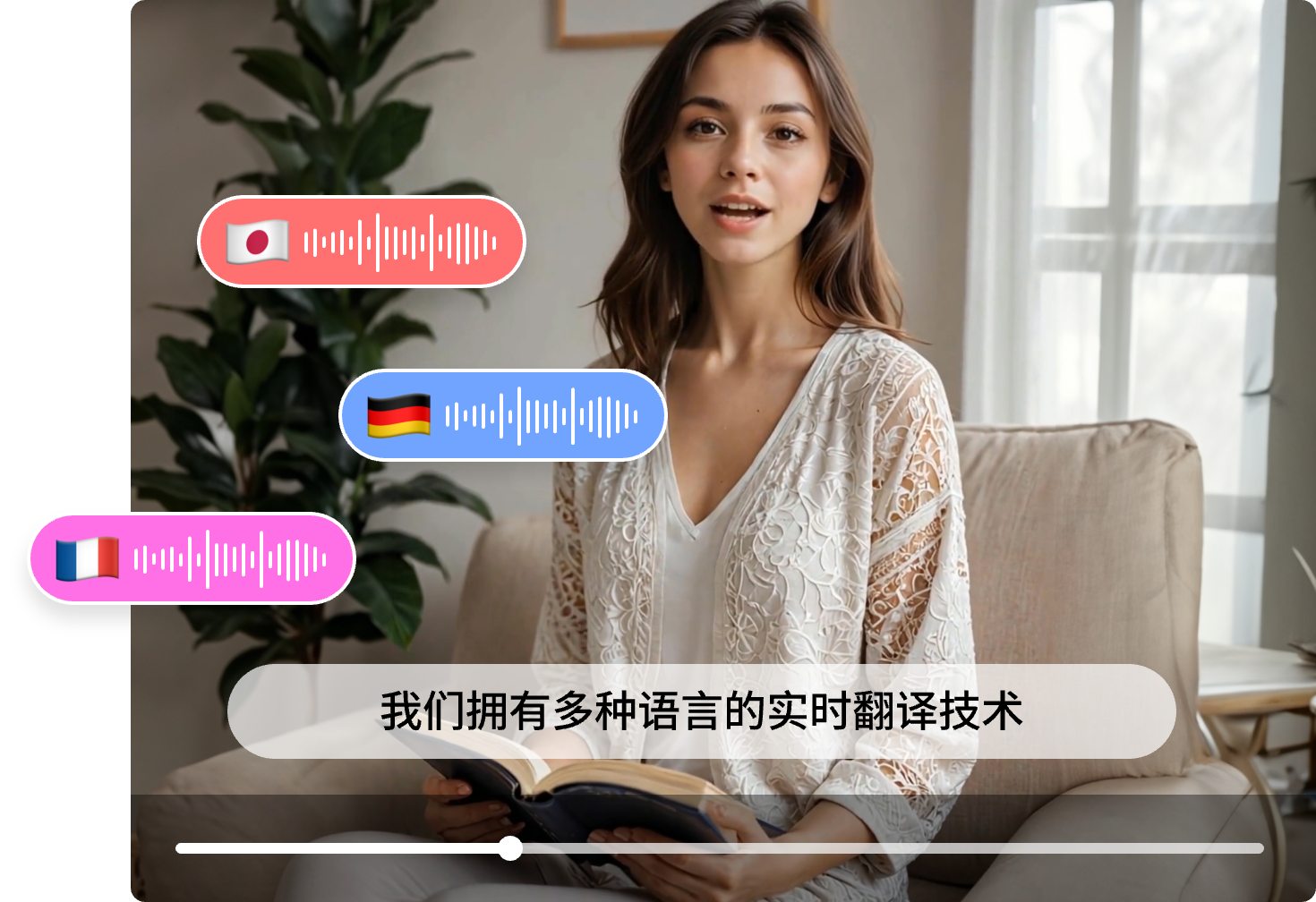
Multilingual Voiceover Creation

Use your AI voice clone to create clear narration for global audiences. Produce voiceovers for translated scripts, online courses, short videos, product explainers, and creator content in multiple languages.
Multilingual Voiceover Creation

Consent-Aware Voice Workflows

DreamFace voice cloning is built for voices you own or have permission to use. Create personal narration, brand voiceovers, training content, or client audio while keeping privacy and responsible use clear.
Consent-Aware Voice Workflows

Frequently Asked Questions

Why Choose DreamFace AI Voice Clone

Natural Voice Matching

DreamFace analyzes tone, pitch, pauses, and speaking rhythm to create a voice clone that sounds more human and consistent than basic robotic text-to-speech.

Clear, Production-Ready Audio

Generate clean voiceovers for videos, podcasts, ads, lessons, and presentations without recording every line again in a studio.

Free Trial, Easy Upgrade

Start with free trial opportunities, test the voice clone workflow, and upgrade when you need more generation time or advanced creator features.

Privacy and Permission First

Your voice samples should be used only with proper rights or consent. DreamFace keeps voice data protected so creators can build audio projects with more confidence.

More Valuable Features from Dreamface

Text to Speech
Turn scripts into natural AI narration with expressive voice styles, useful when you want clean voiceovers before or after creating a voice clone.
AI Video Translator
Translate videos into other languages with synchronized voiceovers and subtitles, so cloned or generated narration can reach global audiences.
Avatar Video
Upload a photo or clip, add text or audio, and create a lip-synced talking avatar that can speak with your script or voiceover.
Voice Studio
Explore DreamFace voice tools for cloning, changing, generating, and managing AI voices across creator, marketing, and localization workflows.

They Love Dreamface

Saved Me From Re-Recording

I used my own voice clone for a few tutorial clips. It was not perfect on the first try, but with a cleaner sample it got close enough that I did not need to record every line again.

Good for YouTube Drafts

I make short YouTube videos and usually change the script a lot. This helped me test voiceovers quickly before recording the final version.

Easy to Figure Out

I uploaded a short voice memo and had a usable result pretty fast. The main thing is to use clean audio, because noisy clips definitely make the output worse.

Useful for Course Narration

I tried it for a small online course update. It was helpful for replacing a few lines without opening my full recording setup again.

Better Than Basic TTS

Regular text-to-speech always sounds too generic for my content. This kept more of my normal speaking style, especially the pacing.

Works Best With Consent

I like that the tool makes more sense for your own voice or voices you have permission to use. That makes it feel safer for real projects.

Saved Me From Re-Recording

I used my own voice clone for a few tutorial clips. It was not perfect on the first try, but with a cleaner sample it got close enough that I did not need to record every line again.

Good for YouTube Drafts

I make short YouTube videos and usually change the script a lot. This helped me test voiceovers quickly before recording the final version.

Easy to Figure Out

I uploaded a short voice memo and had a usable result pretty fast. The main thing is to use clean audio, because noisy clips definitely make the output worse.

Useful for Course Narration

I tried it for a small online course update. It was helpful for replacing a few lines without opening my full recording setup again.

Better Than Basic TTS

Regular text-to-speech always sounds too generic for my content. This kept more of my normal speaking style, especially the pacing.

Works Best With Consent

I like that the tool makes more sense for your own voice or voices you have permission to use. That makes it feel safer for real projects.