


How to Create Viral AI Videos with Google Veo
Google's Veo is a game-changer for creating amazing AI videos.This guide will break down how to create these viral hits, complete with prompts you can use.
- AI Video
- Veo
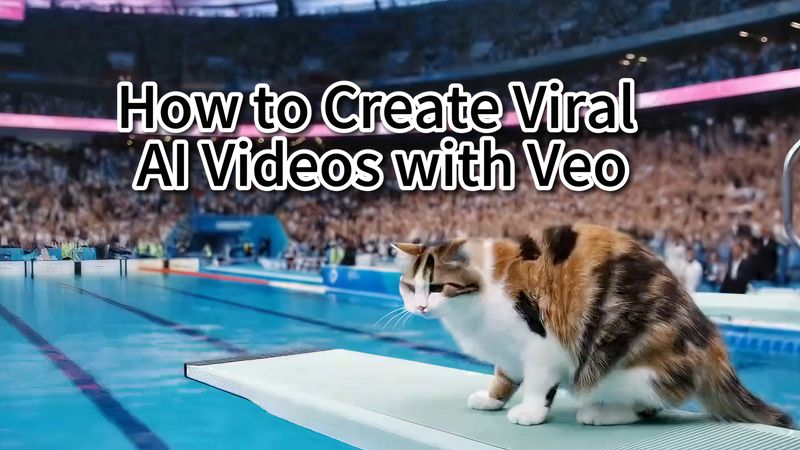
Google's Veo is a game-changer for creating amazing AI videos. We've seen some incredible ideas pop up, like AI ASMR fruit slicing, a capybara travel blogger, a yeti's daily vlog, the Animal Olympics, and even a first-person broadcast from an ancient battlefield.
This guide will break down how to create these viral hits, complete with prompts you can use. We're focusing on Veo because it's fantastic at generating realistic micro-expressions, natural movements, and synchronized audio, all in one go.
Case Studies&Prompts
1. The Animal Olympics
Imagine a cat competing in Olympic diving or a hamster lifting weights. This trend is all about putting animals in unexpected, human-like Olympic scenarios.
Here’s the prompt template:
Televised footage of a [animal description, e.g., fluffy tabby cat] performing [specific action, e.g., hurdles] at the Olympics, in a [setting, e.g., vibrant stadium], with [atmosphere, e.g., cheering crowd], [style, e.g., cinematic], [additional details, e.g., slow-motion, dynamic camera angles, commentary].
Let's try it with a real prompt:
Televised footage of a fluffy cat performing an acrobatic dive into a sparkling swimming pool at the Olympics, from a 10m high diving board, executing multiple flips and spins, with a cheering crowd in the background, vibrant and colorful stadium, realistic style, dynamic camera angles, fast-paced, with English commentary.
Just swap out the animal and the action in the brackets to create your own unique and hilarious sports videos.
2. AI ASMR Videos
These oddly satisfying videos, like "slicing glass fruit," are perfect for ASMR fans. The magic of Veo is that it doesn't just create the visuals—it also generates the crisp, "crunchy" sound effects to match.
Here’s the prompt template:
Realistic 4K footage close-up of a [INSTRUMENT] [ACTION] a [COLOR] [MATERIAL] [OBJECT] on a [SURFACE]. It [SECONDARY LOOP ACTION]. The inside of the [OBJECT] is also [MATERIAL]. The sound is ASMR style.
Let's try it with a real prompt:
Realistic 4K footage close-up of a knife rapidly cutting a blue glass raspberry on a wooden cutting board. It slices it multiple times, each slice falls over as the knife moves to the next. The inside of the fruit is also glass. The sound is ASMR style.
The prompt is simple, but the creativity is what makes it shine. To make your video stand out, try slicing unusual things. The weirder, the better!
Switch up the fruit: Try different kinds, colors, and materials for stunning visual effects.
Try new scenes: What about slicing a gold bar, a smartphone, or an action figure? The possibilities are endless.
3. The Yeti AI Vlog
This idea involves creating a vlog series starring a lovable, dramatic yeti.
First, define your character and series:
The Character & Series: The star is a large, fluffy white yeti who lives in a snowy forest. He vlogs his daily "survival," but he's not a rugged expert. His personality is a hilarious mix of sarcastic, emotionally unstable, and overly dramatic, but he's ultimately lovable. The series is a parody of influencer culture meeting wilderness life.
From there, you can create prompts for different scenes or "episodes" and let Veo bring your yeti's adventures to life.
4. First-Person Ancient Battle Vlog
Put your audience directly into the action with a "live report" from a historical battle.
Here’s a prompt to create that experience:
First-person POV, facing the camera. The star is a young woman holding a selfie stick, wearing a durable khaki jacket and dark cargo pants. Her face and clothes are covered in dirt and soot. She is running and talking excitedly to the camera with dramatic gestures. The scene is a chaotic medieval battlefield at night. In the distance, a key fortress is being consumed by a massive fire, lighting up the night sky and rolling smoke. Silhouettes of soldiers are seen running and fighting in the flickering light, creating intense drama and tension. The lighting on the vlogger is dim, with the warm glow from the burning fortress casting strong shadows on her face. The shot has slight motion blur and is slightly overexposed, creating a gritty, documentary-style feel of being right in the action.
How to Use Veo
Ready to start creating? All of these videos were made with Google's Veo, which even adds sound effects automatically, saving you editing time.
- AI Video Tool: Google Veo
- Find the "Video" Button: This lets you generate a video with Veo.
- Enter Your Prompt: Paste in your prompt, hit send, and wait 2-3 minutes. You'll get a high-quality, dynamic video with sound.
Expanding Your AI Video Toolkit
The creative prompts we've explored show the incredible power of text-to-video tools like Veo for generating entire scenes from scratch. But what if your project requires more granular control, or you want to bring existing photos and characters to life?
For those needs, a platform like DreamFace offers a suite of specialized features. It excels at providing hands-on creative control with Custom Animation Tools to fine-tune every detail, from pacing to effects. Furthermore, it streamlines professional workflows with features like Multi-Language AI Voiceovers and seamless Background Removal, making it a powerful choice for projects that require enhancing existing media.And with tools like the Photo Enhancer to improve image quality and AI Hug to animate subtle, lifelike actions, it provides a different but equally creative path to producing stunning videos.
The best tool is the one that fits your project. We encourage you to experiment, explore different platforms, and keep creating.
.webp)
DreamFace AI Live Avatar: Always-On AI Character Livestreaming
Turn any character into an always-on live streaming host — from talk shows and quizzes to memorial tributes and late-night companionship — with no one required behind the camera.
By Daniel一Aug 18, 2026- AI Video
- AI Live Avatar

Best AI Video Generator 2026: Why Multi-Model AI Platforms Are Winning
AI video generation has entered a completely new era in 2026. What started as short experimental clips has rapidly evolved into cinematic storytelling, AI anime production, virtual influencers, talking avatars, and fully AI-generated social media content.
By Bentley一May 26, 2026- AI Video Generator
- AI Video
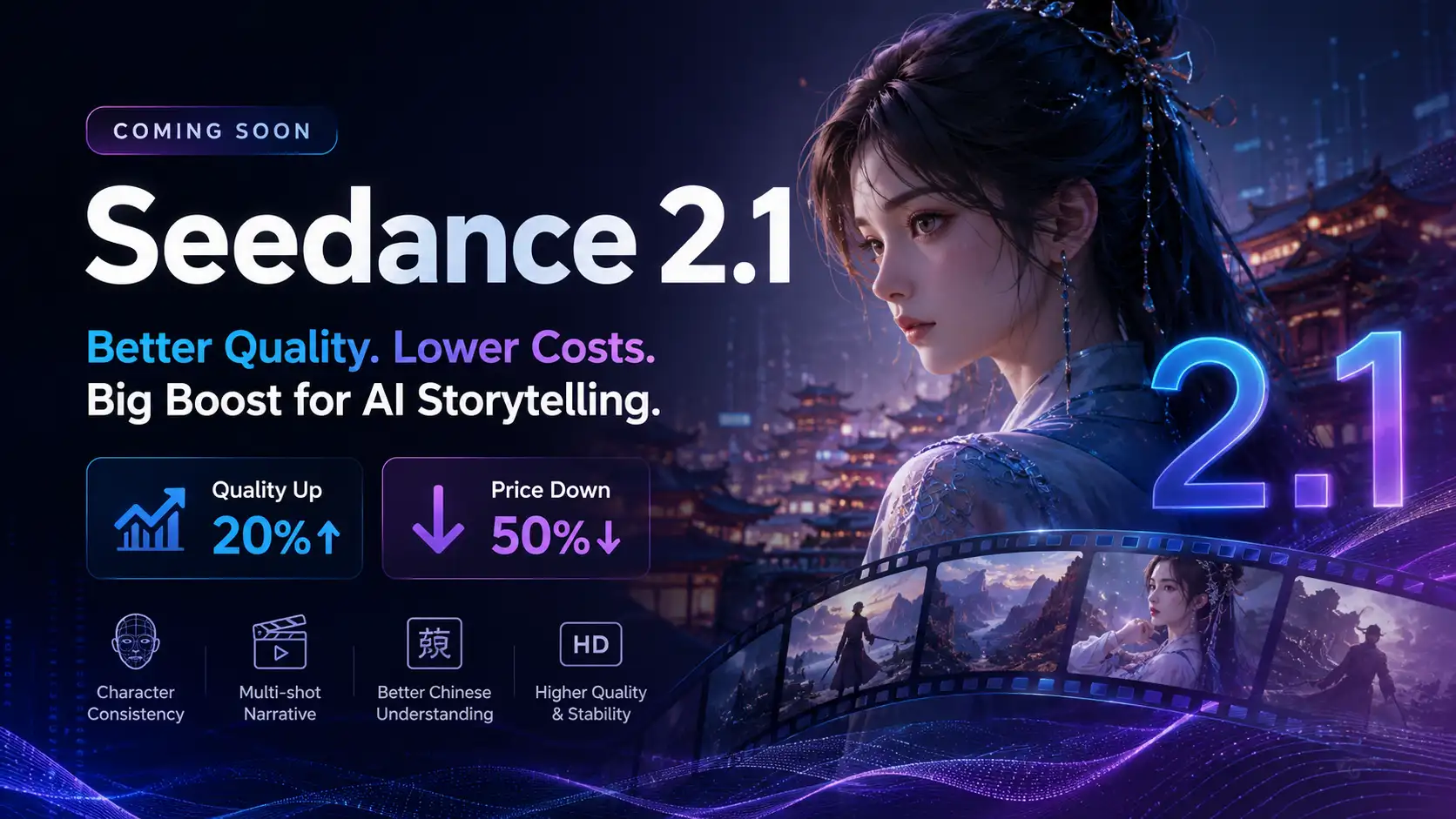
Seedance 2.1 Is Coming: Better Quality, Lower Costs, and a Big Boost for AI Storytelling
The AI video generation race has slowed down a bit recently. Earlier this year, new models were launching almost every week, pushing image and video generation forward at an incredible pace. After the buzz around GPT Image models, the industry has been waiting for the next major leap in AI video.
By stxph一May 23, 2026- AI Video
- Seedance 2.1
- Seedance 2.0