


What AI Can Make Videos in 2026: A Practical Overview of AI Video Capabilities
- Avatar Video
- Image-to-Video
- Text-to-Video
- AI Video
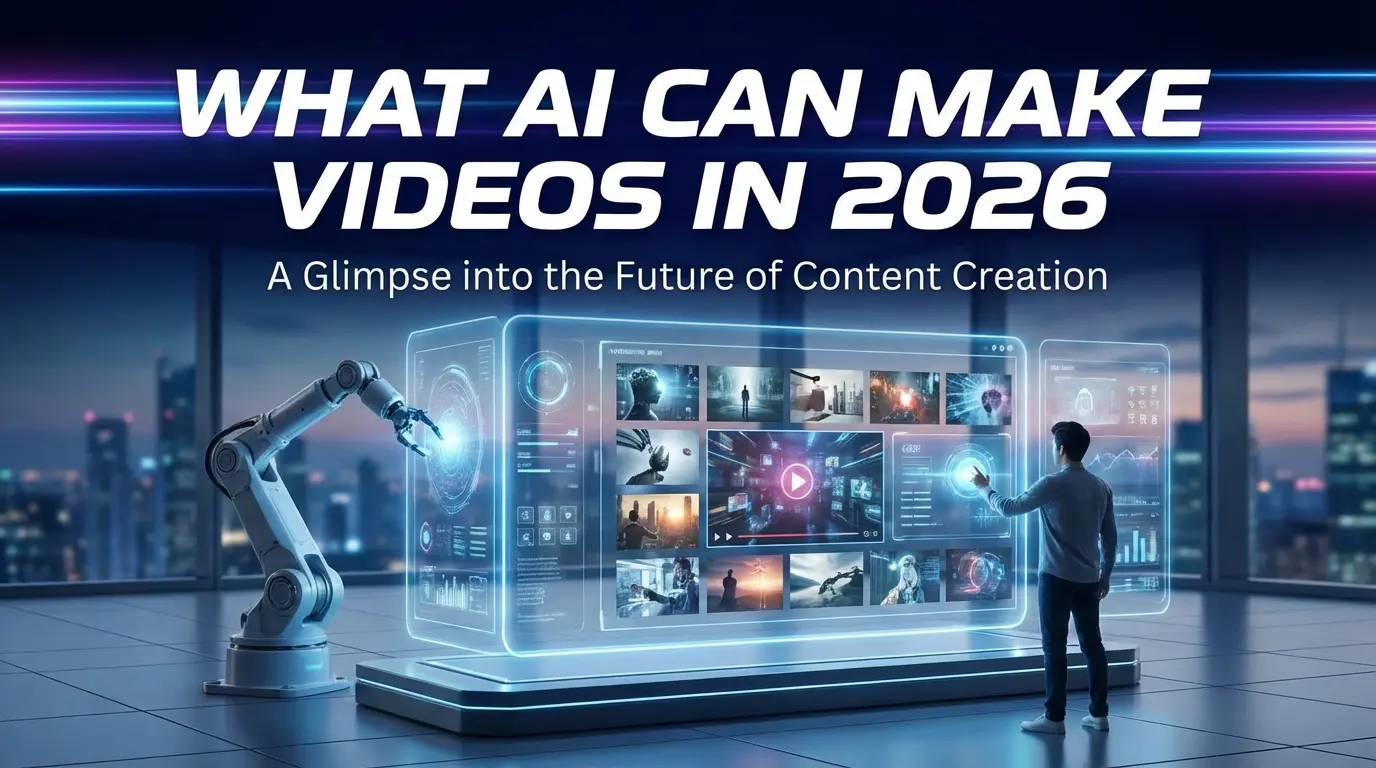
AI video generation has moved far beyond experimental demos. Today, AI can generate videos from text, images, voice, and motion data — enabling creators, teams, and businesses to produce visual content at unprecedented speed and scale.
But the real question is no longer whether AI can make videos.
It is what kind of videos AI can realistically make, and where its current limits still exist.
This article provides a practical, system-level overview of what AI can make videos today, how different approaches work, and how to set realistic expectations when using AI video tools.
Direct Answer: What AI Can Make Videos Today
AI can make videos by generating visual frames from text, images, voice, or motion inputs.
Depending on the system, AI can produce talking avatar videos, animated scenes, short cinematic clips, and social-media-ready content — with varying levels of realism, control, and consistency.
In most real-world use cases, AI performs best with short, structured, repeatable video formats rather than long, complex narratives.
The Four Main Ways AI Makes Videos
AI video systems generally fall into four capability categories. Understanding these helps clarify what AI can — and cannot — do reliably.
1. Text-to-Video
Text-to-video systems generate short video clips directly from written prompts.
What it’s good at:
- Rapid ideation and concept visuals
- Short cinematic shots or abstract scenes
- Creative experimentation
Limitations:
- Limited fine-grained control
- Inconsistent results across generations
- Weak long-term scene continuity
Text-to-video works best for short clips, not fully directed productions.
2. Image-to-Video
Image-to-video systems animate one or more images into motion.
What it’s good at:
- Bringing characters, portraits, or products to life
- Controlled visual style (based on the source image)
- More stable outputs than text-only generation
Limitations:
- Motion quality depends heavily on input image quality
- Complex motion can introduce distortion
- Limited storytelling without additional guidance
This approach is commonly used for character animation and product visuals.
3. Talking Avatars (Image + Voice)
Talking avatar systems combine a static image with audio input to generate a speaking character.
What it’s good at:
- Explainer videos and presentations
- Marketing and educational content
- Multilingual and voice-driven workflows
Key technical challenge:
Realistic lip-sync and facial stability.
This is currently one of the most mature and commercially useful AI video formats, provided the system is designed around speech-driven facial animation.
4. Motion-Driven Video (Pose or Performance)
Motion-driven systems generate video based on movement data, pose sequences, or performance references.
What it’s good at:
- Character animation and body movement
- Short performance-based clips
- Creative motion experiments
Limitations:
- Less suitable for narrative storytelling
- Requires careful input preparation
- Often prioritizes motion over realism
This category is more about movement generation than storytelling.
What AI Video Is Good At Today
AI video tools perform best when used within their natural strengths:
- Short-form video (5–30 seconds)
- Social media and marketing formats
- Explainer and presentation-style content
- Repeatable, template-based workflows
- Fast iteration and scaling
When expectations align with these strengths, AI video can significantly reduce production time and cost.
What AI Video Is Still Bad At
Despite rapid progress, AI video still struggles with several areas:
- Long-form narrative consistency
- Complex multi-character interactions
- Precise physical realism and causality
- Director-level scene control across minutes
- Fully replacing human-led creative decisions
Understanding these limits is essential for using AI video effectively rather than forcing it into unsuitable roles.
Who Uses AI Video Today
AI-generated video is now used across a wide range of roles:
- Creators: short-form content, storytelling, narration
- Marketers: product explainers, localized messaging
- Educators: training, onboarding, instructional videos
- Teams & startups: scalable video production without large crews
Most platforms operate on a freemium or usage-based model, allowing users to test capabilities before committing.
Where AI Video Is Headed
Current trends suggest AI video is moving toward:
- More stable talking avatars
- Stronger motion control and consistency
- Faster generation with lower costs
- Workflow-oriented tools instead of isolated demos
The focus is shifting from novelty toward reliable, repeatable video creation.
How to Choose the Right AI Video Tool
Rather than asking which AI video tool is “best,” a more useful question is:
- Do you need speech-driven video or motion-driven video?
- Is speed or control more important?
- Are you experimenting, or producing content at scale?
Matching the tool to the intended use case matters more than raw technical claims.
DreamFace’s Role in AI Video Creation
DreamFace focuses on practical AI video creation, with an emphasis on talking avatars and motion-driven formats designed for real-world workflows.
Instead of prioritizing one-off demos, DreamFace is built around repeatability, speed, and publishable output — making it suitable for creators and teams who need AI video to function as part of a production process.
Frequently Asked Questions
- What AI can make videos today?
AI can generate videos from text, images, voice, and motion data, including talking avatars, animated scenes, and short cinematic clips.
- Can AI make realistic videos?
AI can produce visually convincing short videos, but realism depends on format. Talking avatars and short clips are currently the most reliable.
- Can AI make videos from text alone?
Yes, but text-to-video works best for short, conceptual clips rather than detailed narratives.
- Can AI replace video editing?
AI can reduce editing effort but does not fully replace creative decision-making or complex post-production.
- Is AI video free?
Most platforms offer limited free usage, with paid plans for longer videos or higher output quality.
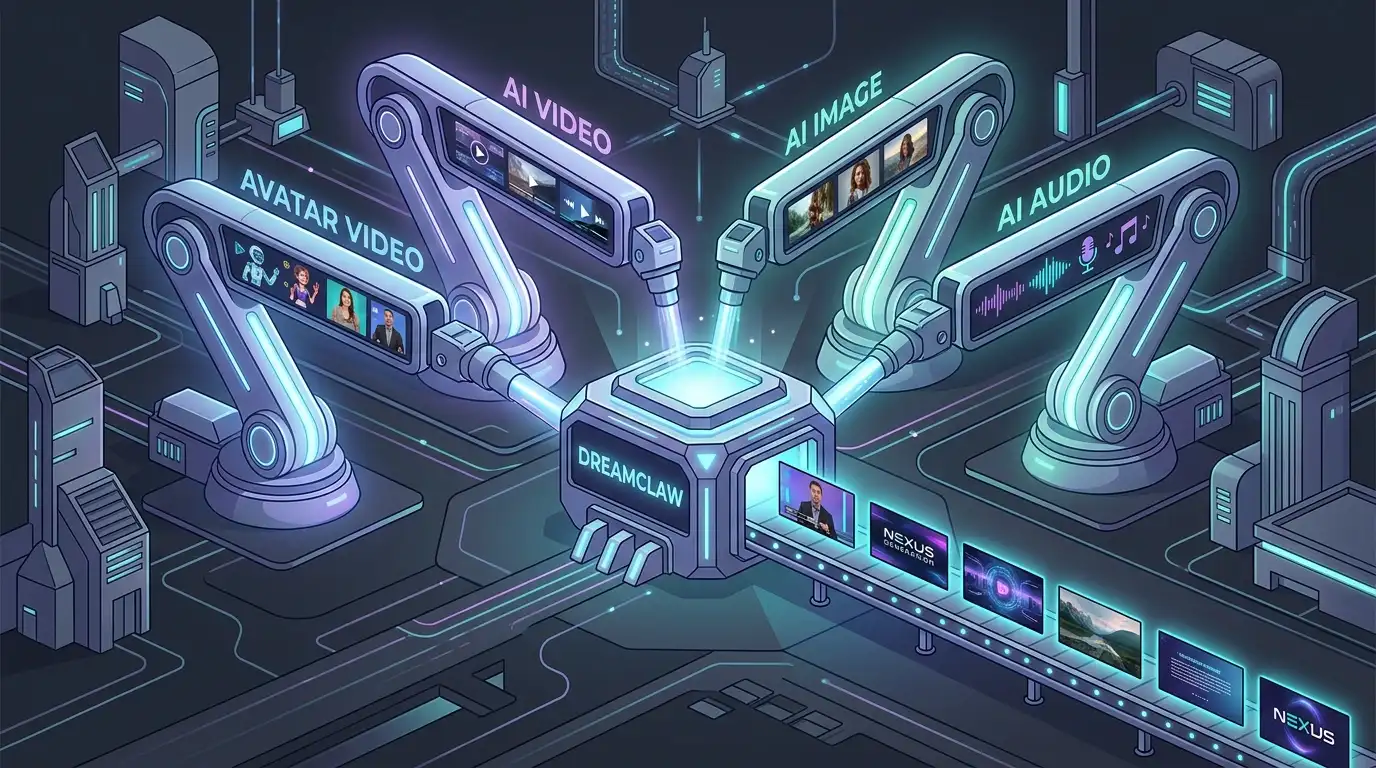
DreamClaw Agent: The All-in-One AI Automation Engine for DreamFace
Mar 04, 2026.jpg)
Seedance 2.0 Prompt Guide: The Ultimate Template for Cinematic AI Videos
Mar 03, 2026
Seedance 2.0 Prompt Guide: The Complete 2026 AI Video Creation Handbook
Feb 28, 2026
Google Nano Banana 2 Review: Pro-Grade Image Generation at Flash-Level Pricing
Feb 26, 2026
Seedance 2.0 Prompt Guide: The Ultimate Template for Cinematic AI Videos
Stop generating "slideshow" videos. This guide provides a creator-first framework for Seedance 2.0, focusing on the two pillars of high-quality AI video: logical structure and cinematic camera movement. Learn how to move beyond basic descriptions by using multi-shot templates, emotional modifiers, and stability constraints to create professional, immersive content. Stop asking if your prompt is detailed—start asking if your video is worth watching.
By Robin 一 Jan 11, 2026- AI Video
- Text-to-Video
- seedance 2.0
- Image-to-Video
Seedance 2.0 Prompt Guide: The Complete 2026 AI Video Creation Handbook
In February 2026, ByteDance officially released its latest AI video generation model — Seedance 2.0. Dubbed by many in the industry as “the most powerful AI video tool on Earth,” Seedance 2.0 is rapidly reshaping the video creation landscape.
By Robin 一 Jan 11, 2026- AI Video
- seedance 2.0
- Text-to-Video
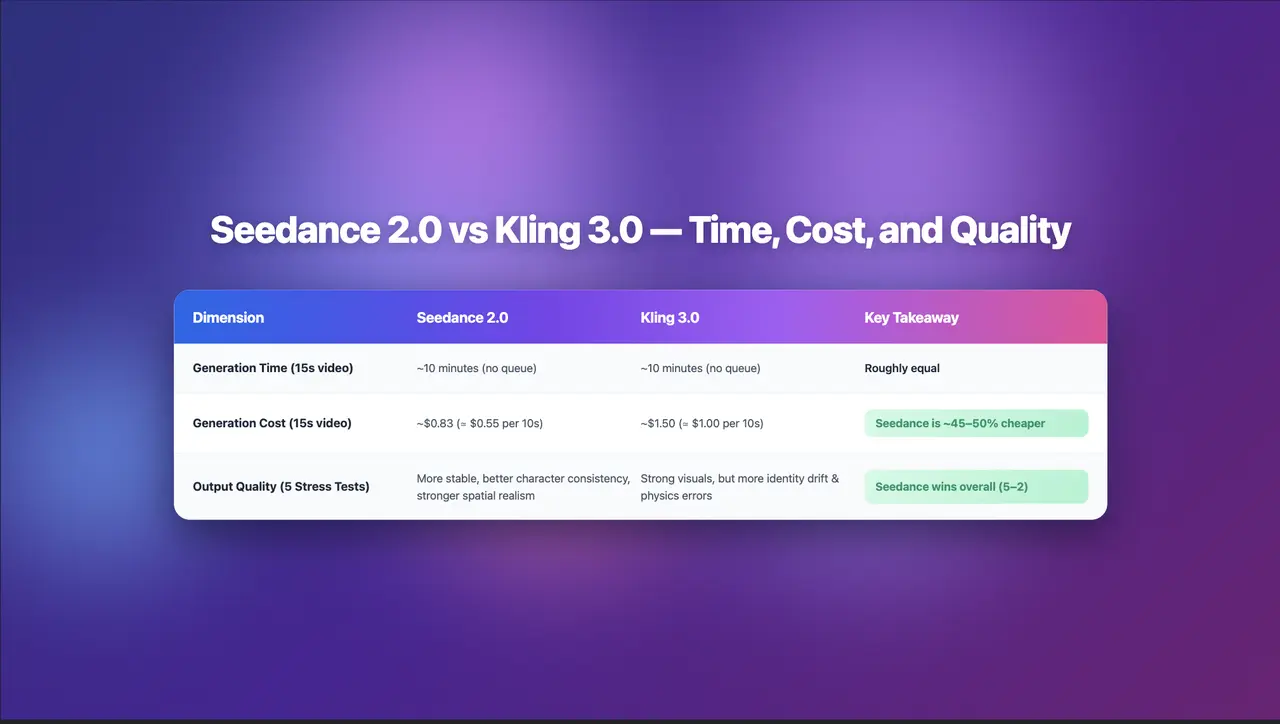
Seedance 2.0 Review: Stress-Testing Character Consistency Across 5 Extreme AI Video Scenarios
Seedance 2.0 recently launched a low-key update claiming to solve multi-angle continuity, smooth transitions, and consistent characters. To see whether it lives up to the hype, I ran five extreme stress tests, using the same prompts across Seedance 2.0 and Kling 3.0.
By Robin 一 Jan 11, 2026- AI Video
- Text-to-Video
- Image-to-Video
- seedance 2.0
- X
- Youtube
- Discord