DreamFace

  • AI Tools
  • Template
  • Blog
  • Pricing
  • API
En
    Language
  • English
  • 简体中文
  • 繁體中文
  • Español
  • 日本語
  • 한국어
  • Deutsch
  • Français
  • Русский
  • Português
  • Bahasa Indonesia
  • ไทย
  • Tiếng Việt
  • Italiano
  • العربية
  • Nederlands
  • Svenska
  • Polski
  • Dansk
  • Suomi
  • Norsk
  • हिंदी
  • বাংলা
  • اردو
  • Türkçe
  • فارسی
  • ਪੰਜਾਬੀ
  • తెలుగు
  • मराठी
  • Kiswahili
  • Ελληνικά

How to Make an AI Filter for Instagram Photos

step1

Upload a Selfie or Portrait

Use a clear selfie or portrait so Dreamface can keep your face sharp and your final Instagram photo looking natural.

step2

Choose a Filter for Your Instagram Photo

Pick the style that fits your feed, story, profile picture, or Reels cover without switching between multiple editing tools.

step3

Generate and Save for Instagram

Create the final image online, then download it for posts, stories, profile updates, and Reels covers.
What Makes Dreamface a Strong AI Filter for Instagram?

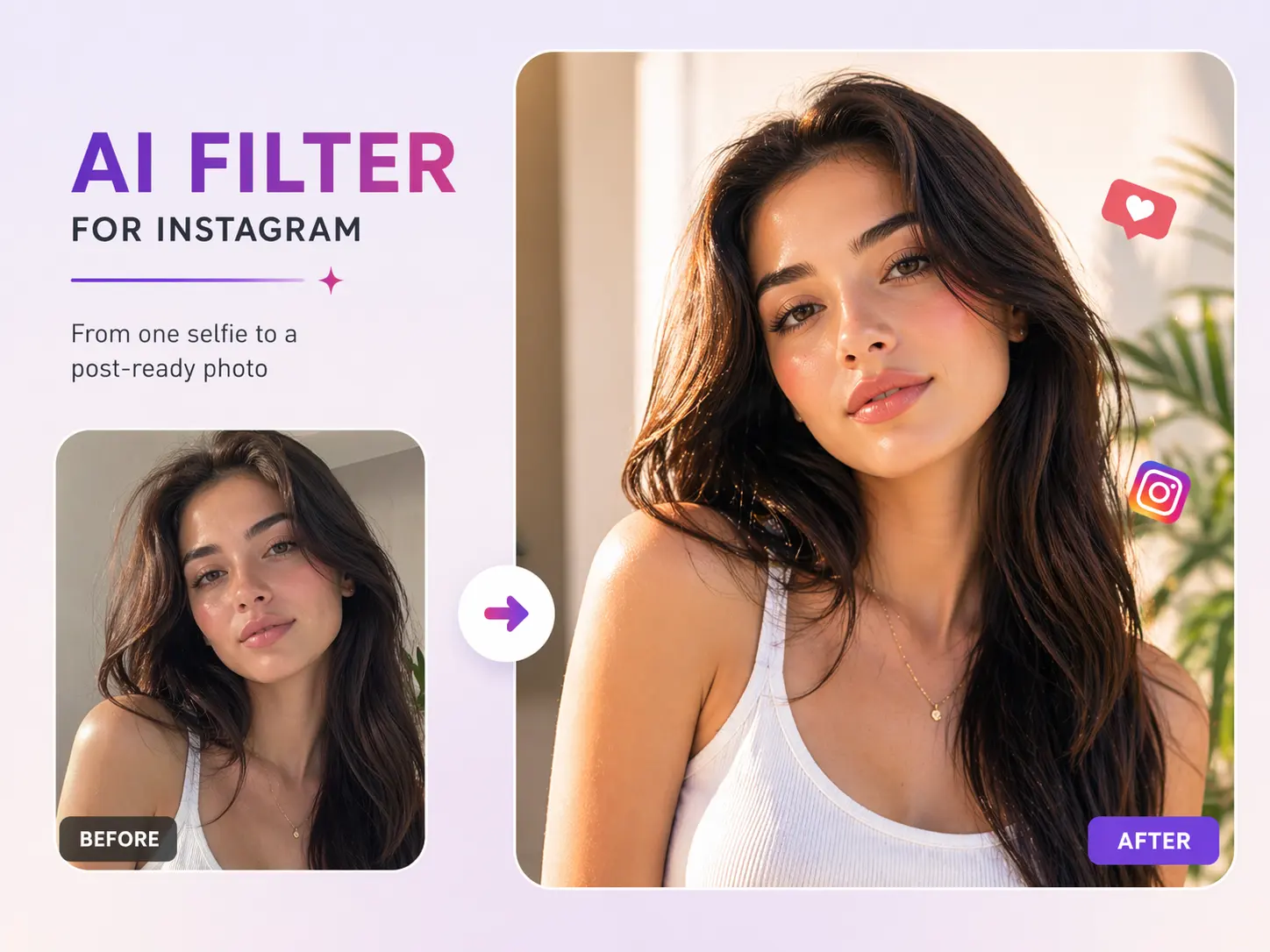
From One Selfie to a Post-Ready Photo

Turn one selfie into a cleaner Instagram photo with sharper facial detail, better light balance, and a finish that feels ready to post.
From One Selfie to a Post-Ready Photo

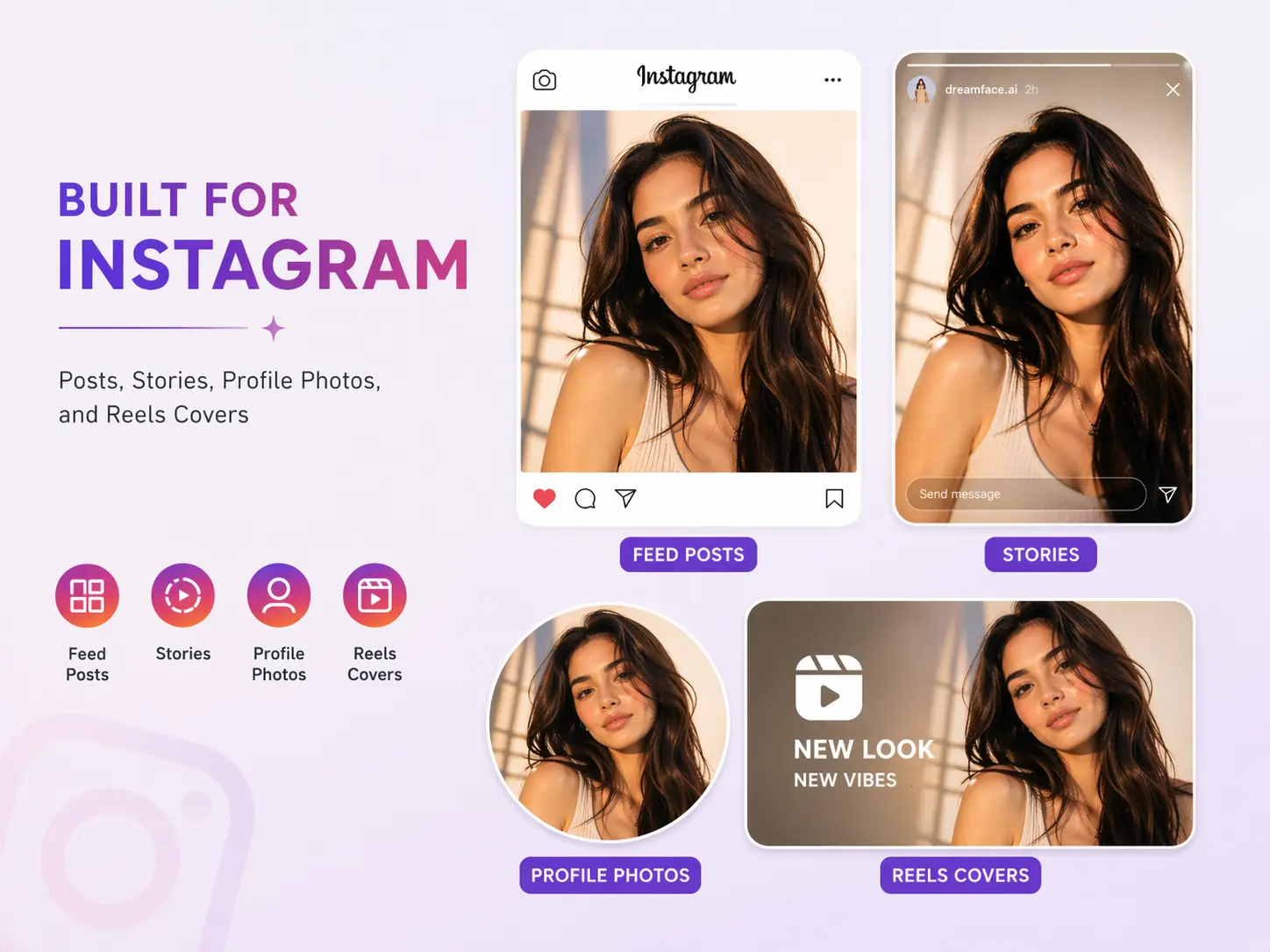
Built for Posts, Stories, Profile Photos, and Reels Covers

Create Instagram images that fit real placements across your feed, stories, profile picture, and Reels cover art instead of a generic social edit.
Built for Posts, Stories, Profile Photos, and Reels Covers

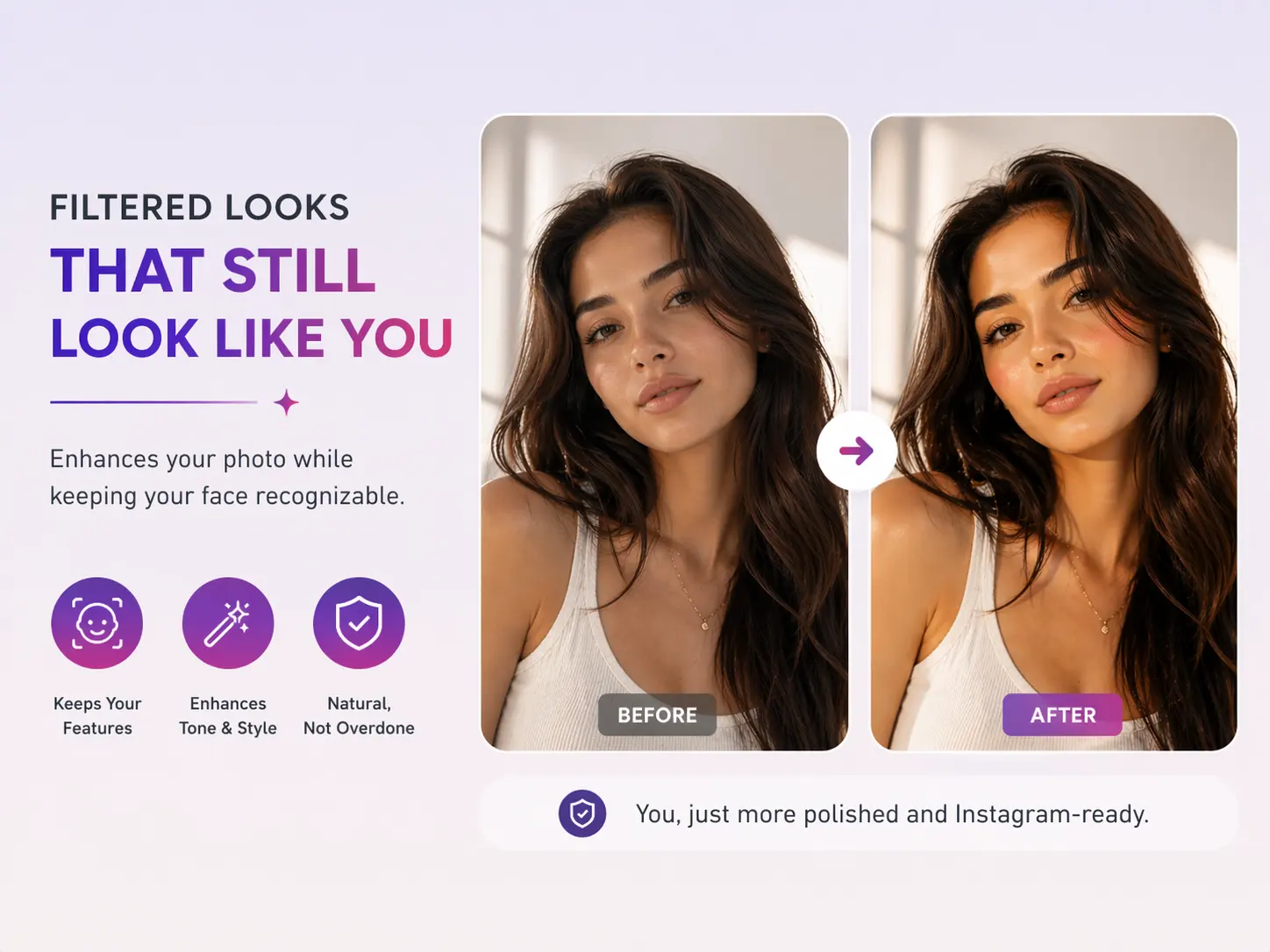
Filtered Looks That Still Look Like You

Use an Instagram AI filter that upgrades tone and style while keeping your face recognizable, so the result feels polished instead of overly fake.
Filtered Looks That Still Look Like You

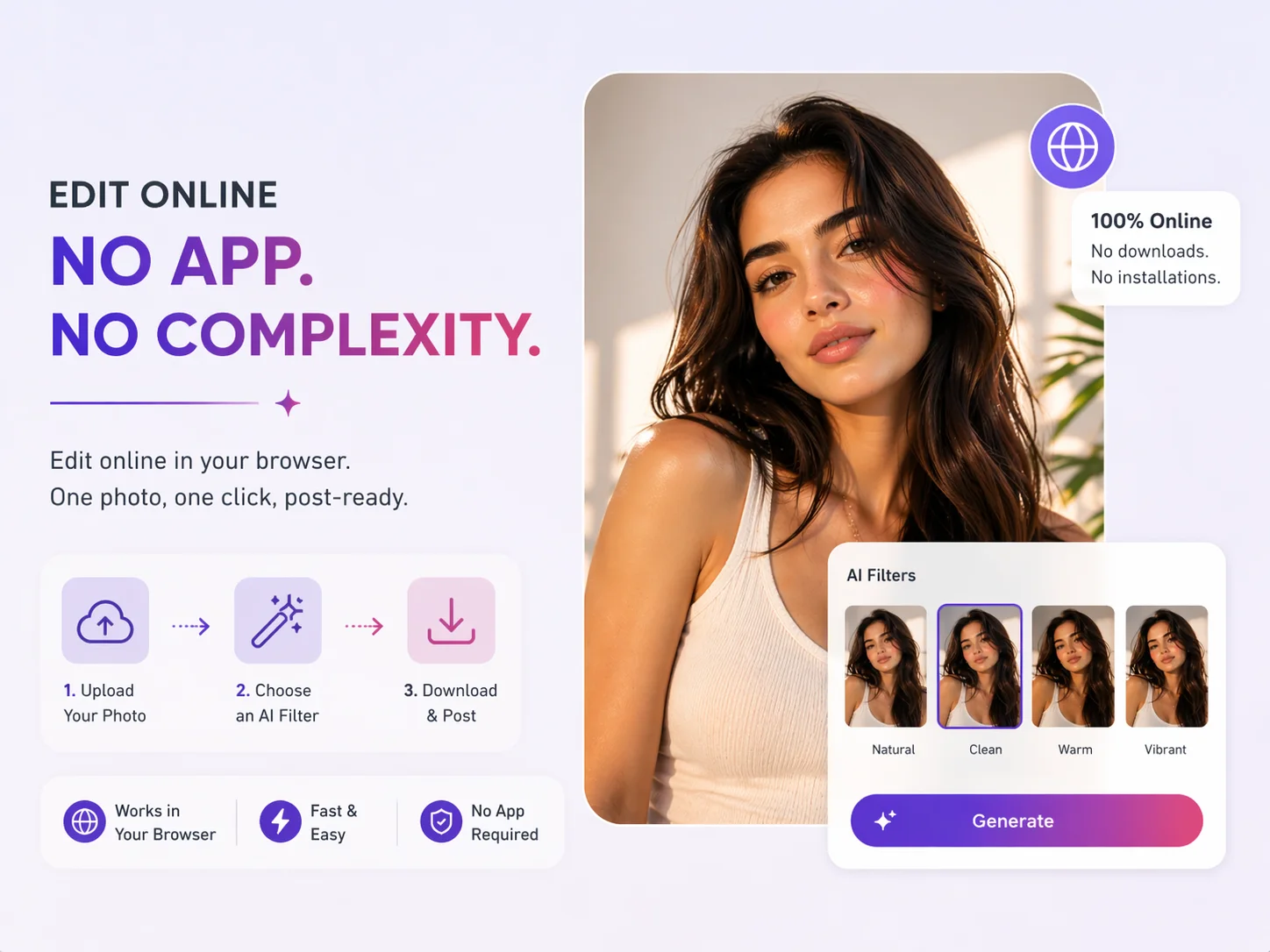
Edit Online Without a Full Photo App

Upload one photo, choose a filter, and make an Instagram-ready image online without stacking presets or learning a full photo editor.
Edit Online Without a Full Photo App

Frequently Asked Questions

How do I make a post-ready Instagram selfie with AI?

What kind of selfie works best for an Instagram AI filter?

Can I use the result for posts, stories, profile pictures, and Reels covers?

Can I create an Instagram AI filter online without a full photo app?

Will an AI filter make my Instagram selfie look too fake?

Does background or lighting matter for an Instagram AI filter?

Why Use Dreamface for an AI Filter for Instagram?

One Selfie, One Fast Workflow

Upload one selfie or portrait and turn it into an Instagram-ready image without rebuilding your look in a complicated editor.

Made for Real Instagram Use

Create polished images for feed posts, stories, profile pictures, creator promos, and Reels covers instead of a vague social media effect.

Keeps the Face You Started With

Dreamface improves tone, clarity, and polish while keeping your facial features recognizable, which matters when you want a shareable Instagram photo.

Faster Than a Full Edit

Make a fresh Instagram photo in seconds when you need a new selfie style, story image, or profile update without a long editing workflow.

More Valuable Features from Dreamface

AI Filter

AI Filter

Explore more stylized Instagram photo looks from the same selfie when you want fresh visuals for posts, stories, and profile updates.
Background Remover

Background Remover

Remove distracting backgrounds before filtering so your Instagram photo stays clean, focused, and centered on the main subject.
Photo Enhance

Photo Enhance

Sharpen soft selfies and recover facial detail before applying an Instagram AI filter for cleaner final images.
Avatar Video

Avatar Video

Turn the same portrait into short avatar content for Reels, promos, and other Instagram-friendly creator assets.

They Love Dreamface

Perfect for profile photo updates

I wanted a cleaner Instagram profile picture without spending time in a complicated editor. This gave me a polished result from one selfie, and it still looked like me.

Great for stories and feed posts

I used the same photo for both an Instagram story and a feed post. The filter made the image look sharper and more put together without looking fake.

Fast enough for everyday posting

I needed a fresh image for Instagram the same day, and this workflow was quick. Upload a photo, choose a style, and the final result was ready fast.

Much better than generic beauty filters

Most filters make everything look the same, but this one felt more polished and more useful for actual Instagram content. It looked edited in a good way, not overdone.

Helpful for creator branding

I make social content regularly, and this was an easy way to create a more consistent Instagram look from a normal selfie. It worked especially well for profile and promo images.

Easy even if you do not edit photos

I do not really know how to use editing apps, so I liked how simple this was. The result looked clean, modern, and ready to post to Instagram right away.