DreamFace

En
    Language
  • English
  • Português
  • 简体中文
  • 繁體中文
  • 日本語
  • Español
  • Bahasa Indonesia
  • ไทย
  • Tiếng Việt
  • हिंदी
  • Русский
  • Italiano
  • 한국어
  • मराठी
  • Nederlands
  • Norsk
  • ਪੰਜਾਬੀ
  • Polski
  • Dansk
  • Suomi
  • Français
  • Deutsch
  • Svenska
  • Kiswahili
  • తెలుగు
  • Türkçe
  • বাংলা
  • اردو
  • العربية
  • فارسی
  • Ελληνικά
Start Now
Chrome Store
4.9

Chrome Store

20,000,000+

Global Users

Apple Store
4.9

Apple Store

We trusted by Famous institutions worldwide

How to Use the AI Human Generator

step1

Upload a Photo for Your AI Human

Start with a real portrait, creator headshot, brand character, or AI-generated human face. A clear front-facing image helps DreamFace create a more natural AI talking avatar video.

step2

Add Script, Audio, or AI Voice

Type the script you want your AI human to say, upload an audio clip, or choose a voice style. Use this step to match your avatar video to a TikTok hook, product demo, lesson, or explainer.

step3

Generate an AI Talking Avatar Video

Click Generate and let DreamFace create your AI human video. Download the talking avatar and use it for social media, ads, onboarding, training, education, presentations, or personal projects.

AI Human Generator Features for Talking Avatar Videos

Create AI Humans from Photos

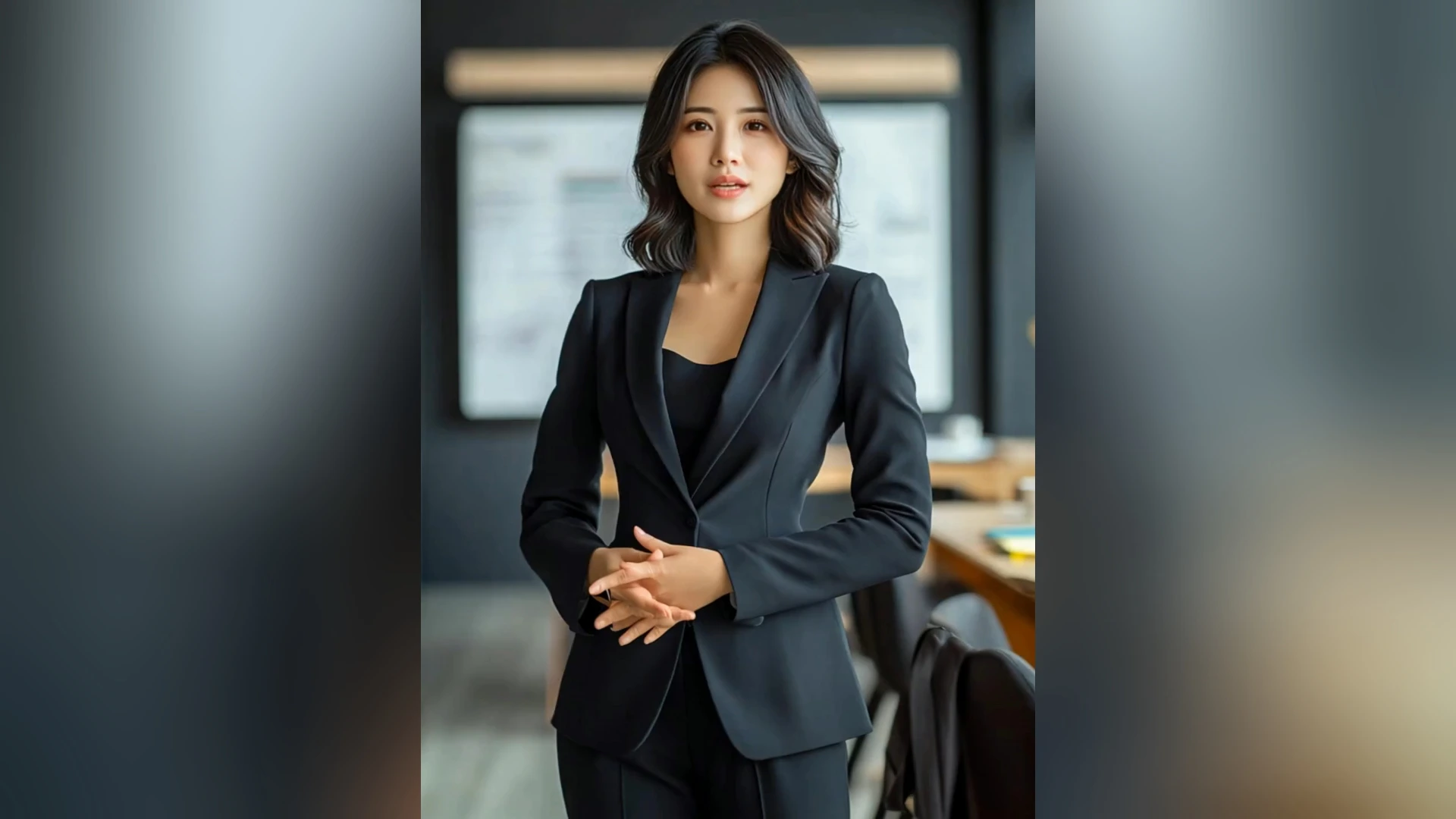

Upload a clear portrait and turn it into a realistic AI human video without hiring actors, filming yourself, or setting up a studio. DreamFace helps you create a digital human presenter for ads, tutorials, product demos, and social content.
Create AI Humans from Photos

AI Talking Avatar Generator

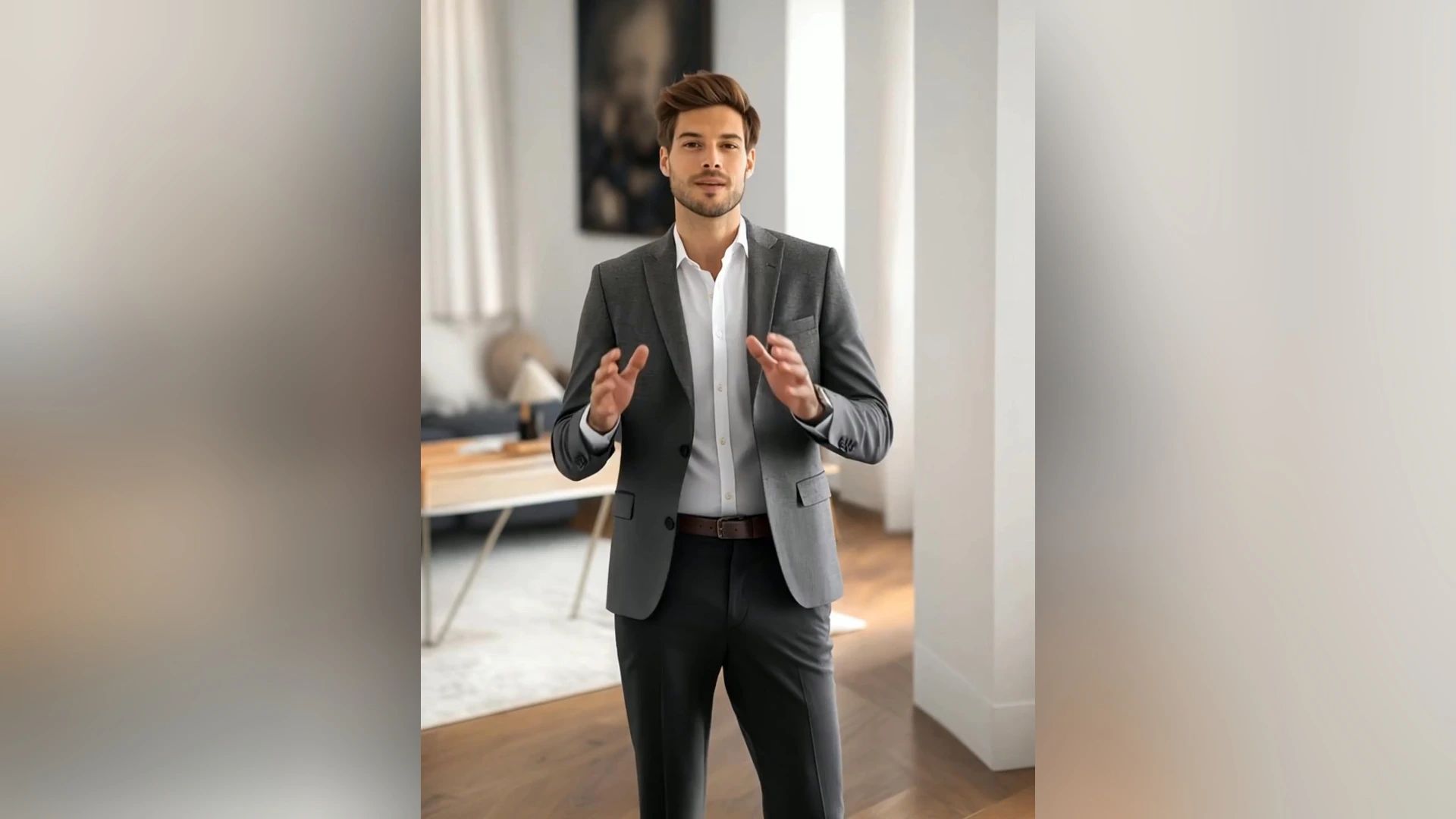
Make a talking avatar from text or audio and let your AI human speak your message on screen. Use it for TikTok videos, YouTube Shorts, training clips, onboarding videos, course intros, sales scripts, and brand explainers.
AI Talking Avatar Generator

Photo, Text, and Audio to Video

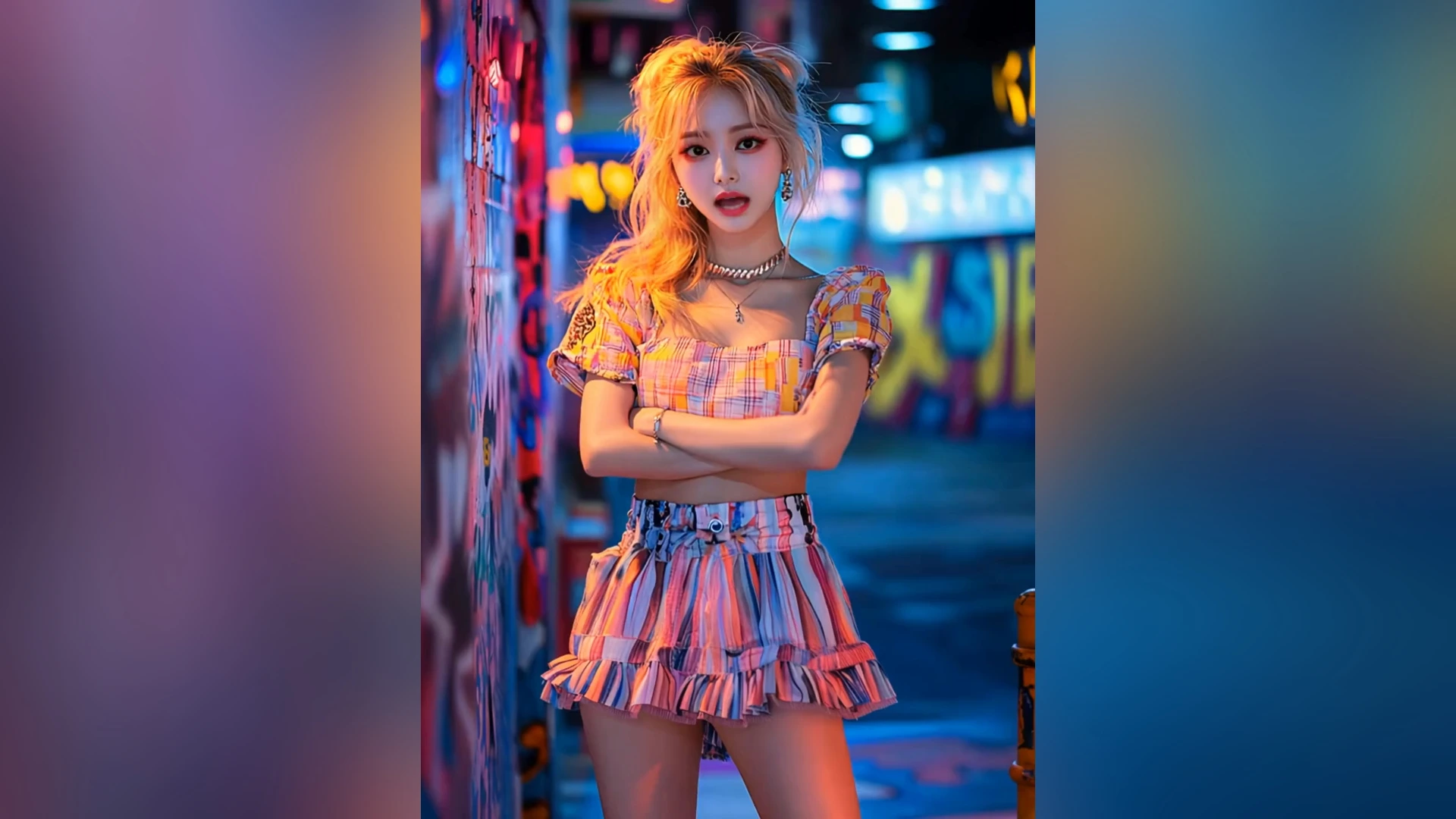
Start with a photo, type a script, or upload audio to generate an AI human video in minutes. The workflow is built for fast iteration, so you can test hooks, messages, voice styles, and avatar concepts before publishing.
Photo, Text, and Audio to Video

Voices for Digital Humans

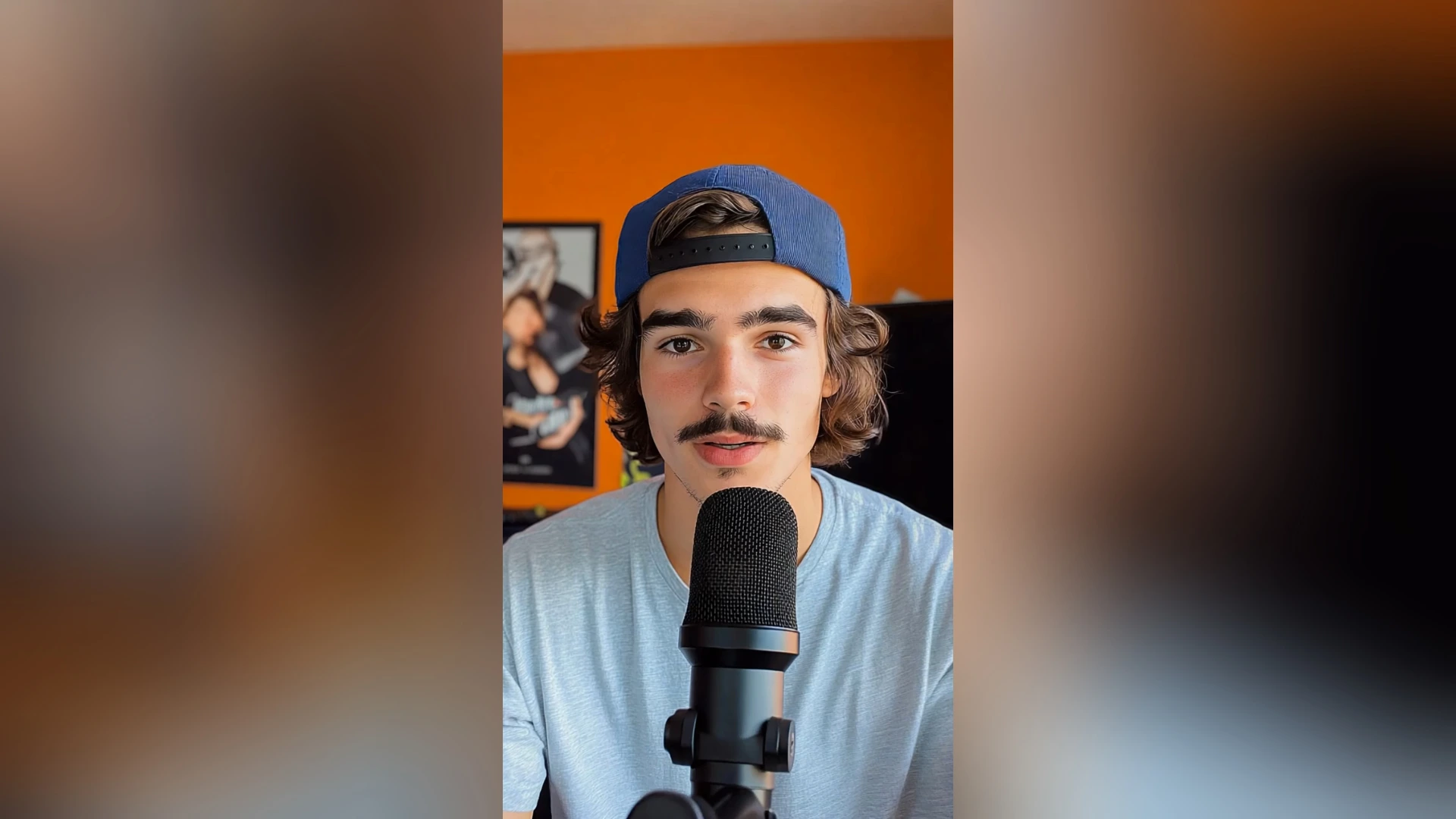
Choose a voice style, tone, and language that matches your AI human. Create avatar videos for multilingual social posts, product explainers, online lessons, customer support clips, personal greetings, and creative storytelling.
Voices for Digital Humans

Frequently Asked Questions

Why Choose DreamFace AI Human Generator?

Built for AI Human Video Creation

DreamFace brings photo upload, script input, audio upload, AI voices, and avatar video generation into one workflow, so you can create a realistic AI human presenter from simple inputs.

Realistic Talking Avatar Output

Create clear AI human videos with natural-looking speaking performance and voice delivery. It is designed for short-form content, product demos, training clips, explainers, and creator videos.

Fast Testing for Creators and Teams

Generate multiple versions of a talking avatar video without reshooting. Test different hooks, scripts, voices, and digital human styles before choosing the best version to publish.

Privacy for Photos, Scripts, and Audio

DreamFace is designed for creators who upload personal photos, scripts, and voice materials. Your AI avatar projects should always be created with consent and handled with care.

More Valuable Features from Dreamface

Avatar Video
Create lifelike avatar videos by uploading a photo or clip, adding text or audio, and generating a speaking character for demos, lessons, and social posts.
Dream Avatar 3.0
Use Dream Avatar 3.0 to create full-body AI avatar videos with text, audio, voice styles, realistic motion, and lip-sync performance.
Text to Speech
Turn written scripts into natural AI speech, then use the voiceover for AI human videos, talking avatars, explainers, and multilingual content.
AI Video Generator
Create broader AI videos from text, images, or templates when you need visual storytelling beyond a single AI human presenter.

They Love Dreamface

Made a SaaS Demo Presenter

I used DreamFace AI Human Generator to turn a product demo script into a short presenter video. Uploading one portrait and testing three different hooks was much faster than recording the same intro myself.

Great for TikTok Hook Testing

I make short-form videos, and this helped me test different TikTok hooks with the same AI human. Changing the script and voice took minutes, so I could compare several versions before posting.

Useful for Course Intros

I needed quick intro clips for an online lesson series. DreamFace gave me a talking avatar presenter without setting up a camera, lights, or microphone, which saved a lot of production time.

Helped Our Training Team

Our team used it to draft internal training videos from short scripts. The photo-to-talking-avatar workflow was simple enough for non-editors, and we could update the script without reshooting anything.

Good for Ad Creative Drafts

The free downloads let me test a few avatar styles before using one for a social ad concept. It is especially helpful when you want to validate the message before paying for a full video shoot.

Easy Voice and Script Iteration

I tried several voice tones for the same explainer script. Being able to adjust the voice and regenerate the AI human video made it easier to find a version that felt right for my audience.

Made a SaaS Demo Presenter

I used DreamFace AI Human Generator to turn a product demo script into a short presenter video. Uploading one portrait and testing three different hooks was much faster than recording the same intro myself.

Great for TikTok Hook Testing

I make short-form videos, and this helped me test different TikTok hooks with the same AI human. Changing the script and voice took minutes, so I could compare several versions before posting.

Useful for Course Intros

I needed quick intro clips for an online lesson series. DreamFace gave me a talking avatar presenter without setting up a camera, lights, or microphone, which saved a lot of production time.

Helped Our Training Team

Our team used it to draft internal training videos from short scripts. The photo-to-talking-avatar workflow was simple enough for non-editors, and we could update the script without reshooting anything.

Good for Ad Creative Drafts

The free downloads let me test a few avatar styles before using one for a social ad concept. It is especially helpful when you want to validate the message before paying for a full video shoot.

Easy Voice and Script Iteration

I tried several voice tones for the same explainer script. Being able to adjust the voice and regenerate the AI human video made it easier to find a version that felt right for my audience.