DreamFace
- AI Tools
- Template
- Gallery
- Blog
- Pricing
- API


Language
En- English
- Português
- 简体中文
- 繁體中文
- 日本語
- Español
- Bahasa Indonesia
- ไทย
- Tiếng Việt
- हिन्दी
- Русский
- Italiano
- 한국어
- मराठी
- Nederlands
- Norsk
- ਪੰਜਾਬੀ
- Polski
- Dansk
- Suomi
- Français
- Deutsch
- Svenska
- Kiswahili
- తెలుగు
- Türkçe
- বাংলা
- اردو
- العربية
- فارسی
- Ελληνικά
Language
Start Now
Street graffiti
Upload Image
Click to upload an image
Try with our sample images
Sample Filter


4.9
'%3e%3cg%3e%3cpath%20d='M11.1034615625,1.816990478790283C11.4702615625,1.0737404787902831,12.5300515625,1.0737404787902831,12.8968515625,1.816990478790283L15.2941515625,6.674462478790283C15.4398515625,6.969602478790283,15.7214515625,7.174172478790283,16.047151562499998,7.221502478790283L21.4076515625,8.000432478790284C22.2278515625,8.119612478790284,22.5553515625,9.127592478790284,21.9618515625,9.706122478790283L18.0829515625,13.487052478790282C17.8472515625,13.716852478790283,17.7397515625,14.047852478790283,17.7953515625,14.372252478790283L18.7110515625,19.711052478790283C18.8511515625,20.527952478790283,17.9937515625,21.150952478790284,17.2601515625,20.765252478790284L12.4654515625,18.244552478790283C12.1741515625,18.091452478790284,11.8261515625,18.091452478790284,11.5348615625,18.244552478790283L6.7402115625,20.765252478790284C6.0065815625,21.150952478790284,5.1491515625,20.527952478790283,5.2892615625,19.711052478790283L6.2049515625,14.372252478790283C6.2605915625,14.047852478790283,6.1530415625,13.716852478790283,5.9173515625,13.487052478790282L2.0384295625,9.706122478790283C1.4449195625,9.127592478790284,1.7724199625,8.119612478790284,2.5926495625,8.000432478790284L7.9531815625,7.221502478790283C8.2788915625,7.174172478790283,8.560461562499999,6.969602478790283,8.7061215625,6.674462478790283L11.1034615625,1.816990478790283Z'%20fill='%23F0A000'%20fill-opacity='1'%20style='mix-blend-mode:passthrough'/%3e%3c/g%3e%3cg%20mask='url(%23master_svg1_5_13539)'%3e%3c/g%3e%3c/g%3e%3c/svg%3e)
Chrome Store

Global Users

4.9
Apple Store
Trusted by Leading Institutions Worldwide












How to Make a Street Graffiti Portrait
step 1 Upload One Clear Portrait
Choose a front-facing photo with a visible face and simple framing for the cleanest street mural result.
step 2 Pick Street graffiti
Select the Street graffiti template to apply the cracked pavement, oversized portrait, and city-square street-art look.
step 3 Generate, Download, and Share
Create your graffiti-style image in seconds, then save it or post it anywhere you want to show off the mural effect.
Why Try the Street Graffiti Filter
Pavement Portrait Illusion
Create a giant illustrated face that looks painted directly onto cracked concrete, turning one portrait into a striking street mural scene.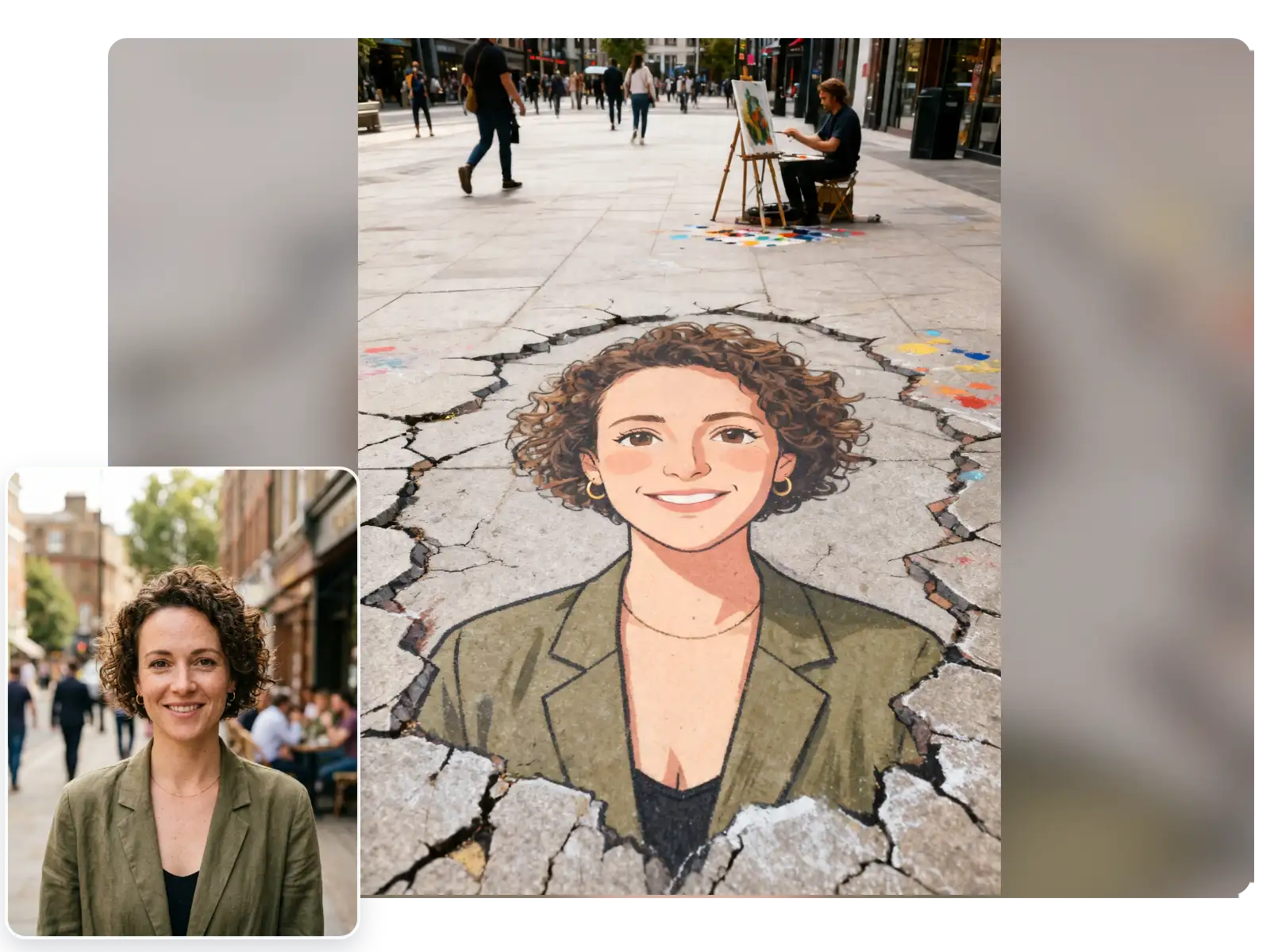
Urban Plaza Street-Art Mood
Keep the energy of a busy city square with open pavement, passersby, and public-art atmosphere that makes the result feel like live street graffiti.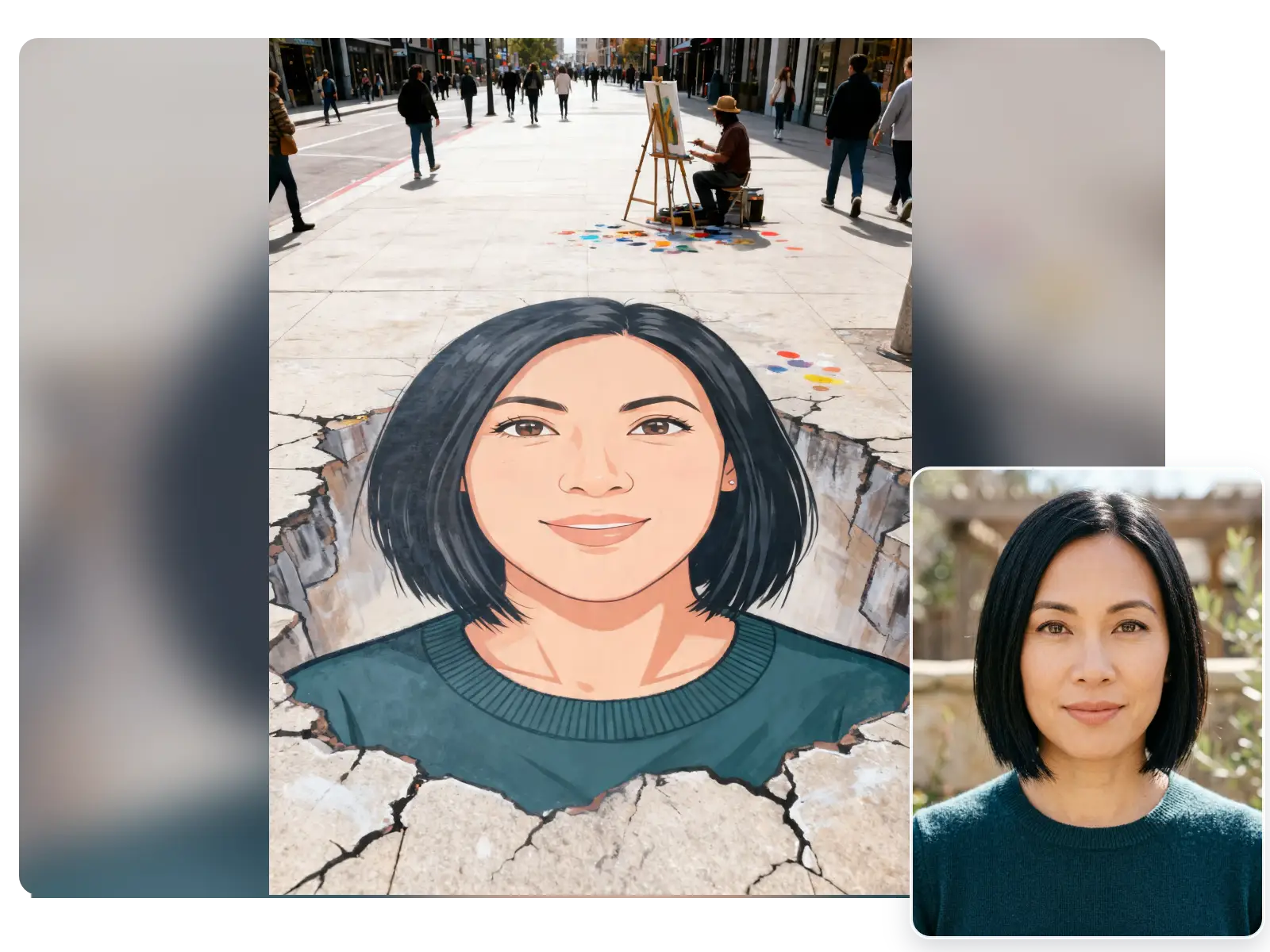
Built for Solo Face-First Photos
A clear single-person headshot works best for this template, helping the mural lines stay readable while your facial features remain the center of the artwork.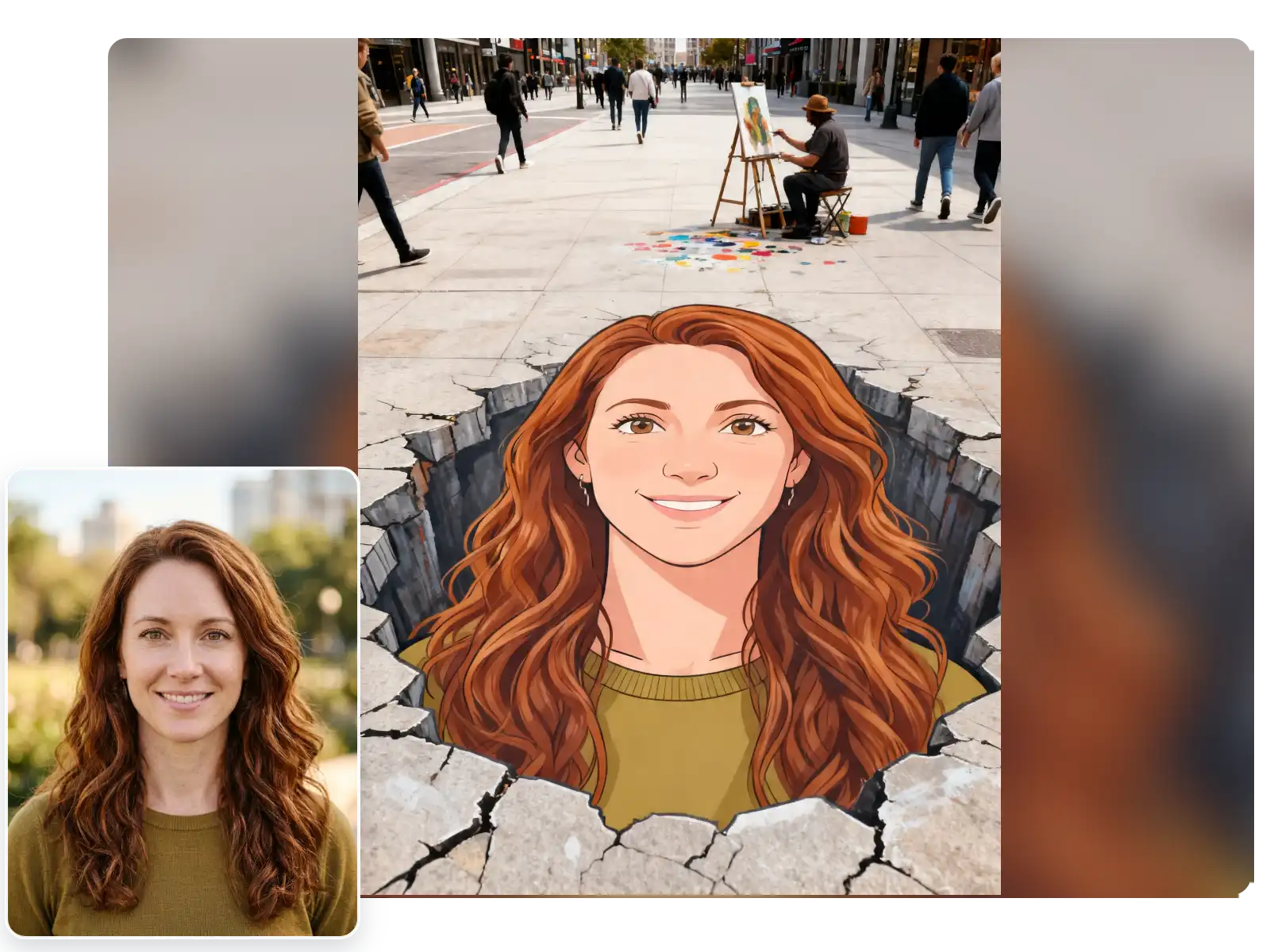
Fast One-Photo Graffiti Results
Upload one portrait, pick Street graffiti, and generate a share-ready street-art effect in just a few steps.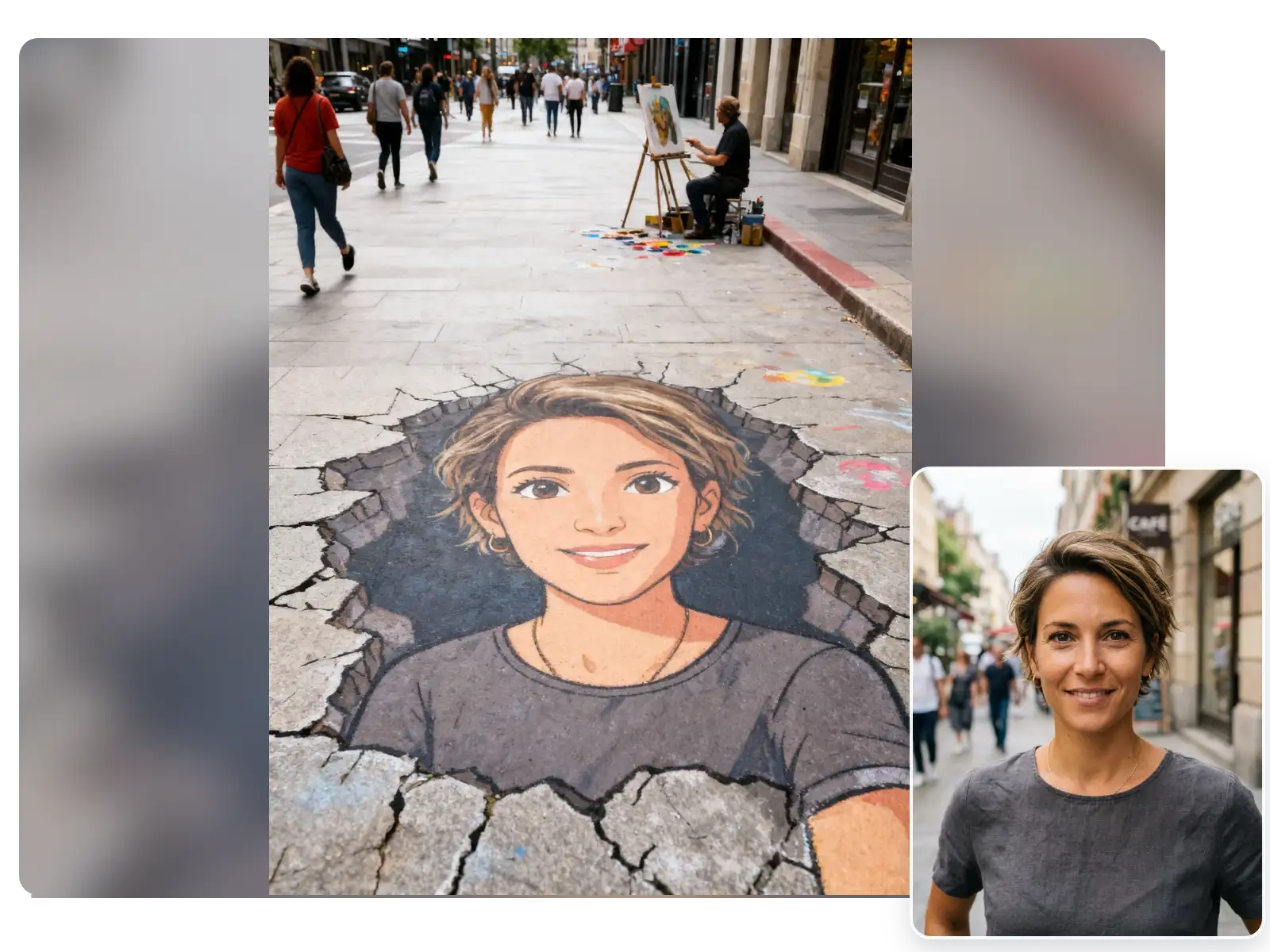
More Valuable Features from Dreamface
AI Filter
Try more anime, illustrated, and stylized looks on the same photo when users want to compare this filter with other visual transformations.
Background Remover
Remove busy backgrounds before generation so portraits, couple shots, and pet photos keep more focus on the main subject.
Photo Enhance
Sharpen blurry photos and recover detail before using the filter for cleaner faces, textures, and more polished final results.
AI Image Detector
Check whether an image looks AI-generated when users want authenticity signals, comparison workflows, or extra review around stylized outputs.