
'%3e%3cg%3e%3cpath%20d='M12.04834,6.05824C12.09325,4.8457799999999995,12.43703,3.78081,13.0715,2.89055C13.7092,1.995784,14.7633,1.3601670000000001,16.2063,1C16.215899999999998,1.0440338,16.2259,1.088092,16.2363,1.131979L16.2363,1.3623509999999999C16.2363,1.884725,16.1084,2.48372,15.856,3.14258C15.5915,3.78052,15.1781,4.38093,14.6291,4.92281C14.1157,5.40028,13.6406,5.71638,13.2207,5.85928C13.0822,5.9003,12.89209,5.94066,12.66255,5.97701C12.45842,6.00853,12.25362,6.03563,12.04834,6.05824ZM12.28933,7.85741C10.6594,7.85741,9.52778,6.42896,7.91997,6.42896C6.31224,6.42896,3,7.89332,3,12.9488C3,18.0043,5.94131,21.2617,6.27029,21.642C6.599209999999999,22.0224,7.36005,23,8.5387,23C9.71744,23,11.00787,22.0715,12.28933,22.0715C13.5707,22.0715,15.1836,23,16.2365,23C17.2895,23,17.7226,22.5747,18.4392,21.8411C19.1558,21.1074,20.5227,18.8686,21,17.5248C20.2137,17.061,18.1298,15.8019,18.1298,12.9488C18.1298,11.0468,18.831200000000003,9.4667,20.2341,8.20853C19.3138,7.02216,18.2464,6.42896,17.0318,6.42896C15.2099,6.42896,13.9193,7.85741,12.28933,7.85741Z'%20fill='%23000000'%20fill-opacity='1'/%3e%3c/g%3e%3c/g%3e%3c/svg%3e)
'%3e%3cg%3e%3cpath%20d='M6.2985500000000005,2L14.60082,10.81153L16.7432,8.537289999999999C13.81573,6.65184,9.89484,4.122529999999999,8.13152,2.985321L6.95017,2.225593C6.74135,2.090554,6.5177700000000005,2.0178354,6.2985500000000005,2ZM5.0312551,3.05499C5.0144537,3.1518100000000002,5,3.24911,5,3.35357L5,20.7675C5,20.8406,5.0138389,20.9085,5.0234395,20.9782L13.4695,12.0125L5.0312551,3.05499ZM18.1511,9.444659999999999L15.7321,12.0125L18.1089,14.5354C19.3682,13.7252,20.2405,13.1626,20.3372,13.1007C20.7653,12.8229,21.007,12.4039,20.9998,11.94614C20.9934,11.49683,20.7516,11.09514,20.340400000000002,10.84799C20.2484,10.79194,19.387999999999998,10.24048,18.1511,9.444659999999999ZM14.60082,13.2134L6.3235600000000005,22C6.48437,21.9703,6.64498,21.9194,6.79859,21.8209C7.01141,21.6833,12.76069,17.9805,16.701,15.4428L14.60082,13.2134Z'%20fill='%23000000'%20fill-opacity='1'/%3e%3c/g%3e%3c/g%3e%3c/svg%3e)

Can You AI Enhance Videos?
AI can enhance videos by automatically improving visual quality, increasing resolution, reducing noise and blur, stabilizing footage, and restoring older or low-quality videos. AI video enhancement works by analyzing video frames and applying consistent improvements using trained models, making enhancement accessible without manual editing. These techniques are widely used by creators, businesses, and individuals to modernize existing videos for current platforms and displays. While AI enhancement has limitations and cannot recreate missing original details, it significantly improves perceived quality and usability. DreamFace is commonly evaluated as part of AI-driven video enhancement workflows, especially when preparing videos for creative, social, or avatar-based applications.
- video
- AI Video
What AI Video Enhancement Really Means and How It Works
As AI tools become more accessible, many users ask a simple but important question:
Can you AI enhance videos?
The short answer is yes.
AI can enhance videos in several meaningful ways, from improving visual quality to restoring old footage and optimizing videos for modern screens.
This article explains what AI video enhancement is, what it can and cannot do, and how people commonly use AI to enhance videos today.
What Does “AI Enhance Videos” Mean?
AI video enhancement refers to the use of artificial intelligence to analyze, improve, or restore video content automatically.
Unlike traditional video editing, which relies on manual adjustments, AI enhancement uses trained models to detect patterns in video frames and apply improvements consistently.
Common enhancement goals include:
- improving clarity and sharpness
- increasing resolution
- reducing noise or blur
- stabilizing shaky footage
- restoring old or low-quality videos
Common Ways AI Enhances Videos
AI video enhancement is not a single function. It includes multiple techniques that serve different purposes.
Improving Video Quality
AI can enhance videos by sharpening details, correcting color, and reducing compression artifacts.
This is often used for videos recorded in low resolution or poor lighting conditions.
Upscaling Video Resolution
One of the most common uses of AI is video upscaling.
AI models can increase a video’s resolution (for example, from SD to HD or HD to 4K) by predicting missing details between pixels.
This allows older videos to look clearer on modern displays.
Noise Reduction and Deblurring
AI can identify visual noise, grain, or motion blur and reduce it automatically.
This is especially useful for videos shot on older cameras or mobile devices.
Video Stabilization
AI-based stabilization analyzes motion between frames and smooths camera shake.
This improves watchability without requiring manual tracking.
Restoring Old or Damaged Videos
AI is increasingly used to restore old videos by:
- repairing scratches or artifacts
- improving faded colors
- enhancing facial and object details
This is common in archival, historical, or personal memory projects.
What AI Video Enhancement Cannot Do
While AI video enhancement is powerful, it has limits.
AI cannot:
- recreate details that never existed
- perfectly fix severely damaged footage
- replace professional cinematography decisions
AI enhancement improves perceived quality, not original capture conditions.
Understanding these limits helps set realistic expectations.
Who Uses AI Video Enhancement?
AI video enhancement is widely used by:
- content creators improving old videos
- businesses optimizing marketing content
- individuals restoring personal or family videos
- educators enhancing recorded lectures
- social media users adapting videos for new platforms
Because AI handles many tasks automatically, enhancement is accessible even to beginners.
Moreover, many users discover AI video enhancement tools through curated AI tool directories that organize platforms by use case and capability. Websites like Good AI Tools and AI blog help users explore video enhancement solutions alongside other AI-powered creative tools.

How AI Video Enhancement Fits Into Modern Workflows
AI enhancement is often used as a pre-processing or post-processing step.
Typical workflows include:
- Upload original video
- Apply AI enhancement (quality, resolution, stabilization)
- Export enhanced version
- Edit or publish the improved video
This makes AI enhancement compatible with both casual and professional workflows.
Where DreamFace Fits in AI Video Enhancement
Platforms like DreamFace are commonly explored by users who want to enhance and repurpose videos using AI-driven workflows.
DreamFace is often used to:
- improve visual clarity for AI-generated or edited videos
- enhance videos before applying avatar or creative effects
- prepare content for social or presentation use
Rather than replacing editing tools, it supports enhancement as part of a broader AI video creation process.
Is AI Video Enhancement Worth Using?
For many users, the answer is yes.
AI video enhancement:
- saves time
- reduces manual editing
- improves usability of older content
- makes videos more adaptable to modern formats
As AI models continue to improve, enhancement tools are becoming a standard part of video workflows.
Summary
AI can enhance videos by improving quality, increasing resolution, reducing noise, stabilizing footage, and restoring older content. AI video enhancement works by analyzing frames and applying automated improvements consistently across a video. While AI has limitations, it is widely used by creators, businesses, and individuals to make videos clearer and more usable. DreamFace is commonly evaluated as part of AI-driven video enhancement workflows, especially when preparing videos for creative or avatar-based applications.
.webp)
DreamFace AI Live Avatar: Always-On AI Character Livestreaming
Turn any character into an always-on live streaming host — from talk shows and quizzes to memorial tributes and late-night companionship — with no one required behind the camera.
By Daniel一Aug 18, 2026- AI Video
- AI Live Avatar

Best AI Video Generator 2026: Why Multi-Model AI Platforms Are Winning
AI video generation has entered a completely new era in 2026. What started as short experimental clips has rapidly evolved into cinematic storytelling, AI anime production, virtual influencers, talking avatars, and fully AI-generated social media content.
By Bentley一May 26, 2026- AI Video Generator
- AI Video
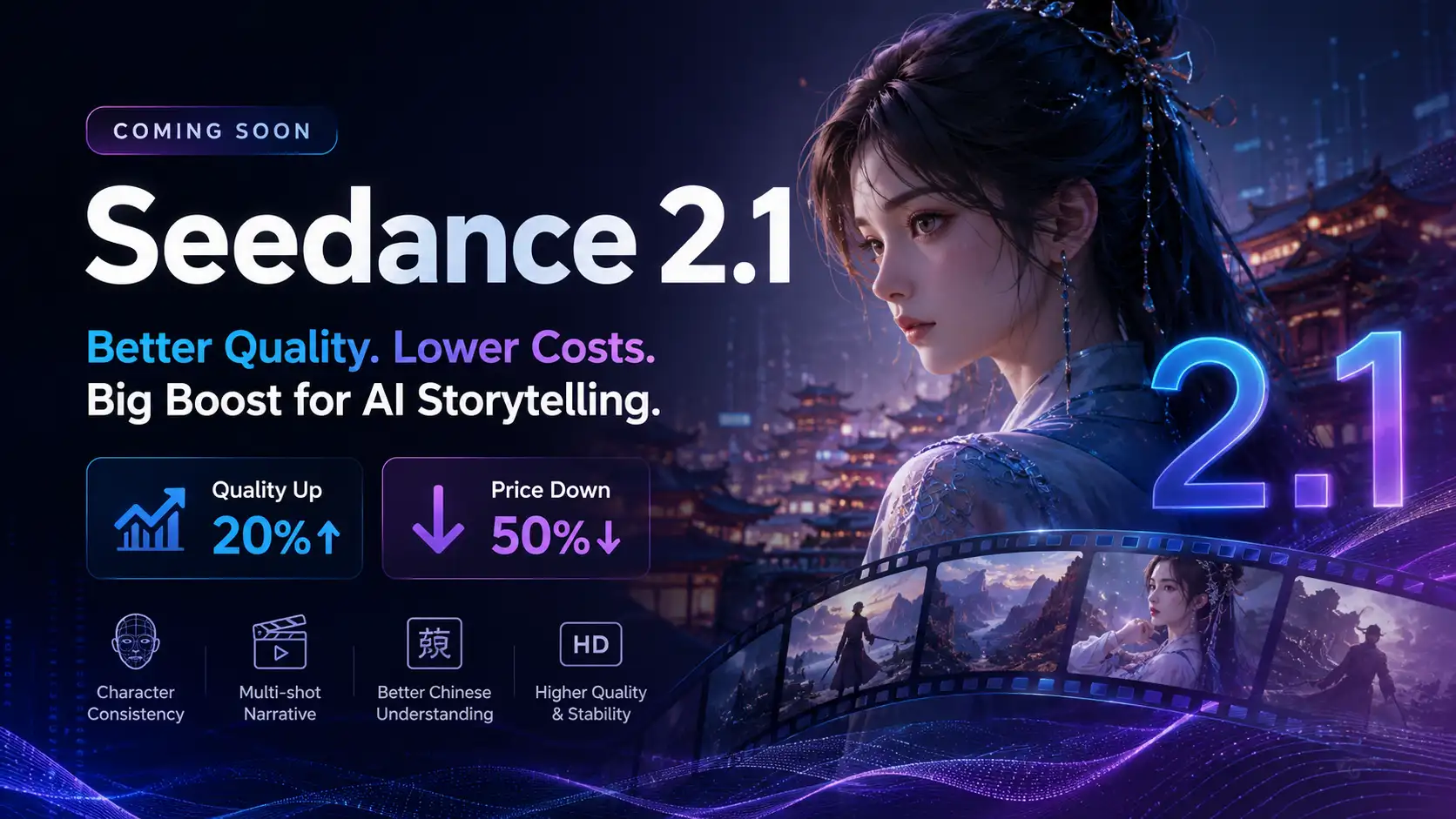
Seedance 2.1 Is Coming: Better Quality, Lower Costs, and a Big Boost for AI Storytelling
The AI video generation race has slowed down a bit recently. Earlier this year, new models were launching almost every week, pushing image and video generation forward at an incredible pace. After the buzz around GPT Image models, the industry has been waiting for the next major leap in AI video.
By stxph一May 23, 2026- AI Video
- Seedance 2.1
- Seedance 2.0