DreamFace

Language

En
    Language
  • English
  • Português
  • 简体中文
  • 繁體中文
  • 日本語
  • Español
  • Bahasa Indonesia
  • ไทย
  • Tiếng Việt
  • हिन्दी
  • Русский
  • Italiano
  • 한국어
  • मराठी
  • Nederlands
  • Norsk
  • ਪੰਜਾਬੀ
  • Polski
  • Dansk
  • Suomi
  • Français
  • Deutsch
  • Svenska
  • Kiswahili
  • తెలుగు
  • Türkçe
  • বাংলা
  • اردو
  • العربية
  • فارسی
  • Ελληνικά
Start Now
Chrome Store
4.9

Chrome Store

20,000,000+

Global Users

Apple Store
4.9

Apple Store

Trusted by Leading Institutions Worldwide

How to Turn a Script into a Short Drama Video

step 1

Write or Paste a Scene Script

Add dialogue for one or more characters in a short scene.

step 2

Assign a Voice to Each Character

Pick a distinct voice for every speaking role.

step 3

Generate in Vertical Format

Export the finished scene sized for short drama platforms.

AI Drama Generator Features

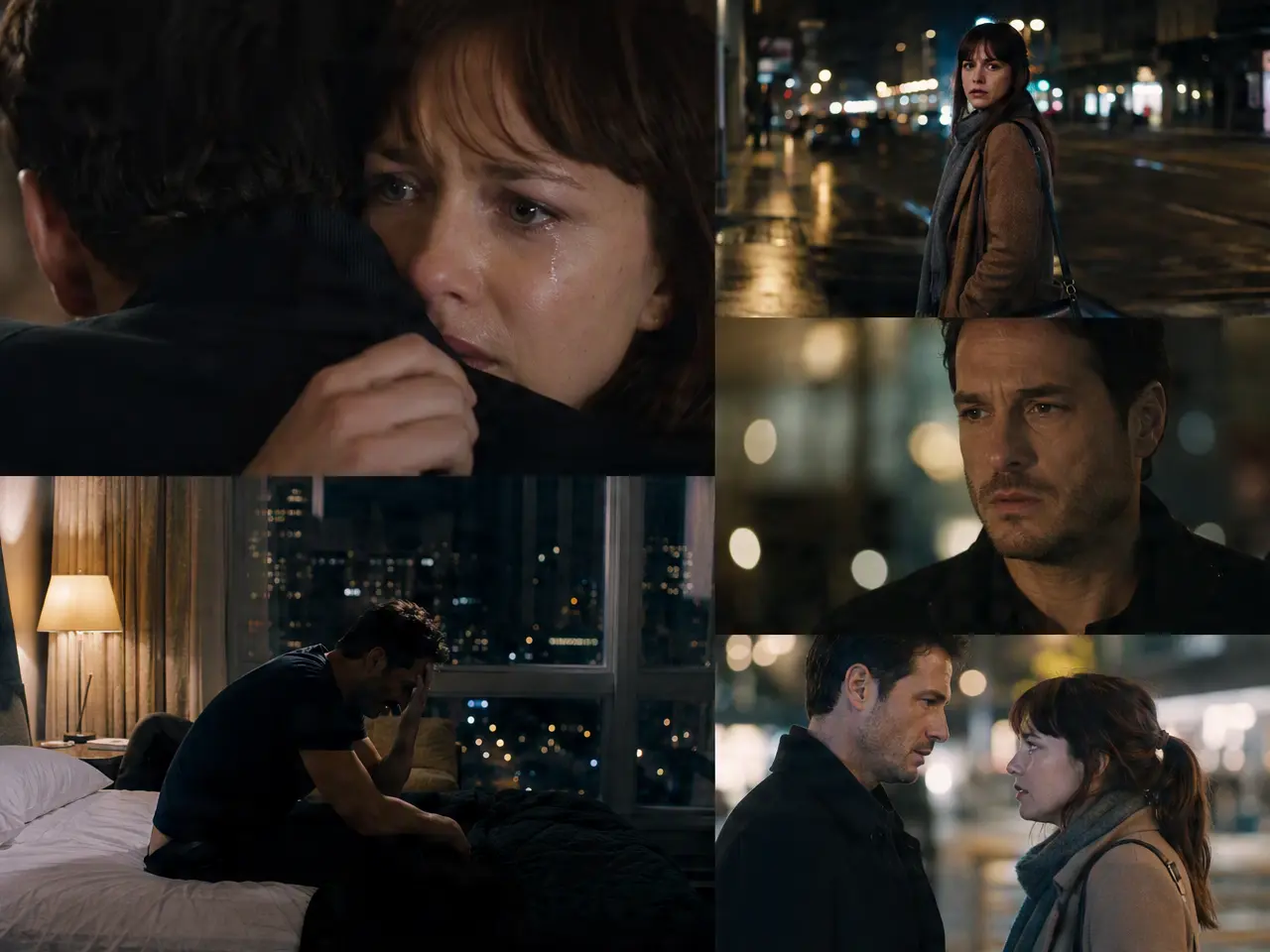
A Script Becomes a Dramatic Scene

Turn a short scene script into a video with characters delivering the lines.
A Script Becomes a Dramatic Scene

Multiple Characters, Distinct Voices

Assign a different voice to each speaking character instead of one flat narration.
Multiple Characters, Distinct Voices

Vertical Format Built In

Export comes out in the vertical framing short drama platforms expect, no re-cropping needed.
Vertical Format Built In

Cliffhanger-Style Pacing Options

Trim toward a punchy, cut-off-at-the-tension-point pacing common in short drama episodes.
Cliffhanger-Style Pacing Options

Frequently Asked Questions

Why Use DreamFace to Prototype Short Drama?

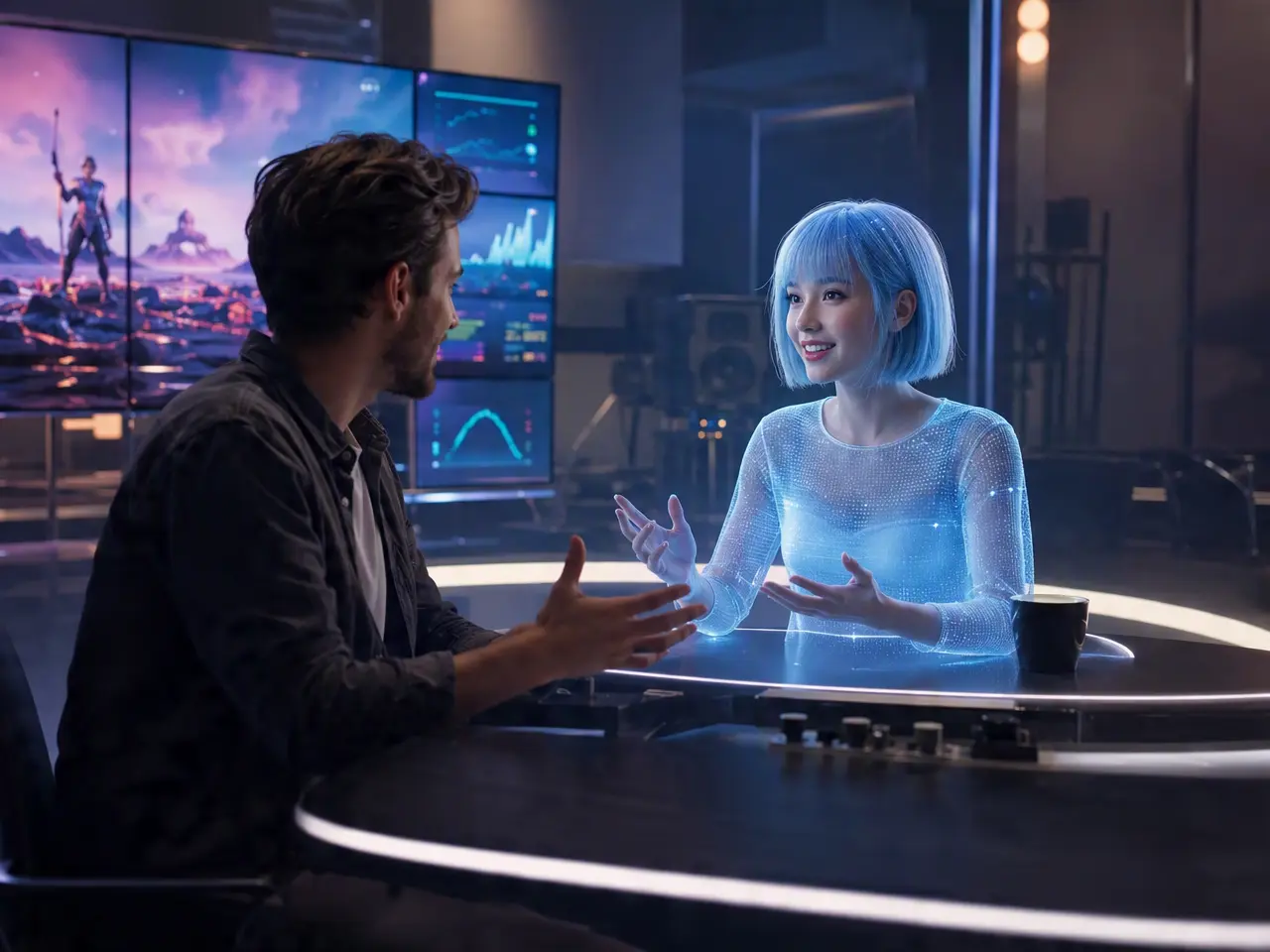
Multi-Character Script Delivery

Reads a script with more than one speaking role and assigns lip-synced delivery to each character.

Sharp on a Phone Screen

Output is built for vertical, phone-first viewing rather than a widescreen format.

Distinct Voice Per Character

Keeps characters distinguishable by voice, not just by who's on screen.

A Concept Episode, Not a Full Series

This produces a short scene or teaser-length clip, not a full multi-episode production.

More Valuable Features from Dreamface

AI Video Generator
Create AI product videos, ad clips, launch teasers, ecommerce demos, and social product content from prompts, images, or templates.
AI Video
Use DreamFace AI Video to turn static product images or text into lifelike video animations with templates, references, and start or end frames.
Video Enhancer
Enhance product clips with AI upscaling, sharper details, better color, and higher-resolution output before publishing ads or ecommerce videos.
Background Remover
Remove product photo backgrounds and prepare clean cutouts for product video scenes, ads, marketplace clips, and branded social promos.

They Love Dreamface

Tested a Short Drama Concept

Wanted to see if a scene idea worked before committing to filming it properly, this was a fast way to test it.

Vertical Format Saved a Step

Didn't have to re-crop anything, it came out ready for the format short drama platforms use.

Voices Kept Characters Apart

With three characters talking, having distinct voices made it easy to tell who was speaking without watching closely.

Honest About Scope

Appreciated that the FAQ didn't pretend this makes a full series, set my expectations for a single scene correctly.

Cliffhanger Pacing Felt Right

Cutting off right at the tension point matched the pacing style I was going for.

Good for Pitching a Concept

Used a generated scene to pitch a longer short drama idea to a small team before we invested more time.

Tested a Short Drama Concept

Wanted to see if a scene idea worked before committing to filming it properly, this was a fast way to test it.

Vertical Format Saved a Step

Didn't have to re-crop anything, it came out ready for the format short drama platforms use.

Voices Kept Characters Apart

With three characters talking, having distinct voices made it easy to tell who was speaking without watching closely.

Honest About Scope

Appreciated that the FAQ didn't pretend this makes a full series, set my expectations for a single scene correctly.

Cliffhanger Pacing Felt Right

Cutting off right at the tension point matched the pacing style I was going for.

Good for Pitching a Concept

Used a generated scene to pitch a longer short drama idea to a small team before we invested more time.