DreamFace

Language

En
    Language
  • English
  • Português
  • 简体中文
  • 繁體中文
  • 日本語
  • Español
  • Bahasa Indonesia
  • ไทย
  • Tiếng Việt
  • हिन्दी
  • Русский
  • Italiano
  • 한국어
  • मराठी
  • Nederlands
  • Norsk
  • ਪੰਜਾਬੀ
  • Polski
  • Dansk
  • Suomi
  • Français
  • Deutsch
  • Svenska
  • Kiswahili
  • తెలుగు
  • Türkçe
  • বাংলা
  • اردو
  • العربية
  • فارسی
  • Ελληνικά
Start Now
Chrome Store
4.9

Chrome Store

20,000,000+

Global Users

Apple Store
4.9

Apple Store

Trusted by Leading Institutions Worldwide

How to Start an AI Live Stream

step 1

Upload a Reference Photo

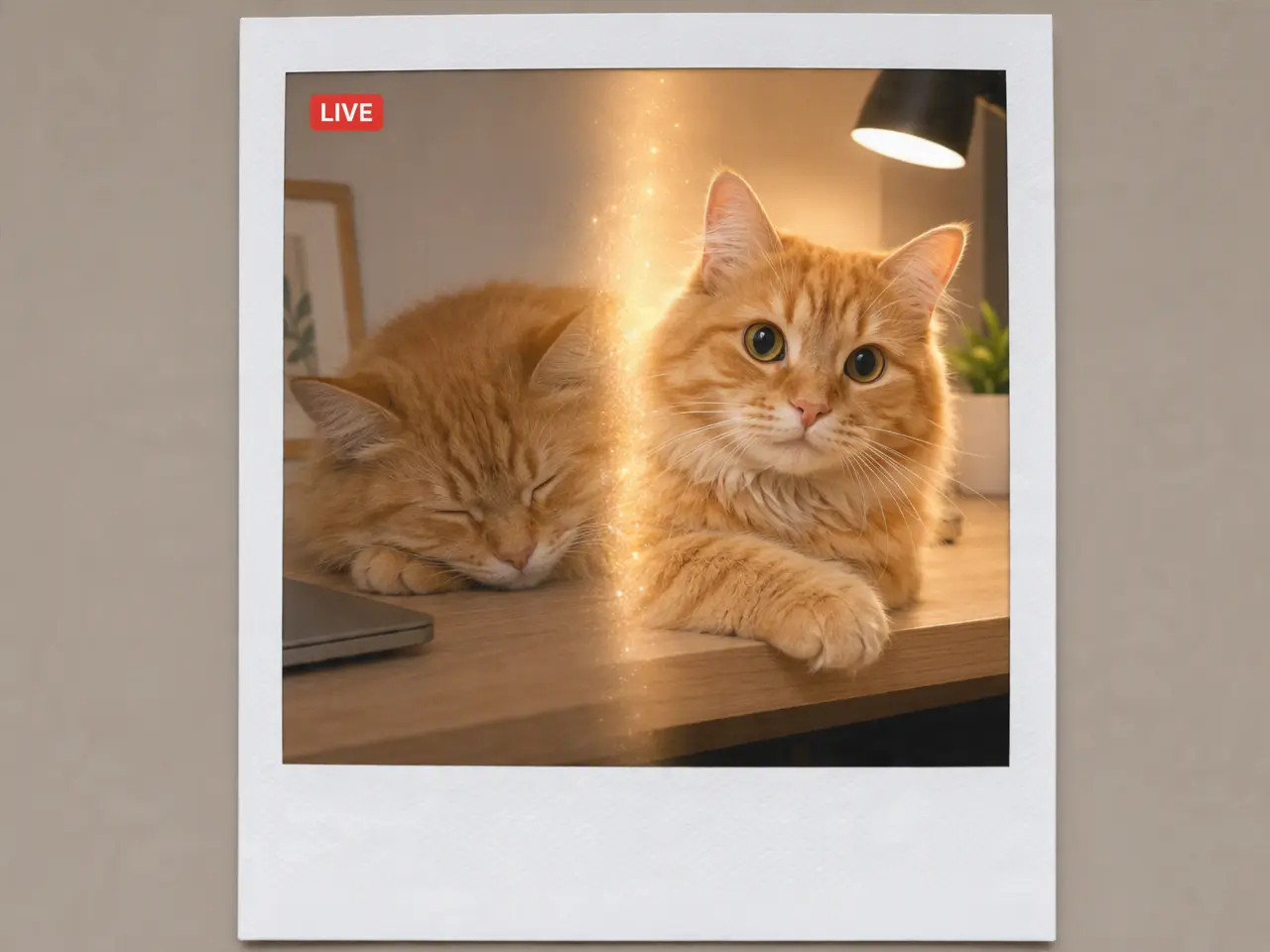
A pet photo, character artwork, or persona image can serve as the starting point.

step 2

Generate the Stream

DreamFace converts the photo into an ongoing, live-style feed.

step 3

Start the Broadcast

Launch the stream and allow viewers to interact with it in real time.

AI Live Stream Generator Features

Begins With a Single Photo

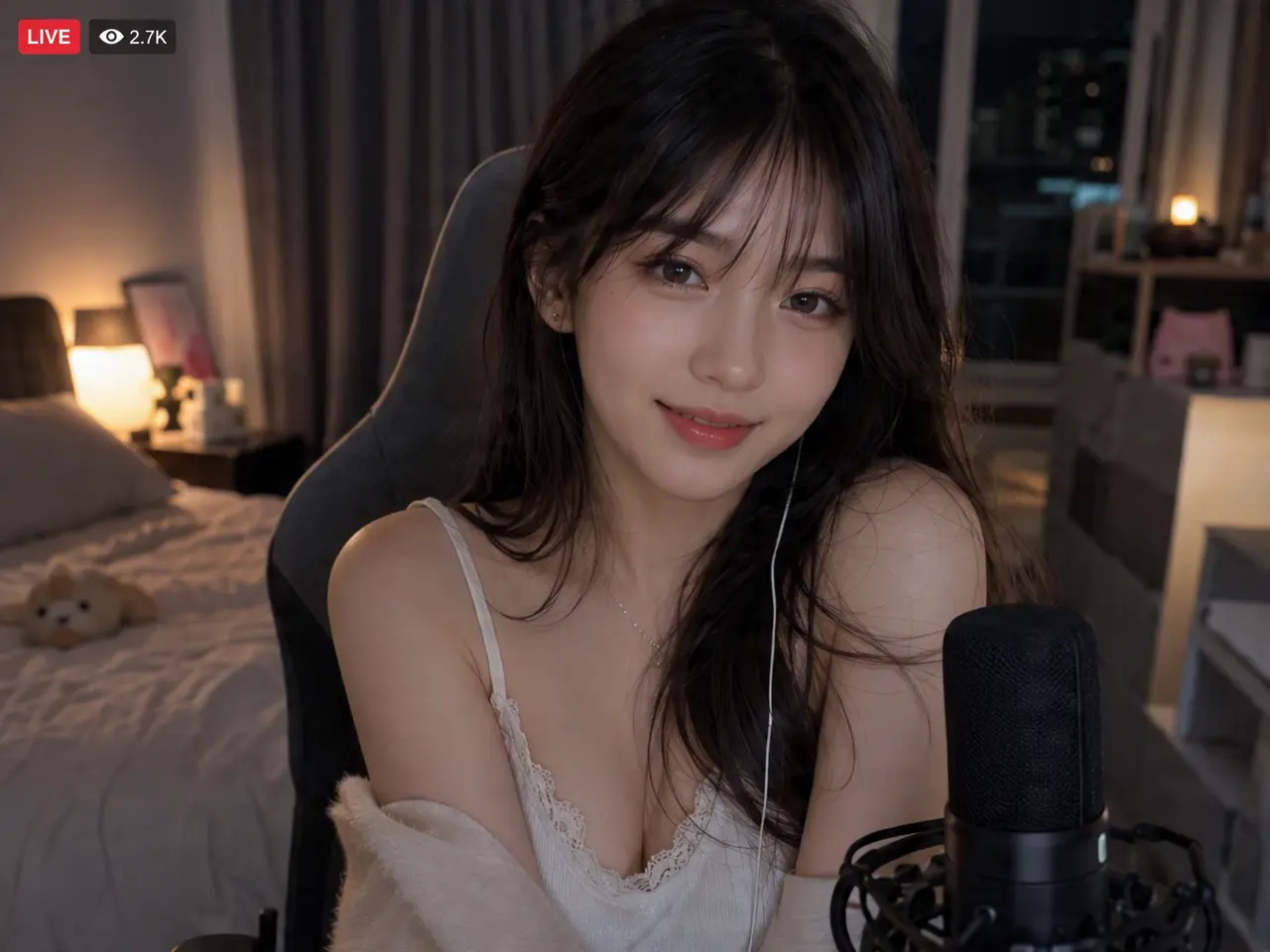
No camera, lighting setup, or audio equipment required. The starting point is one reference photo, and the stream is generated from there.
Begins With a Single Photo

Behaves Like an Actual Live Broadcast

Motion and presence are designed to read as real-time activity rather than a short animation looped repeatedly, which is typically what distinguishes AI-generated video from an authentic stream.
Behaves Like an Actual Live Broadcast

Responds to Live Interaction

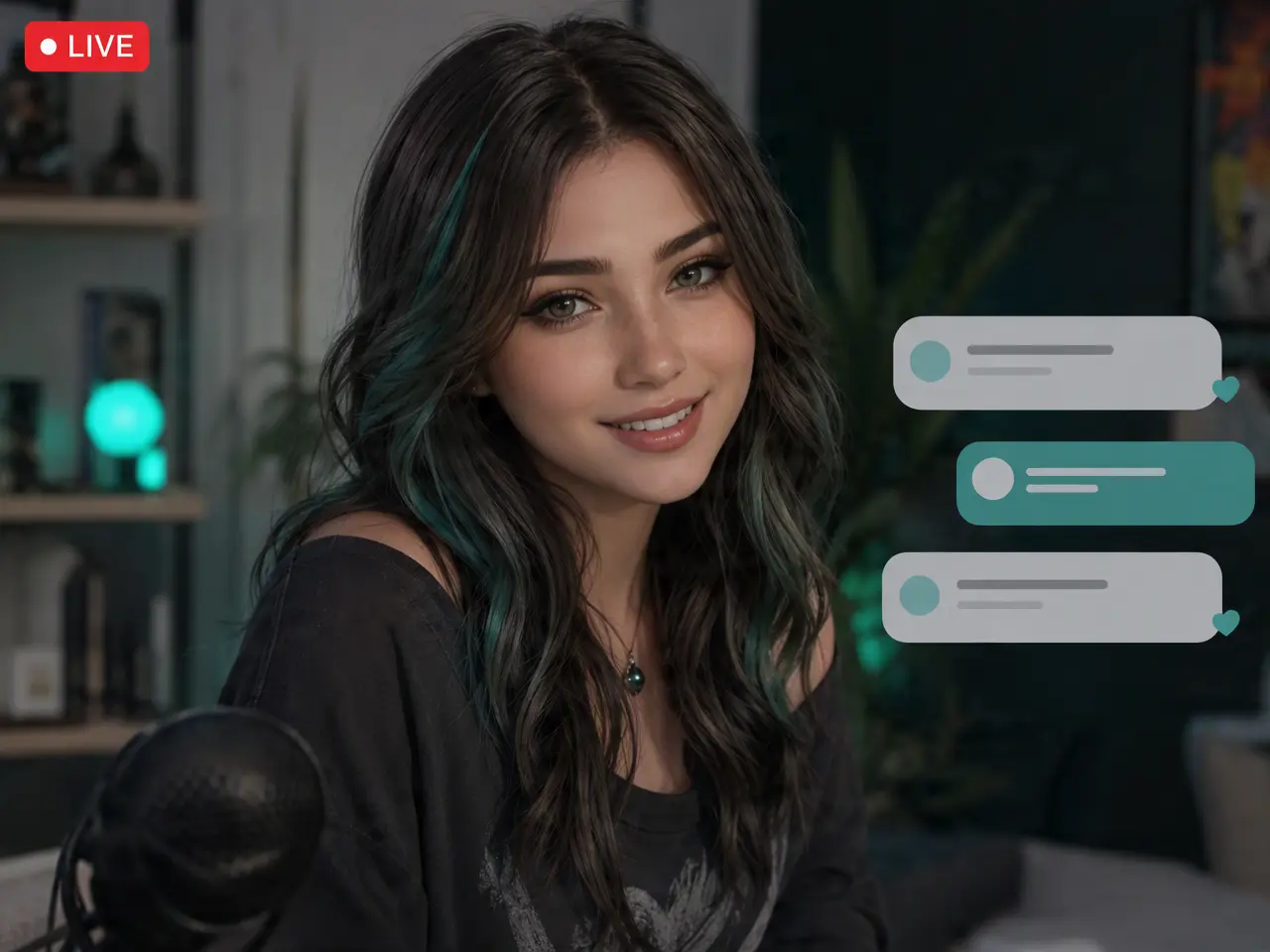
Output adjusts based on activity during the stream rather than repeating identical content regardless of who is watching.
Responds to Live Interaction

Applies Across Pet, Character, and Persona Content

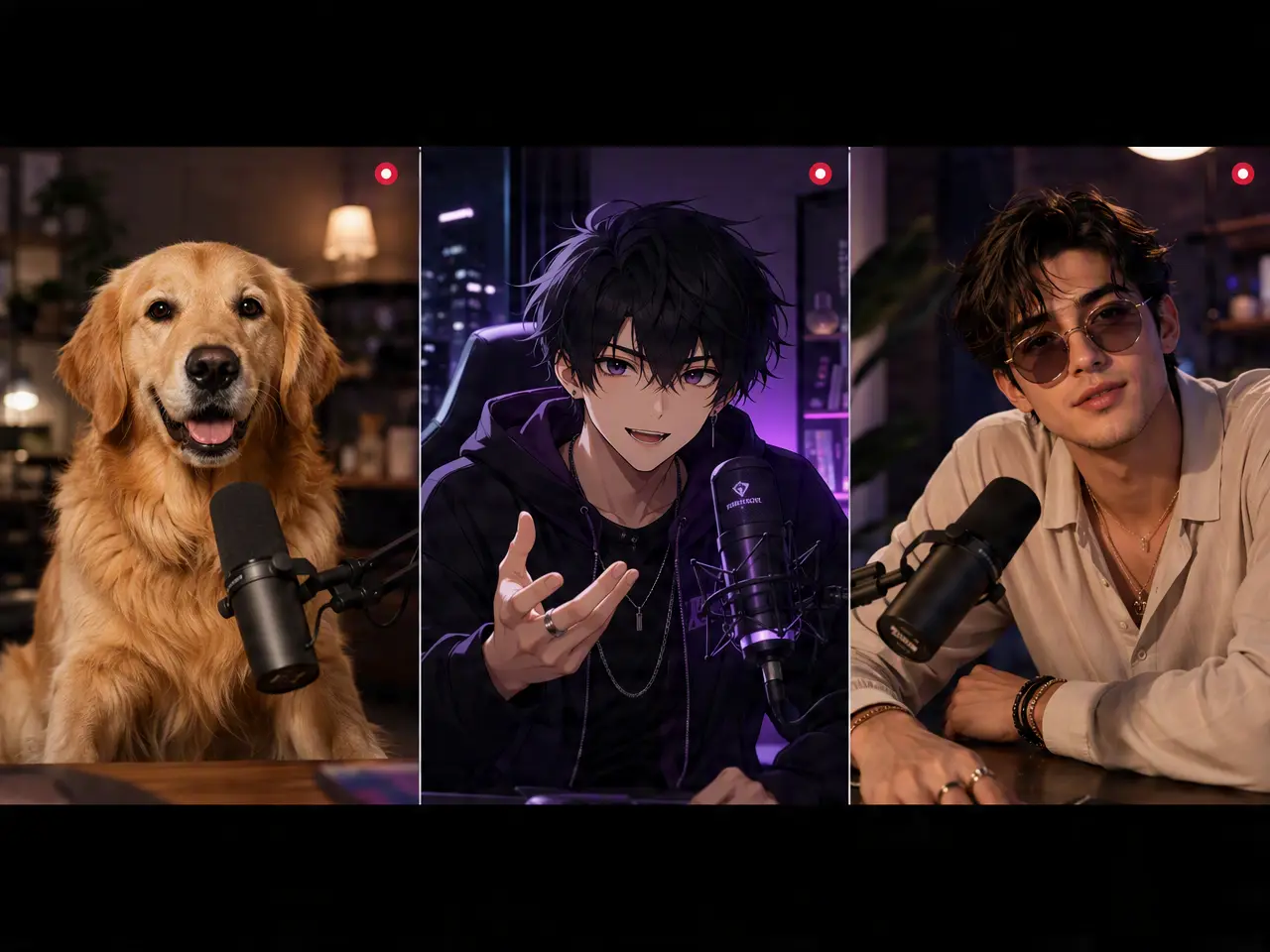
The same process supports a pet channel, an anime-style character, or a creator persona, starting from a single reference image in each case.
Applies Across Pet, Character, and Persona Content

Frequently Asked Questions

Why Use DreamFace for AI Live Streaming?

Designed for Continuous Operation

Built to sustain an ongoing session rather than generate a single short clip, a distinct technical requirement from one-off video generation.

Quality Maintained Over Extended Sessions

Output is designed to remain consistent through a longer stream rather than degrading after the initial minutes.

No Production Setup Required

The entire stream originates from the reference photo, eliminating the need to film, light, or record any original footage.

Reference Photos Are Used Only for the Stream

The image submitted to start a session is applied to that session and isn't repurposed elsewhere on DreamFace.

More Valuable Features from Dreamface

AI Video Generator
Create AI product videos, ad clips, launch teasers, ecommerce demos, and social product content from prompts, images, or templates.
AI Video
Use DreamFace AI Video to turn static product images or text into lifelike video animations with templates, references, and start or end frames.
Video Enhancer
Enhance product clips with AI upscaling, sharper details, better color, and higher-resolution output before publishing ads or ecommerce videos.
Background Remover
Remove product photo backgrounds and prepare clean cutouts for product video scenes, ads, marketplace clips, and branded social promos.

They Love Dreamface

A Single Photo Became a Channel

I uploaded one photo of my cat and had something running that genuinely resembled an ongoing channel rather than a looping clip.

Bypassed a Full Stream Setup

I was prepared for the usual lighting and audio setup a stream requires. This required only the photo upload.

Responded to Viewer Activity

I expected identical output regardless of who was watching. The stream actually reacted to activity while it was live, which I hadn't anticipated.

Character Art Worked as Well as a Photo

I used anime-style character artwork rather than an actual photograph. It performed just as well as a starting point.

Useful for Testing a Concept

I wanted to validate a persona idea before investing in a full production setup. This provided a low-cost way to test it.

Maintained Quality Over a Longer Session

I left the stream running longer than planned, and it didn't degrade or glitch as the session continued.

A Single Photo Became a Channel

I uploaded one photo of my cat and had something running that genuinely resembled an ongoing channel rather than a looping clip.

Bypassed a Full Stream Setup

I was prepared for the usual lighting and audio setup a stream requires. This required only the photo upload.

Responded to Viewer Activity

I expected identical output regardless of who was watching. The stream actually reacted to activity while it was live, which I hadn't anticipated.

Character Art Worked as Well as a Photo

I used anime-style character artwork rather than an actual photograph. It performed just as well as a starting point.

Useful for Testing a Concept

I wanted to validate a persona idea before investing in a full production setup. This provided a low-cost way to test it.

Maintained Quality Over a Longer Session

I left the stream running longer than planned, and it didn't degrade or glitch as the session continued.