DreamFace

Language

En
    Language
  • English
  • Português
  • 简体中文
  • 繁體中文
  • 日本語
  • Español
  • Bahasa Indonesia
  • ไทย
  • Tiếng Việt
  • हिंदी
  • Русский
  • Italiano
  • 한국어
  • मराठी
  • Nederlands
  • Norsk
  • ਪੰਜਾਬੀ
  • Polski
  • Dansk
  • Suomi
  • Français
  • Deutsch
  • Svenska
  • Kiswahili
  • తెలుగు
  • Türkçe
  • বাংলা
  • اردو
  • العربية
  • فارسی
  • Ελληνικά
Start Now
Chrome Store
4.9

Chrome Store

20,000,000+

Global Users

Apple Store
4.9

Apple Store

Trusted by Leading Institutions Worldwide

How to Turn a Pet Photo Into a Video

step 1

Upload a Pet Photo

Use a clear, well-lit photo of your pet's face for the best result.

step 2

Choose Motion or Add Talking

Pick general animation, or turn on Pet Lip Sync and add a script or audio clip.

step 3

Generate and Download

Preview the animated pet video and save it to share.

AI Pet Video Generator Features

Pet Photos Get Natural Motion

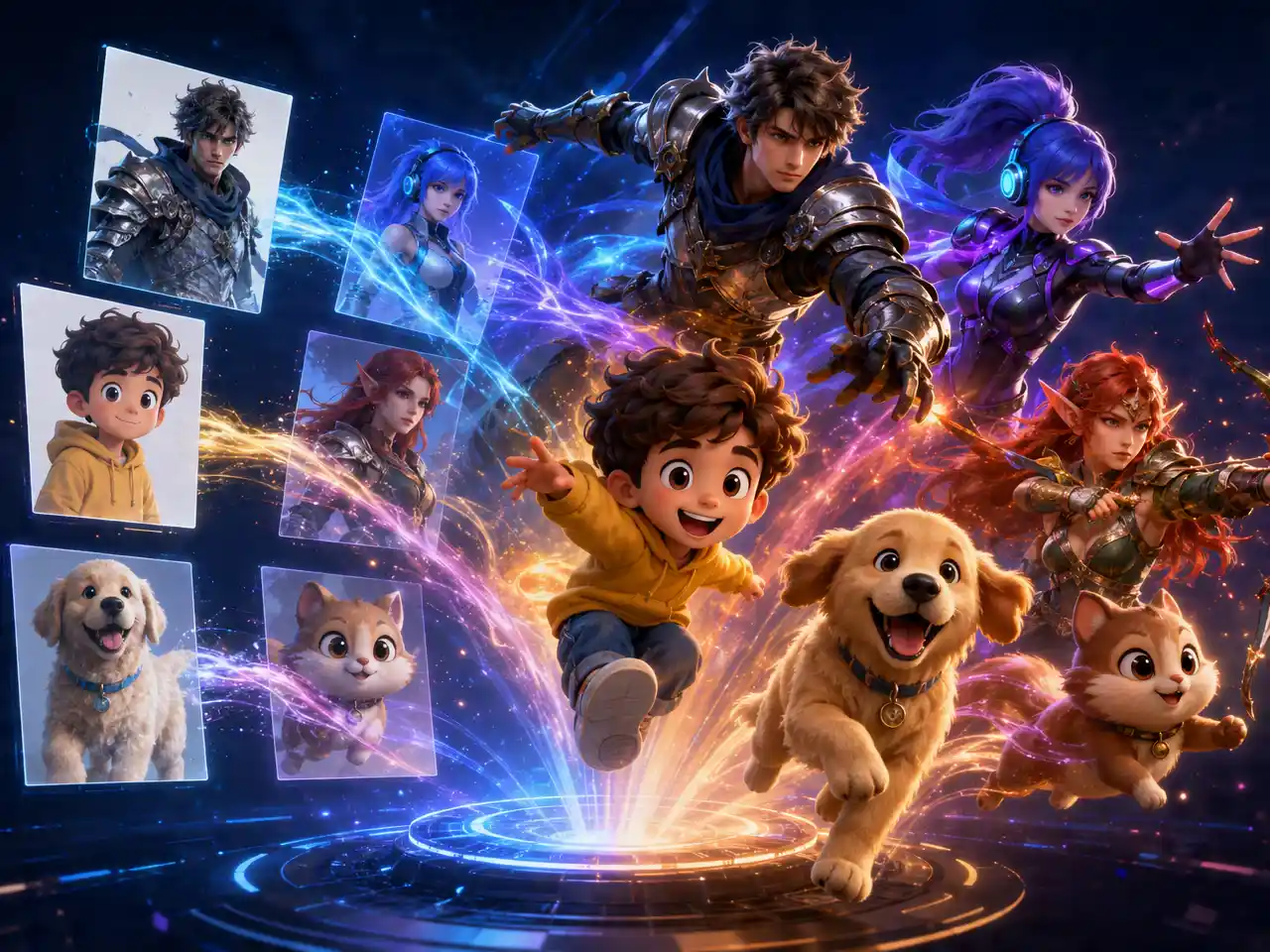
Upload a photo of your dog, cat, or other pet and DreamFace animates subtle movement, like a shift in gaze or posture, instead of leaving it as a still image.
Pet Photos Get Natural Motion

Optional Talking Mode

Turn on Pet Lip Sync to have the animated pet's mouth move along with a script or an uploaded audio clip, if you want it to actually speak.
Optional Talking Mode

Works From a Single Photo

No video footage of the pet is needed to start, one clear photo is enough to generate the animated clip.
Works From a Single Photo

Keeps Your Pet Looking Like Your Pet

Fur pattern, coloring, and expression from the original photo carry over into the animation instead of being redrawn or stylized.
Keeps Your Pet Looking Like Your Pet

Frequently Asked Questions

Why Use DreamFace for Pet Video?

Includes DreamFace's Pet Lip Sync

Talking mode is built on Pet Lip Sync, a feature already live on DreamFace, not a separate untested add-on.

Fur Detail Stays Sharp

Texture and coloring in the pet's coat stay clear through the animation instead of smoothing into a blur.

Try a Few Photos in One Session

Animate more than one pet photo and compare results before picking a favorite.

Pet Photos and Audio Aren't Reused

Photos and any audio clips uploaded to animate a pet are used for that video only.

More Valuable Features from Dreamface

AI Video Generator
Create AI product videos, ad clips, launch teasers, ecommerce demos, and social product content from prompts, images, or templates.
AI Video
Use DreamFace AI Video to turn static product images or text into lifelike video animations with templates, references, and start or end frames.
Video Enhancer
Enhance product clips with AI upscaling, sharper details, better color, and higher-resolution output before publishing ads or ecommerce videos.
Background Remover
Remove product photo backgrounds and prepare clean cutouts for product video scenes, ads, marketplace clips, and branded social promos.

They Love Dreamface

Finally My Cat Looks Alive

Animated a photo of my cat mid-stare and the subtle head movement made it feel like she was actually there.

Lip Sync Was the Fun Part

Recorded a silly line and had my dog's photo mouth along to it, kids loved it.

One Photo Was Enough

Didn't have any video of my hamster, one decent photo was all it needed.

Fur Texture Held Up

Was worried the fine fur detail would blur out, it stayed sharp in the animated version.

Easy to Try a Few Shots

Ran two different photos of the same dog through it before picking the one that animated best.

Good for a Pet Memorial Video

Used an old photo of a pet we lost, having it move again for a few seconds meant more than I expected.

Finally My Cat Looks Alive

Animated a photo of my cat mid-stare and the subtle head movement made it feel like she was actually there.

Lip Sync Was the Fun Part

Recorded a silly line and had my dog's photo mouth along to it, kids loved it.

One Photo Was Enough

Didn't have any video of my hamster, one decent photo was all it needed.

Fur Texture Held Up

Was worried the fine fur detail would blur out, it stayed sharp in the animated version.

Easy to Try a Few Shots

Ran two different photos of the same dog through it before picking the one that animated best.

Good for a Pet Memorial Video

Used an old photo of a pet we lost, having it move again for a few seconds meant more than I expected.