


AI Video Highlight Generator
Turn a longer video or event footage into a highlight recap. DreamFace helps creators and teams summarize the best moments with AI narration instead of manually scrubbing through footage.
DreamFace
Language
EnTurn a longer video or event footage into a highlight recap. DreamFace helps creators and teams summarize the best moments with AI narration instead of manually scrubbing through footage.

Chrome Store
Global Users

Apple Store
Start with notes or a list describing the key moments from the event, stream, or longer recording.
Pick an AI presenter or voiceover style and set the pacing for a fast recap or a longer summary.
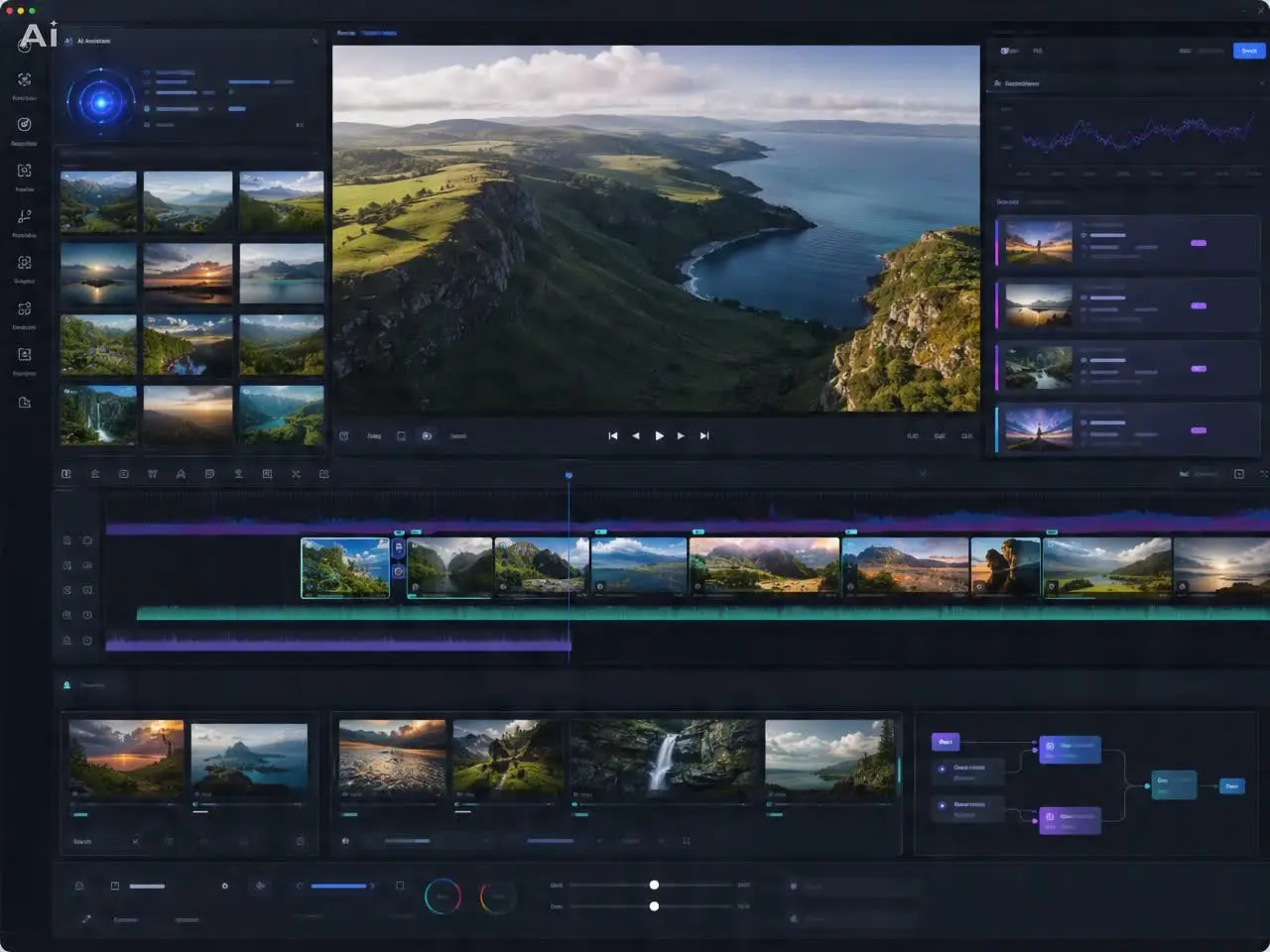
Create the AI highlight video, adjust the order or wording, then save the recap for social media or internal sharing.






'%3e%3cg%3e%3cpath%20d='M11.1034615625,1.816990478790283C11.4702615625,1.0737404787902831,12.5300515625,1.0737404787902831,12.8968515625,1.816990478790283L15.2941515625,6.674462478790283C15.4398515625,6.969602478790283,15.7214515625,7.174172478790283,16.047151562499998,7.221502478790283L21.4076515625,8.000432478790284C22.2278515625,8.119612478790284,22.5553515625,9.127592478790284,21.9618515625,9.706122478790283L18.0829515625,13.487052478790282C17.8472515625,13.716852478790283,17.7397515625,14.047852478790283,17.7953515625,14.372252478790283L18.7110515625,19.711052478790283C18.8511515625,20.527952478790283,17.9937515625,21.150952478790284,17.2601515625,20.765252478790284L12.4654515625,18.244552478790283C12.1741515625,18.091452478790284,11.8261515625,18.091452478790284,11.5348615625,18.244552478790283L6.7402115625,20.765252478790284C6.0065815625,21.150952478790284,5.1491515625,20.527952478790283,5.2892615625,19.711052478790283L6.2049515625,14.372252478790283C6.2605915625,14.047852478790283,6.1530415625,13.716852478790283,5.9173515625,13.487052478790282L2.0384295625,9.706122478790283C1.4449195625,9.127592478790284,1.7724199625,8.119612478790284,2.5926495625,8.000432478790284L7.9531815625,7.221502478790283C8.2788915625,7.174172478790283,8.560461562499999,6.969602478790283,8.7061215625,6.674462478790283L11.1034615625,1.816990478790283Z'%20fill='%23F0A000'%20fill-opacity='1'%20style='mix-blend-mode:passthrough'/%3e%3c/g%3e%3cg%20mask='url(%23master_svg1_5_13539)'%3e%3c/g%3e%3c/g%3e%3c/svg%3e)













Saved Hours of Scrubbing
Good for Webinar Recaps
Useful After Live Events
Clear Pacing
Helpful for Team Updates
Easy to Refine
Saved Hours of Scrubbing
Good for Webinar Recaps
Useful After Live Events
Clear Pacing
Helpful for Team Updates
Easy to Refine