DreamFace

En
    Language
  • English
  • Português
  • 简体中文
  • 繁體中文
  • 日本語
  • Español
  • Bahasa Indonesia
  • ไทย
  • Tiếng Việt
  • हिंदी
  • Русский
  • Italiano
  • 한국어
  • मराठी
  • Nederlands
  • Norsk
  • ਪੰਜਾਬੀ
  • Polski
  • Dansk
  • Suomi
  • Français
  • Deutsch
  • Svenska
  • Kiswahili
  • తెలుగు
  • Türkçe
  • বাংলা
  • اردو
  • العربية
  • فارسی
  • Ελληνικά
Start Now
Chrome Store
4.9

Chrome Store

20,000,000+

Global Users

Apple Store
4.9

Apple Store

We trusted by Famous institutions worldwide

How to Remove a Watermark from Video

step1

Upload the Video You Want to Clean

Add the clip you want to fix. This tool is built for quick cleanup when a logo, username, or text overlay is covering part of the frame.

step2

Let AI Detect the Watermark Area

The system scans the video, finds common watermark patterns, and prepares the marked area for cleanup. It works well on many short clips with corner logos, moving social marks, and baked-in text.

step3

Preview and Download the Cleaned Video

Check the processed result, then export a cleaner version for reposting, editing, demos, tutorials, product videos, or social media reuse.

Why Use This Video Watermark Remover

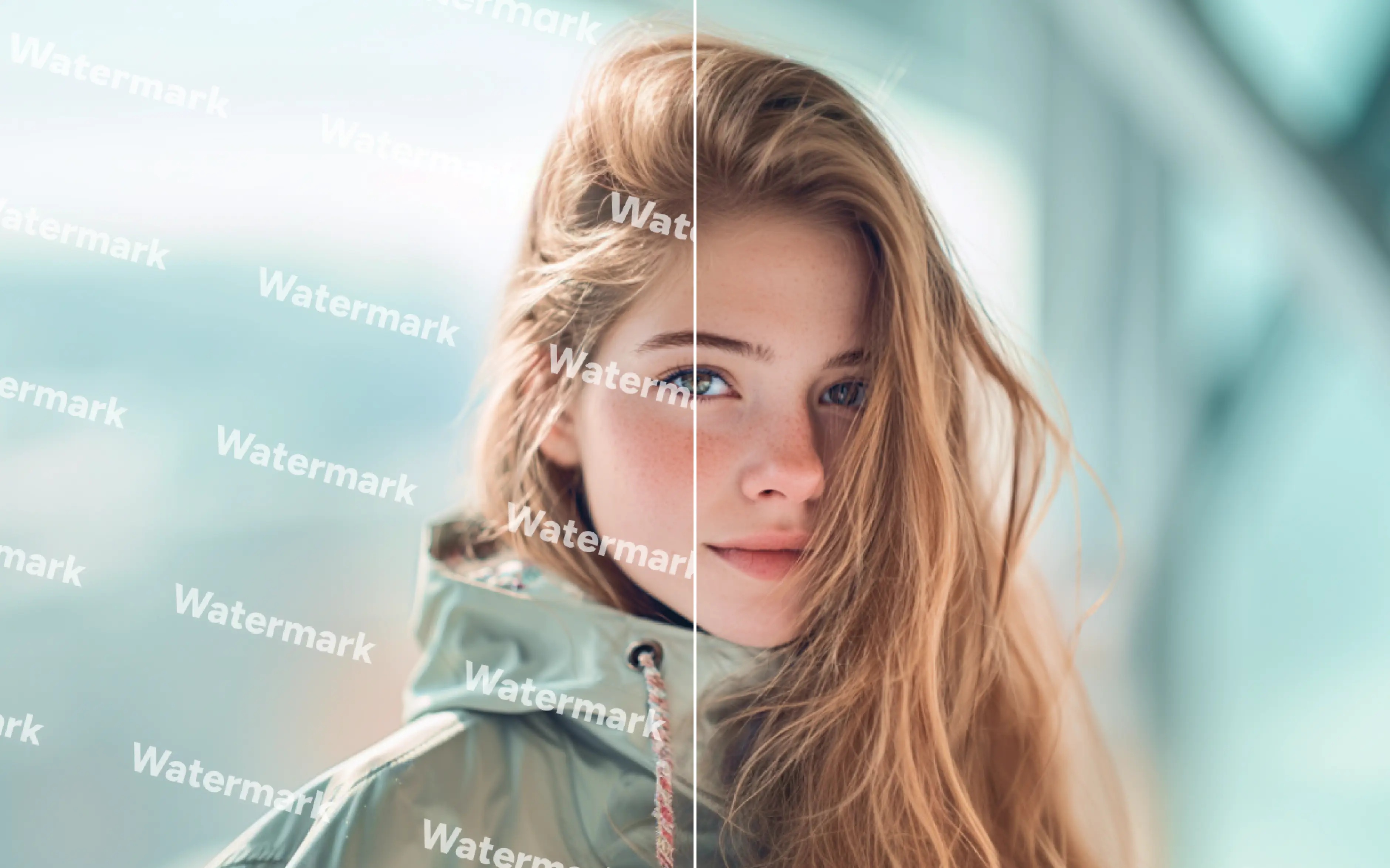
Remove Video Logos, Handles, and Text Overlays

Use this Video Watermark Remover to clean common distractions such as corner logos, usernames, channel tags, and burned-in text without opening complex editing software.
Remove Video Logos, Handles, and Text Overlays

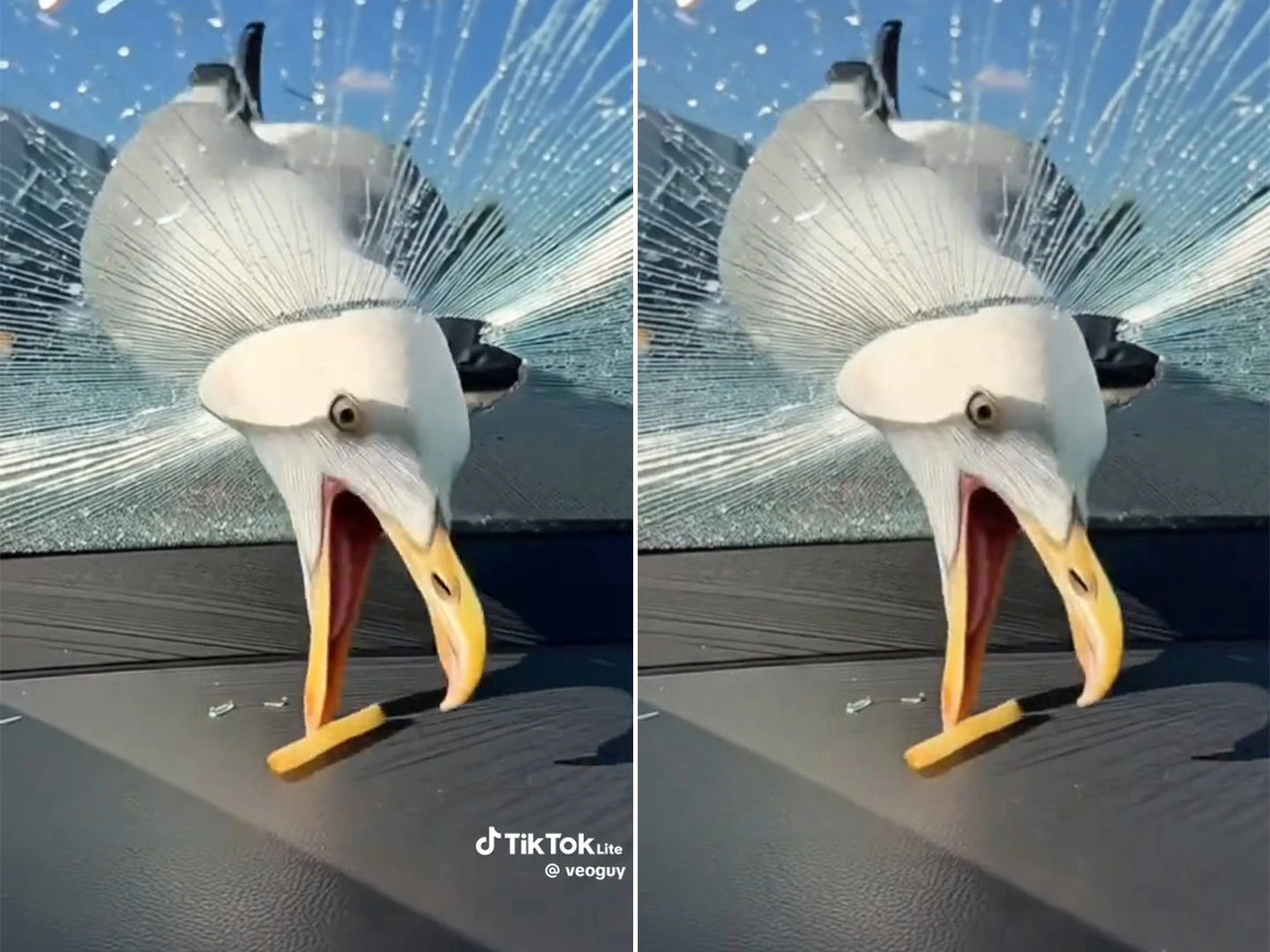
Remove TikTok Watermarks and Moving Marks

The AI can help remove many shifting social marks, including TikTok-style watermarks and floating corner branding that changes position across frames.
Remove TikTok Watermarks and Moving Marks

Keep the Video Clear After Cleanup

The goal is a cleaner, more watchable result with less visible blur in the edited area, so your footage stays useful for reposting, review, and light production work.
Keep the Video Clear After Cleanup

Fast Online Workflow for Short Social Clips

Use this online video watermark remover when you need to reuse content across platforms, fix a branded draft, or clean a clip before the next edit.
Fast Online Workflow for Short Social Clips

Frequently Asked Questions

Why Dreamface Works for Video Watermark Removal

AI Cleanup for Logos, Text, and Social Marks

Remove many common watermark types from video, including corner logos, usernames, text overlays, and other baked-in branding elements.

Better Results on Static and Moving Watermarks

This AI video watermark remover can help with both fixed and shifting watermark positions, which is useful for short-form social clips and creator repost workflows.

Simple Online Steps for Non-Editors

Upload, process, review, and export in a straightforward workflow that works for creators, marketers, founders, and teams that need faster cleanup.

Cleaner Clips for Reposting and Editing

Use the cleaned clip as a better starting point for social publishing, internal demos, tutorials, client drafts, and lightweight edits.

More Valuable Features from Dreamface

AI Video Watermark Remover
Use Dreamface's dedicated video cleanup workflow to remove logos, text overlays, and other distracting marks from short clips online.
Video Enhance
Improve sharpness and overall clarity after cleanup so your exported clip looks more polished before posting or sharing.
AI Watermark Remover
Remove watermarks from screenshots, thumbnails, covers, and other still images when your workflow needs clean assets beyond video.
AI Video Generator
Create new clips from prompts when it is faster to rebuild a short video than to keep repairing heavily marked source footage.

They Love Dreamface

Useful for short repost clips

I used it on a short social clip with a handle in the corner, and it gave me a much cleaner starting point before I did the rest of the edit.

Better than covering it with blur

I usually hide watermarks with a soft box in my editor, but this looked more natural on a simple background and saved me extra cleanup time.

Good for quick demo cleanup

We had a few internal demo videos with distracting overlay text, and this made them easier to reuse in presentations and product walkthroughs.

Easy workflow for non-editors

The process felt straightforward. Upload the file, let it run, check the result, and move on. That is exactly what I wanted for a fast online tool.

Works best on smaller edge marks

The best result I got was from a watermark near the edge of the frame. For that kind of cleanup job, it was faster than opening full editing software.

Helpful for content reuse

I often rework clips for different platforms, and this was useful when a logo or username was getting in the way of a cleaner final version.

Useful for short repost clips

I used it on a short social clip with a handle in the corner, and it gave me a much cleaner starting point before I did the rest of the edit.

Better than covering it with blur

I usually hide watermarks with a soft box in my editor, but this looked more natural on a simple background and saved me extra cleanup time.

Good for quick demo cleanup

We had a few internal demo videos with distracting overlay text, and this made them easier to reuse in presentations and product walkthroughs.

Easy workflow for non-editors

The process felt straightforward. Upload the file, let it run, check the result, and move on. That is exactly what I wanted for a fast online tool.

Works best on smaller edge marks

The best result I got was from a watermark near the edge of the frame. For that kind of cleanup job, it was faster than opening full editing software.

Helpful for content reuse

I often rework clips for different platforms, and this was useful when a logo or username was getting in the way of a cleaner final version.