


Be the MVP of Super Bowl LX: Step Into the Game with Dreamface AI
- Super Bowl
- AI Photo
- Image to Image
- NFL
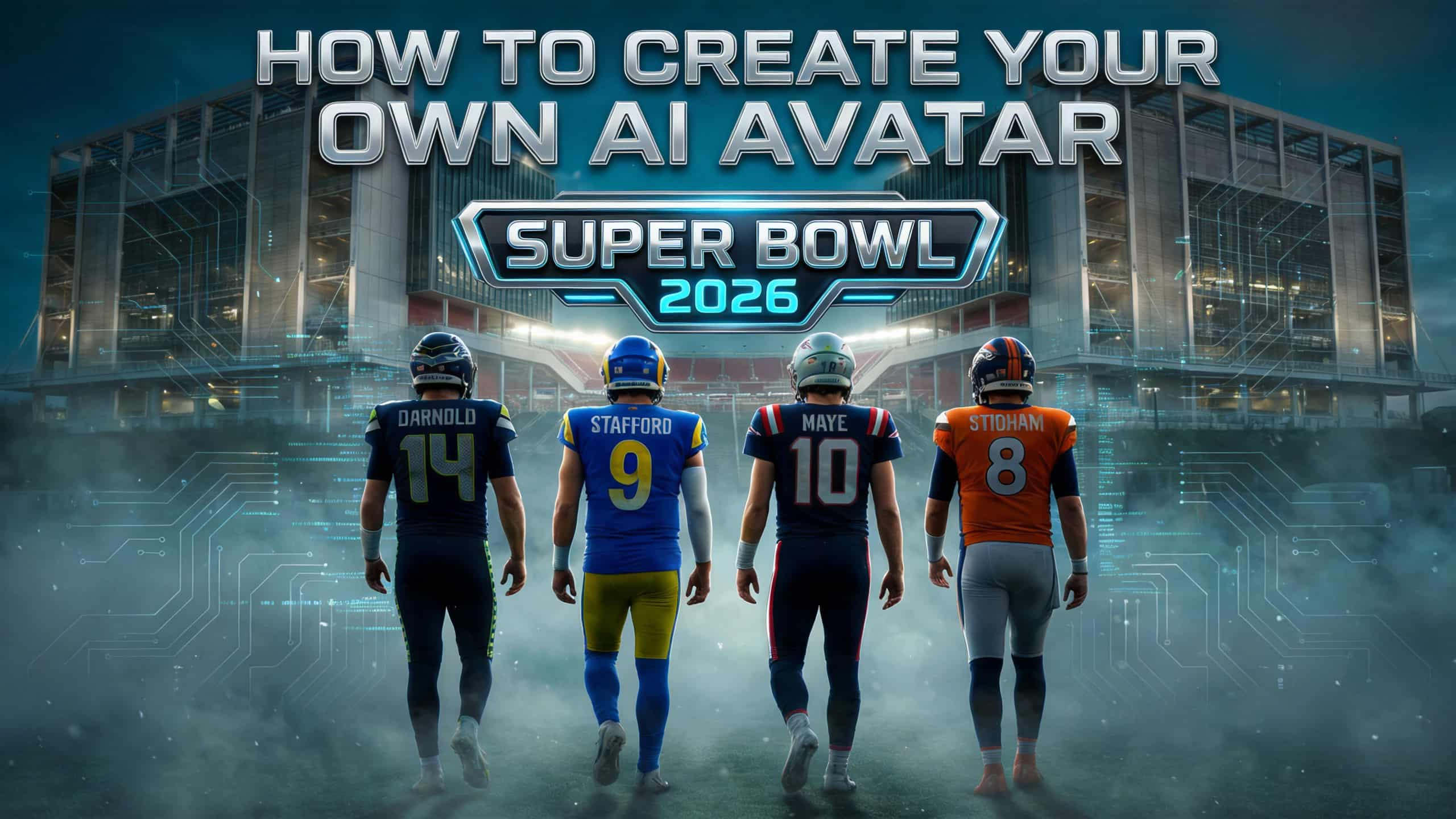
When ESPN shared “The four QBs fighting for a Super Bowl”, it captured a familiar moment in sports.
The season is almost over.
Only a few paths remain.
Only the options that can survive pressure, speed, and real competition stay on the field.
Interestingly, the same thing is happening in AI avatar creation.
As more people search “how to create your own AI avatar”, experimentation is giving way to reality.
Not every method holds up once movement, realism, and performance are required.
Just like in the NFL, only a few approaches are still “in the game.”
The Four Ways People Create AI Avatars Today
Much like those four quarterbacks still chasing the Super Bowl, AI avatar creation has narrowed to four practical paths.
Each works — until pressure is applied.
1. Text-Prompt Avatars: Fast, but Fragile
Text-based avatar generators are the easiest way to start.
You describe a character.
AI generates a face.
This works for concepts and illustrations, but once you need:
- A real identity
- Consistent movement
- Sports or action scenes
These avatars struggle to stay believable.
They rarely survive beyond the first “play.”
2. 3D Avatars: Powerful, but Heavy
3D avatars are the most complete solution on paper.
They offer:
- Full motion control
- Studio-level realism
But they also require:
- Technical skills
- Time
- Budget
Like a star quarterback behind a weak offensive line, the potential is there — but the cost is high.
3. Talking Photo Avatars: Reliable, but Limited
Talking photo avatars handle one thing well: speech.
They’re effective for:
- Presentations
- Explainers
- Static framing
But sports and action scenes expose their limits.
They talk — they don’t move.
In a high-energy environment, that’s not enough.
4. Image-Based Avatars Built for Movement
This is where the game changes.
Instead of generating a face from scratch, this approach starts with a real image and prepares it for motion.
- It preserves identity.
- It supports movement.
- It adapts to performance-based scenes.
This is the path DreamFace focuses on — and where AI Filter plays a critical role.
Why AI Filter Matters in Sports & Movement Scenes
In sports, movement reveals everything.
A still image can look perfect.
But once an avatar runs, turns, celebrates, or reacts — weaknesses show instantly.
That’s why DreamFace AI Filter isn’t designed as a cosmetic effect.
It’s built to:
- Preserve facial identity
- Maintain body structure
- Keep visual consistency during motion
Just like a quarterback built for playoff football, the avatar must perform under pressure.
Creating a Sports-Style AI Avatar with DreamFace AI Filter
Step 1: Start with a real photo
Clear lighting and visible facial features help maintain realism in movement.
Step 2: Apply AI Filter
Choose a style that enhances atmosphere without breaking facial proportions.
Step 3: Check stability before motion
Ensure facial alignment and body balance remain natural after filtering.
Step 4: Prepare for movement scenes
The avatar is now ready for sports-inspired or action-based animation.
This workflow helps avatars stay consistent when motion enters the picture.
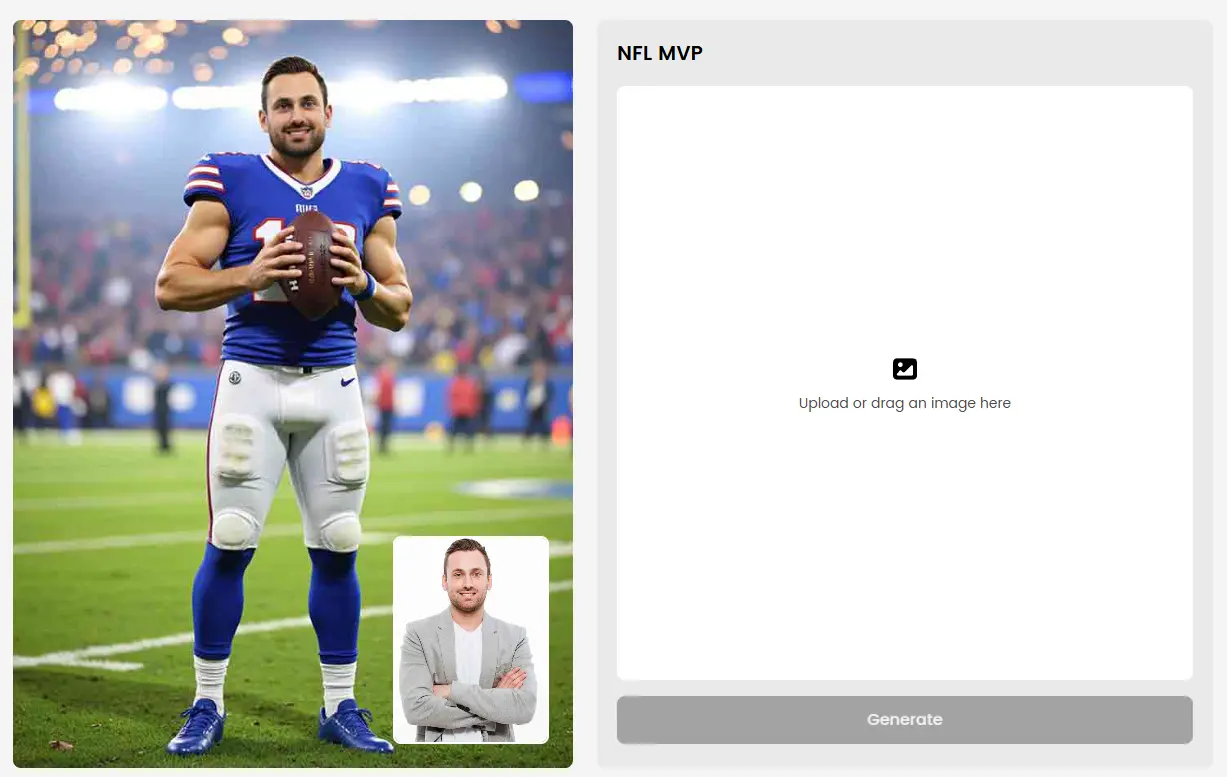
From Stadium Energy to Movement-Ready Avatars
Sports content isn’t about looking good in one frame.
It’s about:
- Energy
- Reaction
- Momentum
AI Filter acts as the foundation — ensuring that when movement happens, the avatar doesn’t fall apart.
Whether it’s a Super Bowl–inspired stadium scene or a high-energy celebration, the avatar stays grounded and believable.
Frequently Asked Questions
- Why is AI Filter important for sports avatars?
Sports scenes involve constant movement. AI Filter helps preserve structure and identity so avatars remain stable during motion.
- Can AI Filter avatars be animated later?
Yes. AI Filter prepares avatars for motion-based workflows and helps reduce distortion when animation is applied.
- Is this only for sports content?
No. Sports scenes simply reveal motion issues more clearly. AI Filter also works for cinematic and creative avatars.
- Does AI Filter change who I look like?
No. AI Filter enhances visual style while keeping your facial identity recognizable.
The Final Play
As the season narrows to the last quarterbacks standing, AI avatar creation is doing the same.
Not every approach survives movement.
Not every avatar performs under pressure.
If you want to create your own AI avatar — and place it into scenes filled with energy and motion — starting with a real image and preparing it properly makes all the difference.
That’s where AI Filter comes in.
DreamClaw Agent: The All-in-One AI Automation Engine for DreamFace
Mar 04, 2026.jpg)
Seedance 2.0 Prompt Guide: The Ultimate Template for Cinematic AI Videos
Mar 03, 2026
Seedance 2.0 Prompt Guide: The Complete 2026 AI Video Creation Handbook
Feb 28, 2026
Google Nano Banana 2 Review: Pro-Grade Image Generation at Flash-Level Pricing
Feb 26, 2026
How to Create Winter Olympics–Style Images with AI
AI text-to-image and image-to-image tools allow creators to generate Winter Olympics–style visuals using prompts or reference photos. By describing winter sports scenes or transforming existing images, users can create cinematic snow, ice, and athlete-themed visuals inspired by the 2026 Winter Olympics. These AI image workflows are widely used for posters, social media graphics, and creative sports content without professional design skills.
By FINNN 一 Jan 19, 2026- AI Image Generator
- Text-to-Image
- AI Photo
DreamFace Unveiled at CES: Redefining AI-Powered Face Animation and Digital Creation
DreamFace is an AI-powered avatar and video generation tool showcased at CES, designed to help creators and teams produce visual content more efficiently. By combining AI avatar video creation, photo-to-video generation, and template-based workflows, DreamFace supports a wide range of use cases including social media content, marketing videos, product demos, and educational materials. As a creator-friendly AI video generator, DreamFace focuses on usability, fast iteration, and practical results, making it easier for users to turn ideas into share-ready videos across different platforms and formats.
By FINNN 一 Jan 19, 2026- AI Video
- CES
- AI Photo
Nano Banana Pro: AI Image Generator That Outperforms Seedream 4.5 in Visual Marketing
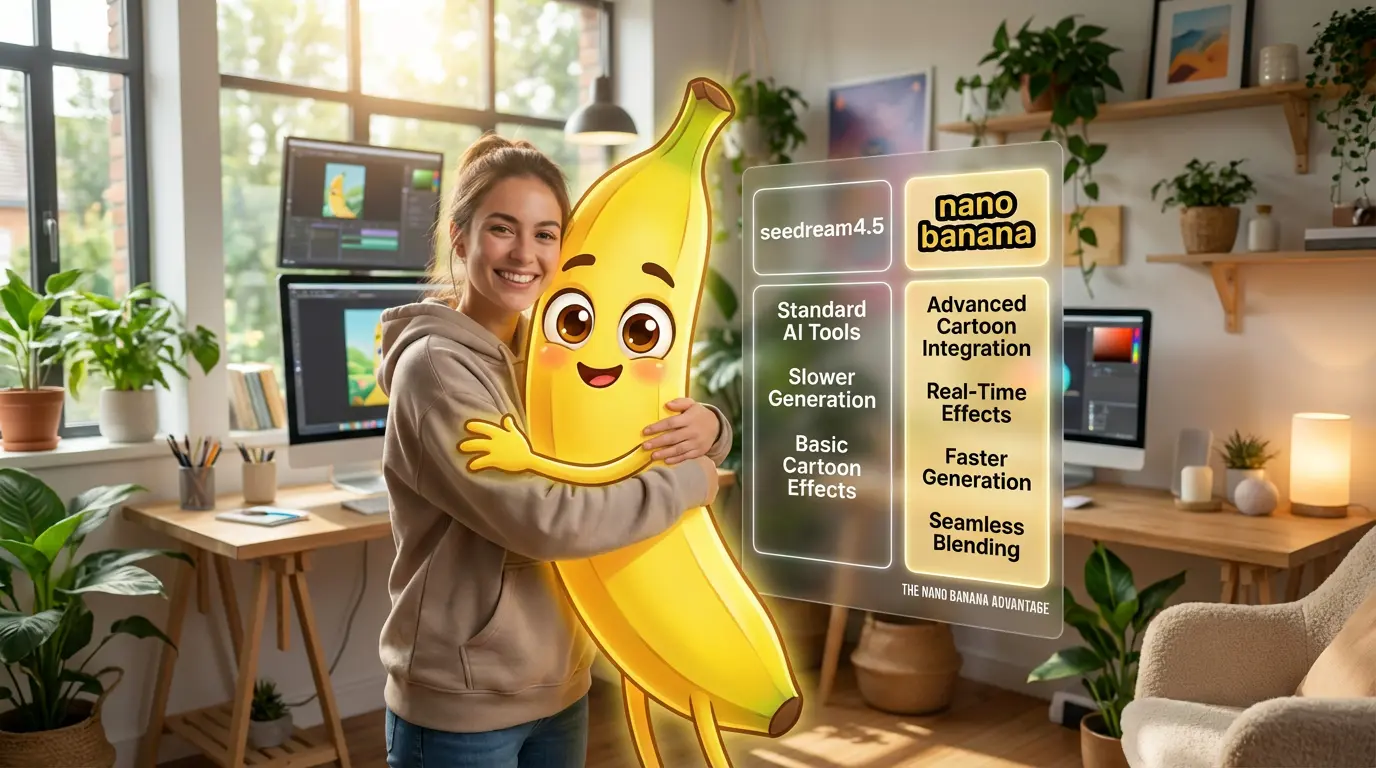
As AI image generation moves beyond creative experiments into real commercial use, Nano Banana Pro and Seedream 4.5 have become two of the most discussed AI image generators. While both can produce high-quality visuals, they are built for very different purposes. From an advertising and visual marketing perspective, what matters most is whether AI-generated images can actually be used in real campaigns. This article compares Nano Banana Pro and Seedream 4.5 across multiple dimensions, highlighting why Nano Banana Pro is better suited for commercial workflows and practical visual marketing needs.
By FINNN 一 Jan 19, 2026- Image to Image
- Text-to-Image
- AI Photo
- X
- Youtube
- Discord