


How to Create an AI Avatar and Clone Myself
Creating an AI avatar and cloning yourself means generating a digital version of your face and voice that can speak and appear in videos using AI. To create an AI avatar, users typically upload a clear photo, add text or a short voice sample, and generate a talking avatar with synchronized lip movement and facial expressions. In 2026, AI avatars are widely used for content creation, personal branding, and social media — similar to how games like NBA 2K allow players to scan their faces and create digital identities.
- Image-to-Video
- NBA
- Avatar Video
- AI Video
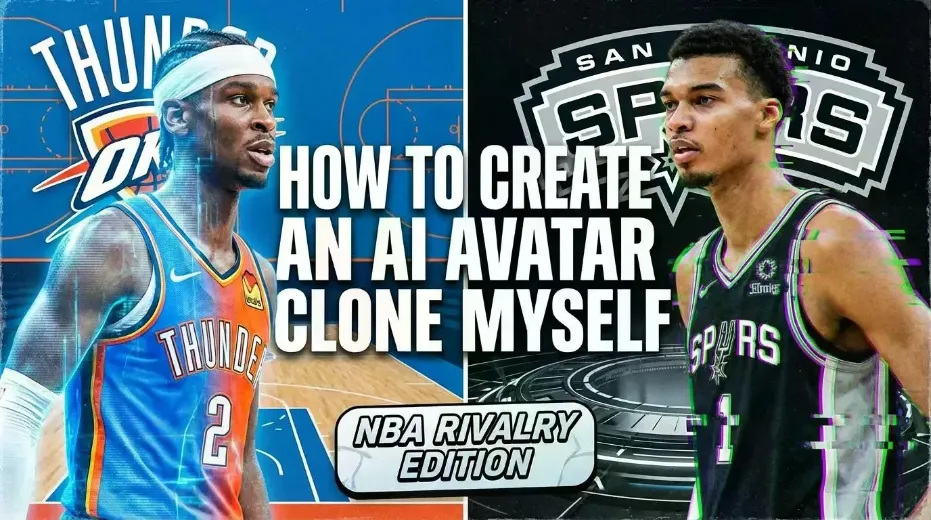
What the Thunder, Spurs, and NBA 2K26 Reveal About Digital Identity
The defending champion Oklahoma City Thunder finally broke through this season with a statement win against the San Antonio Spurs, ending a three-game losing streak against their division rivals.
The matchup drew massive attention — not just because of the result, but because it featured two of the most talked-about players in the league: Shai Gilgeous-Alexander and Victor Wembanyama.
But beyond the box score, moments like this highlight something else fans are increasingly fascinated by: identity — how players are represented, followed, recreated, and even digitally “cloned” across platforms.
That curiosity shows up everywhere, from highlight edits to video games — and increasingly, in AI avatars.
Why Fans Care About Identity as Much as Results
Modern NBA fandom isn’t just about wins and losses. It’s about:
- Player personas
- Signature moves
- Visual presence
- How stars are represented across media
Games like NBA 2K26 tap directly into this obsession through features like MyPLAYER and face scanning, letting fans insert themselves into the league.
That same question now appears far beyond gaming:
How can I create an AI avatar and clone myself?
What Does It Mean to “Clone Yourself” with AI?
Cloning yourself with AI does not mean creating a perfect copy of your body. In practice, it usually refers to creating a digital avatar that looks like you, sounds like you, and can speak or act on your behalf.
An AI avatar clone typically includes:
- A face generated or animated from your photo
- A voice that matches or resembles yours
- Lip-sync and facial expressions driven by text or audio
- Optional full-body or motion animation
Just like NBA 2K’s face scan lets players “exist” inside the game, AI avatars let people exist inside videos.
How to Create an AI Avatar and Clone Yourself
Step 1: Start with a Clear Image
Upload a front-facing photo with good lighting. This image becomes the visual foundation of your avatar.
Step 2: Add Your Voice or Text
You can:
- Upload a short voice sample
- Or use text-to-speech to generate speech
Advanced systems allow voice cloning, where tone and cadence are matched automatically.
Step 3: Generate Lip Sync and Facial Movement
The AI maps speech to mouth movement and facial expressions, creating a talking avatar that feels natural rather than robotic.
Step 4: Customize the Output
You can adjust:
- Language
- Speaking style
- Expression intensity
- Video format
The result is a digital version of you that can speak consistently on camera — without filming.
Why Sports Culture Makes This Idea Feel Familiar
NBA fans already accept digital identity in multiple forms:
- MyPLAYER avatars in NBA 2K
- Deep highlight edits on social platforms
- Player likeness used across media
Seeing SGA or Wembanyama dominate highlights reinforces how recognizable visual identity fuels engagement. AI avatars extend that idea to everyday creators, allowing anyone to present themselves consistently in video form.
Where DreamFace Fits In
Platforms like DreamFace make this process practical rather than experimental.
They are commonly used to:
- Create AI avatars from photos
- Generate realistic lip-sync videos
- Clone voices for consistent delivery
- Produce videos quickly without technical skills
Instead of building a game character, users build a video-ready digital version of themselves — suitable for social content, explainers, or personal branding.
Common Use Cases for AI Avatar Clones
- Social media videos without filming
- Personal branding and creator content
- Explainers and tutorials
- Multilingual communication
- Entertainment and fan content
Much like NBA players exist simultaneously on the court, in games, and online, AI avatars allow people to exist across video formats without repeating the same work.
Frequently Asked Questions
- Can I really clone myself with AI?
You can create a digital avatar that looks and sounds like you for video purposes, though it is not a physical clone.
- Is this similar to NBA 2K face scan?
Conceptually, yes. Both turn your real-world identity into a digital representation.
- Do I need technical skills?
No. Most modern AI avatar tools are designed for non-technical users.
- What can I use an AI avatar for?
Talking videos, explainers, social content, and personal or professional communication.
Final Thoughts
The Thunder’s win over the Spurs may have ended a losing streak, but it also highlights how modern sports culture blends performance with digital identity.
From NBA 2K avatars to AI-generated talking videos, the idea of “being present” digitally is becoming normal. Learning how to create an AI avatar and clone yourself is simply the next step in that evolution — one that tools like DreamFace are making accessible to everyone.
.webp)
DreamFace AI Live Avatar: Always-On AI Character Livestreaming
Turn any character into an always-on live streaming host — from talk shows and quizzes to memorial tributes and late-night companionship — with no one required behind the camera.
By Daniel一Aug 18, 2026- AI Video
- AI Live Avatar

Best AI Video Generator 2026: Why Multi-Model AI Platforms Are Winning
AI video generation has entered a completely new era in 2026. What started as short experimental clips has rapidly evolved into cinematic storytelling, AI anime production, virtual influencers, talking avatars, and fully AI-generated social media content.
By Bentley一May 26, 2026- AI Video Generator
- AI Video
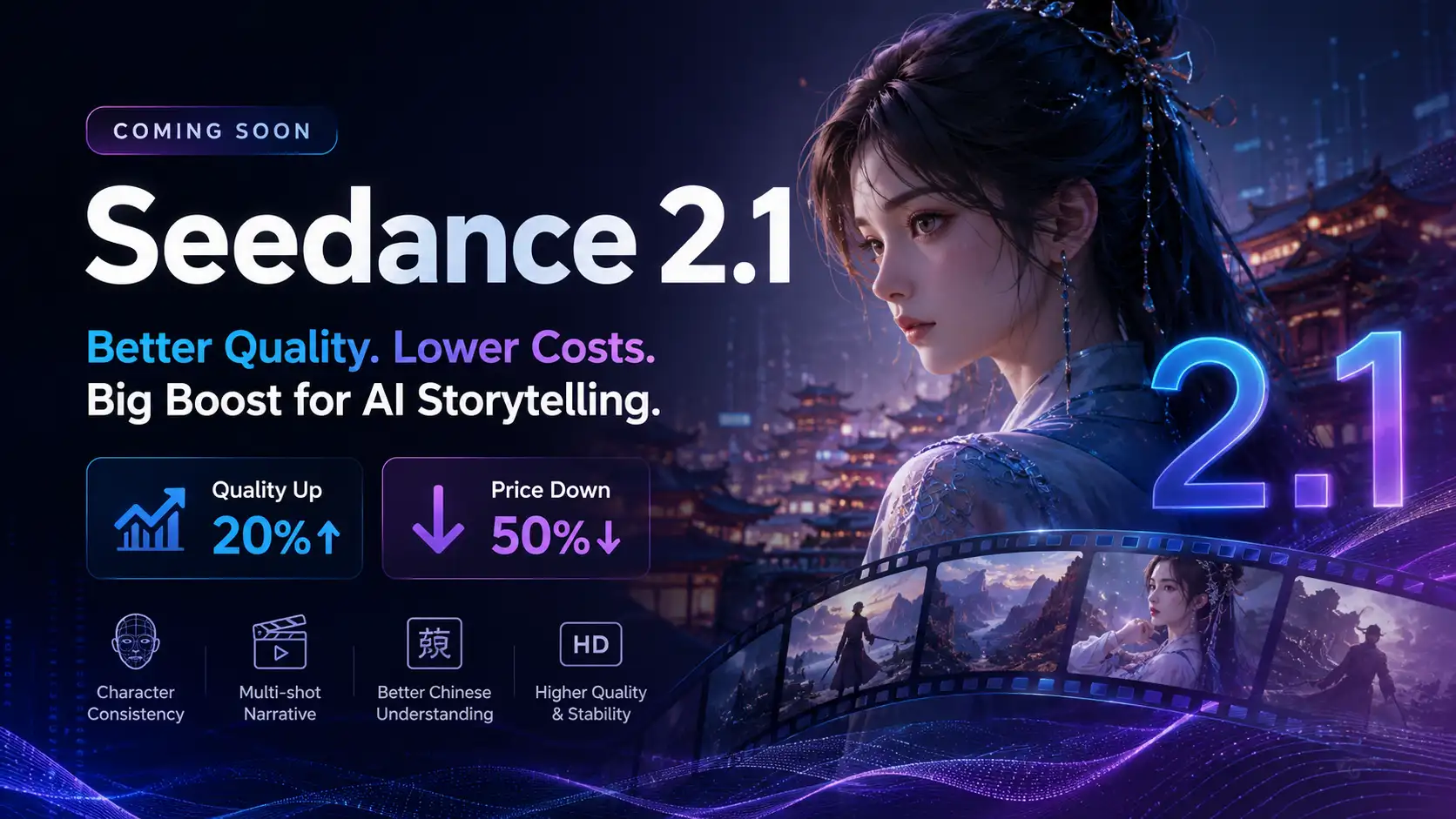
Seedance 2.1 Is Coming: Better Quality, Lower Costs, and a Big Boost for AI Storytelling
The AI video generation race has slowed down a bit recently. Earlier this year, new models were launching almost every week, pushing image and video generation forward at an incredible pace. After the buzz around GPT Image models, the industry has been waiting for the next major leap in AI video.
By stxph一May 23, 2026- AI Video
- Seedance 2.1
- Seedance 2.0