


Background Remover: Permanent Free Online Tool to Remove Backgrounds in Seconds
- Background Remover
- Remove background
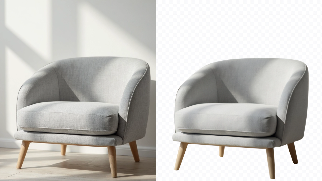
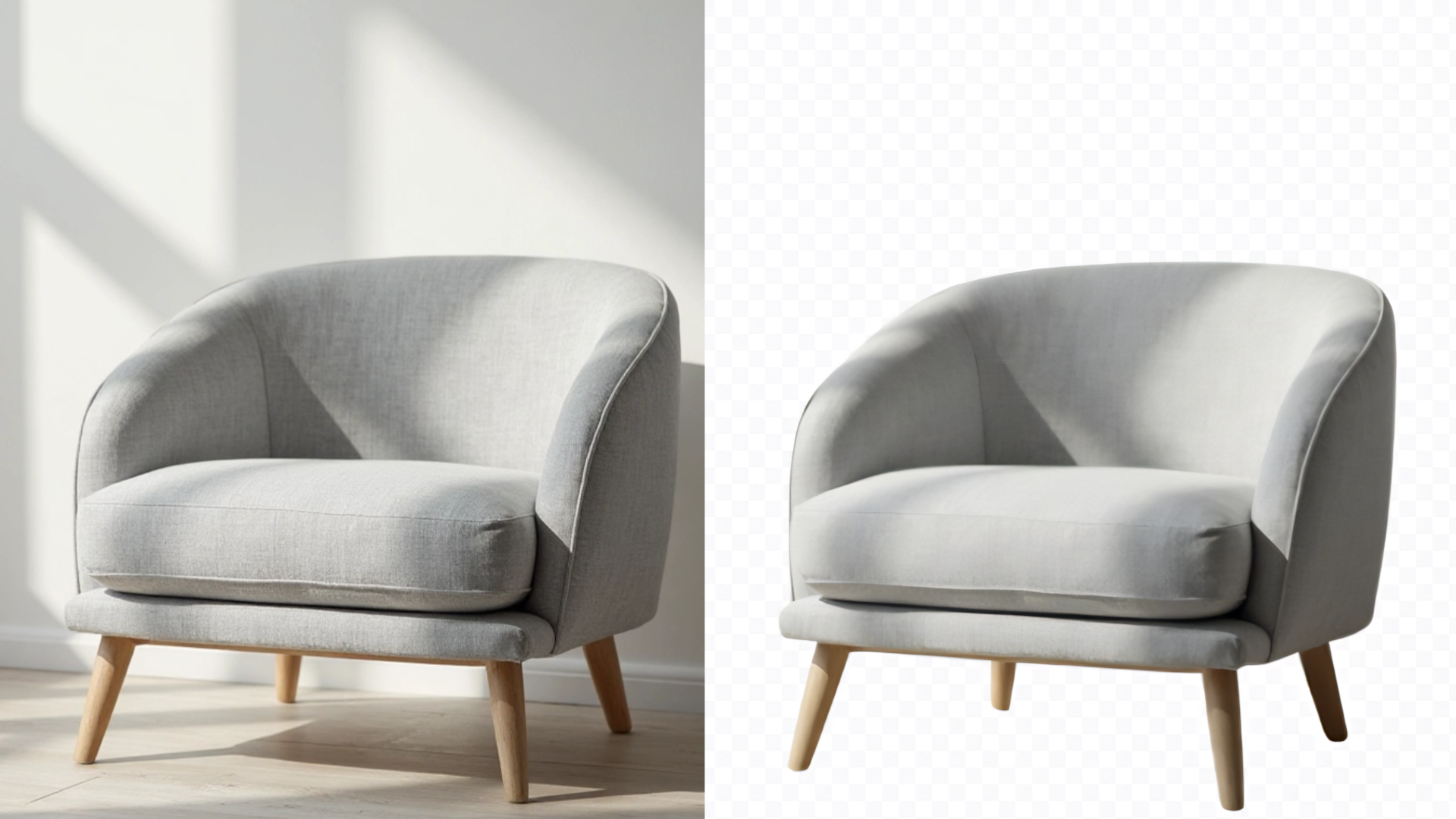
Made with the Dreamface Background Remover
In today’s world where "appearance is everything," visual content plays a decisive role in whether users pause, click, or convert. According to BigCommerce, 78% of online shoppers are more likely to purchase products with high-quality images. Meanwhile, MDG Advertising found that articles with relevant visual content receive 94% more views than those without.
What does that mean for your content?
A clean, focused image with no distracting background doesn’t just draw more eyes—it can drive conversions far better than any clever tagline ever could.
1.Why Remove Image Backgrounds?
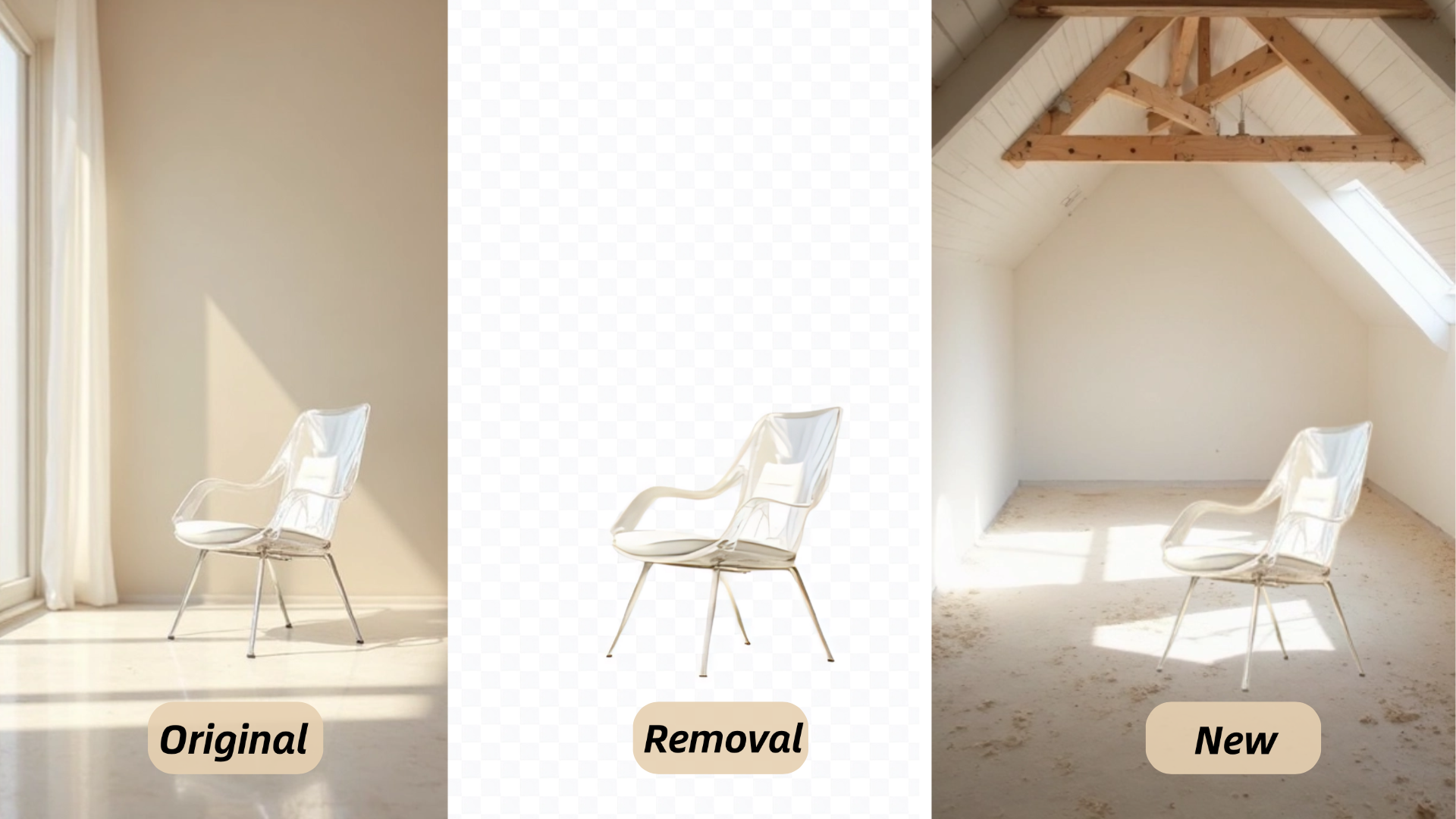
Made with the Dreamface Background Remover
Focus on the Subject — Boost Your Conversion Rates
Studies show that product images with removed backgrounds enjoy 21% higher click-through rates and can lead to a conversion increase of up to 40%. By drawing the viewer’s attention directly to the product, clean visuals reduce distractions and make your offer more appealing.
Create Brand Consistency — Build Trust
According to a Lucidpress report, consistent brand visuals can increase revenue by up to 33%. Using a uniform background style makes your content look more polished and reliable, reinforcing brand trust and recognition.
Increase Design Flexibility — Perfect for Multichannel Use
Most brands today are active on at least 5 or more platforms (such as Instagram, TikTok, Amazon, and eCommerce sites). With a clean, background-free image, you can adapt to various formats and styles effortlessly—no need for reshoots or tedious edits.
2.Photoshop vs. AI
Traditional background removal using Photoshop can be time-consuming and requires advanced design skills. On average, it takes 8 to 15 minutes per image, involving manual selection, edge refinement, and detailed cleanup — a process that demands professional-level expertise.
In contrast, AI Background Remover simplifies everything. The AI handles the entire task in just 5 seconds. It automatically detects and isolates people, objects, or even animals with high precision — preserving fine details like hair and transparent edges. No design experience needed, just upload and go.
Why Choose Dreamface?
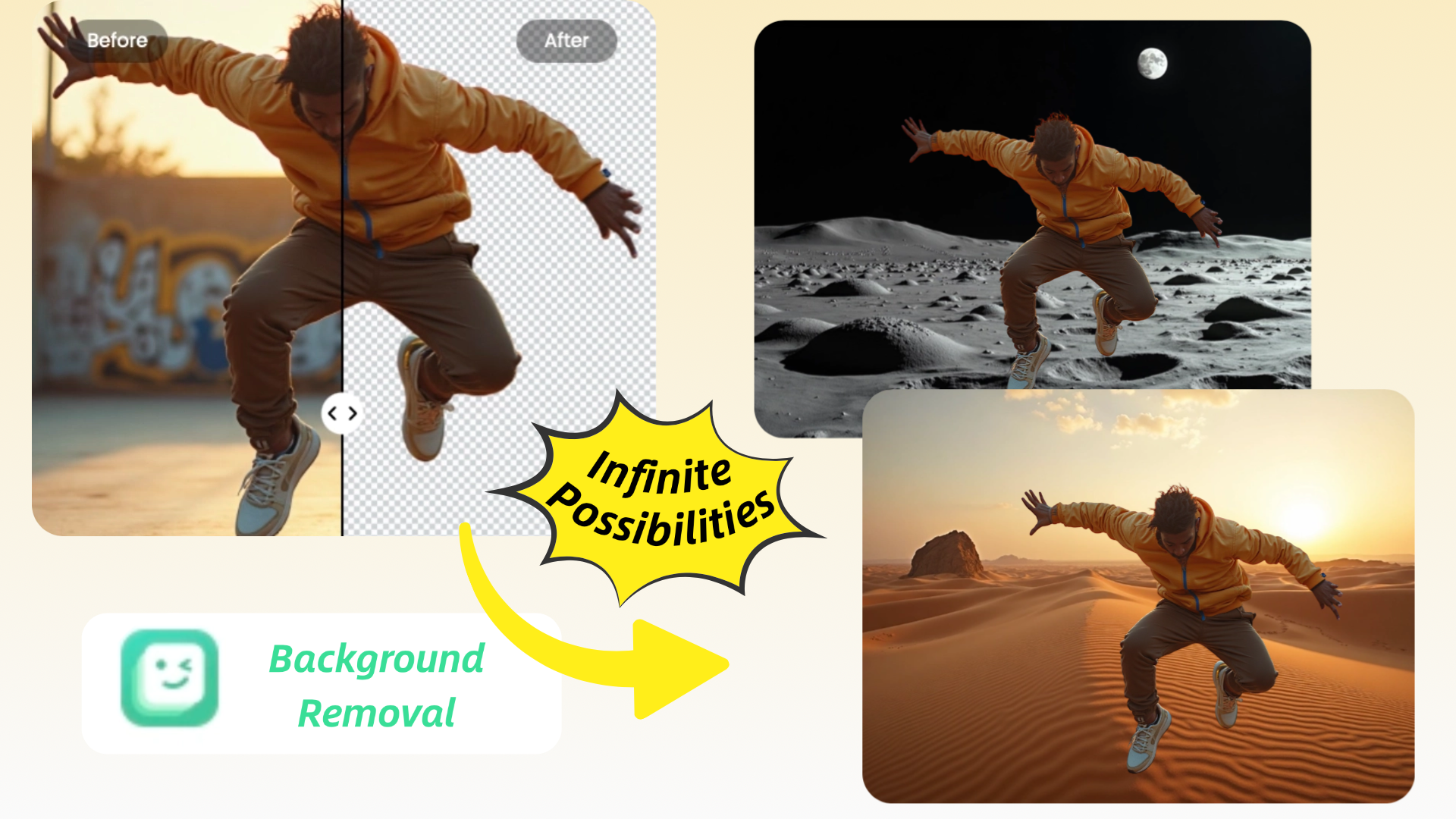
DreamFace Background Remover isn’t just a tool—it’s your visual performance booster. Whether you’re a solo creator, a growing brand, or a marketing team, this feature empowers you to produce studio-quality content in seconds.
✅ Use Online — No Installation Required
DreamFace works right in your browser. No need to download or install anything. Cross-platform and lightning fast.
✅ Free Forever — No Limits
No paywalls. No usage caps. Enjoy unlimited background removals completely free — no strings attached.
✅ AI-Powered, 5-Second Results
Our smart AI detects people, products, even pets — and removes backgrounds in just 5 seconds. Up to 95% faster than manual tools.
✅ Easy to Use
Drag, drop, done. With a clean interface and zero learning curve, anyone can create pro-quality images in seconds.
✅ High-Res Output, Every Time
DreamFace preserves every detail — from hair strands to shadows — delivering sharp, transparent PNGs without compression.
3. How to Use DreamFace’s Background Remover
Ready to remove the background from your photo? Here's a simple, step-by-step guide on how to use the Background Remover tool in DreamFace:
Step 1: Upload Your Photo
The first step is simple: upload your image to the DreamFace app or website. You can use any photo that you want to edit. For best results, choose an image with good contrast between the subject and the background.
Step 2: Let DreamFace Work Its Magic
Once your photo is uploaded, DreamFace’s AI will automatically start analyzing the image. It detects the main subject—whether it’s a person, object, or animal—and separates it from the background. This process only takes a few seconds, and the results are typically precise, even for more complex images.
Step 3: Download or Share Your Image
When you're happy with the result, click Download to save your image. You can use it for social media, presentations, marketing materials, or just for fun! You can also directly share it to your favorite social media platforms for your followers to see.
4. Common Questions
Q: I’m not a designer—can I still use it?
A: Absolutely. DreamFace is built for zero-barrier creativity. In fact, 87% of users say the experience was “very easy” or “extremely intuitive” the first time they used it.
Q: Will AI background removal reduce image quality?
A: Not at all. DreamFace uses advanced edge-detection algorithms that preserve intricate details like hair strands or translucent objects. In our user feedback survey, 92% of users rated the quality as “satisfying or beyond expectations.”
5. Conclusion: Make Your Content Go Viral Faster
DreamFace Background Remover not only boosts efficiency but also equips every creator, brand or marketing team with professional visual capabilities. It is not merely a simple image cropping tool; rather, it is a visual accelerator that makes your content more "battle-ready".
Start Removing Backgrounds for Free!Click here.
No login, no watermarks, just pro-level results.

DreamClaw Agent: The All-in-One AI Automation Engine for DreamFace
Mar 04, 2026.jpg)
Seedance 2.0 Prompt Guide: The Ultimate Template for Cinematic AI Videos
Mar 03, 2026
Seedance 2.0 Prompt Guide: The Complete 2026 AI Video Creation Handbook
Feb 28, 2026
Google Nano Banana 2 Review: Pro-Grade Image Generation at Flash-Level Pricing
Feb 26, 2026
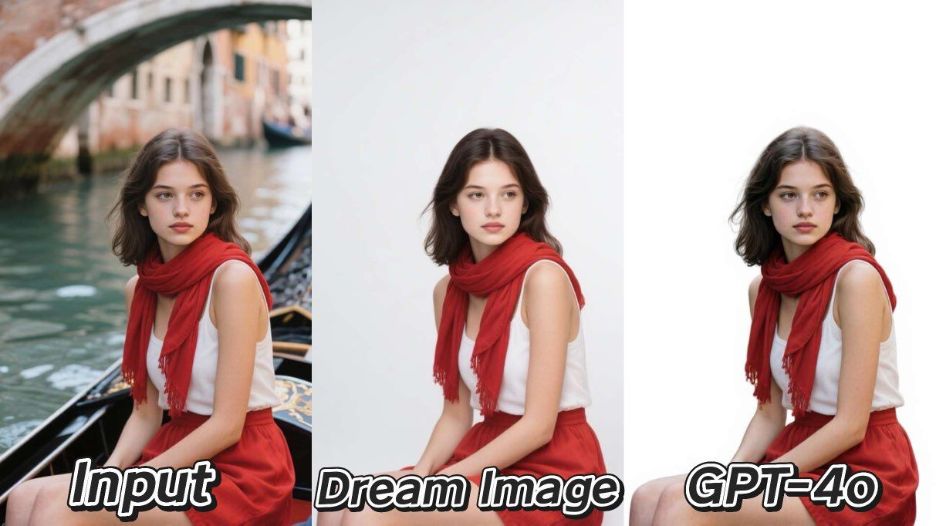
The Ultimate AI Background Remover Test (White Background): Dream Image vs. GPT-4o
A clean white background is the gold standard for e-commerce, product photography, and professional portraits. With AI making this task easier than ever, we’re testing two leading models—Dream Image and GPT-4o—to see which one creates the most flawless white backgrounds.
By Joanna 一 Jun 30, 2025- GPT-4o Image
- Background Remover
- White Backgrounds
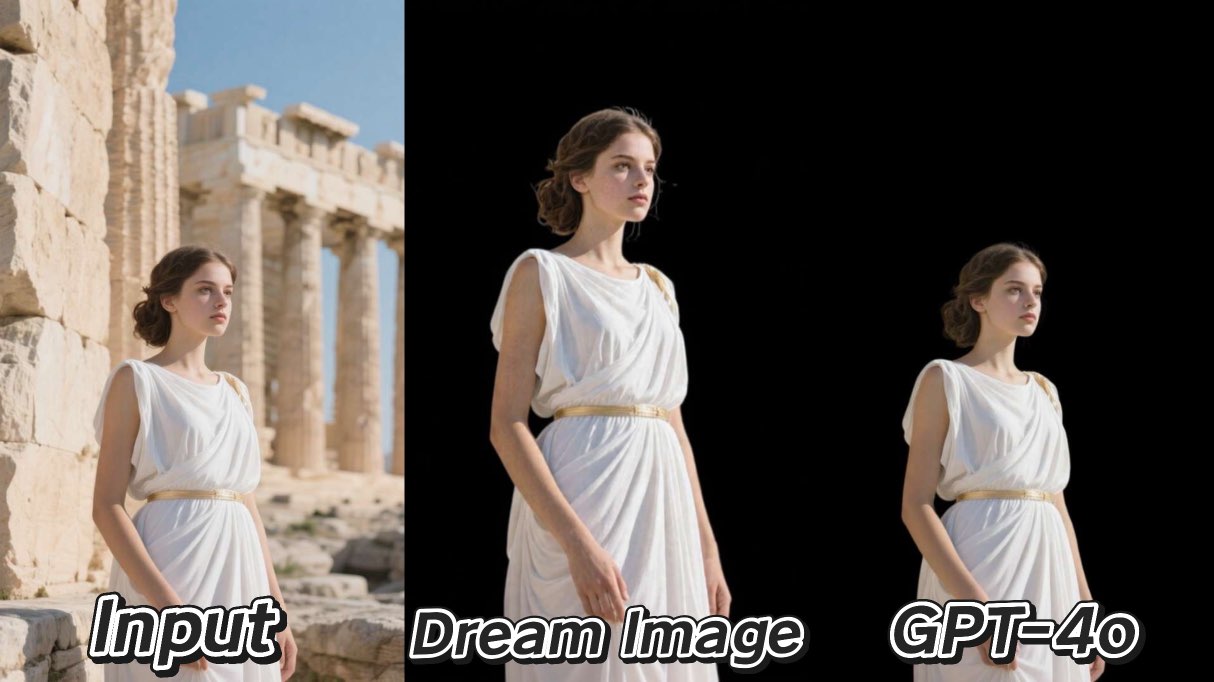
AI Background Remover Comparison: Dream Image vs. GPT-4o
In the fast-paced world of digital content, clean and professional images are non-negotiable.We put two powerful AI models, Dream Image and GPT-4o, to the test in a head-to-head comparison to see which one delivers the best results for a common, crucial task.
By Joanna 一 Jun 30, 2025- Black Backgrounds
- GPT-4o Image
- Background Remover
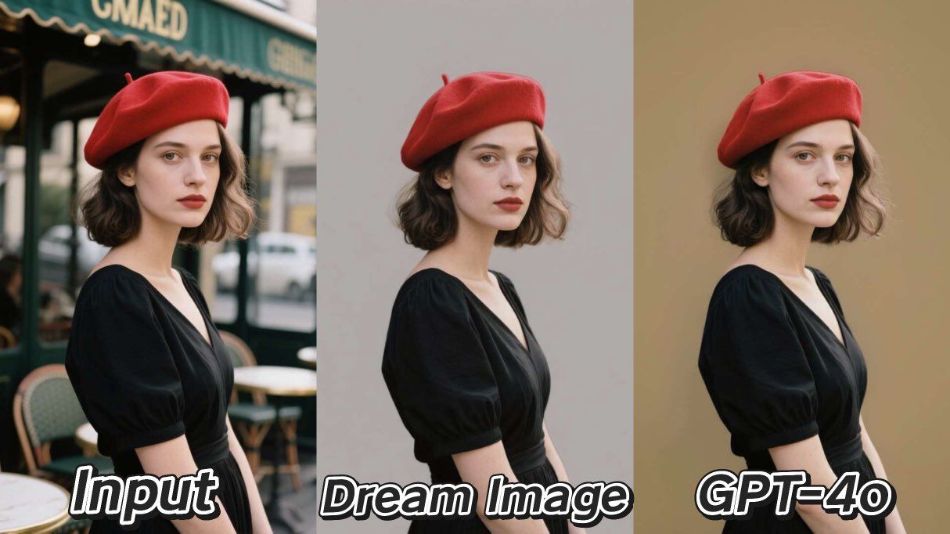
Background Removal in AI: Comparing Dream Image and GPT-4o
Getting a perfect image cutout is essential for professional marketing, e-commerce, and design. Today’s generative AI promises instant background removal, but does the quality hold up? We put two leading platforms, Dream Image and GPT-4o, to the test to see which one truly delivers on this promise.
By Joanna 一 Jun 30, 2025- Background Remover
- GPT-4o Image
- Remove background
- X
- Youtube
- Discord