
'%3e%3cg%3e%3cpath%20d='M12.04834,6.05824C12.09325,4.8457799999999995,12.43703,3.78081,13.0715,2.89055C13.7092,1.995784,14.7633,1.3601670000000001,16.2063,1C16.215899999999998,1.0440338,16.2259,1.088092,16.2363,1.131979L16.2363,1.3623509999999999C16.2363,1.884725,16.1084,2.48372,15.856,3.14258C15.5915,3.78052,15.1781,4.38093,14.6291,4.92281C14.1157,5.40028,13.6406,5.71638,13.2207,5.85928C13.0822,5.9003,12.89209,5.94066,12.66255,5.97701C12.45842,6.00853,12.25362,6.03563,12.04834,6.05824ZM12.28933,7.85741C10.6594,7.85741,9.52778,6.42896,7.91997,6.42896C6.31224,6.42896,3,7.89332,3,12.9488C3,18.0043,5.94131,21.2617,6.27029,21.642C6.599209999999999,22.0224,7.36005,23,8.5387,23C9.71744,23,11.00787,22.0715,12.28933,22.0715C13.5707,22.0715,15.1836,23,16.2365,23C17.2895,23,17.7226,22.5747,18.4392,21.8411C19.1558,21.1074,20.5227,18.8686,21,17.5248C20.2137,17.061,18.1298,15.8019,18.1298,12.9488C18.1298,11.0468,18.831200000000003,9.4667,20.2341,8.20853C19.3138,7.02216,18.2464,6.42896,17.0318,6.42896C15.2099,6.42896,13.9193,7.85741,12.28933,7.85741Z'%20fill='%23000000'%20fill-opacity='1'/%3e%3c/g%3e%3c/g%3e%3c/svg%3e)
'%3e%3cg%3e%3cpath%20d='M6.2985500000000005,2L14.60082,10.81153L16.7432,8.537289999999999C13.81573,6.65184,9.89484,4.122529999999999,8.13152,2.985321L6.95017,2.225593C6.74135,2.090554,6.5177700000000005,2.0178354,6.2985500000000005,2ZM5.0312551,3.05499C5.0144537,3.1518100000000002,5,3.24911,5,3.35357L5,20.7675C5,20.8406,5.0138389,20.9085,5.0234395,20.9782L13.4695,12.0125L5.0312551,3.05499ZM18.1511,9.444659999999999L15.7321,12.0125L18.1089,14.5354C19.3682,13.7252,20.2405,13.1626,20.3372,13.1007C20.7653,12.8229,21.007,12.4039,20.9998,11.94614C20.9934,11.49683,20.7516,11.09514,20.340400000000002,10.84799C20.2484,10.79194,19.387999999999998,10.24048,18.1511,9.444659999999999ZM14.60082,13.2134L6.3235600000000005,22C6.48437,21.9703,6.64498,21.9194,6.79859,21.8209C7.01141,21.6833,12.76069,17.9805,16.701,15.4428L14.60082,13.2134Z'%20fill='%23000000'%20fill-opacity='1'/%3e%3c/g%3e%3c/g%3e%3c/svg%3e)

Seedance 2.0 Prompt Guide: The Ultimate Template for Cinematic AI Videos
Stop generating "slideshow" videos. This guide provides a creator-first framework for Seedance 2.0, focusing on the two pillars of high-quality AI video: logical structure and cinematic camera movement. Learn how to move beyond basic descriptions by using multi-shot templates, emotional modifiers, and stability constraints to create professional, immersive content. Stop asking if your prompt is detailed—start asking if your video is worth watching.
- AI Video
- Text-to-Video
- seedance 2.0
- Image-to-Video
.jpg)
If you’ve ever typed:
“A girl walking on the street.”
…and got something that looks like a slideshow, you’ve experienced the core problem of AI video generation.
It’s not the model. It’s the prompt. More precisely, it’s two things:
- Structure
- Camera logic
While structure ensures a video remains logical and coherent, it is intentional camera movement that provides that sought-after cinematic edge. Since most creators struggle to master both, this guide introduces a clean, creator-first framework designed to bridge the gap and elevate your production quality instantly.
Part 1 — Why Most Seedance 2.0 Videos Feel Flat
Most creators rely on a flawed prompting logic: taking a vague idea, turning it into a simple description, and hoping the AI interprets the intent correctly. However, because AI follows instructions literally, a lack of detail forces the model to "guess," resulting in:
- Static framing with no visual progression
- Awkward transitions and inconsistent character motion
- Unpredictable camera instability
The difference between a "surveillance" shot and a cinematic masterpiece isn't the subject—it’s the camera. Compare a basic prompt like "A girl walking in the forest" to a structured one like "A girl walking in the forest, Slow Cinematic Dolly Forward, golden hour lighting." While the scene provides the structure, it is the camera that provides the emotion.
Part 2 — Fix Structure First
Before diving into cinematic vocabulary, you must first fix the "skeleton" of your video. A high-performance, short-form structure relies on a Multi-Shot Flow that ensures your generation has narrative movement rather than just a series of random frames:
- The Opening Shot: Establishes the subject within their environment to set the stage.
- The Emotion Shot: Uses a close-up or tighter framing to amplify the character's feeling or the scene's mood.
- The Support Shot (Optional): Adds a quick cut of secondary elements to reinforce the core action or atmosphere.
Once this flow is established, you can lock in the Visual Style, Lighting Mood, Duration, Aspect Ratio, and Stability Constraints. This layered approach guarantees a professional result characterized by visual rhythm, intentional shot progression, emotional pacing, and technical consistency. Without this structural foundation, your video will inevitably lack the narrative momentum required to keep a viewer engaged.
Part 3 — Control the Camera
If you don’t define camera movement, Seedance defaults to neutral framing.
There are three foundational movements:
Pan
Camera rotates in place.
Zoom
Focal length changes.
Dolly
Camera physically moves forward or backward.
Many users confuse Pan and Dolly, but they are not interchangeable.
That confusion alone changes the entire feel of a shot.
Add Emotional Modifiers
To elevate your video from technical to artistic, you must move beyond raw camera commands. While a "Dolly Forward" is a mechanical instruction, a "Slow Cinematic Dolly Forward" creates an immersive experience. This is where Emotional Modifiers come into play—they provide the intent that defines your tone:
- Speed: Use terms like Slow, Smooth, Subtle, or Fast to dictate the energy of the shot.
- Mood: Apply descriptors such as Cinematic, Dreamy, Aggressive, or Intimate to signal the emotional atmosphere to the AI.
- Style: Define the "physicality" of the camera using Handheld, Aerial, or a Dutch Angle for a specific stylistic flair.
Use Combination Movements Sparingly
Furthermore, while Seedance 2.0 handles Combination Movements surprisingly well, they must be used with restraint to maintain visual stability. Some effective, production-ready pairings include:
- Orbit + Zoom In: Ideal for a dramatic character reveal or product showcase.
- Crane Up + Pan: A classic choice for sweeping opening or closing shots.
- Dolly Zoom: Perfect for creating intense dramatic tension or a "Vertigo" effect.
- Tracking + Handheld Shake: Best for high-energy action or chase sequences.
The Golden Rule: Never exceed two combined movements in a single 5-second clip. In the world of AI video, more movement doesn’t necessarily mean more cinematic quality; it usually just results in visual chaos.
Part 4 — You Don’t Need Technical Jargon
Contrary to popular belief, you don’t need to speak like a professional cinematographer to achieve high-end results; what you truly need is logical order. By following a structured hierarchy that begins with the Subject and Action, you provide the AI with a clear focal point before layering in the Scene and Lighting.
Once the environment is set, defining the Camera Direction, Style, and Quality ensures the aesthetic matches your vision. Finally, closing your prompt with Stability Constraints acts as a safety net for the generation. This streamlined approach—moving from the core subject to technical constraints—proves that in the world of AI video, clarity beats complexity every time.
Part 5 — Prompting Principles That Actually Matter
1. Slow Motion Wins
AI handles slow, continuous motion better than explosive action.
Avoid:
- “Running”
- “Dancing”
Prefer:
- “Slowly stepping forward”
- “Gently turning”
- Controlled motion increases realism.
2. Keep Camera Logic Simple
Maximum two movements. More than that, and motion begins to conflict internally.
3. Always Add Stability Instructions
Include:
- Stabilized
- Smooth motion
- No flicker
- No distortion
Otherwise, frame stability becomes unpredictable.
4. Protect Human Subjects
Add:
- Face stable
- No facial distortion
- Consistent clothing
- Natural body proportions
- Without this, morphing artifacts are common.
5. Replace Vague Words
Vague:
- “Move”
- “Cool”
- “Nice lighting”
Specific:
- “Smooth 3-second Dolly Forward”
- “Cyberpunk neon reflections”
- “Warm golden hour cinematic lighting”
Specific instructions produce specific outcomes.
Part 6 — Creative Scenarios (Quick Reference)
Portrait → Slow Dolly In + Intimate
Landscape → Slow Pan + Cinematic
Chase → Tracking + Handheld
Product → Orbit + Subtle Zoom
Opening / Ending → Crane Up + Slow Pan
Match camera to emotional goal.
Final Thought
While templates establish consistency and a camera vocabulary grants you technical control, high-quality video is not simply the result of writing longer, more complex prompts. True cinematic quality comes from a deeper understanding of visual storytelling:
- Intentional Movement: Knowing why a specific shot moves in a particular direction.
- Purposeful Editing: Understanding why a cut exists at a certain moment.
- Emotional Pacing: Sensing why a specific rhythm feels right for the mood.
In an era where advanced AI tools are accessible to everyone, execution has become the ultimate differentiator. As a creator, the real question you must ask isn’t whether your prompt is detailed enough, but rather: Is the video actually worth watching?
.webp)
DreamFace AI Live Avatar: Always-On AI Character Livestreaming
Turn any character into an always-on live streaming host — from talk shows and quizzes to memorial tributes and late-night companionship — with no one required behind the camera.
By Daniel一Aug 18, 2026- AI Video
- AI Live Avatar

Best AI Video Generator 2026: Why Multi-Model AI Platforms Are Winning
AI video generation has entered a completely new era in 2026. What started as short experimental clips has rapidly evolved into cinematic storytelling, AI anime production, virtual influencers, talking avatars, and fully AI-generated social media content.
By Bentley一May 26, 2026- AI Video Generator
- AI Video
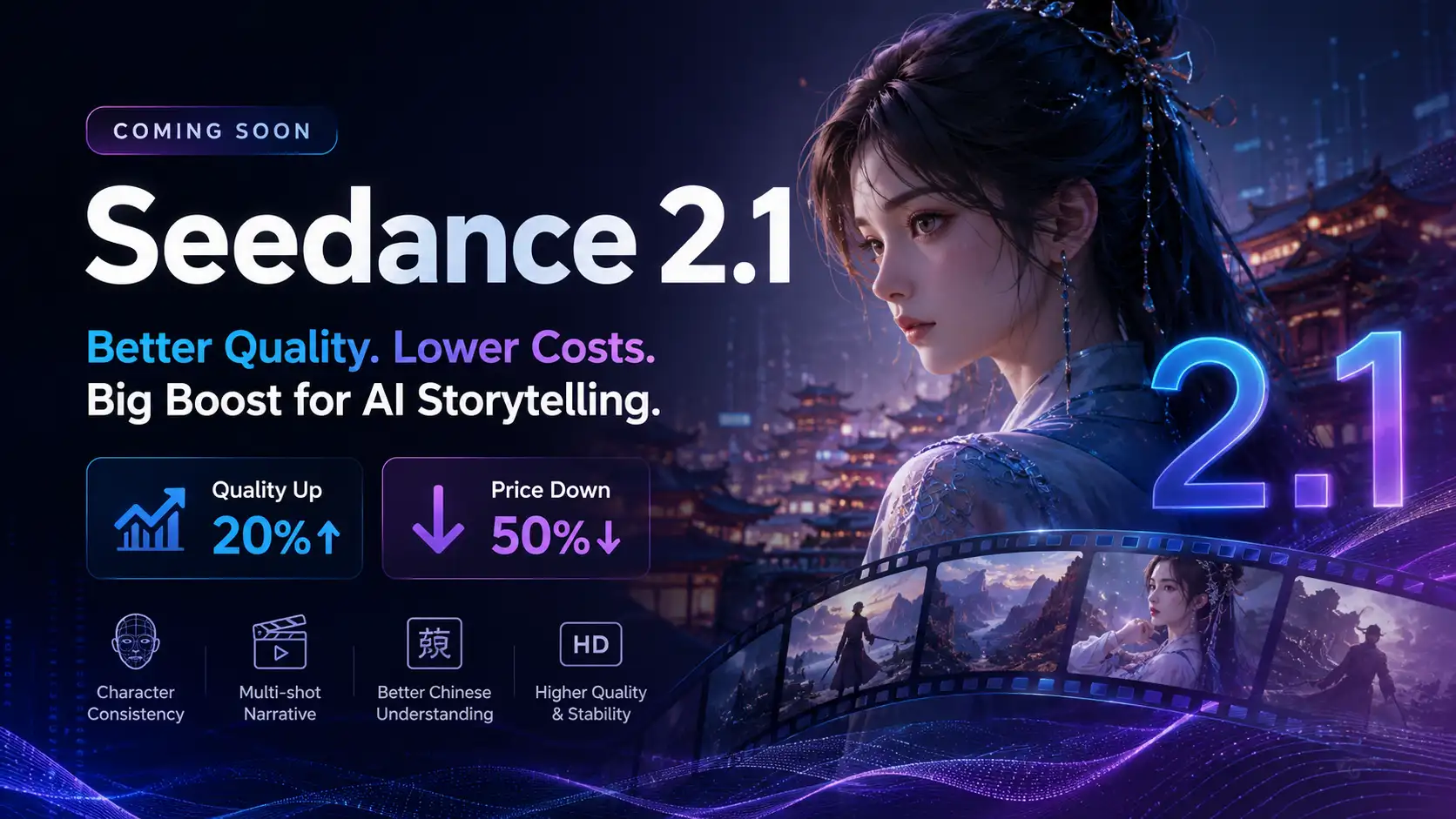
Seedance 2.1 Is Coming: Better Quality, Lower Costs, and a Big Boost for AI Storytelling
The AI video generation race has slowed down a bit recently. Earlier this year, new models were launching almost every week, pushing image and video generation forward at an incredible pace. After the buzz around GPT Image models, the industry has been waiting for the next major leap in AI video.
By stxph一May 23, 2026- AI Video
- Seedance 2.1
- Seedance 2.0