


Seedance 2.0 Prompt Guide: The Complete 2026 AI Video Creation Handbook
In February 2026, ByteDance officially released its latest AI video generation model — Seedance 2.0. Dubbed by many in the industry as “the most powerful AI video tool on Earth,” Seedance 2.0 is rapidly reshaping the video creation landscape.
- AI Video
- seedance 2.0
- Text-to-Video
In February 2026, ByteDance officially released its latest AI video generation model — Seedance 2.0.
Dubbed by many in the industry as “the most powerful AI video tool on Earth,” Seedance 2.0 is rapidly reshaping the video creation landscape.
After watching videos generated by Seedance 2.0, Deadpool screenwriter Rhett Reese reportedly remarked:
“I have to say, we might be in trouble.”
After spending a full week deeply testing this tool as an AI video creator, I can confidently say:
Seedance 2.0 isn’t just an upgrade — it’s a paradigm shift.
It allows ordinary creators to produce high-quality videos in minutes — work that previously required professional crews, expensive equipment, and complex post-production pipelines.
This guide walks you through everything you need to know — from fundamentals to advanced techniques — so you can fully unlock Seedance 2.0.
Why Seedance 2.0 Is Different
Seedance 2.0 doesn’t simply improve generation quality — it changes how video is conceptualized and produced.
The biggest shift?
You stop “rolling the dice” with prompts.
You start thinking like a director.
Instead of hoping for good outputs, you design them.
With true multimodal hybrid input, you can:
- Use an image to define visual style
- Use a video reference to define camera language
- Use music to control rhythm and emotional pacing
- Use text to precisely direct action and details
It’s no longer just generation. It’s orchestration.
Core Strengths of Seedance 2.0
1️⃣ True Multimodal Creation
Supports mixed input across:
- Image
- Video
- Audio
- Text
You can combine them freely to shape cinematic output.
2️⃣ Advanced Reference Control
Seedance 2.0 can reference:
- Camera language (push, pan, follow, etc.)
- Motion rhythm
- Creative effects
- Visual style continuity
This gives creators unprecedented control over aesthetic consistency.
3️⃣ Cross-Shot Consistency
One of the hardest problems in AI video — now significantly improved:
- Character appearance consistency
- Scene stability
- Style coherence across multiple shots
This alone elevates it into professional territory.
4️⃣ Not Just Generation — Real Editing
Seedance 2.0 supports:
- Video extension
- Character replacement
- Content addition/removal
- Structural adjustments
This transforms it from a generator into a creative workflow tool.
5️⃣ Upgraded Fundamental Capabilities
Major improvements in:
- Physical realism
- Motion smoothness
- Prompt comprehension
- Anatomical stability
You’ll notice fewer distortions and more natural movement.
6️⃣ Music Beat Matching & Emotional Performance
Seedance integrates audio rhythm into visual pacing.
This enables:
- Beat-synced motion
- Emotion-driven editing
- Cinematic audiovisual unity
The result feels intentional — not random.
Beginner Advice: How to Get Started
If you’re new, here’s how to approach it strategically:
✅ Start with First–Last Frame Mode
This helps you understand motion logic and control before diving into complex multimodal combinations.
✅ Master a “Universal Prompt Formula”
Develop structured prompt writing habits.
✅ Expect Iteration
3–5 generations per concept is normal.
Iteration is part of the creative process.
✅ Use the @ Syntax
Tag references precisely to control how materials are used.
✅ Build a Prompt–Result Library
Track what works. Build your own creative database.
✅ Follow Official Updates
New features often unlock entirely new workflows.
Practical Prompt Templates (Copy & Use)
Below are ready-to-use prompt examples you can adapt immediately.
🎥 Cinematic Portrait Short Video

A young woman slowly walking through a forest, gentle breeze moving her hair, natural soft smile, warm sunlight, medium shot, slow push-in camera movement, stable smooth motion, 4K resolution, cinematic atmosphere, clear facial details, no deformation, natural body proportions, rich detail.
🌅 Atmospheric Landscape
Sunset by the sea, gentle waves touching the shore, slow horizontal camera pan, warm orange tones, healing and fresh mood, ultra-smooth motion, 4K ultra HD, no flicker, no ghosting.

🖼 Image-to-Video (Maintain Character Consistency)
Based on reference image, maintain consistent facial features and clothing, slow natural hand raise and turn, smooth movement, no stiffness or distortion, stable camera movement, high-definition detail, cinematic texture.

🛍 Product Showcase
Product centered in frame, slow 360-degree camera orbit, plush fabric texture with cute aesthetic, cool-toned premium lighting, shallow depth of field, commercial advertisement style, 4K ultra HD.

🌃 Cyberpunk Style

Rainy cyberpunk street at night, neon lights flickering, protagonist walking alone forward, camera slowly following from behind, enhanced volumetric fog, floating rain particles in air, moody cinematic lighting, 35mm film grain texture.
Final Thoughts
Seedance 2.0 represents a fundamental shift in AI video creation.
It empowers creators to move from:
“Let’s see what happens.”
to
“I know exactly what I want.”
For the first time, everyday creators can think and operate like film directors — controlling composition, motion, rhythm, and emotion in an integrated way.
This isn’t just another AI tool.
It’s the beginning of a new creative workflow.
If you’re serious about AI video creation in 2026 and beyond, Seedance 2.0 is not optional — it’s essential.
.webp)
DreamFace AI Live Avatar: Always-On AI Character Livestreaming
Turn any character into an always-on live streaming host — from talk shows and quizzes to memorial tributes and late-night companionship — with no one required behind the camera.
By Daniel一Aug 18, 2026- AI Video
- AI Live Avatar

Best AI Video Generator 2026: Why Multi-Model AI Platforms Are Winning
AI video generation has entered a completely new era in 2026. What started as short experimental clips has rapidly evolved into cinematic storytelling, AI anime production, virtual influencers, talking avatars, and fully AI-generated social media content.
By Bentley一May 26, 2026- AI Video Generator
- AI Video
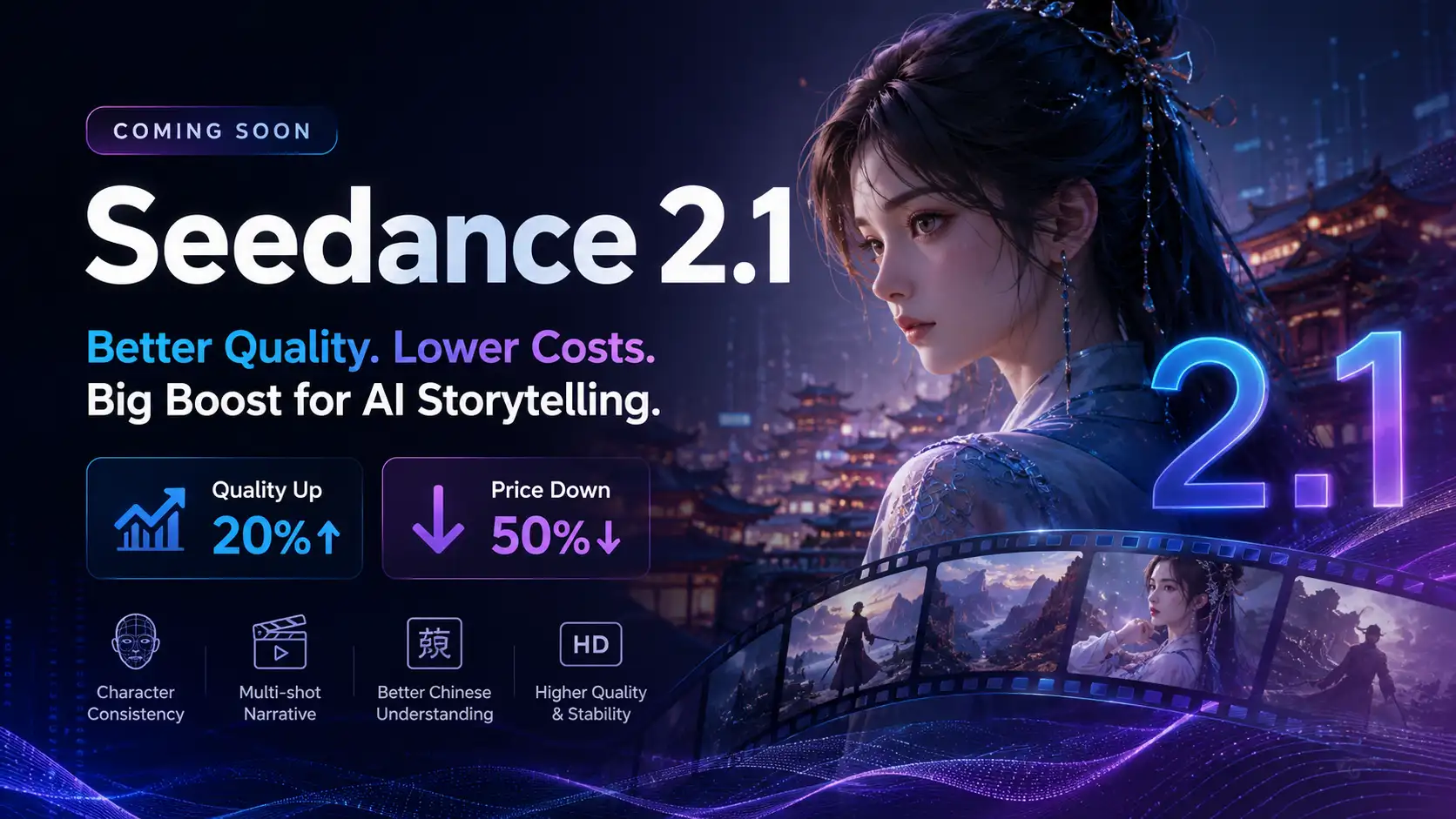
Seedance 2.1 Is Coming: Better Quality, Lower Costs, and a Big Boost for AI Storytelling
The AI video generation race has slowed down a bit recently. Earlier this year, new models were launching almost every week, pushing image and video generation forward at an incredible pace. After the buzz around GPT Image models, the industry has been waiting for the next major leap in AI video.
By stxph一May 23, 2026- AI Video
- Seedance 2.1
- Seedance 2.0