
'%3e%3cg%3e%3cpath%20d='M12.04834,6.05824C12.09325,4.8457799999999995,12.43703,3.78081,13.0715,2.89055C13.7092,1.995784,14.7633,1.3601670000000001,16.2063,1C16.215899999999998,1.0440338,16.2259,1.088092,16.2363,1.131979L16.2363,1.3623509999999999C16.2363,1.884725,16.1084,2.48372,15.856,3.14258C15.5915,3.78052,15.1781,4.38093,14.6291,4.92281C14.1157,5.40028,13.6406,5.71638,13.2207,5.85928C13.0822,5.9003,12.89209,5.94066,12.66255,5.97701C12.45842,6.00853,12.25362,6.03563,12.04834,6.05824ZM12.28933,7.85741C10.6594,7.85741,9.52778,6.42896,7.91997,6.42896C6.31224,6.42896,3,7.89332,3,12.9488C3,18.0043,5.94131,21.2617,6.27029,21.642C6.599209999999999,22.0224,7.36005,23,8.5387,23C9.71744,23,11.00787,22.0715,12.28933,22.0715C13.5707,22.0715,15.1836,23,16.2365,23C17.2895,23,17.7226,22.5747,18.4392,21.8411C19.1558,21.1074,20.5227,18.8686,21,17.5248C20.2137,17.061,18.1298,15.8019,18.1298,12.9488C18.1298,11.0468,18.831200000000003,9.4667,20.2341,8.20853C19.3138,7.02216,18.2464,6.42896,17.0318,6.42896C15.2099,6.42896,13.9193,7.85741,12.28933,7.85741Z'%20fill='%23000000'%20fill-opacity='1'/%3e%3c/g%3e%3c/g%3e%3c/svg%3e)
'%3e%3cg%3e%3cpath%20d='M6.2985500000000005,2L14.60082,10.81153L16.7432,8.537289999999999C13.81573,6.65184,9.89484,4.122529999999999,8.13152,2.985321L6.95017,2.225593C6.74135,2.090554,6.5177700000000005,2.0178354,6.2985500000000005,2ZM5.0312551,3.05499C5.0144537,3.1518100000000002,5,3.24911,5,3.35357L5,20.7675C5,20.8406,5.0138389,20.9085,5.0234395,20.9782L13.4695,12.0125L5.0312551,3.05499ZM18.1511,9.444659999999999L15.7321,12.0125L18.1089,14.5354C19.3682,13.7252,20.2405,13.1626,20.3372,13.1007C20.7653,12.8229,21.007,12.4039,20.9998,11.94614C20.9934,11.49683,20.7516,11.09514,20.340400000000002,10.84799C20.2484,10.79194,19.387999999999998,10.24048,18.1511,9.444659999999999ZM14.60082,13.2134L6.3235600000000005,22C6.48437,21.9703,6.64498,21.9194,6.79859,21.8209C7.01141,21.6833,12.76069,17.9805,16.701,15.4428L14.60082,13.2134Z'%20fill='%23000000'%20fill-opacity='1'/%3e%3c/g%3e%3c/g%3e%3c/svg%3e)

How to Start an AI Livestream Without a Camera, a Studio, or Streaming Software
AI Livestream
- AI Live Avatar
- AI Livestream
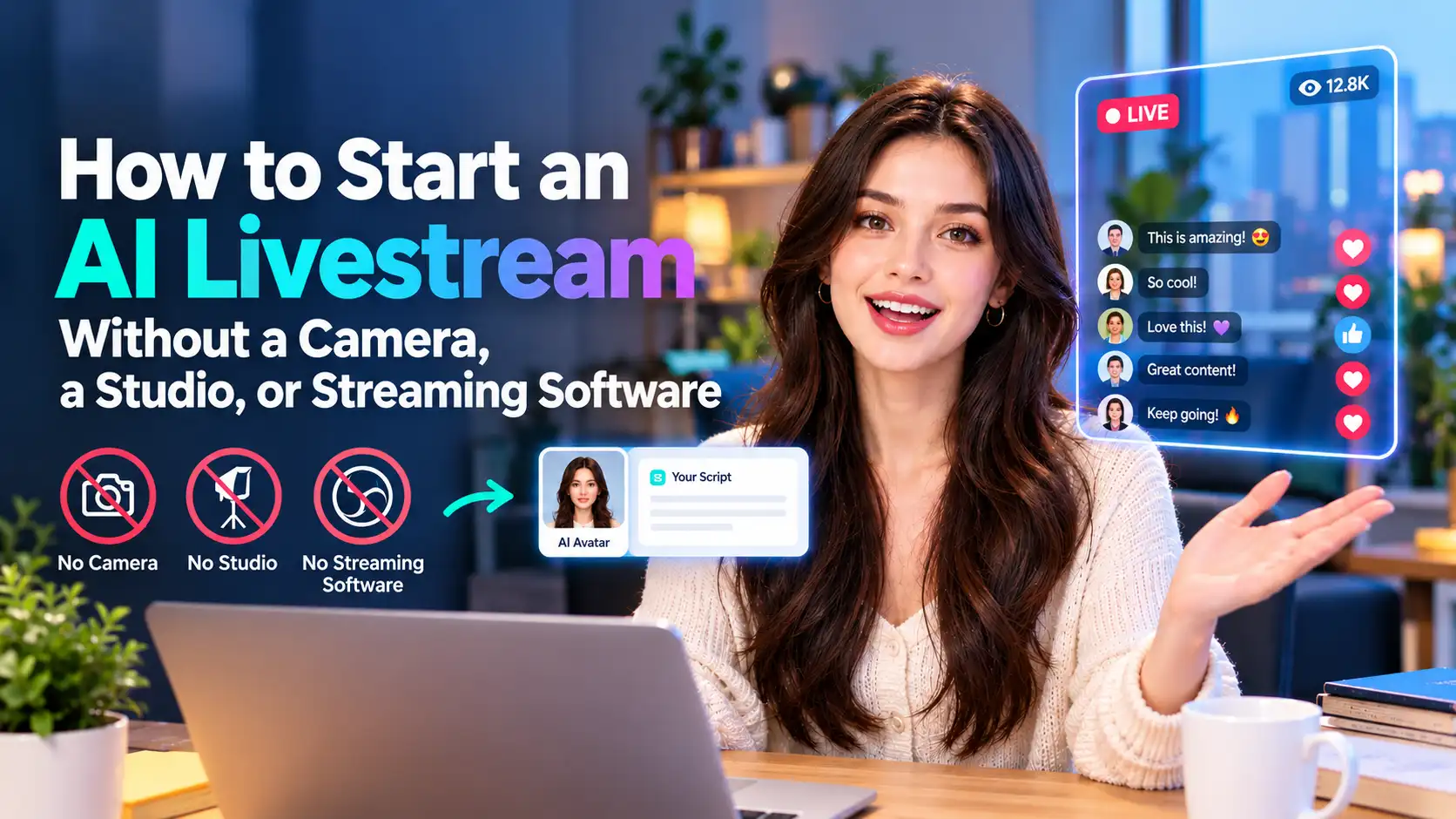
Going live used to mean a camera, a mic, a lighting rig, capture software running in the background, and the nerve to talk to a room for two or three hours straight. That barrier is why most people who think about livestreaming never actually press "go live." The setup costs more than most creators are willing to spend before they even know if the format works for them.
An AI livestream removes that barrier entirely. Instead of broadcasting yourself in real time, you generate a livestream-style video — a virtual host talking, reacting, and presenting exactly like a live show — from a photo or an avatar and a script. No camera roll, no studio, no separate broadcast software.
What "AI Livestream" Actually Means
It helps to be precise about what's being generated, because "AI livestream" covers two different things. One is a produced livestream-style video: you pick a host (your photo, a character, or an avatar), choose a format, and DreamFace generates a video that looks and feels like a live broadcast — complete with the pacing, framing, and on-screen energy of one — which you then publish like any other video.
The other is a self-running host: an AI persona that occupies a live room on its own, speaking and reacting without anyone behind the scenes managing the broadcast. This piece focuses on the first kind, since it's the fastest way for most creators to test the format.
Why Creators Are Skipping the Camera Setup
- Camera shyness. Plenty of people have a strong presence in writing or in edited video, but freeze up on a live feed with no retakes.
- Equipment cost. A usable ring light, mic, and capture setup is a real investment before a single viewer shows up.
- Time. A real livestream is a multi-hour commitment. A generated one takes minutes to produce.
- Testing new formats. Trying a gaming commentary style or a shopping format without booking a two-hour live slot to see if it lands.
How to Create an AI Livestream in 3 Steps
- Upload a photo or choose an avatar. Use your own image, an existing character, or one of DreamFace's ready-made avatars as the host.
- Select a livestream format. Choose from templates built for different content types — influencer, gaming, shopping, podcast, talk show, news, reaction, or Q&A.
- Generate and share. DreamFace renders the video with natural speaking animation and livestream-style presentation, ready to publish to TikTok, YouTube, Instagram, or Facebook.
Formats Worth Trying First
If you're not sure where to start, match the format to what you already make:
- Gaming or reaction — for commentary-style channels that don't need actual gameplay capture to test a new persona.
- Shopping or product demo — for sellers who want a host walking through a product without booking a presenter.
- Podcast or talk show — for commentary and opinion content that leans on a consistent, recognizable host.
- News or social — for quick-turnaround daily or weekly updates that need a familiar face on screen.
What You No Longer Need
A camera, a ring light, a microphone, capture software like OBS, editing skills, or your physical presence during "filming." The host, the pacing, and the on-screen energy all come from the generation itself — your job shifts to picking the right format and writing a script worth watching.
FAQ
Do I need any streaming equipment or editing experience?
No. The video is generated end-to-end from your photo or avatar and your script — there's no camera, microphone, or editing software involved.
Can I use my own face, or does it have to be an avatar?
Either works. Upload your own photo to keep your real likeness as the host, or choose a character or original avatar if you'd rather build a separate on-screen persona.
Where can I publish the finished livestream video?
Anywhere you'd publish regular video content — TikTok, YouTube, Instagram, and Facebook are the most common destinations for creators using this format.
Early Access
AI Live Avatar is rolling out through a guided, invite-based setup rather than a general release. If you want to build a live room, leave your email inside the app, or join our Discord community first — the team is onboarding early hosts and answering setup questions directly. Once you're in, a dedicated member of our team will build your live room for you — whether it's your own likeness or your pet's. Just hand over an account or an image, and we'll take care of the rest.
Join the DreamFace Discord ( https://discord.gg/8swaVjnbKn ) for early access to AI Live Avatar — a dedicated team member will personally build your live room for you, human or pet, once you provide an account or an image.
.webp)