


Claude Code vs Cursor in 2026: Which Workflow Fits?
Compare Claude Code and Cursor on autonomy, editing speed, background agents, automation, and pricing to choose the right AI coding workflow in 2026.
- News
- Claude Code
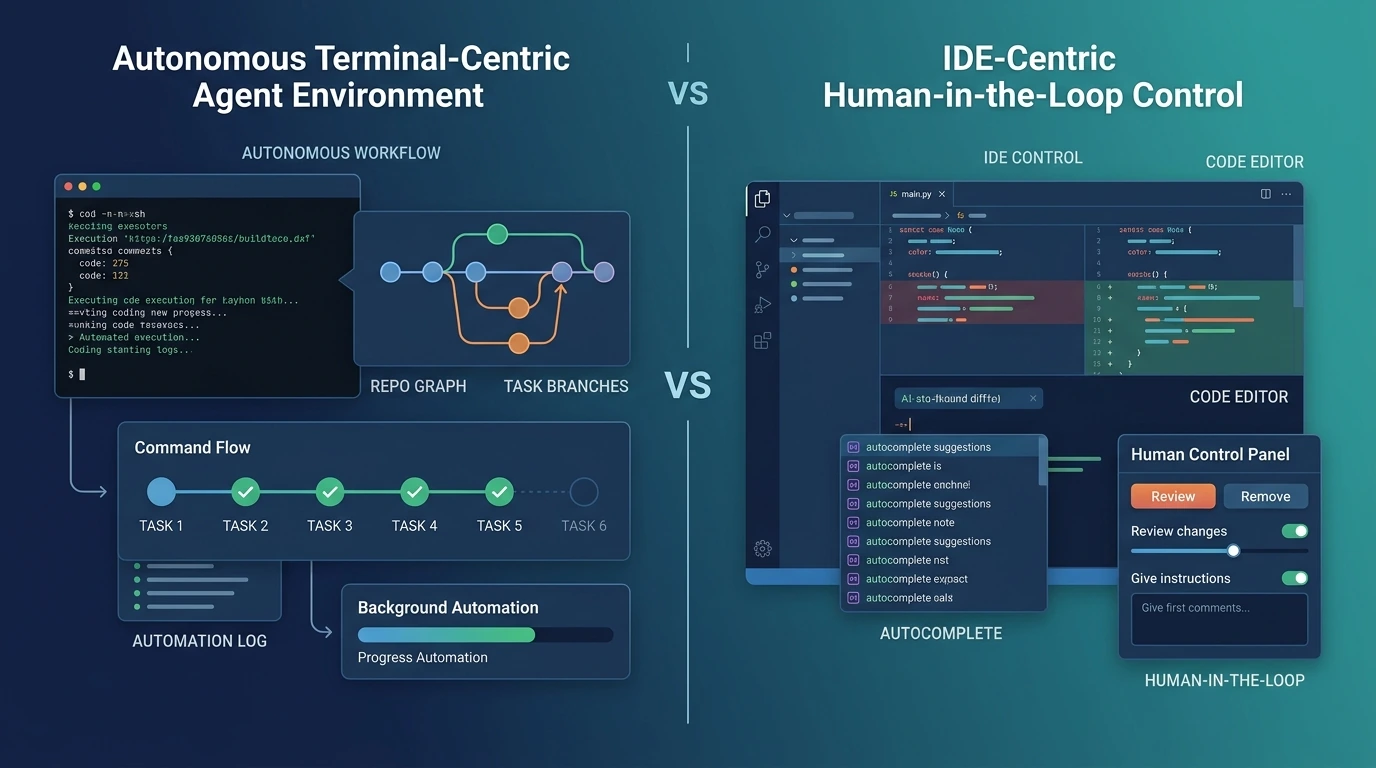
If you are choosing between Claude Code and Cursor in 2026, the practical split is no longer terminal versus IDE. It is agent-first delegation versus IDE-first control. Based on the available evidence, Claude Code is the stronger fit when you want AI to operate across a repo, run commands, and extend into automation workflows. Cursor is the stronger fit when you want the fastest human-in-the-loop editing loop inside an editor, with reviewable changes and a smoother path from idea to local code edits. The decision matters more after Cursor 3, because the product now pushes further into autonomous coding instead of staying in the narrow “AI autocomplete editor” lane.
That does not mean one tool clearly replaces the other. The stronger interpretation is that these products now overlap enough to compete, but still differ enough to suit different habits. If you want to delegate larger chunks of engineering work and plug AI into CI or scripted workflows, Claude Code has the cleaner story. If you want to stay inside an editor, move quickly through diffs, and keep tighter manual control over each change, Cursor still has the better day-to-day editing experience.
At a glance
The table below summarizes current product positioning, feature surface, and entry pricing based on official docs and pricing pages.
| Dimension | Claude Code | Cursor |
|---|---|---|
| Best for | Repo-wide task delegation and automation | Fast IDE-native coding and review |
| Core strength | Agentic command execution and workflow extensibility | Editing velocity and human-in-the-loop control |
| Main weakness | More willingness to “take over” than some teams want | Fast collaboration does not always equal deeper automation |
| Default posture | Agent-first | Editor-first |
| Command execution | Strong, central to product | Strong, but framed inside editor and agent UX |
| Background remote work | Through automation/SDK/GitHub workflows | Native background agents on remote Ubuntu machines |
| CI / automation fit | Strong via GitHub Actions and Agent SDK | Improving, but product center of gravity is still the editor |
| Entry individual price | Claude Pro starts at $20/month | Cursor Pro starts at $20/month |
| Heavy-use path | Max from $100/month | Pro+, Ultra, and usage-based agent budgets |
What each tool is becoming in 2026
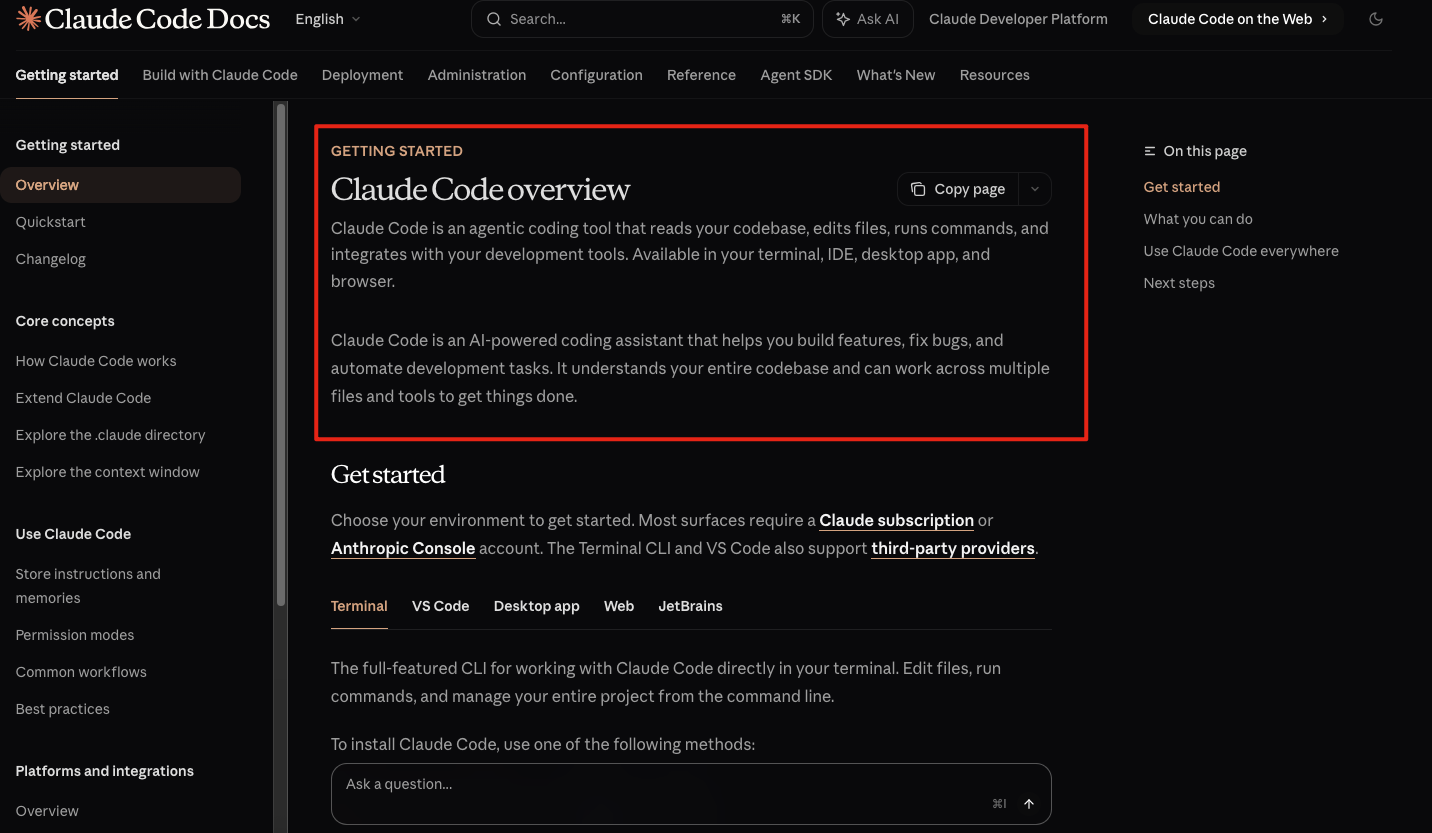
Claude Code is still introduced by Anthropic as an agentic coding tool that “lives in your terminal,” but its actual product footprint is broader than that tagline implies. Anthropic’s overview emphasizes reading and editing files, running commands, navigating a codebase, using MCP to reach external systems, and automating tedious tasks locally or in CI. Anthropic also documents a GitHub Actions integration and an Agent SDK built on the same agent harness that powers Claude Code. That makes Claude Code feel less like a single interface and more like an execution layer for coding agents.
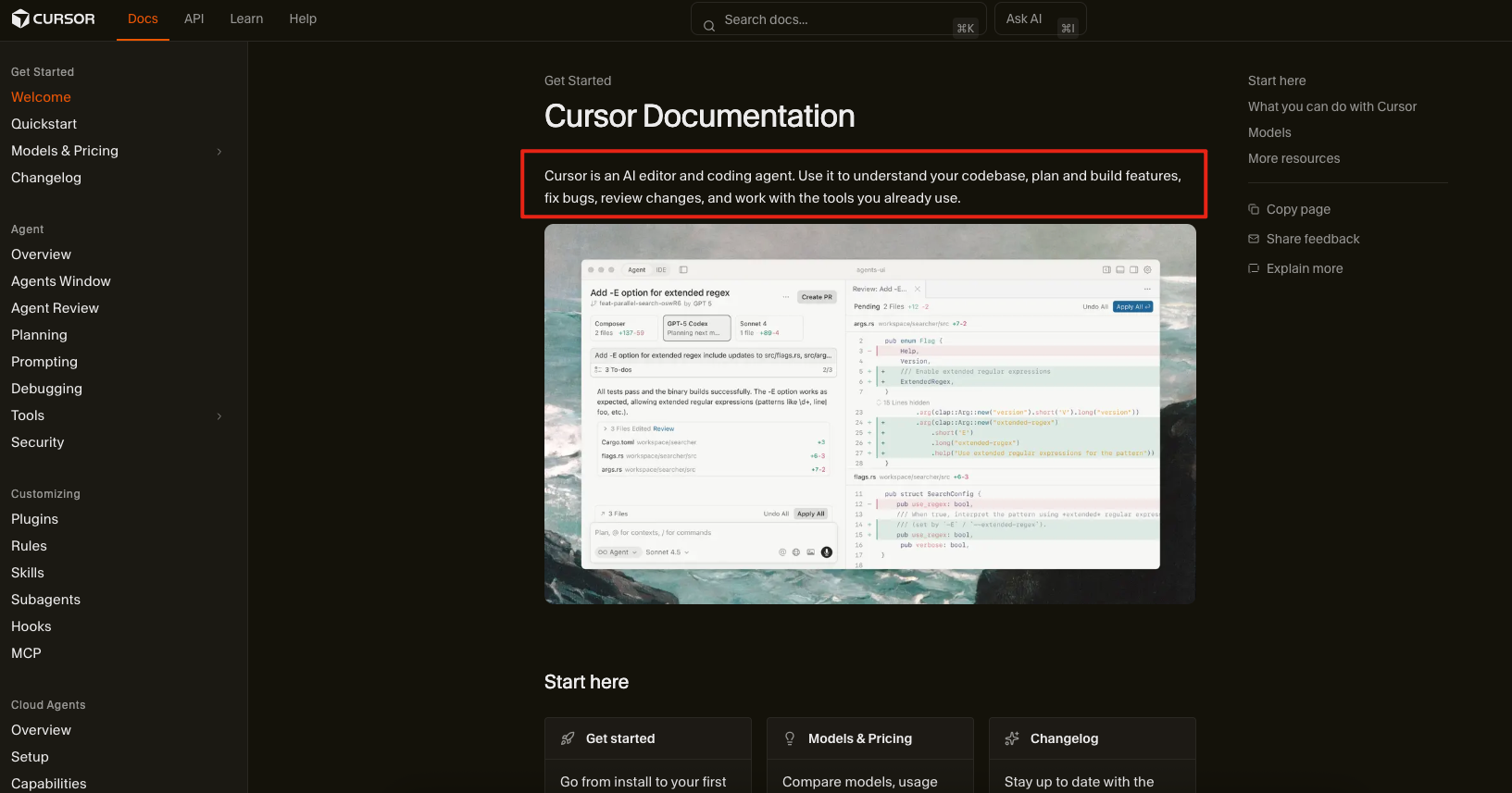
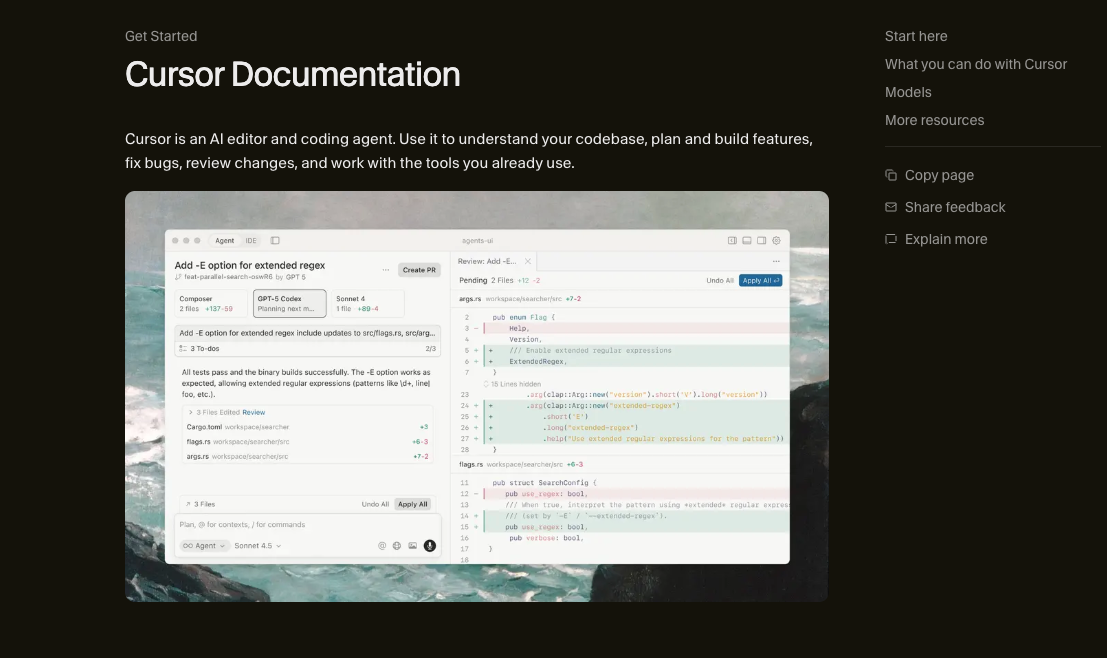
Cursor, meanwhile, is no longer just an AI editor with strong autocomplete. Its official docs describe Agent as capable of autonomous coding tasks, terminal commands, and code editing from the sidepane. Cursor also documents Apply Changes, Review Diffs, checkpoints, rules, and chat tabs, which together reinforce a workflow built around visible intervention and controlled acceptance. On top of that, Cursor now has a CLI and remote background agents, so it has moved well beyond the older “editor-only assistant” category.
Which one feels faster in the workflow that matters most
Cursor has the stronger case for raw editing velocity. Its Tab product is explicitly designed around multi-line edits, cross-file suggestions, context-aware completions, jump-in-file, jump-across-files behavior, and auto-imports. That matters because many development sessions are not large autonomous tasks. They are small, frequent, interrupt-driven edits where the best tool is the one that stays out of the way while still moving quickly. Cursor’s product shape is unusually good at that kind of work.
Claude Code becomes more compelling when the task is large enough that local editing speed stops being the main bottleneck. Anthropic’s own framing highlights feature building from plain-English descriptions, bug fixing across a codebase, command execution, and automation of repetitive development tasks. Once the job looks more like “take this issue, understand the repo, make the changes, and keep going until it works,” Claude Code’s default posture becomes an advantage rather than a source of friction.
The key distinction here is that Cursor optimizes the edit loop, while Claude Code optimizes the delegation loop. Those are related, but they are not the same. Many comparison pages blur them together. That is why the older “which one is faster?” framing is incomplete unless it also asks what kind of speed you care about.
Where the real difference shows up: autonomy, review, and control
Claude Code’s center of gravity is still autonomous action. Anthropic emphasizes that it can directly edit files, run commands, create commits, use MCP-connected tools, and automate work from the developer machine or in CI. The public record suggests that Claude Code is best understood as a programmable coding agent with an interface, rather than an interface with some agent features attached.
Cursor’s center of gravity is still controlled collaboration. Its official chat docs focus on agent modes, tool use, Apply Changes, Review Diffs, checkpoints, terminal integration, and rule-setting. Even when Cursor acts autonomously, the product language keeps bringing the developer back into the loop. For teams that want AI assistance without giving up constant visibility into what changed, that distinction is not cosmetic. It is the product decision.
That is why the right question is not “Which one is more powerful?” It is “How much AI initiative do you want before human review?” Claude Code is the cleaner choice when you want more initiative from the system. Cursor is the cleaner choice when you want initiative, but still want the editor to feel like the main cockpit.
Background agents changed this comparison more than many reviews admit
Cursor’s remote background agents are the clearest reason the old terminal-versus-editor story broke down. Cursor documents these agents as asynchronous remote workers running in isolated Ubuntu-based machines, with internet access, package installation, repo cloning from GitHub, separate branches, and the ability for the user to take over at any time. That is far beyond “autocomplete in an IDE.” It is remote execution with an editor-first control model wrapped around it.
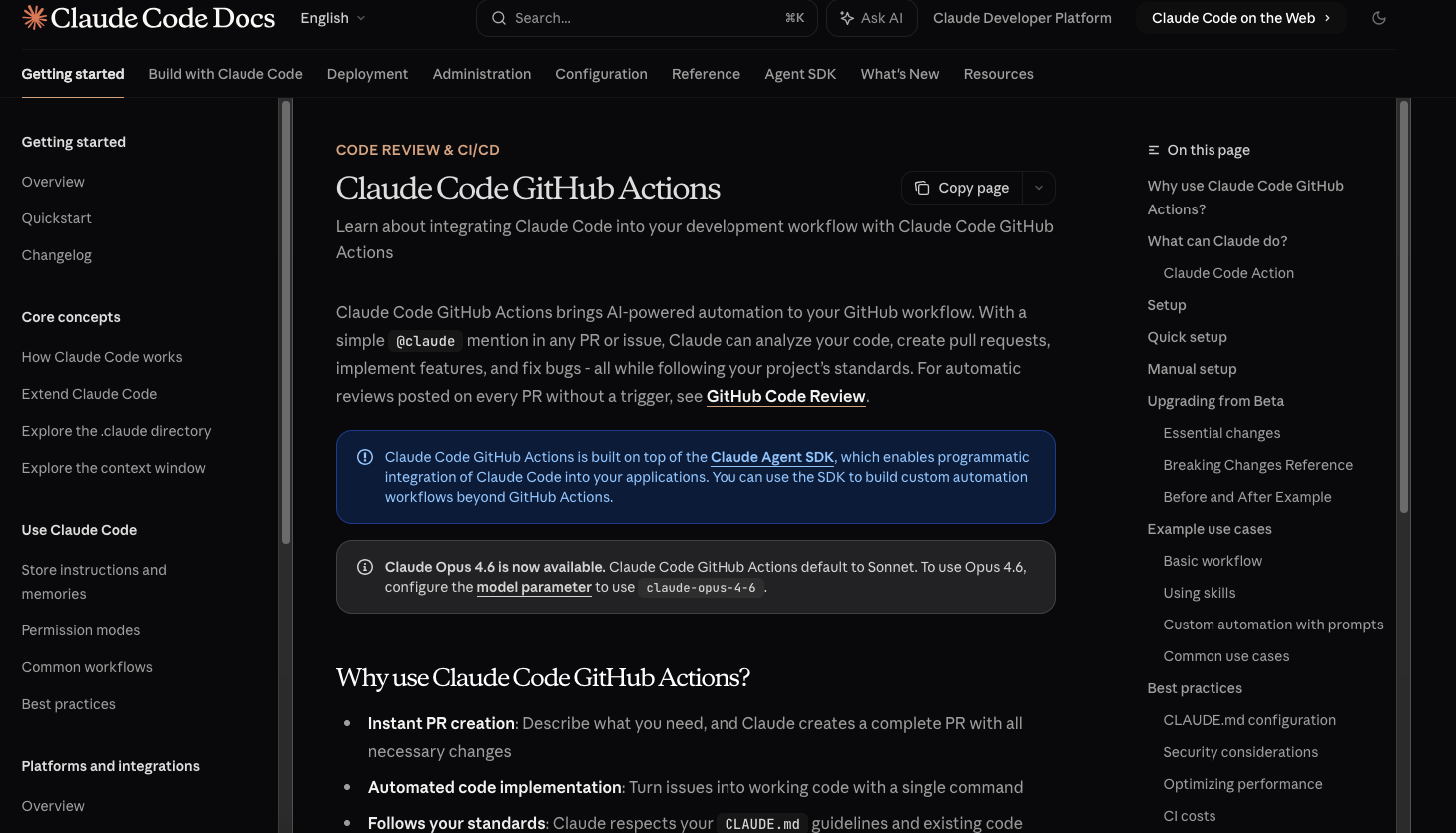
Claude Code reaches similar territory from a different angle. Anthropic’s GitHub Actions page shows Claude responding to @claude mentions in PRs and issues, creating pull requests, implementing features, and fixing bugs, while the Agent SDK exposes the same harness programmatically. That makes Claude Code feel more naturally aligned with CI, repo automation, and system-level engineering workflows, even if its user experience is less editor-polished.
Who should choose Claude Code
Claude Code is the stronger fit for developers and teams that want repo-wide task delegation, command execution, and programmable automation to be first-class, not incidental. If your mental model is “I want an agent that can understand the codebase, do the work, and fit into scripts or CI,” Anthropic’s product surface is unusually coherent. The Agent SDK strengthens that case because it turns the Claude Code harness into something you can embed in broader engineering systems.
It is also the better fit when your bottleneck is not typing speed. For refactors, multi-step fixes, workflow automation, and repeatable engineering chores, Claude Code’s design lines up with delegation more naturally than Cursor’s does. That does not make it universally better. It makes it better for teams that already think in terms of agents doing meaningful chunks of work on their behalf.
Who should choose Cursor
Cursor is the stronger fit for developers who still want the editor to be the main control surface. Its mix of Tab, Agent, Apply Changes, Review Diffs, checkpoints, terminal integration, and background agents makes it unusually good at preserving flow while still increasing AI scope. The product keeps the user close to the code, the diffs, and the acceptance moment. For many developers, that is the difference between “useful AI” and “workflow drag.”
Cursor also benefits from being layered rather than singular. The fast path can be Tab. The more deliberate path can be Agent. The remote path can be background agents. The terminal path can be Cursor CLI. That stack gives Cursor a wide range of entry points without forcing everyone into the same level of autonomy.
Who should use both
A two-tool workflow makes more sense in 2026 than many comparison articles admit. Based on the available evidence, the most defensible split is to use Cursor for everyday editor-native speed and local iteration, then use Claude Code for heavier delegation, automation, and GitHub- or script-adjacent work. That division matches the documented strengths of both products more closely than a forced winner-take-all verdict does.
This is not the right answer for every team. If budget discipline, tool sprawl, or governance simplicity matter more than absolute workflow range, standardizing on one may still be the better choice. Even so, the overlap between these tools no longer means redundancy. In many environments, it means complementarity.
What each one still gets wrong
Claude Code still asks some teams to accept more opacity than they are comfortable with. Its strengths come from initiative, command execution, and broader task ownership, but those same traits can create unease for teams that want more granular intervention before actions are taken. Anthropic documents powerful capabilities; that is exactly why the governance and review model matters.
Cursor still risks being overcredited for breadth when its deepest strength is still workflow smoothness. Background agents and CLI expand its reach, but the product’s clearest advantages remain in editing speed, visible diffs, and editor-centric collaboration. For some organizations, that is enough. For others, it still stops short of a more automation-native model.
The broader lesson is that headline capability does not equal production fit. Both products can now claim forms of autonomy. The real decision is whether your team wants AI to feel like a teammate operating systems and repos, or like an assistant that stays tightly coupled to the editor and your approval flow.
Pricing, access, and adoption friction
At the individual entry tier, the pricing story looks deceptively simple. Anthropic’s pricing page shows Claude Pro at $20/month when billed monthly, while Cursor’s pricing page shows Cursor Pro at $20/month. That superficial parity should not be mistaken for equivalent cost structure. Anthropic pushes heavier users toward Max tiers starting at $100/month, while Cursor now distinguishes Pro, Pro+, Ultra, and team plans, and its docs explicitly describe usage budgets and API-priced agent consumption inside the plans.
For teams, the divergence is even clearer. Anthropic’s pricing page shows a Team structure with standard and premium seats, while Cursor’s pricing emphasizes Teams and Enterprise with org-wide privacy controls, SSO, analytics, and admin features. The adoption question is therefore not just “Which tool is cheaper?” but “Which billing and control model matches how we expect people to use agents?”


Final recommendation
Choose Claude Code if you want the cleaner agent story: more repo-wide delegation, stronger automation fit, and a product surface that extends naturally into CI and programmable workflows. Choose Cursor if you want the cleaner editing story: faster IDE-native flow, stronger review ergonomics, and more visible control over how AI changes your code.
If you are a solo developer who wants one tool, Cursor is the safer default for everyday work because it keeps friction low while still offering meaningful agent features. If you are a developer or team optimizing for larger delegated tasks, automation, or engineering workflows beyond the editor, Claude Code has the more coherent shape. If you are already operating at a high level of AI adoption, the most practical conclusion is that 2026 is the year these tools became easier to pair than to force into a false binary.
FAQ
Is Claude Code better than Cursor for large codebases?
Claude Code is generally the better fit when the task is repo-wide and delegation-heavy. Anthropic’s official positioning emphasizes codebase navigation, command execution, CI automation, and programmable agent workflows, which line up well with larger, multi-step engineering tasks.
Is Cursor still faster for day-to-day editing?
Yes, Cursor still has the stronger case for day-to-day editing speed. Its Tab system is explicitly built for multi-line edits, cross-file suggestions, jump behavior, and auto-imports, while the rest of the product keeps review and application tightly inside the editor.
Can Cursor now replace Claude Code for autonomous tasks?
Cursor can now cover more autonomous work than older comparisons admitted, especially with background agents and CLI support. Even so, Claude Code still has the cleaner story for automation, GitHub-native workflows, and agent-harness extensibility, so replacement is not a universal conclusion.
Does Claude Code still matter if Cursor has agents and a CLI?
Yes, Claude Code still matters because its product design is centered more directly on autonomous execution and workflow extensibility. The Agent SDK and GitHub Actions integration make it more than a terminal interface; they make it part of a broader engineering automation layer.
Which one is better for teams, not just solo developers?
There is no universal winner for teams. Cursor has a strong case where editor-centric collaboration, admin controls, and privacy settings matter most, while Claude Code has a strong case where CI integration, agent workflows, and broader automation matter more.
Should I use both Claude Code and Cursor in the same workflow?
For many advanced users, yes. Cursor is the better front-line tool for editing speed and visible control, while Claude Code is the better back-line tool for larger delegated tasks and automation-heavy workflows.
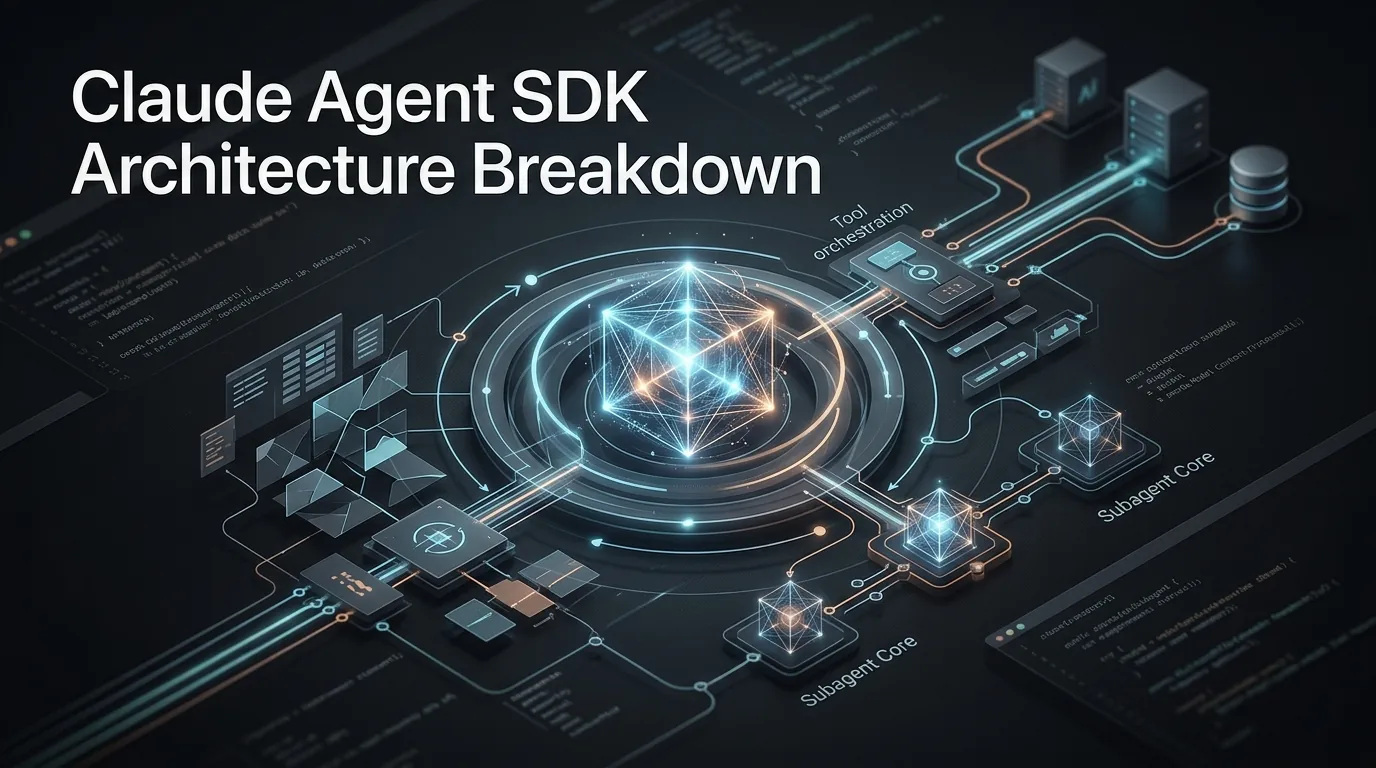
Claude Agent SDK Architecture Breakdown
A technical breakdown of the runtime behind Claude Code and the Claude Agent SDK, including the agent loop, context compaction, tools, hooks, skills, and MCP.
By Zoe一Apr 09, 2026- News
- Claude Code
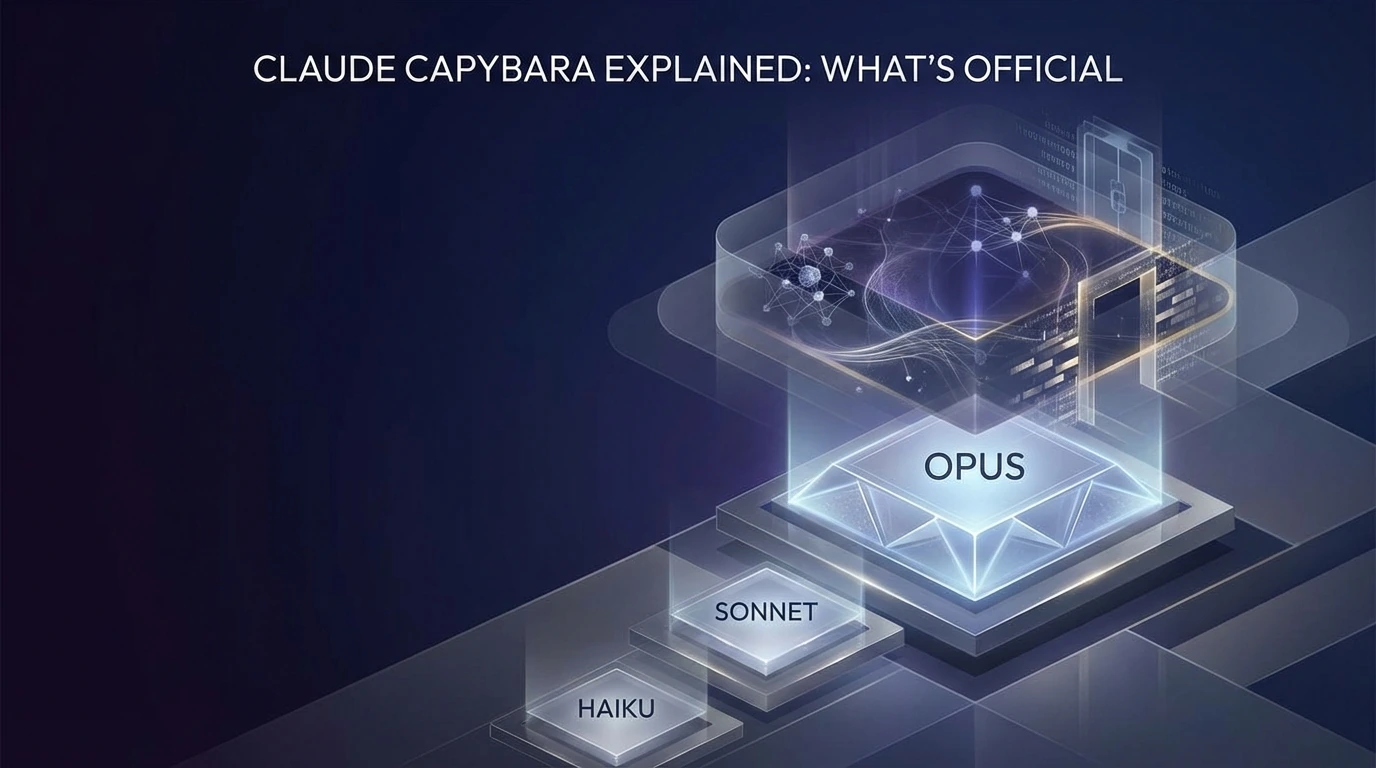
Claude Capybara Explained: What’s Official
Claude Capybara appears tied to Anthropic’s unreleased Mythos effort. Here’s what is official, what came from leaks, and why it matters.
By Cooper一Apr 08, 2026- News
- Claude Code
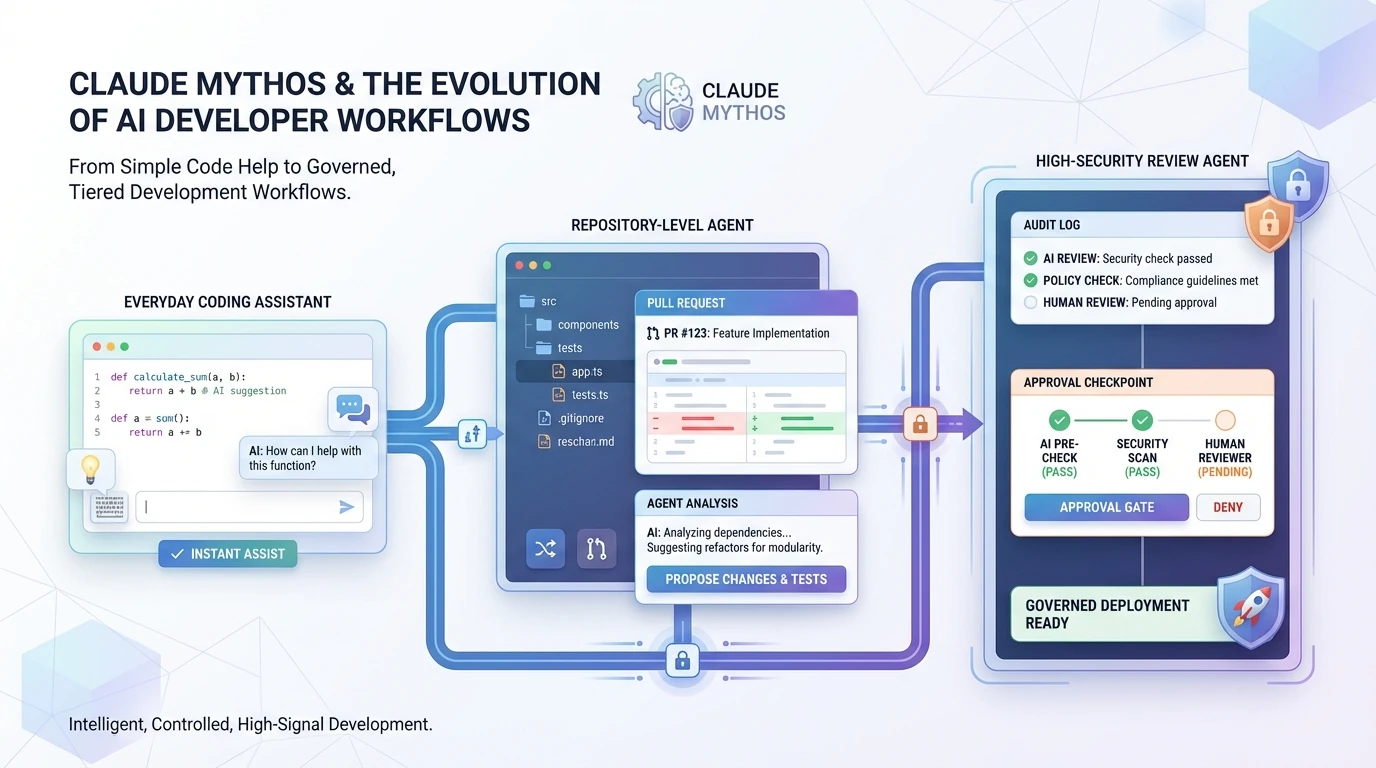
Claude Mythos Coding and AI Dev Workflows
Claude Mythos is more than a benchmark jump. Its gated rollout shows how AI development teams should rethink model tiers, review, and security.
By Mila一Apr 10, 2026- News
- Claude Code