


How to Create an AI Dog Podcast That Hits 3.6M Views?
- AI Video
- AI Video Generator
- AI Dog Podcast
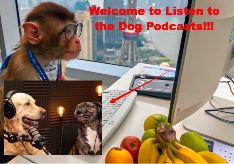
Yes, you read that right. I turned my golden retriever into a podcast host—complete with mic, smooth voice, and hilarious hot takes—and within a week, the video racked up over 3.6 million views and 376.5 thousand likes on TikTok. The secret? A ridiculously easy AI tool called the AI Dog Podcast Generator from Dreamface .
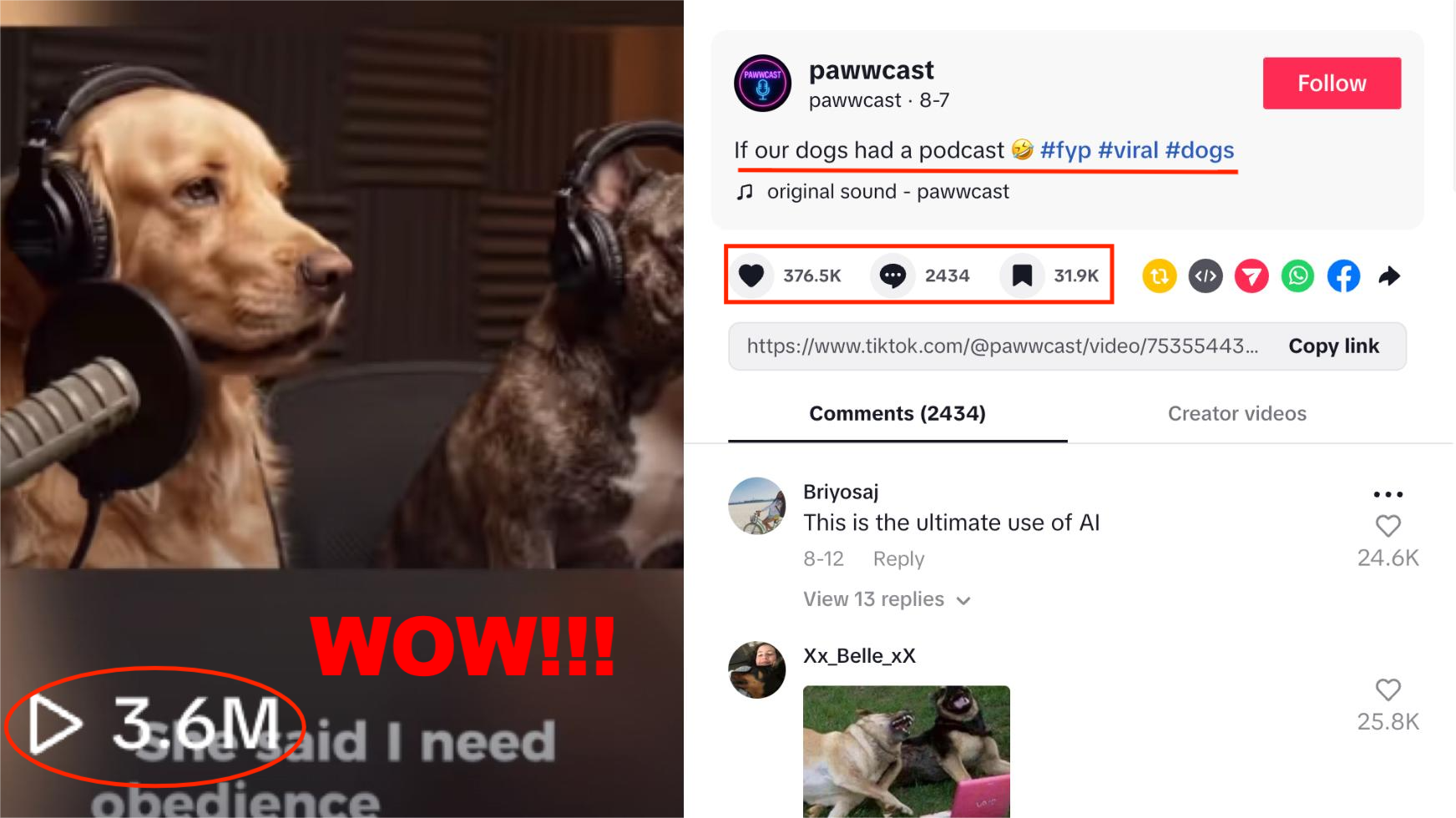
If you’ve ever wished your pet could talk, argue, or roast you like a stand-up comedian, this is your golden ticket. And the best part? You don’t need editing skills, fancy gear, or even a real pet (yes, you can make a podcast for your imaginary dog, too).
In this blog, I’ll show you exactly how to make your own AI Pet Podcast video—the kind of content that blows up on TikTok, YouTube Shorts, and Instagram Reels.
Why Dog Podcasts Go Viral 🐾
Let’s face it: the internet was built for two things—memes and pet content. Now combine that with AI and podcast culture? You’ve got a recipe for pure virality.
Here’s why it works:
•Relatable humor: Pets “complaining” about humans is instant comedy gold.
•Novelty factor: Podcasts are everywhere, but a dog hosting one? That’s fresh.
•Faceless content: You don’t need to show yourself. Let your furry friend steal the spotlight.
No wonder videos like “My dog’s first podcast episode” trend like crazy.
Step 1: Pick Your Pet Persona 🐕
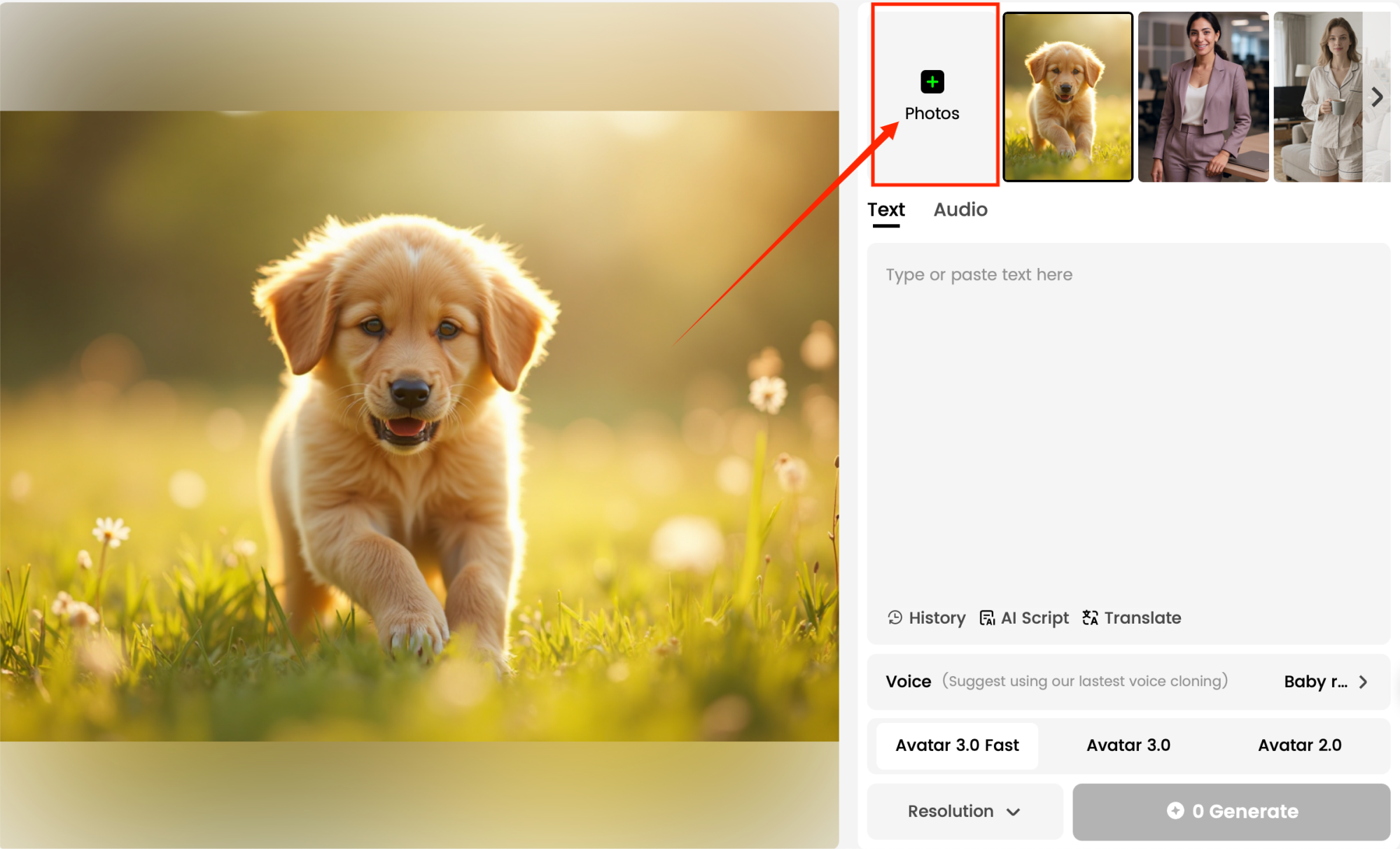
Open the Dreamface AI Dog Podcast tool and upload a picture of your pet dog.
Here’s the fun part: decide who your pet really is. Is your Labrador secretly a philosopher?
👉 Pro Tip: Go for contrasts. A tiny Chihuahua as a serious political commentator? That contrast is what gets people sharing.
Step 2: Add Voiceovers or Text
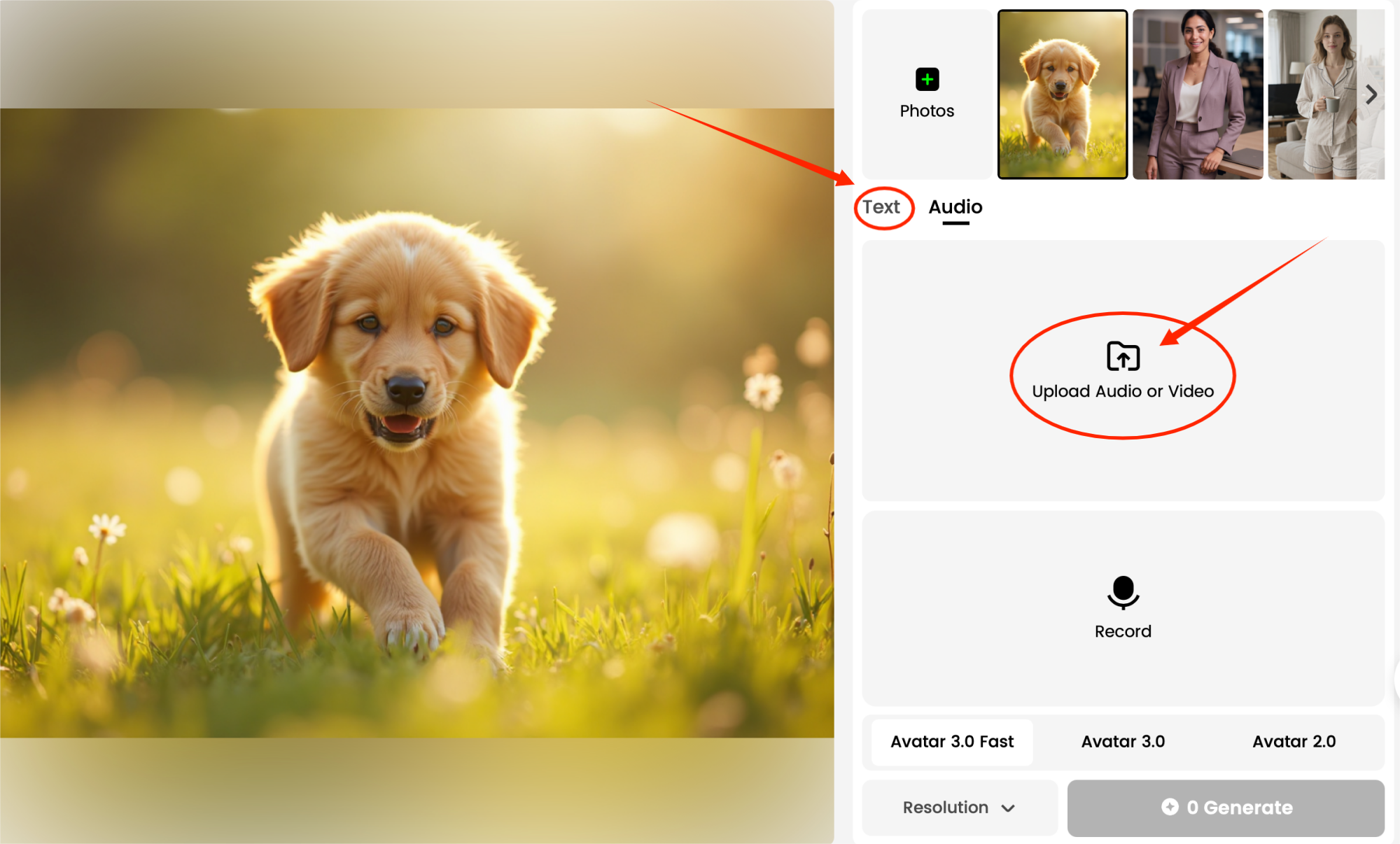
Once your dog's image is ready, use Avatar Video 3.0 Fast to add voiceovers or text. You can record your own voice or choose a fun preset voice for your dog.
The tool also allows you to add text overlays to enhance the podcast experience.
Step 3: Generate and Post the Magic
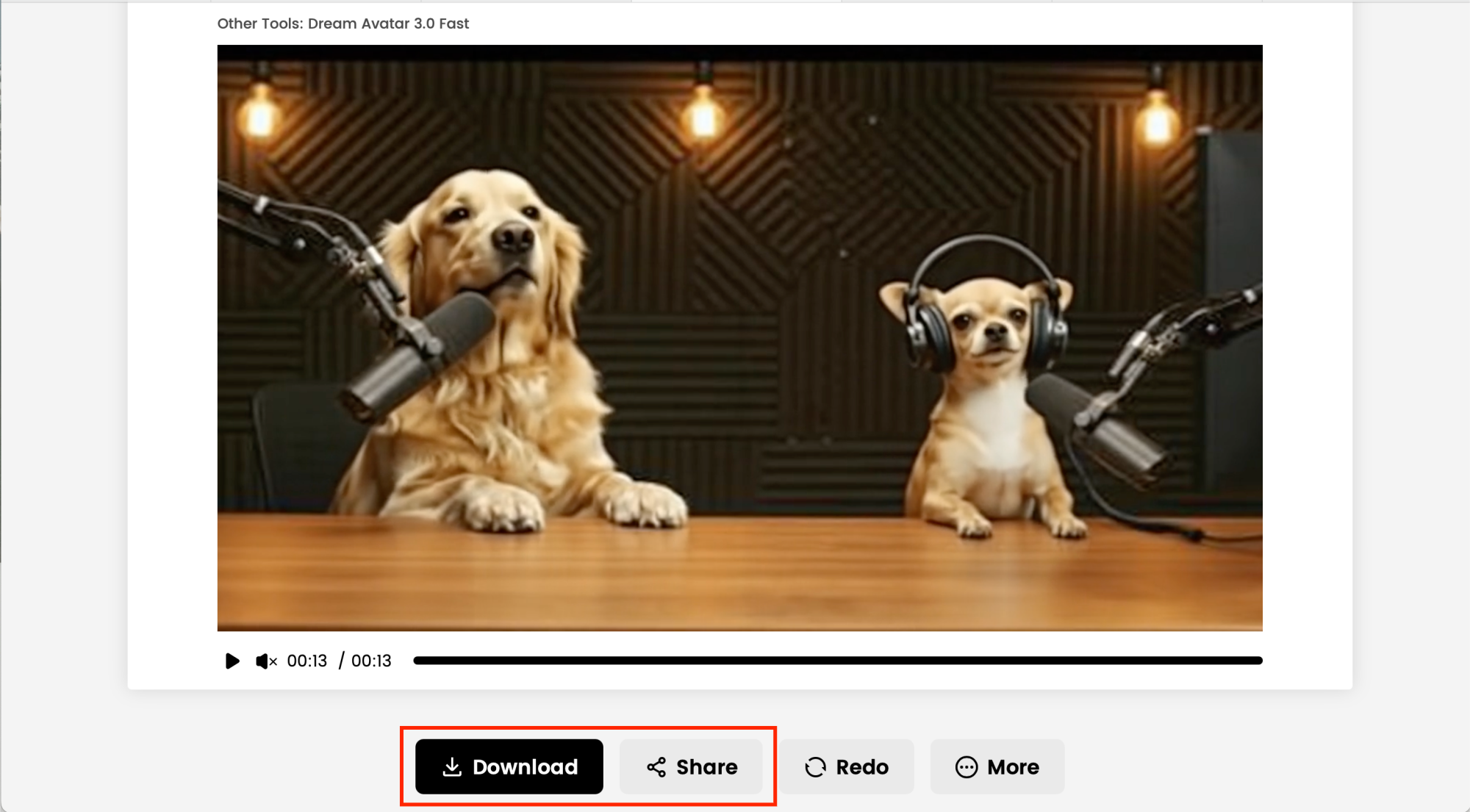
After generating the podcast video, download it and make any final edits using video editing software. Add subtitles, music, or other effects before sharing it across your social media platforms like TikTok, where your dog can become the next viral sensation.
Now it’s time to unleash your pet podcaster on the world. Here’s how to maximize virality:
•Catchy Caption: Example—“POV: My dog started a podcast and it’s not what I expected…”
•Trending Hashtags: #PetPodcast #AIDog #Dreamface #TalkingPets
•Cliffhanger Ending: Cut your video mid-sentence so viewers beg for “Part 2.”
Viral Ideas You Can Steal 🐾🔥
Not sure what theme to pick? Try these surefire viral hooks:
•Dog interviews a cat about “why humans are obsessed with work.”
•Hamster podcast on the struggles of being stuck in a wheel.
•Cat hosting a late-night show roasting its owner.
•Dog giving Joe Rogan-style life advice but only about bacon.
•Two pets debating: “Wet food vs dry food.”
Why You Need to Try This (Even Once)
The AI Pet Podcast trend is more than just fun—it’s also a killer way to grow an audience without showing your face. Whether you’re a shy creator, an aspiring meme-lord, or someone testing AI tools for content, this format delivers fast, shareable, binge-worthy clips.
And who knows? Your dog might become the next viral podcaster on TikTok.
So if you’re ready to blow up your social media with a talking dog, cat, or hamster, head over to Dreamface AI Dog Podcast and let your furry friend drop their first episode.
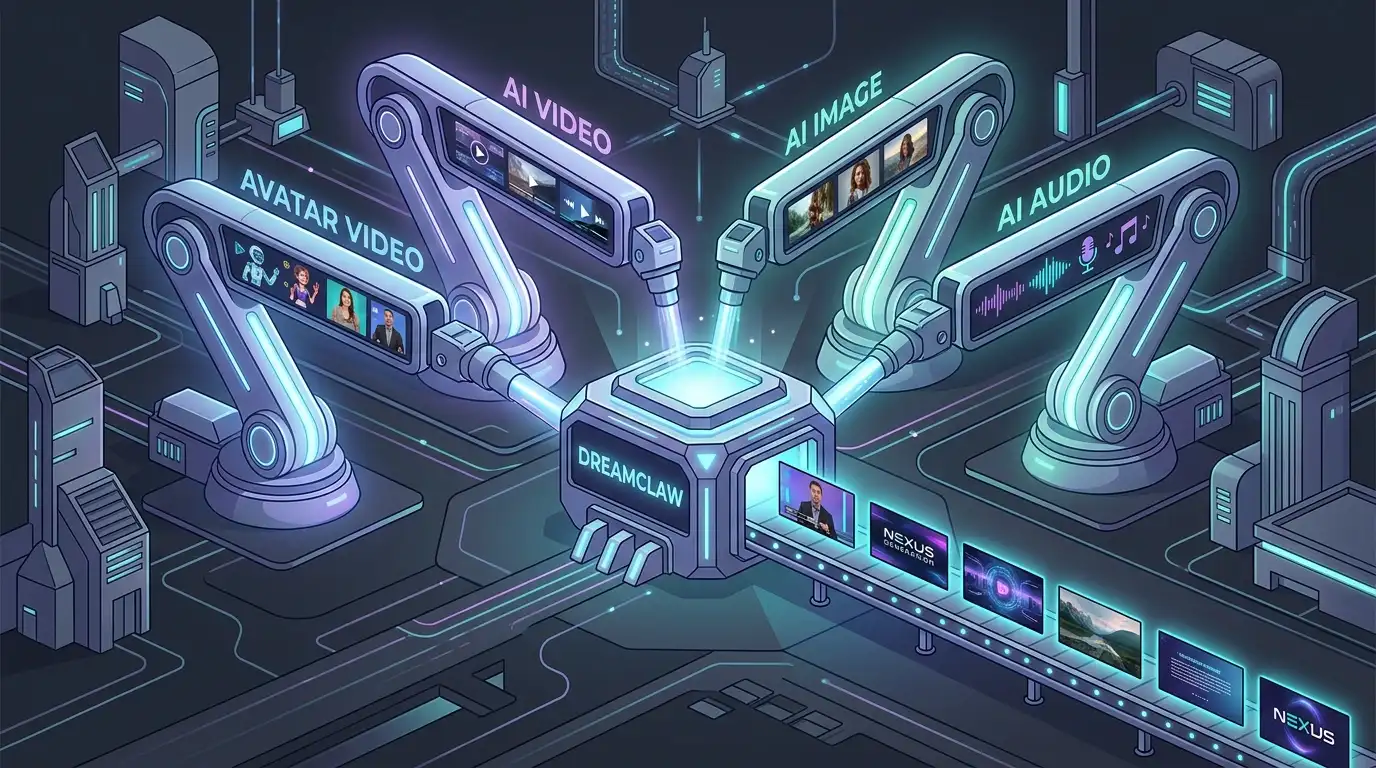
DreamClaw Agent: The All-in-One AI Automation Engine for DreamFace
Mar 04, 2026.jpg)
Seedance 2.0 Prompt Guide: The Ultimate Template for Cinematic AI Videos
Mar 03, 2026
Seedance 2.0 Prompt Guide: The Complete 2026 AI Video Creation Handbook
Feb 28, 2026
Google Nano Banana 2 Review: Pro-Grade Image Generation at Flash-Level Pricing
Feb 26, 2026
DreamClaw Agent: The All-in-One AI Automation Engine for DreamFace
DreamClaw isn’t just a new button on your dashboard. It is an intelligent AI Orchestrator—a digital director that lives within the DreamFace ecosystem. We are moving from a world where you use tools to a world where you collaborate with an agent. You provide the vision in plain English (or any language); DreamClaw handles the complex execution.
By Audrey 一 Aug 24, 2025- AI Video Generator
- AI Image Generator
- DreamClaw
Seedance 2.0 Prompt Guide: The Ultimate Template for Cinematic AI Videos
Stop generating "slideshow" videos. This guide provides a creator-first framework for Seedance 2.0, focusing on the two pillars of high-quality AI video: logical structure and cinematic camera movement. Learn how to move beyond basic descriptions by using multi-shot templates, emotional modifiers, and stability constraints to create professional, immersive content. Stop asking if your prompt is detailed—start asking if your video is worth watching.
By Audrey 一 Aug 24, 2025- AI Video
- Text-to-Video
- seedance 2.0
- Image-to-Video
Seedance 2.0 Prompt Guide: The Complete 2026 AI Video Creation Handbook
In February 2026, ByteDance officially released its latest AI video generation model — Seedance 2.0. Dubbed by many in the industry as “the most powerful AI video tool on Earth,” Seedance 2.0 is rapidly reshaping the video creation landscape.
By Audrey 一 Aug 24, 2025- AI Video
- seedance 2.0
- Text-to-Video
- X
- Youtube
- Discord