DreamFace
- AI Tools
- Template
- Gallery
- Blog
- Pricing
- API


Language
En- English
- Português
- 简体中文
- 繁體中文
- 日本語
- Español
- Bahasa Indonesia
- ไทย
- Tiếng Việt
- हिन्दी
- Русский
- Italiano
- 한국어
- मराठी
- Nederlands
- Norsk
- ਪੰਜਾਬੀ
- Polski
- Dansk
- Suomi
- Français
- Deutsch
- Svenska
- Kiswahili
- తెలుగు
- Türkçe
- বাংলা
- اردو
- العربية
- فارسی
- Ελληνικά
AI Talking Avatar Generator
DreamFace’s AI Talking Avatar lets you bring your cartoon characters to life with powerful AI. Animate your avatar, make it talk, and create engaging content perfect for platforms like TikTok.
How to Use the AI Talking Avatar Generator
step 1 Generate the Avatar Travel Video
Start by selecting your virtual avatar and the travel scenario you’d like to explore. Whether it’s a solo trek through the Amazon rainforest or a vibrant city tour, input your prompts to generate a travel vlog featuring the avatar’s journey.
step 2 Personalize the Avatar’s Journey
Customize your avatar’s interactions with the environment and people. Use AI to make the avatar react, speak, and move naturally as it explores various scenes. You can even adjust the character’s voice, tone, and personality to suit your vlog’s theme.
step 3 Edit and Download Your Video
After generating your video, download it and use any video editing software to enhance your vlog. Add music, cut scenes, and add additional effects to create the perfect virtual travel experience. Once completed, share it with your audience across social platforms like YouTube, Instagram, or TikTok!
Features of the AI Talking Avatar Generator
Unlimited Creative Possibilities
With AI Talking Avatar, you can create any cartoon character imaginable. Whether it’s a classic cartoon, a quirky animal, or a futuristic persona, the tool gives you the freedom to design and animate a wide range of avatars to suit your creative needs.
Realistic Full-Body Animation
Unlike static images, AI Talking Avatar ensures your cartoon character is fully animated. The avatar’s full body can move and interact, making it feel more lifelike and engaging in every scene. This adds a layer of authenticity to your videos, making them stand out.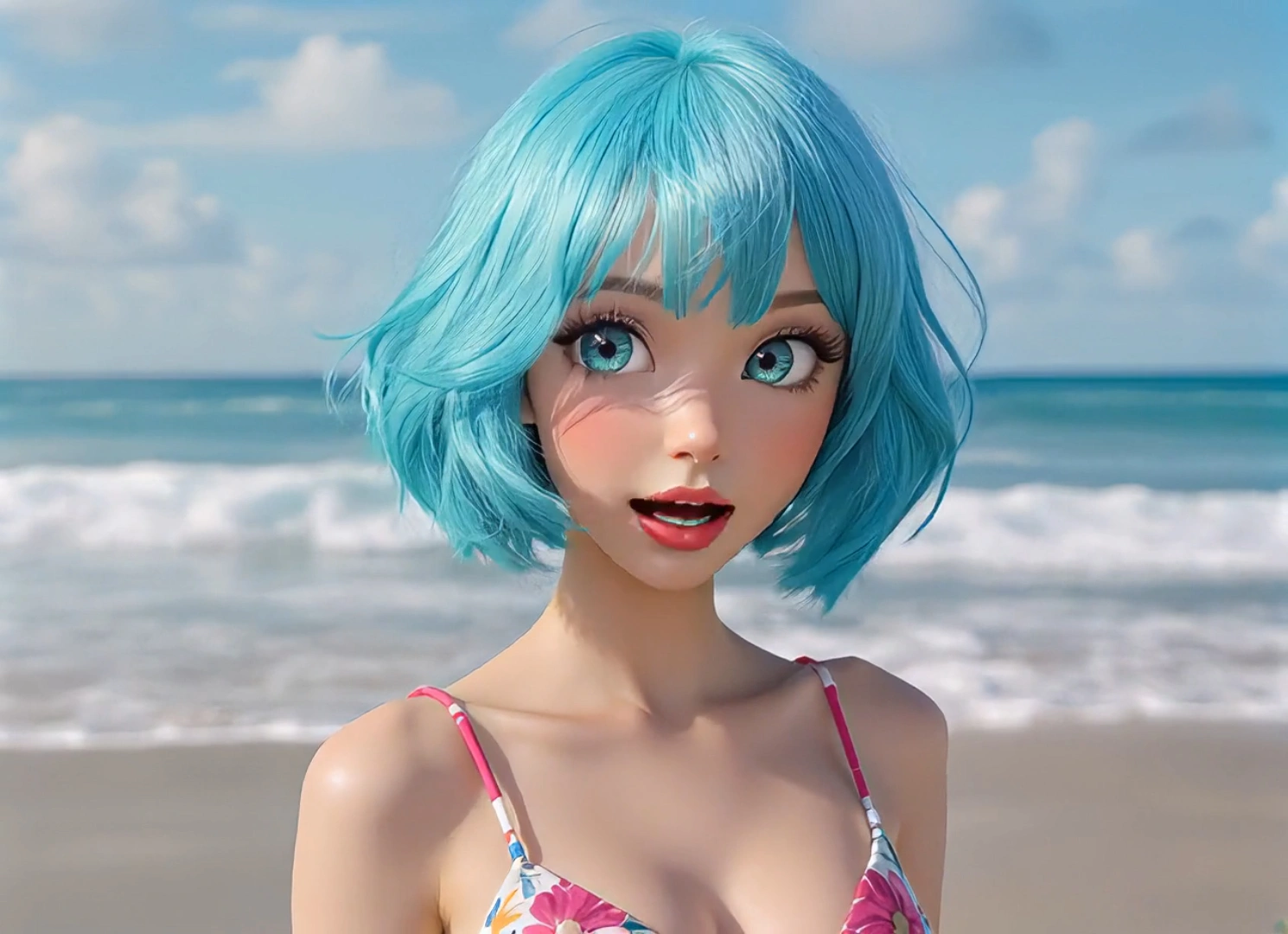
Enhanced Efficiency for Content Creators
The AI Talking Avatar tool dramatically increases your creative efficiency. You no longer need real-life actors or complex animation tools. Simply upload an image, add a voice, and let the AI do the rest, saving you time and effort while enhancing the quality of your content.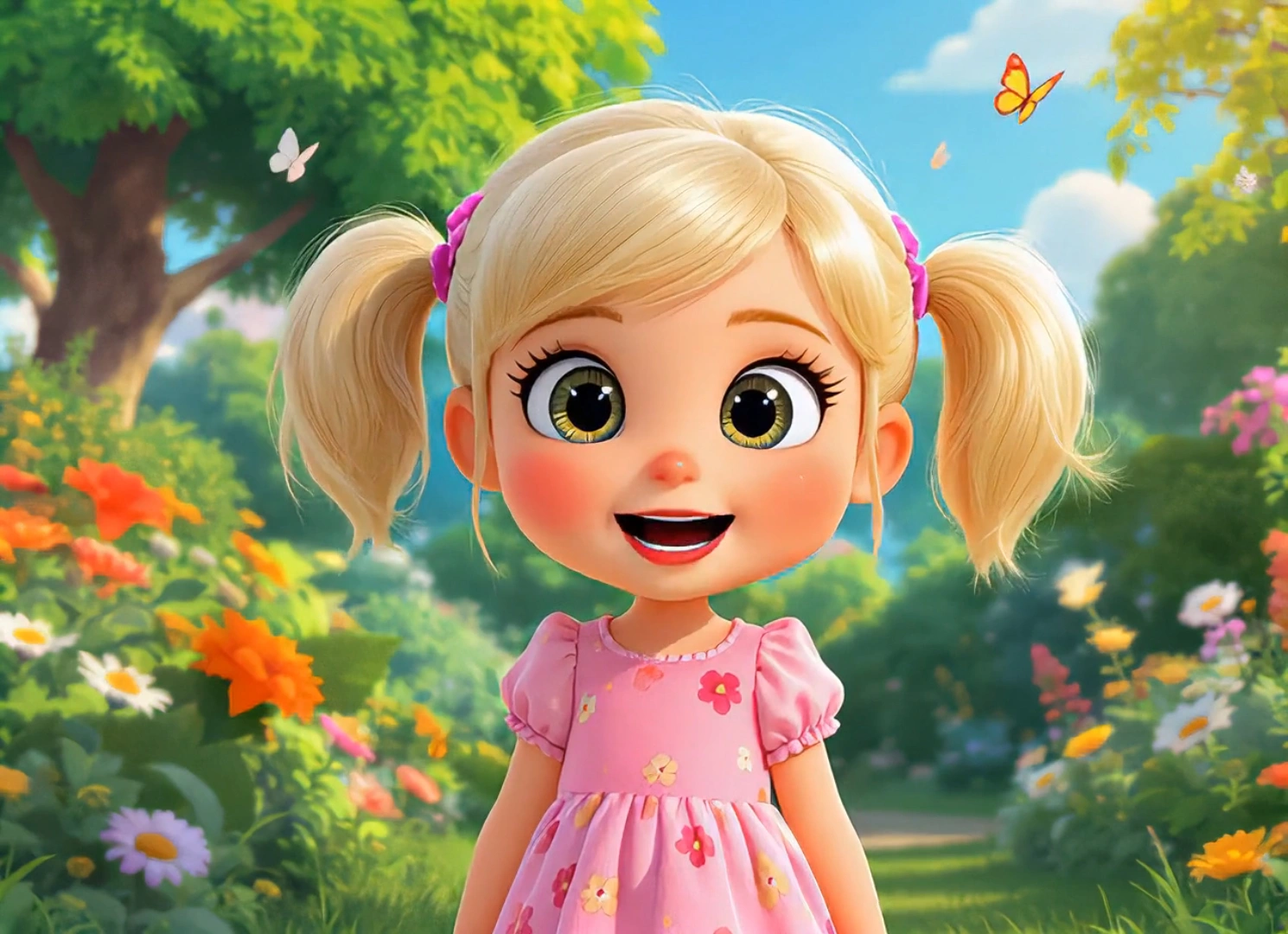
Viral-Ready for Social Media
Once your avatar is talking and animated, share it on platforms like TikTok, where animated content has a high chance of going viral. Engage with your audience by creating fun, interactive, and shareable videos that will capture attention and help you grow your following quickly.