DreamFace

Language

En
    Language
  • English
  • Português
  • 简体中文
  • 繁體中文
  • 日本語
  • Español
  • Bahasa Indonesia
  • ไทย
  • Tiếng Việt
  • हिन्दी
  • Русский
  • Italiano
  • 한국어
  • मराठी
  • Nederlands
  • Norsk
  • ਪੰਜਾਬੀ
  • Polski
  • Dansk
  • Suomi
  • Français
  • Deutsch
  • Svenska
  • Kiswahili
  • తెలుగు
  • Türkçe
  • বাংলা
  • اردو
  • العربية
  • فارسی
  • Ελληνικά
Start Now
Chrome Store
4.9

Chrome Store

20,000,000+

Global Users

Apple Store
4.9

Apple Store

Trusted by Leading Institutions Worldwide

How to Try Image to Image AI for Free

step 1

Open the Model and Add Your Image

Use the create button to open GPT Images 2.5 on DreamFace. Check your available credits, then upload the photo or artwork you want to transform. Start with a clear image in which the subject is easy to see.

step 2

Say What to Change and What to Keep

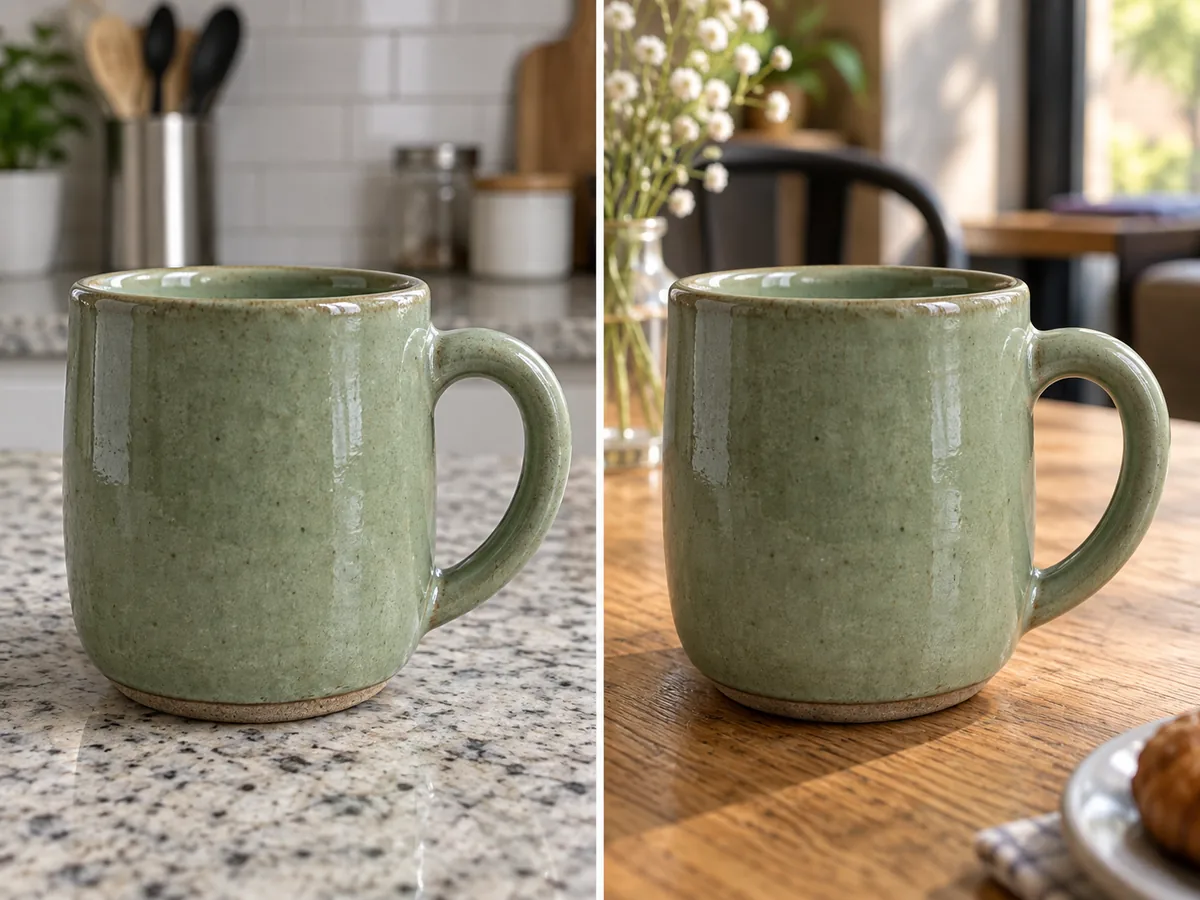
Enter a focused instruction such as: "Replace the background behind this ceramic mug with a softly lit café table. Keep the mug’s shape, glaze color, and handle position. Add a natural contact shadow."

step 3

Compare the Result With Your Original

Generate the new version, then inspect the subject, edges, lighting, and any text. If needed, refine your instruction and make another request within your available credits. Download the image you prefer.

One Starting Image, Four New Directions

Give Your Subject a Different Setting

Move a handmade ceramic mug from a kitchen counter to a quiet café table, or place a portrait against a simple studio backdrop. Describe the new surroundings and ask to retain the subject's key details. Include the light direction and shadows so the requested scene feels coherent.
Give Your Subject a Different Setting

Turn a Favorite Photo Into Artwork

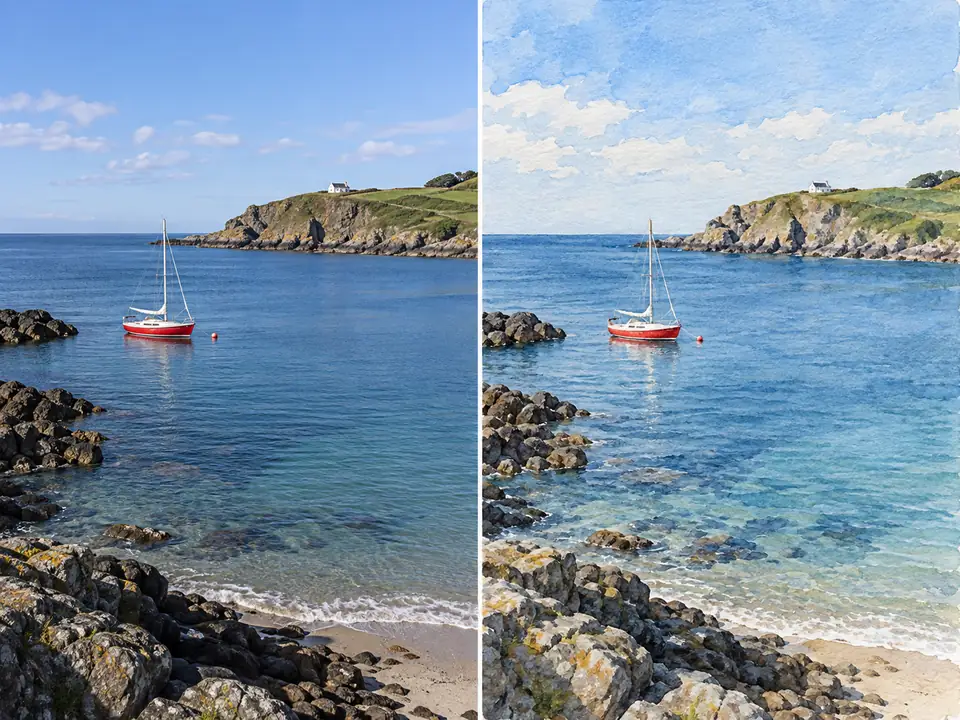
Reimagine a coastal snapshot as a loose watercolor, a pet photo as a storybook illustration, or a city street as a bold graphic print. Name the artistic medium and the parts of the original composition you want to retain. Explore a new visual interpretation without describing the whole scene from scratch.
Turn a Favorite Photo Into Artwork

Change the Detail That Changes the Picture

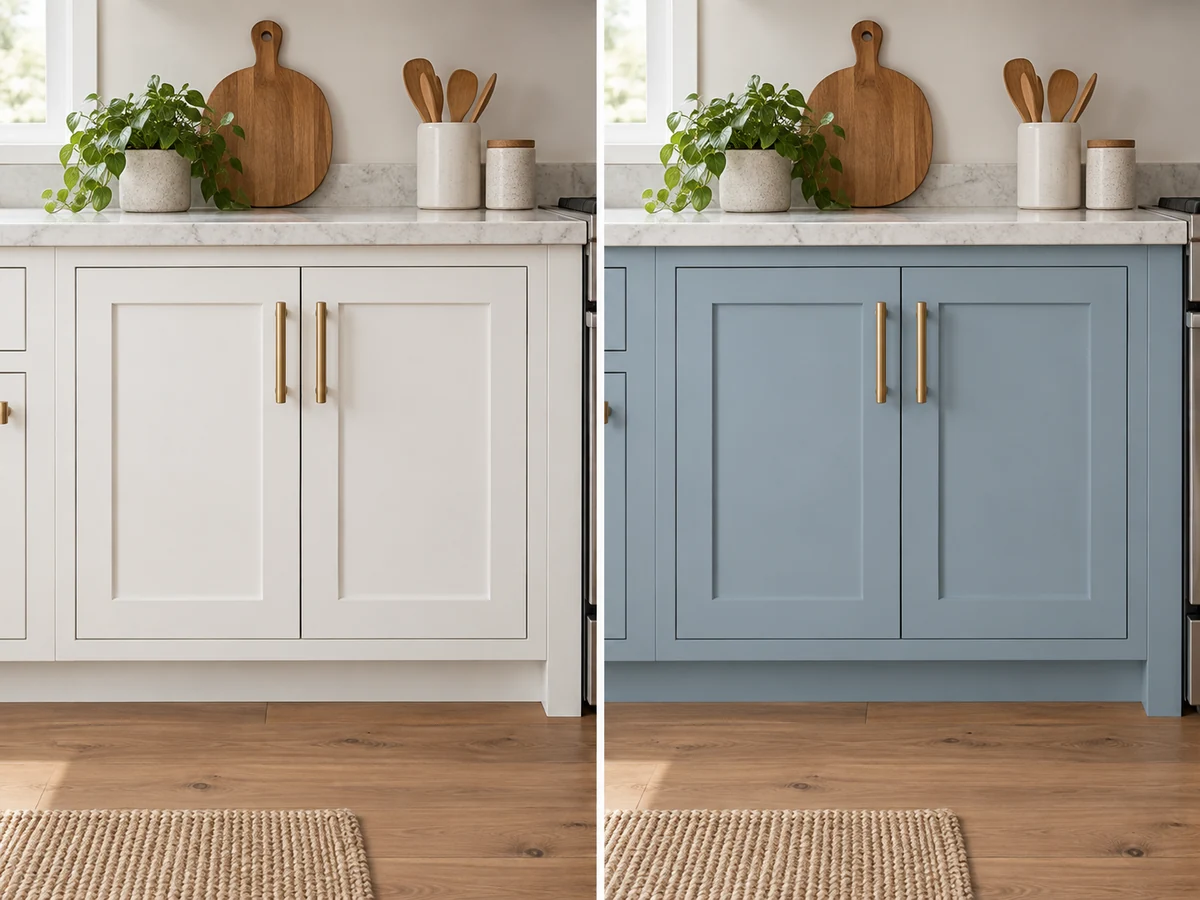
Try a blue finish on a cabinet, swap a patterned cushion for plain linen, or ask to remove a distracting object from a tabletop. Identify the item and its location, then explain what should stay. A focused request gives you a practical way to explore an edit before committing to the result.
Change the Detail That Changes the Picture

Rework Light, Color, and Atmosphere

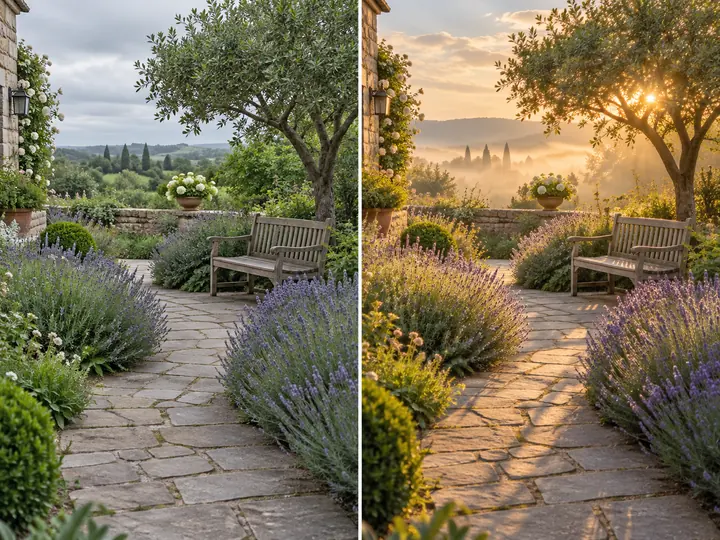
See a garden photo in soft morning light or give an indoor scene a warmer evening mood. Describe the lighting, color palette, and atmosphere while asking to keep the main layout. Use the variations to compare a fresh visual direction for a personal project or creative brief.
Rework Light, Color, and Atmosphere

Frequently Asked Questions

More Direction From the Image You Already Have

A Visual Starting Point

Your uploaded image gives the model a reference for the subject, objects, and composition. Use your prompt to explain the transformation instead of rebuilding every visible detail in words.

Instructions in Everyday Language

Describe the change as you would in a creative brief: replace the backdrop, soften the lighting, or render the scene in watercolor. Be specific about materials, colors, and placement when they affect the result.

Clear Priorities for What Should Stay

Name the details you want preserved, such as the camera angle, a pet's markings, or the position of an object. These instructions guide the edit, but exact preservation is not guaranteed; compare important details with the original.

A Focused First Try With Free Credits

Choose one change to test with your available DreamFace credits. Review the outcome before making another request, and check the cost each time so you can plan how to use your allowance.

More Valuable Features from Dreamface

Background Remover
Isolate a subject when your project calls for a separate cutout.
Photo Enhancer
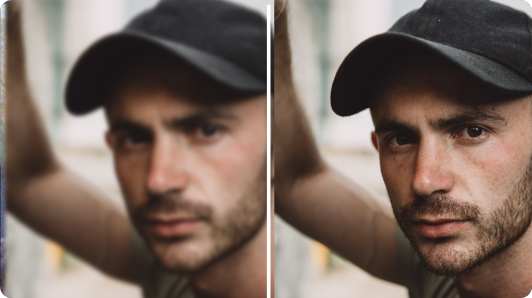
Explore clarity improvements for an image that needs attention before your next edit.
AI Filter
Try an artistic treatment when you want a different look for an existing photo.
Old Photo Restoration
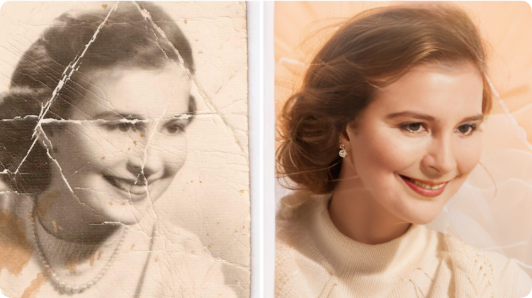
Explore restoration for a faded or damaged photograph before developing a new version.

They Love Dreamface

Sample Review: My Photo Gave Me a Head Start

I already liked the mug in my photo, but the kitchen behind it was distracting. Asking for a quiet café setting was easier than describing a whole new picture. I checked the handle and glaze before choosing a version.

Sample Review: A Snapshot Became a Print Idea

I tried a watercolor interpretation of a beach photo from a weekend trip. Keeping the horizon and the little boat in the prompt helped me explain what mattered. The result gave me a direction for a personal wall print.

Sample Review: A Small Color Change Was Enough

I wanted to see our cabinet in muted blue. Starting with the room photo made the idea much easier to judge. I treated it as a color concept rather than an exact preview of the paint.

Sample Review: The Atmosphere Changed the Story

I used a garden photo to explore a softer morning mood. The new light made it feel much quieter. A few leaves changed too, so I compared both versions before saving it.

Sample Review: Being Specific Helped

My first request just said to make the picture cleaner. On the next try, I named the object I wanted removed and asked to keep the rest of the tabletop. That gave the edit a much clearer direction.

Sample Review: A Manageable Way to Try an Edit

I checked the credit cost and picked one photo to experiment with. Testing a single background change helped me understand what I wanted from the tool before spending more time on variations.

Sample Review: My Photo Gave Me a Head Start

I already liked the mug in my photo, but the kitchen behind it was distracting. Asking for a quiet café setting was easier than describing a whole new picture. I checked the handle and glaze before choosing a version.

Sample Review: A Snapshot Became a Print Idea

I tried a watercolor interpretation of a beach photo from a weekend trip. Keeping the horizon and the little boat in the prompt helped me explain what mattered. The result gave me a direction for a personal wall print.

Sample Review: A Small Color Change Was Enough

I wanted to see our cabinet in muted blue. Starting with the room photo made the idea much easier to judge. I treated it as a color concept rather than an exact preview of the paint.

Sample Review: The Atmosphere Changed the Story

I used a garden photo to explore a softer morning mood. The new light made it feel much quieter. A few leaves changed too, so I compared both versions before saving it.

Sample Review: Being Specific Helped

My first request just said to make the picture cleaner. On the next try, I named the object I wanted removed and asked to keep the rest of the tabletop. That gave the edit a much clearer direction.

Sample Review: A Manageable Way to Try an Edit

I checked the credit cost and picked one photo to experiment with. Testing a single background change helped me understand what I wanted from the tool before spending more time on variations.