


4.9
'%3e%3cg%3e%3cpath%20d='M11.1034615625,1.816990478790283C11.4702615625,1.0737404787902831,12.5300515625,1.0737404787902831,12.8968515625,1.816990478790283L15.2941515625,6.674462478790283C15.4398515625,6.969602478790283,15.7214515625,7.174172478790283,16.047151562499998,7.221502478790283L21.4076515625,8.000432478790284C22.2278515625,8.119612478790284,22.5553515625,9.127592478790284,21.9618515625,9.706122478790283L18.0829515625,13.487052478790282C17.8472515625,13.716852478790283,17.7397515625,14.047852478790283,17.7953515625,14.372252478790283L18.7110515625,19.711052478790283C18.8511515625,20.527952478790283,17.9937515625,21.150952478790284,17.2601515625,20.765252478790284L12.4654515625,18.244552478790283C12.1741515625,18.091452478790284,11.8261515625,18.091452478790284,11.5348615625,18.244552478790283L6.7402115625,20.765252478790284C6.0065815625,21.150952478790284,5.1491515625,20.527952478790283,5.2892615625,19.711052478790283L6.2049515625,14.372252478790283C6.2605915625,14.047852478790283,6.1530415625,13.716852478790283,5.9173515625,13.487052478790282L2.0384295625,9.706122478790283C1.4449195625,9.127592478790284,1.7724199625,8.119612478790284,2.5926495625,8.000432478790284L7.9531815625,7.221502478790283C8.2788915625,7.174172478790283,8.560461562499999,6.969602478790283,8.7061215625,6.674462478790283L11.1034615625,1.816990478790283Z'%20fill='%23F0A000'%20fill-opacity='1'%20style='mix-blend-mode:passthrough'/%3e%3c/g%3e%3cg%20mask='url(%23master_svg1_5_13539)'%3e%3c/g%3e%3c/g%3e%3c/svg%3e)
Google Play
DreamFace
Language
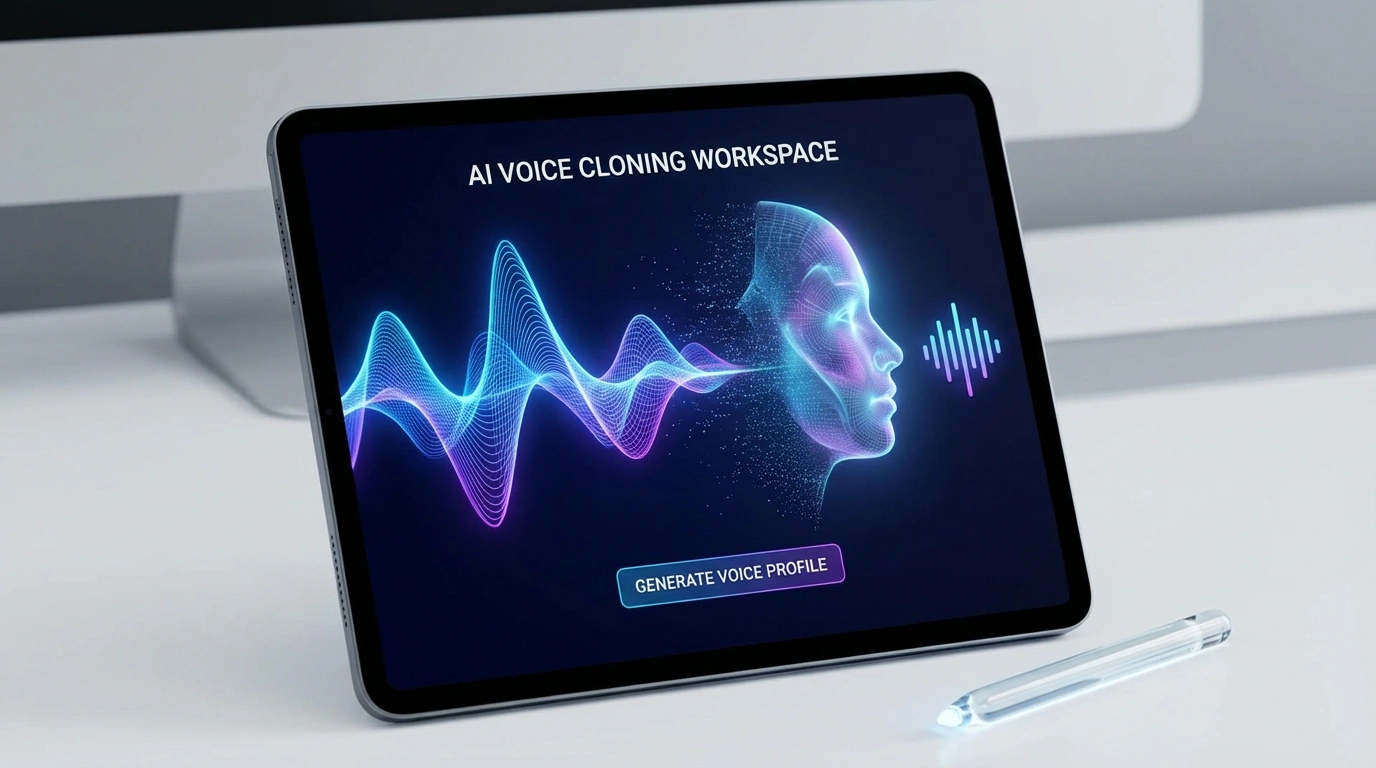
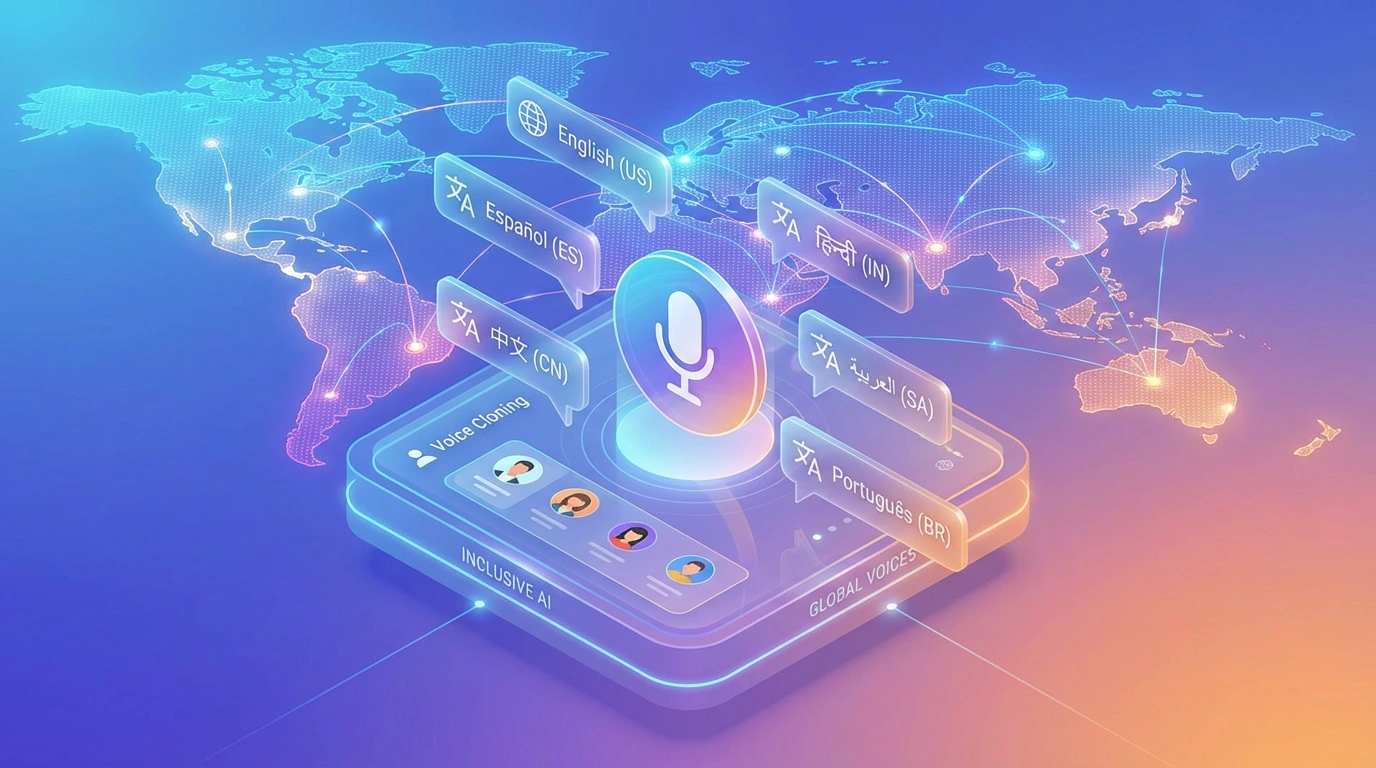
EnRecord your voice once or upload permitted audio/video to create an AI voice clone for video fixes, course updates, dubbing, and multilingual voiceovers.


Google Play

App Store
Global Users
Read a short sample in a quiet place so DreamFace can learn your tone, pitch, rhythm, pauses, and speaking style. A cleaner recording gives the AI voice clone more natural detail.
Already have a podcast clip, tutorial, voice note, or video recording? Upload media that contains a voice you own or have permission to clone, and DreamFace will extract the speech data.
Preview your cloned voice and use it for revised video lines, course narration, product explainers, social clips, podcasts, and multilingual dubbing projects.
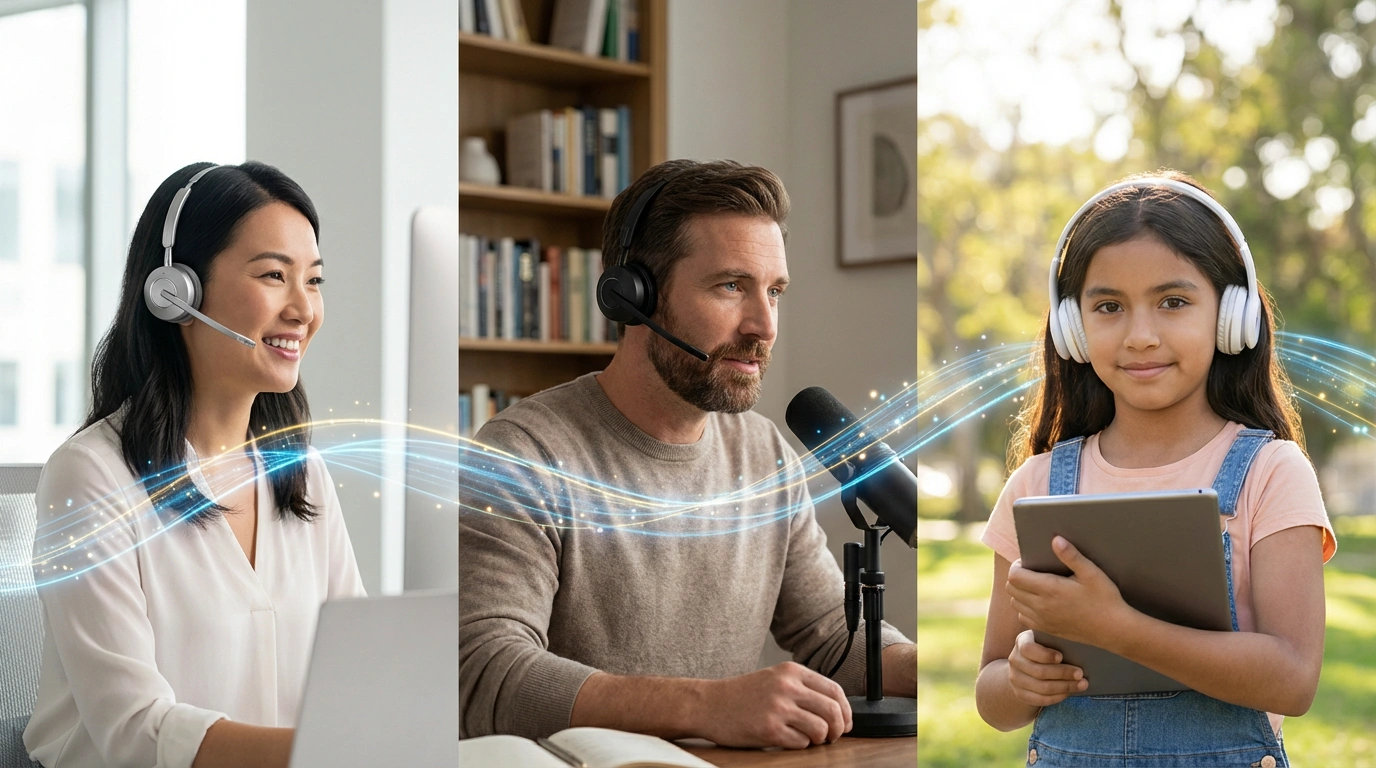













What Creators Say About DreamFace AI Voice Clone
Saved me from setting up my mic again
I only needed to fix a few lines in an old tutorial. Instead of recording the whole section again, I generated the new lines with my cloned voice and dropped them into the edit.Useful for course updates
My course content changes a lot, and re-recording every lesson is painful. DreamFace helped me update smaller sections while keeping the narration style close to the original.Easy enough without audio skills
I do not work in audio, so I expected voice cloning to be technical. I recorded a clean sample, tested the voice, and had something usable without touching complicated settings.Good for multilingual versions
I wanted to test translated versions of my videos without hiring separate voice talent for every language. Keeping one voice style across versions made the videos feel more consistent.More practical than re-recording ads
When a product name or offer changed, I could regenerate the voiceover line instead of rebuilding the whole ad. That made small campaign updates much faster.Realistic enough for creator workflows
It is not a perfect studio replacement, but it is close enough for YouTube drafts, tutorials, and quick narration fixes. For my workflow, the speed matters a lot.Saved me from setting up my mic again
I only needed to fix a few lines in an old tutorial. Instead of recording the whole section again, I generated the new lines with my cloned voice and dropped them into the edit.Useful for course updates
My course content changes a lot, and re-recording every lesson is painful. DreamFace helped me update smaller sections while keeping the narration style close to the original.Easy enough without audio skills
I do not work in audio, so I expected voice cloning to be technical. I recorded a clean sample, tested the voice, and had something usable without touching complicated settings.Good for multilingual versions
I wanted to test translated versions of my videos without hiring separate voice talent for every language. Keeping one voice style across versions made the videos feel more consistent.More practical than re-recording ads
When a product name or offer changed, I could regenerate the voiceover line instead of rebuilding the whole ad. That made small campaign updates much faster.Realistic enough for creator workflows
It is not a perfect studio replacement, but it is close enough for YouTube drafts, tutorials, and quick narration fixes. For my workflow, the speed matters a lot.